Local SEO for Contractors: Get Found in the Map Pack
By Toy Wen Da, Co-Founder · Updated · 10 min read · scored 99/100
Local SEO for contractors means optimizing your Google Business Profile, website, and reviews so homeowners near you find your business first. The first step is claiming and fully completing that profile: right categories, service areas, photos, and hours. That profile populates the map pack that most local searches show above everything else.

SearchBlueprint's local SEO tools build on that foundation. When your profile is in shape, they generate a rank grid that shows where you appear across your service area, and they build a dedicated location page for every town you work in. Those two jobs keep you visible after the profile setup is done.
Local SEO for contractors starts with Google Business Profile

Before you touch your website, fix your Google Business Profile (GBP). It's the listing that shows up in Google Maps and in the three-result "map pack" above the regular search results, and most homeowners never scroll past it.
Step 1: Claim or verify your listing
Search your business name on Google. If a profile already exists, claim it; if not, create one at Google Business Profile and complete the verification Google assigns, which for service-area businesses is usually a postcard, phone call, or video check. You cannot edit most fields until verification finishes.
Step 2: Choose your primary and secondary categories
Your primary category should match your core trade as plainly as possible: "General contractor," "Roofing contractor," "Plumber," or "HVAC contractor." Add secondary categories for real additional services you offer, like "Kitchen remodeler" or "Gutter installation service." Don't add categories you don't actually perform, because Google can suspend profiles for category stuffing.
Step 3: Complete every field in business information
Open the business information section of your profile and fill in every field Google offers, including hours, phone number, website URL, a business description, and any licenses or certifications you hold. An incomplete profile signals low effort to both Google and the homeowner reading it.
Step 4: Define your service areas
If you work across several towns rather than serving walk-in customers at a storefront, set a service area. You can use it instead of a street address or alongside one. List every city and neighborhood you genuinely serve, not your whole metro area if you rarely drive that far, since an exaggerated radius can hurt relevance for the towns that matter most.
Step 5: Add photos from real job sites
Upload photos of actual completed work, your crew, and your vehicles, and skip stock photography. A gallery of real roofs, kitchens, or finished decks gives homeowners proof and gives Google context about what you do.
Step 6: Turn on reviews and respond to every one
Ask every satisfied customer for a Google review, ideally right after the job wraps up while the client is still happy. Respond to each review, good or bad, within a few days. A profile with recent, answered reviews reads as an active, trustworthy business, while one with none, or with old unanswered complaints, reads as abandoned.
When Google Business Profile's own tools are enough, and when they're not
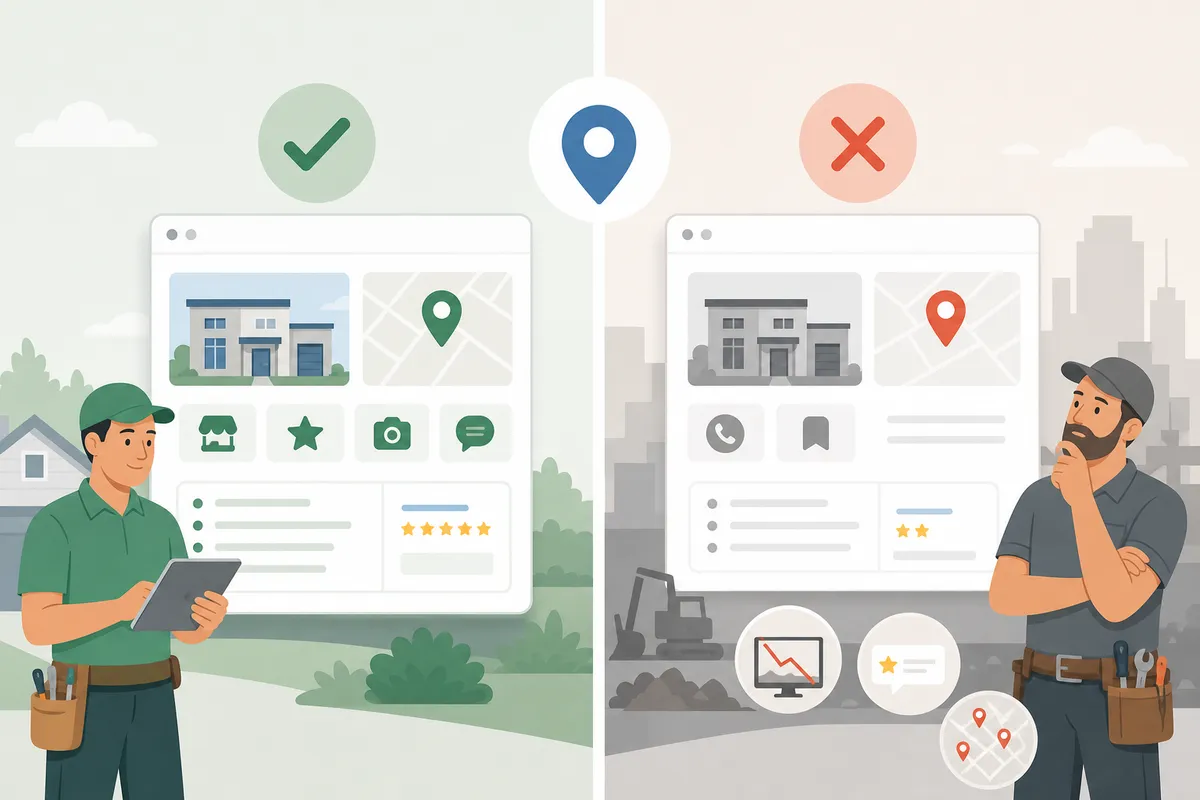
GBP's free dashboard is genuinely good at managing one listing. It is not built to manage a website, or to explain why you're invisible for a dozen searches across five towns. The table below shows where the free tools carry you and where they stop.
| Situation | Can GBP's Free Tools Handle It? | What You Actually Need |
|---|---|---|
| One business, one city, listing needs basic setup | Yes, categories, hours, photos, and service areas cover it | Nothing extra; finish the profile and keep it updated |
| Ranking well in your home city but invisible in nearby towns | No | A dedicated page per service area, not just a line item in GBP |
| Reviews are thin or slow to come in | Partially, GBP lets you request reviews, but can't automate follow-up | A review-request workflow built into your job process |
| Website loads slowly or isn't mobile-friendly | No, GBP doesn't audit your site | A technical SEO fix, since this affects every page, not one listing |
| You offer 8+ distinct services but have one "Services" page | No | Separate, detailed pages per service that match specific search terms |
| You're being outranked by competitors with similar profiles | No, GBP shows your stats, not why a competitor beats you | Rank tracking and a content plan that targets the keywords you're actually losing |
If your problem is a single listing with gaps, Google's own tools are enough and free, so use them first. If the problem is structural, such as a thin website, no location pages, or inconsistent citations across directories, it affects the whole site and the Business Profile dashboard was never designed to fix it.
Build a website that backs up your Google Business Profile
A strong profile earns you the click, but a thin website loses the job once the homeowner lands on it. Local SEO for contractors only works end to end when the site matches the effort you put into the profile.

One page per service, one page per town
Don't funnel every service into a single "Our Services" page. A homeowner searching "bathroom remodel" and one searching "kitchen remodel" want different proof, different photos, and different price expectations, so give each service its own page. Give each town or neighborhood you serve its own page too, rather than a shared sentence buried on your homepage.
The same logic applies outside contracting, as in ecommerce product pages, where a page built around one product outperforms a catalog page trying to rank for everything at once. A contractor's service page works the same way: one offer, one page, one clear next step.
Get the technical basics right
Your site needs to load fast, render cleanly on a phone, and avoid broken links or duplicate pages that confuse search engines. Google's own Search Essentials guidance lays out the baseline of crawlable, indexable, and genuinely useful content, the same standard it applies to every site.
Pick a platform that doesn't fight you
If you're on WordPress, the plugin you choose matters more than most contractors realize. A comparison of the top SEO plugins for WordPress is worth reading before you install anything, and a head-to-head of All in One SEO versus Yoast covers the two most common choices. If you're still choosing a platform, a broader look at website builders built for SEO can save you a rebuild. And if your developer manages the site through code rather than a CMS dashboard, the approach to SEO for git-built sites covers what changes when publishing happens through commits instead of a content editor.
Reviews, local content, and backlinks: the off-page side of local SEO for contractors
Your profile and your website are only half the picture. The rest happens off your site, in reviews, local mentions, and links from other local businesses.
Reviews carry more weight than most contractors assume
User-generated content, including reviews, photos customers post, and mentions on social platforms, is widely reported to influence buying decisions, and it affects the large majority of homeowners before they hire a service provider. Ask for a review right after the job, and suggest the customer mention the specific service, like "roof replacement" or "water heater install," along with your city. Then respond to every review you get.
A local salon turning searches into booked chairs relies on the same review loop. Feedback that is recent, specific, and answered signals an active, trusted business.
Local citations and backlinks
List your business on directories relevant to your trade, the platforms homeowners actually browse when comparing contractors. Keep your business name, address, and phone number identical across every listing, because inconsistent NAP data is one of the fastest ways to confuse Google about which business is really yours.
Backlinks from other local businesses, such as a supplier, a complementary trade, or a local news mention, carry more local relevance than a generic directory link. Contractors competing against national franchises face a version of the same fight, and the playbook for moving companies trying to rank above the franchises applies almost directly. Local proof and local links beat brand budget when the search is genuinely local. The same holds for insurance agents competing in a crowded local market, where the business with more specific local signals usually wins the click, not the one with the bigger ad spend.

Common mistakes that keep contractors off the map pack
Most contractors don't lose local search because of one dramatic error. A handful of small, fixable gaps stack up, and these are the ones that show up most often.
| Mistake | Why It Hurts You | The Fix |
|---|---|---|
| Inconsistent NAP across directories | Confuses Google about which listing is authoritative | Audit every directory and match name, address, and phone exactly |
| One generic "Services" page for everything | Can't rank for specific searches like "water heater repair" | Build a dedicated page per service |
| No service-area pages for nearby towns | Invisible in neighboring markets with real demand | Add a page per town or neighborhood you actually serve |
| Few or no recent reviews | Reads as inactive; lowers trust and ranking | Request reviews after every completed job, consistently |
| Stock photos instead of real job photos | Looks generic; gives Google nothing specific to index | Upload real before/after photos from completed work |
| Ignoring negative reviews | Looks dismissive to future customers reading them | Respond professionally within a few days, every time |
| Website too slow or not mobile-friendly | Loses the click even after ranking well | Fix core technical issues: compression, hosting, mobile layout |
Managing local SEO for contractors with multiple service areas
Contractors working across several cities face a question most single-location businesses never meet: how do you rank in five towns without five separate websites?
The usual answer is a page per service area on your main domain, not a subdomain per city. Subdomains can split your site's authority instead of pooling it, which usually works against a contractor trying to rank broadly. A closer look at when subdomains help and when they hurt covers when the subdomain structure makes sense and when it quietly costs you rankings.
For most multi-town contractors the simpler path wins: one site, one domain, and a clean page for every service and every town, all linking back to a central services hub. If you're managing SEO settings on a specific content platform, a platform-by-platform SEO guide walks through the settings worth changing first, in order, rather than leaving you to guess.
FAQs
How long does local SEO take to work for a contractor?
Profile fixes like completing categories and adding photos can show results within a few weeks. Ranking improvements that depend on reviews, backlinks, and new content take longer, so expect a few months of consistent work before they show up reliably in the map pack.
Do I need a website if I already have a Google Business Profile?
Yes. A profile alone gets you into the map pack, but most homeowners click through to confirm pricing, see more photos, and check credibility before calling. Without a website, you lose that second step of the decision.
How many reviews do I need to rank in the map pack?
There's no fixed number. Recency and response rate matter more, and a steady trickle of recent reviews you respond to outperforms a large pile of old, ignored ones.
Should I create a separate page for each service area?
Yes, if you genuinely serve that area with real work history there. A thin page with just a city name swapped in won't help, but a page with real local detail such as neighborhoods, past jobs, and service specifics will.
Is paying for Google Ads better than local SEO for contractors?
They solve different problems. Ads can produce leads immediately but stop the moment you stop paying, while local SEO takes longer to build and keeps generating calls without a per-click cost once your site is in place.
See where you actually rank right now
Fixing your Google Business Profile and website is the groundwork every contractor can and should do themselves. Knowing exactly where you stand against the two or three contractors beating you to the map pack is harder to see, and it takes a tool built for it. Talk to the team at SearchBlueprint and pull a sample SEO report to see what local SEO for contractors can look like for a business like yours.
Resources / References
Related reading: Google Local Services Ads: What They Cost and How They Work.
Sources
About the author
SearchBlueprint researched, wrote and scored this article with the content pipeline our customers run on their own sites. The score in the byline is what our content engine gave this page before it published. Nothing here is reviewed by hand, which is the point: it is the product's output, published where anyone can check it.