SEO for Ecommerce Sites: What Gets Product Pages Ranked
By Toy Wen Da, Co-Founder · Updated · 13 min read · scored 99/100
SEO for ecommerce sites means optimizing category pages, product pages and site structure so shoppers find you on Google before they find a competitor or Amazon. It combines buyer-intent keyword research, clean site architecture, fast load times and content that answers what a shopper is deciding. Done right, it's your cheapest and most durable source of sales.

What SEO for ecommerce sites actually means

Search engine optimization for an online store is the set of changes you make so Google understands your products and ranks them for the searches your customers actually type. It covers your URLs, page titles, product descriptions, images and internal links, along with the technical health of the site underneath them.
It matters because getting new customers any other way is expensive. A report from Wunderman Thompson Commerce found that 48% of online shoppers start their purchase journey on a search engine like Google, so for nearly half your potential buyers, search is the front door.
Why organic search outlasts ad spend
Paid ads stop the moment you stop paying, while a ranking product page keeps pulling in traffic for months or years with no per-click cost. If you want the fuller case for why that compounding effect grows with your catalog, why SEO for ecommerce drives sustainable growth while ads don't lays out the math side by side.
Data cited from Vazoola's ecommerce research puts the figure higher: 37.5% of all online purchases start with an organic search. Ecommerce SEO is close to the main entrance, not a marketing extra.
The numbers behind ranking position
Where you rank changes how much traffic you get. Research from Sistrix on click behavior shows how steep the drop-off is after position one.
| SERP Position | Share of Clicks | What It Means for Your Store |
|---|---|---|
| 1st | 28.5% | Nearly 3 in 10 searchers click this result first |
| 2nd | 15.7% | Clicks almost halve one spot down |
| 3rd | 11% | Still meaningful traffic, but fading fast |
| 4th | 8% | Roughly a quarter of the top spot's clicks |
| 9th–10th | 2.5%–2.8% | Barely worth the page-one real estate |
Around 89% of clicks go to results on page one at all, according to the same body of research, so a product page on page two is effectively invisible. For the fuller breakdown of why that gap compounds across a whole catalog, see the hard numbers behind ecommerce SEO's return.
Ecommerce SEO vs. regular SEO: what's different
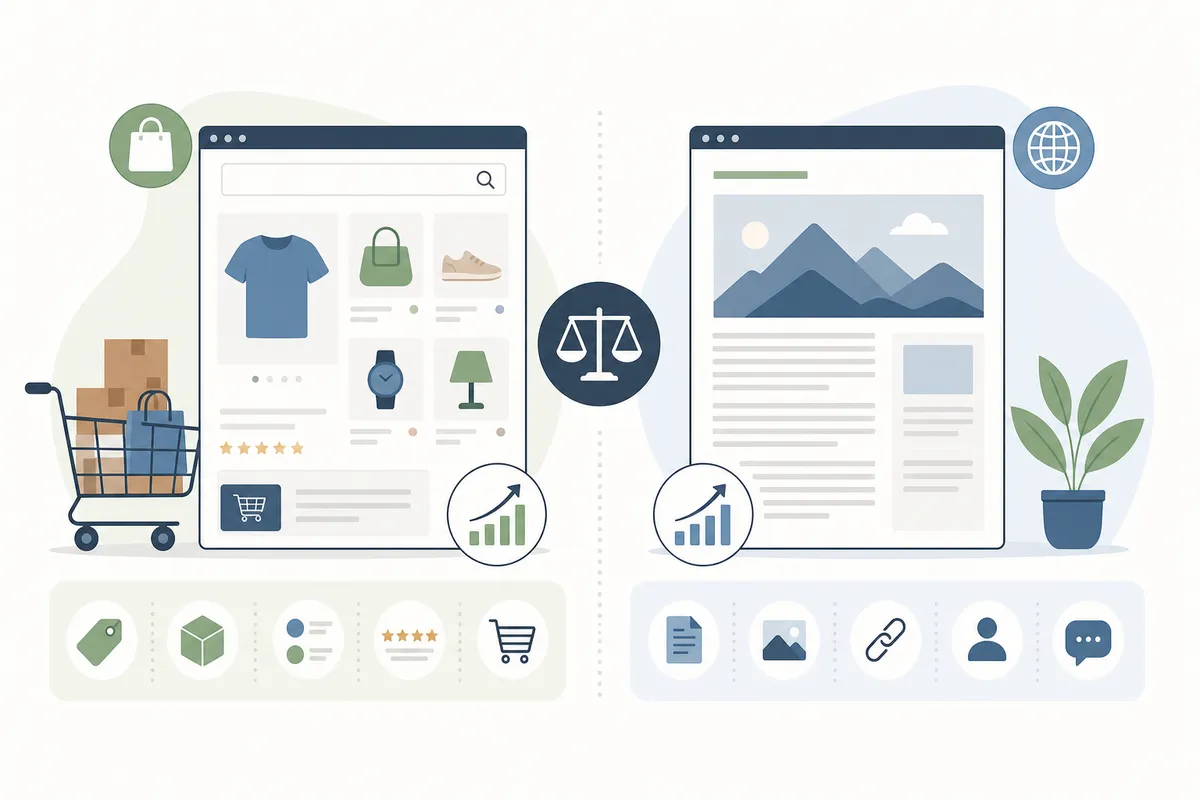
Blog SEO and service-business SEO both deal with a manageable number of pages. Ecommerce SEO deals with hundreds or thousands of near-identical product pages, plus category pages, filters and variants, which creates problems a ten-page brochure site never sees.
- Volume: a mid-size store might have 2,000 SKUs, each needing its own title, description and metadata.
- Duplicate content: color and size variants, manufacturer descriptions and faceted navigation URLs can all generate near-duplicate pages that confuse search engines.
- Category page neglect: teams write great product copy and forget that category pages need their own keyword targeting too.
- Marketplace competition: you're competing with Amazon, Walmart and eBay listings for the same terms as well as with other stores.
- Reviews: user-generated content like ratings and Q&A plays a bigger role in ecommerce rankings than on most other site types.
A small store isn't locked out. Smaller, focused catalogs can out-rank bigger competitors on specific terms because they go deeper on fewer, better-targeted pages, the approach covered in how smaller, niche stores win against bigger competitors.
Step 1: Keyword research built around buyer intent
Keyword research for an online store starts with one filter: does this search show someone ready to buy, or someone still researching? "How to make pottery" is informational, while "pottery supplies" or "pottery wheel for beginners" signals intent to purchase. Ecommerce SEO lives in that second category.
Finding buyer-intent keywords
A practical way to start is to type a product into Amazon's search bar and read the autocomplete suggestions. Shoppers on Amazon are almost always there to buy, so the phrases it suggests tend to carry strong purchase intent. Google Trends and a dedicated keyword tool will round out the list with search volume and difficulty scores.
Every page on your site, from the homepage down to a single product variant, should target one primary keyword. Build a spreadsheet mapping each page to its term before you touch a single description. If you'd rather not build that mapping by hand across a thousand SKUs, a tool built for giving every keyword its own page walks through what a dedicated platform automates and what it costs.
Long-tail keywords matter more than they look
Broad terms like "shoes" are brutally competitive and often too vague to convert. According to Moz, long-tail searches account for 70% of all web searches. Phrases such as "waterproof hiking boots size 11" instead of "boots" bring smaller individual volume but much higher buyer intent, and they're far easier to rank for.

Step 2: Site architecture that Google and shoppers both understand

Your site structure tells Google what matters and tells shoppers how to get where they're going. A flat, chaotic structure where every product sits three clicks from the homepage with no clear hierarchy hurts both crawlability and conversion.
The fix is a clear category tree: homepage → top-level category → subcategory → product. A clothing store's URL might read /mens/tops/t-shirts/ rather than a meaningless SKU string. Breadcrumbs reinforce this hierarchy for users and search engines alike.
Category pages vs. product pages: different jobs, different SEO
| Page Type | Primary Keyword Type | Main Risk | What to Prioritize |
|---|---|---|---|
| Category page | Broad, high-volume ("running shoes") | Thin content, duplicate filters | Unique intro copy, clear subcategory links |
| Product page | Specific, long-tail ("men's trail running shoes size 10") | Templated, copy-pasted descriptions | Original descriptions, reviews, structured data |
| Filtered/faceted URL | Rarely a target keyword | Index bloat, duplicate content | Canonical tags or noindex where appropriate |
When a subdomain is the right call, and when it isn't
Some stores split a blog, a help center or a regional storefront onto a subdomain. That can work, but depending on how it's configured it can also fragment the authority your main domain has built. If you're weighing a subdomain for a new region or brand line, when subdomains help an ecommerce setup and when they quietly hurt it is worth reading before you commit to the structure.
Step 3: On-page SEO for category pages
Category pages are the most under-optimized real estate on most ecommerce sites. Teams either leave them blank or stuff a wall of keyword-heavy text at the bottom that nobody reads. Do this instead:
- Write a short, genuinely useful intro (100–200 words) above the product grid that says what the category covers and how to narrow it down.
- Target one primary keyword per category, with close variants in the H1, title tag and intro paragraph.
- Link out to relevant subcategories and a handful of best-selling products.
- Keep filtered or sorted versions of the URL (
?sort=price) out of the index with canonical tags.
A category page optimized this way can rank for the broad, high-volume terms that drive the bulk of category-level traffic, the ones a single product page could never compete for.
Step 4: On-page SEO for product pages
Product pages convert, so they deserve the most attention per page, even though you have the least time per page given how many you have.
What a strong product page includes
- A unique product title with the primary keyword near the front.
- A description written for the actual customer question (material, fit, use case, compatibility) rather than a manufacturer spec sheet pasted in.
- Multiple images, including angles and in-use shots, with descriptive file names and alt text.
- Genuine customer reviews, which build trust and add fresh, unique text search engines can index.
- Structured data markup so search engines can show rich results such as price, availability and review stars directly in the SERP. Schema.org defines the Product and Review types most stores should implement, and Google's documentation on structured data explains how it's used in search results (see Google Search Central).
Thin or duplicated product descriptions are the most common reason a product page never ranks, however good the product is.
Step 5: Platform-specific settings change the playbook
The checklist above applies everywhere, but where you go to fix it depends on your platform.
| Platform | Common SEO Gap | Where to Start |
|---|---|---|
| Shopify | Default title tag templates, thin collection pages | Platform-specific settings, in order |
| WordPress / WooCommerce | Plugin conflicts, metadata handled inconsistently | Pick the right SEO plugin first |
| Wix | Limited URL control, app-based rendering issues | Settings that need manual correction |
| Custom / git-built | JavaScript rendering, deploy-time metadata gaps | Verify indexing after every commit |
If you're running WordPress, the metadata and schema settings usually come down to which plugin manages them, and All in One SEO vs. Yoast compared for WordPress stores breaks down where each one falls short. For a store built and deployed straight from version control rather than a traditional CMS, SEO for sites built from GitHub commits covers how to verify metadata actually ships with each deploy. Whatever platform you're on, a platform-specific CMS SEO guide walks through the settings in the order they matter.
Step 6: Technical SEO and site speed
Technical SEO is the foundation everything else sits on, and great product copy won't save a store that gets it wrong.
The non-negotiables
- HTTPS: Google has stated it as a ranking signal, and shoppers won't enter payment details on an unsecured page regardless of what Google thinks.
- Mobile rendering: over 60% of all internet users search on a mobile device, and Google indexes most sites using the mobile version of the page first, so a store that renders poorly on a phone is fighting with one hand tied.
- Core Web Vitals: Google's performance documentation at web.dev defines the thresholds for loading speed, interactivity and visual stability that factor into ranking and user experience.
- Crawlability: Google Search Console's crawl and index reports show you directly whether Google can reach every page you want ranked.
The JavaScript trap
Many modern storefronts are built as single-page applications that render content client-side. That makes for a snappy user experience, but search engines can see a near-empty page if rendering isn't handled correctly. If your store (or your developer's framework of choice) leans heavily on client-side JavaScript, why single-page apps vanish from Google search results explains where that breaks and how to fix it with server-side or pre-rendering.
Step 7: Content and link building for product stores
Blog content isn't optional padding for an ecommerce site. It captures the research-stage searches that eventually turn into product-page visits, and it earns the backlinks that help every other page on the domain.
What ecommerce content should cover
Look at what customers already ask in reviews, support tickets and social comments, because those questions are free keyword research. Write specific content around them, such as buying guides, comparison posts and sizing explainers, instead of generic filler that repeats what every competitor already published.
Earning links, not just writing posts
Visual content earns backlinks far more reliably than text alone. An infographic that explains a sizing system, a sourcing claim or a process your competitors can't easily replicate gives other sites a concrete reason to link to you. Turning product and process visuals into backlinks covers the format and outreach approach that gets those links picked up.
Local SEO and fulfillment signals for online retailers
Even a purely online store has local signals worth attention, especially around how customers want to receive their orders. Shopper pickup preferences vary significantly by region, and getting fulfillment messaging wrong on your product and checkout pages costs conversions even when your ranking is solid.
| Region | Preference for In-Store/Curbside Pickup | Source |
|---|---|---|
| Australia | 24% of shoppers | PYMNTS/Cybersource Global Digital Shopping Playbook |
| France | 7% of shoppers | Salsify Consumer Research |
| United States | 6% of shoppers | Salsify Consumer Research |
| Germany | 4% of shoppers | Salsify Consumer Research |
| United Kingdom | 3% of shoppers | Salsify Consumer Research |
Device habits matter too. A USwitch survey found 57% of U.K. buyers said they shopped most frequently from their beds, a blunt reminder that mobile rendering and checkout speed aren't cosmetic details. If you have physical locations alongside your online store, the location and pickup signals above tie into a broader local search setup, which is a separate discipline from product-page SEO but complements it for omnichannel retailers.
How to tell if your ecommerce SEO is working
Rankings alone don't pay the bills, so track what moves toward a sale:
- Organic traffic by page type: separate category, product and blog traffic so you know what's driving growth.
- Rankings for your mapped keyword list: watch movement on the specific terms you assigned to each page, including the ones that have nothing to do with your brand name.
- Click-through rate from search: a page that ranks well but gets skipped usually has a title tag or price-display problem.
- Conversion rate by landing page: traffic that doesn't convert is a signal to fix the page.
- Crawl errors and indexing status: a page that isn't indexed can't rank, no matter how good the content is.
Most of this data already lives in Google Search Console and your analytics platform. The work is in checking it on a schedule and acting on what it shows, rather than letting a quarter go by before anyone looks.
FAQs
How long does SEO for ecommerce sites take to show results?
Most stores start seeing meaningful movement in three to six months, with compounding gains after that as more pages earn rankings and backlinks. New domains or heavily technical cleanups can take longer before the first real traffic increase shows up.
Do I need to write unique descriptions for every single product?
Yes, especially for your best-selling and highest-margin items. Manufacturer copy pasted across dozens of competing stores gives Google nothing to differentiate your page, which is the biggest reason product pages fail to rank.
Should I focus on category pages or product pages first?
Start with category pages if your catalog is large, since they target higher-volume keywords and influence how every product beneath them gets discovered. If you have a small, focused catalog, strong product pages alone can carry a lot of the weight.
Does site speed really affect ecommerce rankings?
Yes. Speed is a recognized ranking factor, and it directly affects conversion because slower pages see higher bounce rates regardless of how well they rank. Core Web Vitals, documented by Google's web.dev team, are the specific metrics used to measure it.
Can a small ecommerce store really compete with Amazon in search?
Often, yes, for specific long-tail and niche terms where Amazon's listings are generic and yours are detailed, well-photographed and backed by real reviews. Instead of trying to outrank Amazon for "shoes", aim to win the hundreds of specific searches Amazon doesn't answer well.
Put this into action on your own store
Pick one category page and one product page today, map each to a single keyword, and fix the title tag, description and structured data on both before moving to the next. Repeated across your catalog, that small loop is what SEO for ecommerce sites looks like in practice, and it separates stores with real organic traffic from ones still waiting for it. If you want a clear list of what's already working and what's holding your pages back, talk to the team and request a sample SEO report built from your actual site.
Resources / References
Sources
About the author
SearchBlueprint researched, wrote and scored this article with the content pipeline our customers run on their own sites. The score in the byline is what our content engine gave this page before it published. Nothing here is reviewed by hand, which is the point: it is the product's output, published where anyone can check it.