Infographic for SEO: How to Turn Visuals Into Backlinks
SearchBlueprint · · 12 min read · scored 96/100
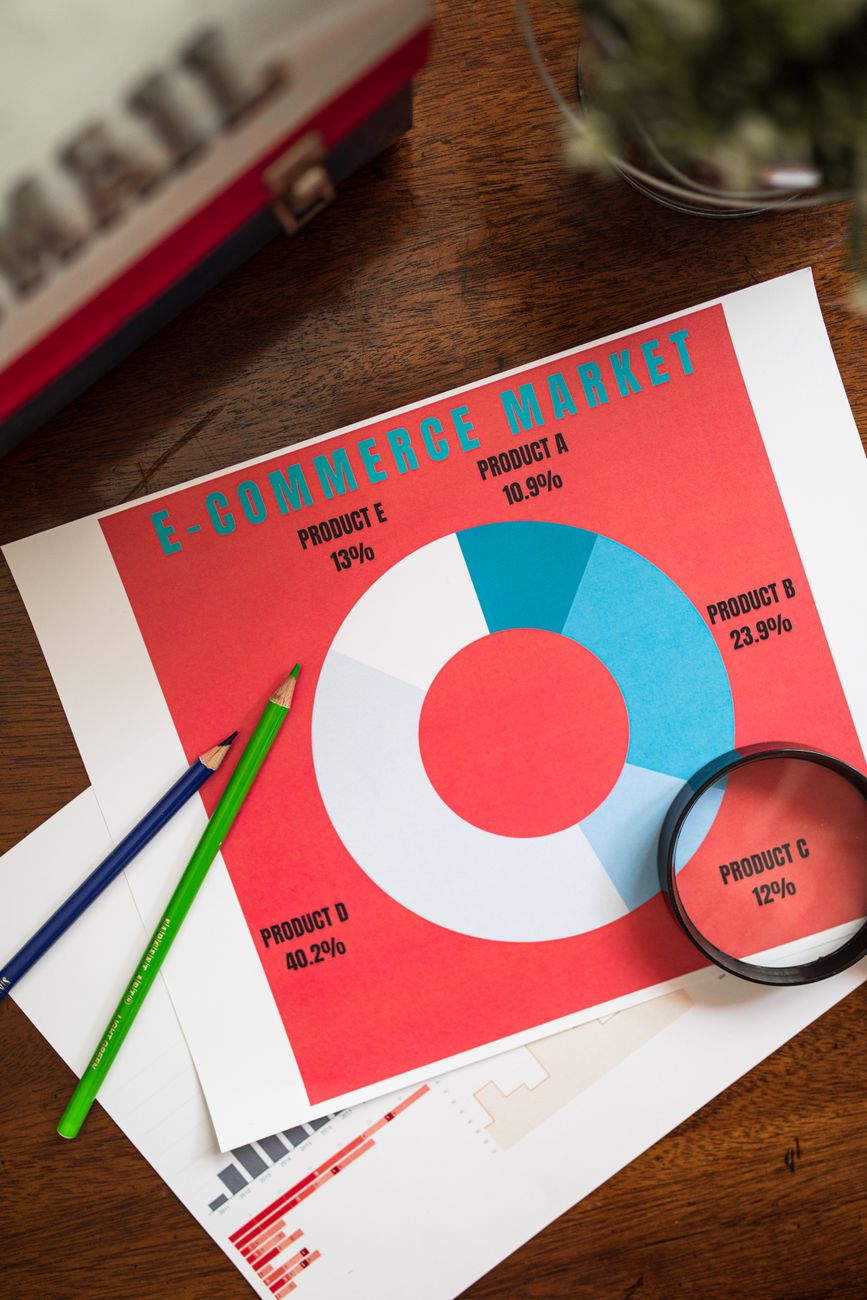
An infographic for SEO works by turning dense data into a visual asset other sites want to link to, not by decorating a blog post. The real payoff comes from the research behind it, the alt text and file name search engines actually read, and the embed code that makes sharing effortless.
What Is an Infographic for SEO, Exactly?
An infographic is a visual that combines charts, icons, and short text to explain a topic faster than a paragraph can. For SEO, the definition narrows a bit further: an infographic for SEO is a graphic built specifically to attract backlinks, hold attention longer, and get cited by search engines and AI answer tools.
Those two things aren't automatically the same. A nice-looking graphic dropped into a post with no sourcing, no alt text, and no promotion plan is just decoration. An SEO infographic carries original or well-sourced data, a descriptive file name, alt text that states what the image shows, and a host page built around the same keyword the graphic answers.
Humans process visual information fast. Vazoola's research team, citing wider industry estimates, notes that around 90% of the information your brain retains arrives through sight rather than text. That's the whole case for the format: a table of numbers gets skimmed, but the same numbers drawn as a chart get remembered, shared, and linked to.
This guide covers where infographics fit into a content plan, how they actually move rankings, which types earn the most links, and the file-level details that decide whether an infographic ranks or just sits there looking nice. If you're still working through the fundamentals of SEO, treat this as the visual layer sitting on top of those basics, not a replacement for keyword research or technical SEO.

Where Infographics Fit Into Your Content Strategy
Infographics rarely work as a stand-alone tactic. They work best as one format inside a broader visual content marketing plan, placed where a reader is already looking for a fast answer.
The most common home is inside a long blog post, right where the article would otherwise dump a wall of statistics. A dedicated resource page works too, especially when the graphic itself is the whole reason someone would link to you. Outreach to journalists and bloggers is a third lane: you pitch the data, not the design, and the graphic is the proof.
Where you place the infographic changes what you're actually optimizing for:
| Placement | What It Does for SEO | Quick Tip |
|---|---|---|
| Inside a blog post | Breaks up text and lowers bounce rate while keeping the keyword in view | Place it near the data it illustrates, not at the very top |
| Dedicated resource page | Becomes the single most linkable asset on your site | Write 300-plus words of real context around it, never just the image |
| Outreach pitch to publishers | Earns an editorial backlink from a relevant site | Lead with the data story and attach the embed code |
| Social platforms (Pinterest, LinkedIn, X) | Drives referral traffic and social signals | Crop a tall version for Pinterest, a square one for LinkedIn |
| Internal knowledge hub or FAQ | Supports an existing page without a new URL | Reuse data from a page that's already ranking |
Deciding where an infographic lives is really a content-strategy question before it's a design one. Once you've mapped the content types for SEO that actually drive rankings on your site, the infographic slots into whichever content type is already underperforming in that plan.
How an Infographic for SEO Impacts Rankings
Infographics don't move rankings by existing. They move rankings through specific, measurable signals search engines already track.
Backlinks are still the biggest lever
Backlinks remain one of the strongest ranking signals search engines use, and infographics are built to earn them. Vazoola's research cites Quicksprout data showing infographics generate 37.5% more backlinks than a standard blog post. The mechanism is simple: a publisher embeds your chart because recreating that research themselves would cost more than crediting you for it.
A plain blog post asks for a link because the writing is good. An infographic earns a link because the data is useful and already formatted to drop straight into someone else's page.
Dwell time and engagement signals
A reader scanning a wall of text often leaves within seconds. A reader looking at a chart tends to stay longer, scroll further, and read the paragraph underneath it. That extra time on page is a big part of why engaging content boosts SEO in the first place, and a well-placed infographic is one of the cheapest ways to add it.
Social shares and referral reach
Infographics travel further on visual platforms than plain links do. Vazoola's write-up points to Visual.ly's own CEO, Stew Langille, who has put the gap at roughly 30 times more likely to be read than a text article of the same length. Each share is a chance at a new backlink from a reader who never found you through search at all.
Featured snippets and AI Overview eligibility
Search results increasingly pull short, structured answers into featured snippets and AI Overviews before showing the full list of links. A list or process infographic, paired with the same steps written out in the surrounding text, gives search engines two formats of the same answer to pull from. That matters more now that image understanding feeds directly into those AI-generated panels, not just the regular results below them.

Types of SEO Infographics and Which One Earns the Most Links

Not every infographic performs the same way. The format you choose should match the search intent behind your topic, not just what looks good in a design tool.
Statistical and data-driven infographics consistently earn the most backlinks, because they give other writers an original number to cite. A process infographic works best for how-to searches, since it mirrors the steps a reader already wants. Comparison infographics suit commercial searches like "X vs Y," while list infographics are the easiest to produce but usually the weakest for links.
| Infographic Type | Best For This Search Intent | Link-Earning Strength | Example Topic |
|---|---|---|---|
| Statistical / data-driven | Informational "statistics" queries | Highest, original data gives writers something to cite | A survey of marketers' content ROI |
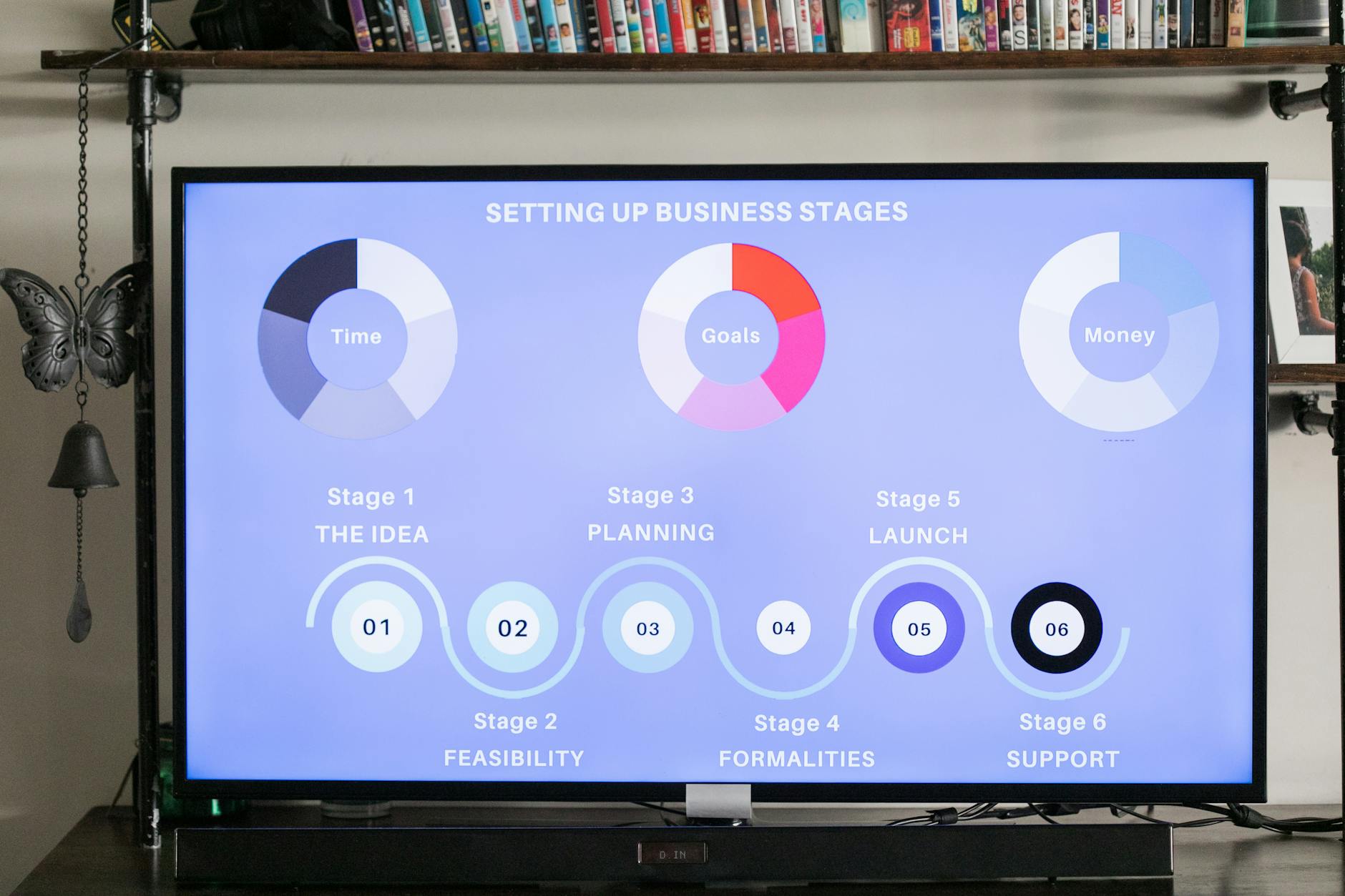
| Process / how-to | Step-based, instructional searches | Strong, matches a HowTo format and snippet layout | A 6-step infographic checklist |
| Comparison | Commercial "X vs Y" searches | Strong, supports decision-stage content | A platform or tool comparison |
| Timeline | News or trend-based topics | Moderate, performs well when the topic has recent relevance | How a product category evolved |
| List | Any topic needing a quick summary | Lowest, though it still improves dwell time | "10 quick SEO fixes" |
| Flowchart / decision tree | Decision-based searches | Moderate, reduces bounce rate through interaction | "Which content format fits this page" |
The type matters less than the research behind it. A thin statistical infographic built on recycled numbers will underperform a well-sourced list every time. Pick the format that fits the intent of the keyword, using the same keyword research process you'd use to create SEO content that ranks, then put the real data in before you open a design tool.
How to Optimize an Infographic for SEO: A 6-Step Process
Design is maybe a third of the work. The rest is research, file handling, and promotion, in that order.
1. Start with keyword and topic research
Pick the keyword before you pick the colors. Search your target term in Google Images. Generic stock photos and weak graphics in the results mean there's an open lane for a properly built infographic. Then check what's already ranking for that term in regular search. If the top five results are all plain text, a well-sourced visual has a real shot at outranking them.
2. Build the content before the design
The data comes first, the design tool comes second. Pull real numbers from a survey, your own usage data, or a credible published source, and write the narrative in plain sentences before you touch a canvas. This is the same discipline behind any solid content creation process for lasting SEO success: skip straight to design, and you end up with a graphic that has nothing to say.
3. Design for clarity, not decoration
A cluttered infographic loses its reader in the first few seconds. Use one consistent color palette, a clear visual hierarchy, and no more than two fonts. Keep each section's message short enough that a reader could explain it back to you in one sentence. Good design is also what separates a finished infographic from a longer version of the same stock-photo problem, and it borrows the same content creation tips that turn posts into traffic: lead with the point, and cut anything that doesn't serve it.
4. Optimize the image file itself
This is where most infographics lose SEO value they already earned through good research. A handful of file-level details decide whether search engines can read what the graphic says.
| File Element | What to Set | Why It Matters |
|---|---|---|
| File name | A descriptive name like infographic-for-seo-checklist.png, not img4821.png | Search engines read file names as a weak relevance signal |
| Alt text | A plain-language description under 125 characters, with the keyword used once | Lets search engines and screen readers understand the image without seeing it |
| Dimensions | Roughly 600 to 800 pixels wide for most layouts | Keeps the graphic readable without forcing a zoom on mobile |
| File size | Under about 1MB, saved as WebP or a compressed PNG | A heavy image file slows the page and hurts Core Web Vitals |
| Structured data | ImageObject schema on the page, naming the creator and license | Gives search engines an explicit, machine-readable description of the asset |
Google's own search documentation stresses that descriptive file names and alt text help its systems understand what an image is actually about, rather than inferring it from the surrounding layout alone, per Google Search Central. The vocabulary behind that structured data lives at Schema.org, under its ImageObject type, which is the property set search engines expect when they look for a named, licensed image.
5. Make it easy to embed and share
An infographic that's hard to copy won't get copied. Offer a ready-made embed code beneath the graphic so another site can paste it in with the credit link already attached. Then promote it the way you'd promote any other asset, through the same content distribution methods that actually drive traffic: direct outreach to writers covering the topic, a submission to relevant industry roundups, and a push across whichever visual platform your audience already uses.
6. Optimize the whole host page
An infographic can only carry a thin page so far. The page around it still needs its own meta title, a few hundred words of real context, and internal links to related pages on your site. Treat it as a normal page that happens to have a graphic, not a graphic that happens to have a page.
Does an Infographic for SEO Still Work in 2026?
Yes, though the reasons have shifted. A few years ago, the pitch for an infographic was pure design appeal. Today, the pitch is about where the data goes after you publish it.
Search behavior hasn't changed as much as the critics claim. One 2026 industry breakdown puts the figure at 68% of online experiences still beginning with a search engine, and infographics built around a real search query boost organic traffic by roughly 12% on average in that same analysis. Vazoola separately reports that pages carrying an infographic see about 12% more traffic than pages without one, based on their own client work over several years.
What's changed is where that extra reach comes from. Search results have shifted toward reading and evaluating images alongside the surrounding text, rather than treating a picture as pure decoration. A statistical infographic with proper alt text and ImageObject schema can now show up in a regular search result, an image search result, and an AI-generated answer panel, all from the same page.
None of that works without the fundamentals underneath it. An infographic doesn't rescue a page with no keyword targeting, no internal links, and no reason to exist. It's one layer of a working SEO content strategy, not a replacement for one.
That's the shift worth remembering: 70% of marketers, according to one 2026 industry survey, now rank SEO above paid ads as a long-term traffic source. A well-sourced infographic is one of the cheaper ways to earn organic links inside that budget.
Common Mistakes That Keep an Infographic From Ranking
Most infographics that fail to rank aren't bad designs. They're missing one of a handful of unglamorous details.
- No sourcing. A chart with no cited data source gets shared less and linked to less, because nobody can verify the numbers.
- Keyword-stuffed alt text. Cramming several phrases into one alt attribute reads as spam to both users and search engines. One clear sentence beats a list of keywords.
- No embed code. Without one, a publisher who wants to use your graphic has to screenshot it, strip your credit, and host it themselves.
- A thin host page. An infographic dropped onto a page with 80 words of filler text gives search engines nothing to rank the page for.
- Oversized files. A multi-megabyte PNG loads slowly on mobile, and a slow page undercuts every other signal the infographic was supposed to help.
- No promotion plan. Publishing and waiting is not a distribution strategy. The infographics that earn links get pitched to specific writers, not just posted and forgotten.
FAQs
Does an infographic still help SEO in 2026?
Yes. Infographics still earn backlinks, hold attention longer than plain text, and can now feed into AI-generated answer panels when they carry proper alt text and schema markup. The format has changed less than the distribution around it.
How big should an SEO infographic be?
Most infographics work best around 600 to 800 pixels wide, which displays cleanly on both desktop and mobile without forcing a zoom. Keep the finished file under roughly 1MB so it doesn't slow the page down.
Do I need an embed code for my infographic?
An embed code isn't required, but it makes your infographic far easier to share. It lets another site paste your graphic into their own page with your credit link already attached, which is how most infographic backlinks actually happen.
Which infographic type earns the most backlinks?
Statistical and data-driven infographics built on original research earn the most backlinks, because other writers need a real number to cite. List infographics are easiest to produce but typically earn the fewest links.
Can an infographic live inside a blog post, or does it need its own page?
Both work. A blog post benefits from breaking up long sections with the graphic, while a dedicated resource page works better when the infographic itself is the main reason someone would link to you.
Add an Infographic to Your Next Published Page
Pick one page that already ranks for a question with real numbers behind it, and build your first infographic around that data instead of starting from a blank canvas. Treat the file name, alt text, and embed code as part of the publish checklist, not an afterthought you'll add later. Talk to the team about that page specifically, and find out whether an infographic for SEO is the next asset worth building there.
Resources / References
Sources
About the author
SearchBlueprint researched, wrote and scored this article with the content pipeline our customers run on their own sites. The score in the byline is what our content engine gave this page before it published. Nothing here is reviewed by hand, which is the point: it is the product's output, published where anyone can check it.