Local SEO Myrtle Beach: What to Fix First in 2026
By Toy Wen Da, Co-Founder · · 6 min read · scored 91/100
Local SEO Myrtle Beach work starts with your Google Business Profile, not your website. If your business doesn't show up in the map pack when someone searches "plumber Myrtle Beach" or "best seafood restaurant Myrtle Beach," the first fix is claiming and completing that free profile, then keeping it accurate.

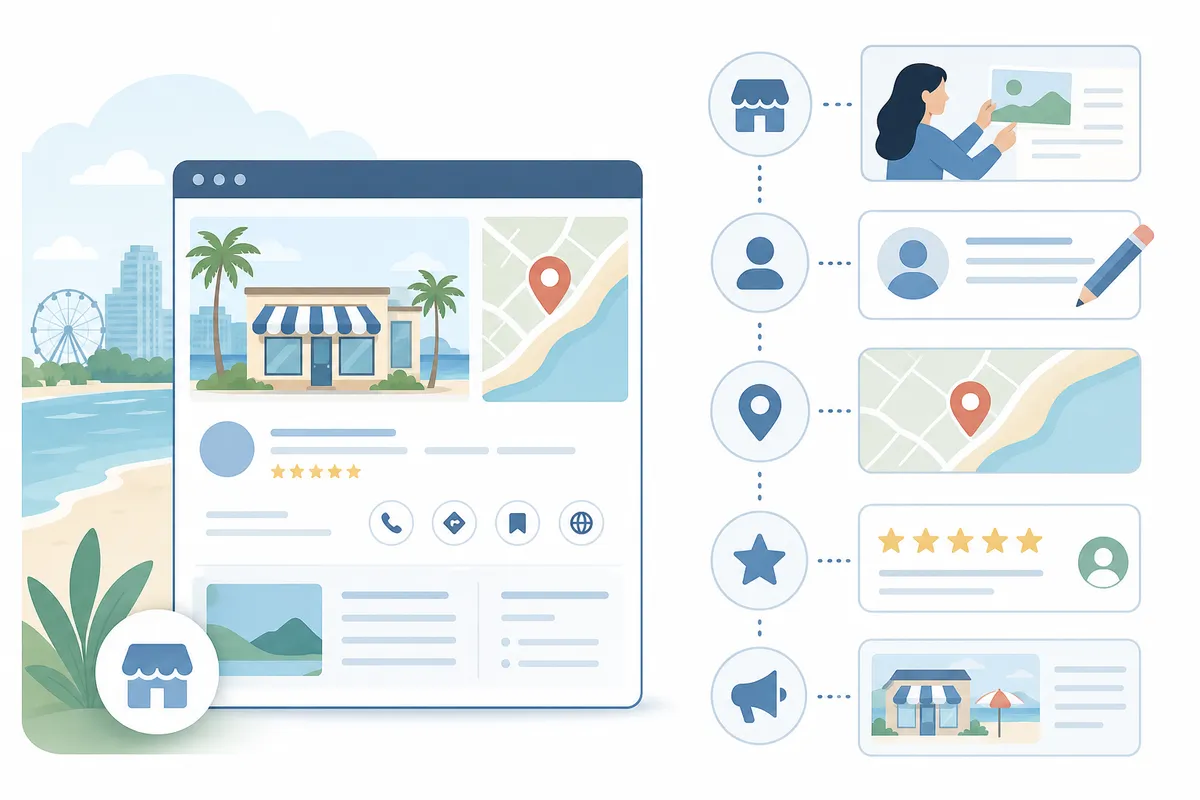
Fix Your Google Business Profile Step by Step
Most local SEO problems in Myrtle Beach trace back to a profile that was set up once, years ago, and never touched again. Work through these in order. If you've run into the same stale-profile problem in another market, this guide on fixing your Google profile in Oakland Park walks through the identical steps.
Claim and Verify the Listing
Search your business name on Google. If a profile already exists, claim it through Google Business Profile Manager. If none exists, create one and complete the verification step Google requires, usually a postcard, phone call, or video verification depending on your business type. An unverified or unclaimed listing rarely ranks, no matter how good your website is.
Complete Every Field in Business Information
Open the Business Information section and fill in every field: exact business name (no keyword stuffing), full address, service area if you don't see walk-in customers, primary and secondary categories, phone number, website, and hours, including holiday hours during peak tourist season. Myrtle Beach businesses that serve both locals and the roughly 20 million annual visitors to the Grand Strand should list seasonal hours accurately, since Google flags listings whose hours look stale.
Add Photos and Post Updates Regularly
Upload current photos of your storefront, team, and work. Listings with recent photos and regular updates tend to earn more clicks than bare-bones profiles. Use the posting feature (sometimes labeled Updates or Add Post) for promotions, events, or seasonal hours changes, a weekly cadence is a reasonable target for a business competing in a tourism market.
Manage Reviews
Respond to every review, good or bad, through the Reviews tab. A pattern of unanswered negative reviews is one of the fastest ways to lose trust signals in a market where visitors compare several options in minutes.
When Google Business Profile's Tools Are Enough, and When They Aren't

Google's free tools solve a real slice of the problem. They don't solve all of it. Here's an honest breakdown.
| Task | Handled by GBP Alone | Needs More Than GBP | Why |
|---|---|---|---|
| Fixing one listing's accuracy | Yes | No | Edit directly in Business Information |
| Replying to reviews | Yes | No | Built-in Reviews tool |
| Ranking a single location for a low-competition term | Often | Sometimes | A clean, verified profile is usually enough |
| Managing listings across multiple Myrtle Beach-area locations | No | Yes | GBP manages one profile at a time; tracking rank across several needs dedicated tools |
| Ranking for competitive categories (attorneys, HVAC, real estate) | No | Yes | Requires on-site content, backlinks, and technical SEO alongside the profile |
| Tracking keyword rank over time | No | Yes | GBP's Performance tab shows views and actions, not where you rank for specific searches |
| Website speed and structured data | No | Yes | GBP doesn't audit your site at all |
If you run one location and your category isn't heavily contested, a well-maintained profile can carry most of the weight. If you're chasing a competitive term, running several locations across the Grand Strand, or trying to turn map-pack visibility into a steady lead flow, you're now managing a recurring process, not a one-time fix. That's the point where comparing dedicated platforms against free tools is worth doing properly; a breakdown like this comparison of local SEO tools lays out what the free route covers and where paid tools pick up the slack.
Common Mistakes That Hurt Local SEO in Myrtle Beach

- Inconsistent NAP data. Your business name, address, and phone number should match exactly across your website, Google profile, and directories like Yelp or TripAdvisor. Mismatches confuse Google's ranking systems.
- Duplicate listings. Multiple profiles for the same business, often created by a previous agency or an old franchise system, split your reviews and confuse search results.
- Wrong or too-narrow categories. Picking only one category when a secondary one applies (say, "Seafood Restaurant" without also adding "Restaurant") limits which searches you can appear for.
- Stale photos and no posts. A profile that hasn't been touched since it was created signals inactivity.
- Ignoring the website entirely. A great profile with a slow, thin, or outdated website still loses the click once a searcher gets there.
FAQs
How much does local SEO cost in Myrtle Beach?
Pricing varies widely by agency, competition level, and how much work your site and profile already need. There's no single market rate, get a scope of work before comparing quotes, rather than comparing price alone.
How long does local SEO take to show results?
Profile fixes (categories, hours, photos) can shift visibility within weeks. Ranking improvements for competitive terms, which depend on reviews, content, and backlinks building up over time, typically take longer and compound with consistent effort.
Do I need a physical address to rank in Myrtle Beach?
No. Per Google's Business Profile guidelines, service-area businesses can set a service area instead of a public address, as long as they don't advertise a fake storefront.
What's the difference between local SEO and regular SEO?
Local SEO targets map pack and "near me" style results tied to a location, driven heavily by your Google Business Profile and local citations. Regular (organic) SEO targets your website's rankings across broader, non-location-specific searches.
Can I do local SEO myself, or do I need an agency?
Profile setup and basic maintenance are well within reach for most owners. Ongoing rank tracking across multiple locations, competitive keyword targeting, and technical site work are where most businesses eventually bring in outside help or dedicated software.
Check Your Myrtle Beach Listing Today
Start with the parts of your profile you can fix in the next ten minutes, categories, hours, and photos, then decide whether you need ongoing tracking beyond that. Local SEO Myrtle Beach rewards steady upkeep more than a single afternoon of work. Talk to the team and get a sample report showing exactly where your Myrtle Beach listing stands today.
Sources
About the author
SearchBlueprint researched, wrote and scored this article with the content pipeline our customers run on their own sites. The score in the byline is what our content engine gave this page before it published. Nothing here is reviewed by hand, which is the point: it is the product's output, published where anyone can check it.