Local SEO Tips: Fix Your Google Business Profile First
By Toy Wen Da, Co-Founder · · 7 min read · scored 99/100
Local SEO tips are the specific moves that get your business to show up when someone nearby searches for what you sell. The first and most important one is almost always inside Google Business Profile: claim it, verify it, and fill in every field before you touch anything else on your website.
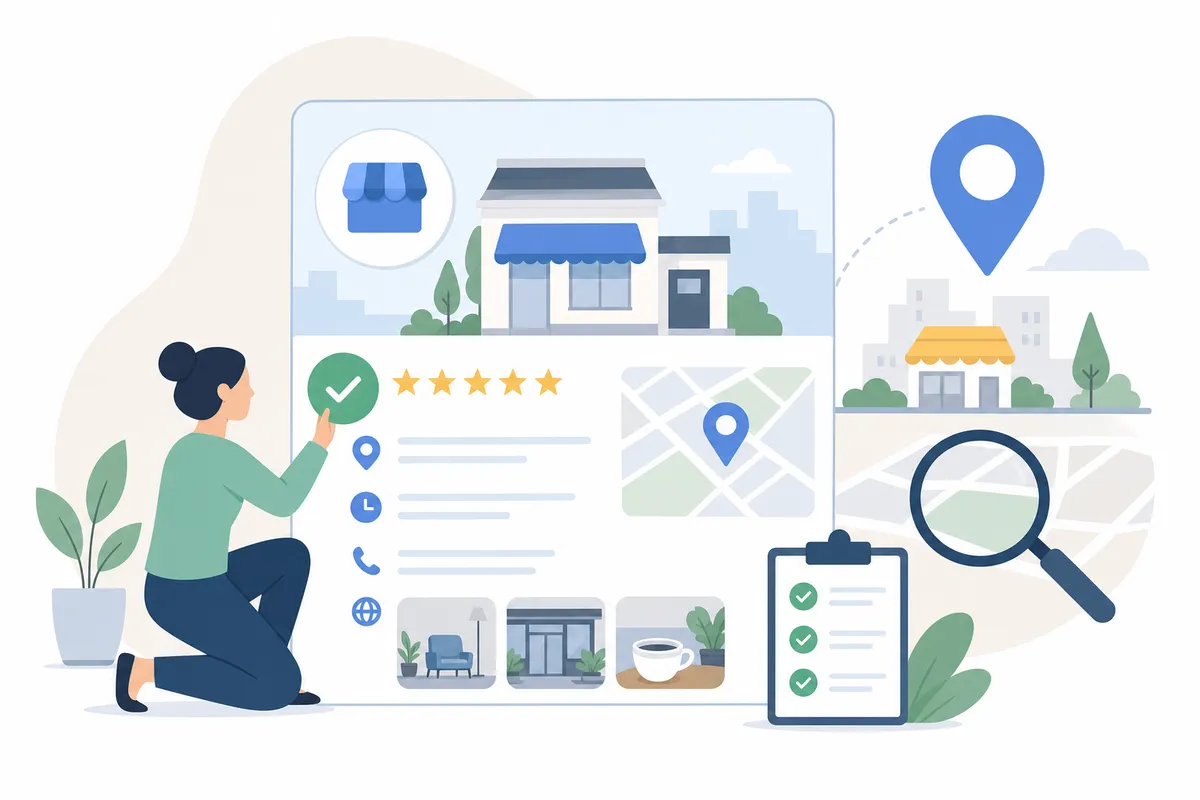
Fix Your Google Business Profile, Step by Step
Google Business Profile is the free listing that controls how your business looks in Search and Maps. Most local SEO advice starts here for a reason: Google itself has said that customers are far more likely to visit and buy from businesses with a complete profile. Here's the order to work through it in.
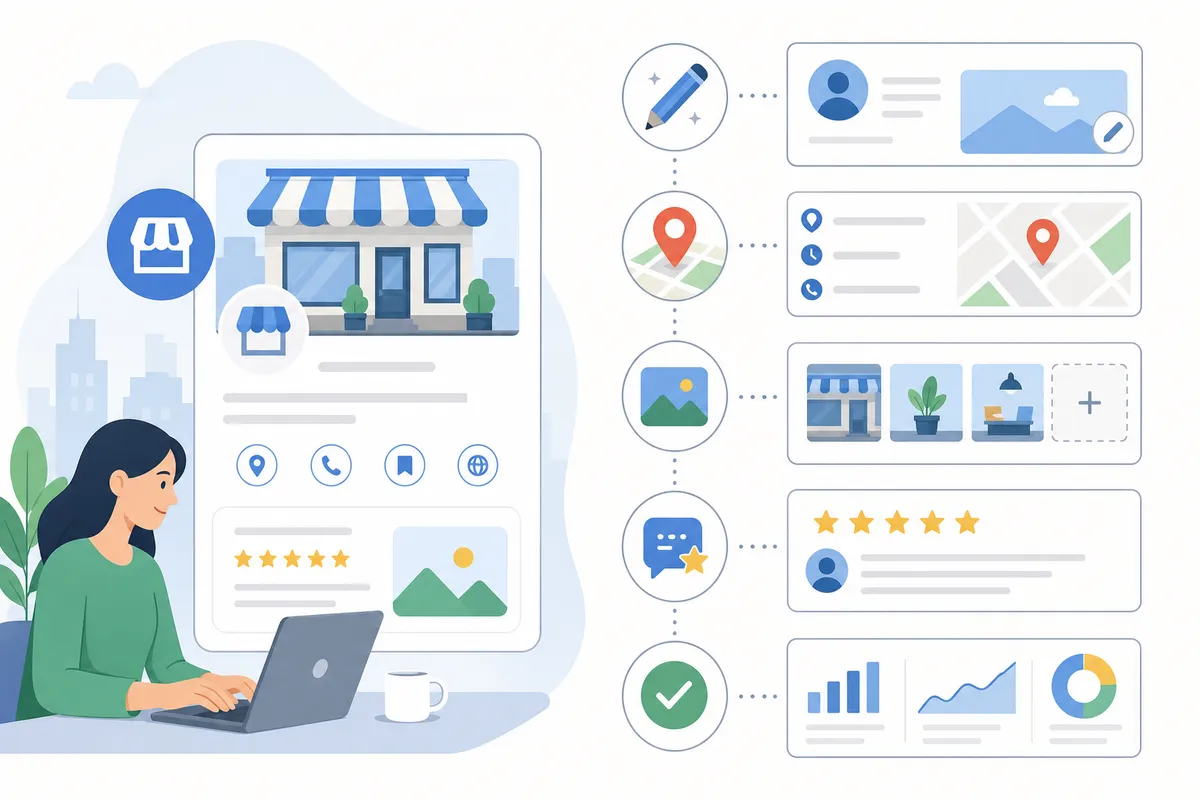
Claim and verify the profile
Search your business name on Google or go to Google Business Profile Manager directly. If a listing already exists, claim it. If not, create one and complete Google's verification process, usually a postcard, phone call, or email depending on your business type. An unverified profile barely shows up at all.
Fill in business information completely
Open the profile editing screen and work through every section: business name, primary category, secondary categories, hours (including holiday hours), service area or address, phone number, and website. Leave nothing blank. Google rewards complete profiles, and so do customers scanning a crowded results page.
Add photos and a real business description
Upload clear photos of your storefront, team, and work. Profiles with more photos tend to get more clicks and direction requests. Write a business description that explains what you do and where, using natural local language rather than stuffing in keywords.
List your products and services
Add every service or product you offer, with short descriptions. This helps Google match your profile to specific searches, like "drain repair" instead of just "plumber." It also helps a browsing customer decide you're the right fit before they even visit your site.
Turn on messaging and keep hours current
Enable direct messaging so customers can reach you from the search result itself. Update your hours whenever they change, especially around holidays. A listing that says "open" when you're actually closed does real damage to trust.
Get reviews, then respond to them
Ask happy customers directly, or share the review link Google generates for your profile. Respond to every review, good or bad, since a thoughtful reply signals that someone's paying attention. Never offer payment for reviews or discourage negative ones; both violate Google's policies.
Post updates and check your performance
Use the Updates or Posts feature to share offers, events, or news. Then check the performance section of your profile regularly. It shows how customers found you, what they searched, and what actions they took, like calling or requesting directions.
When Google Business Profile Alone Is Enough, and When It Isn't
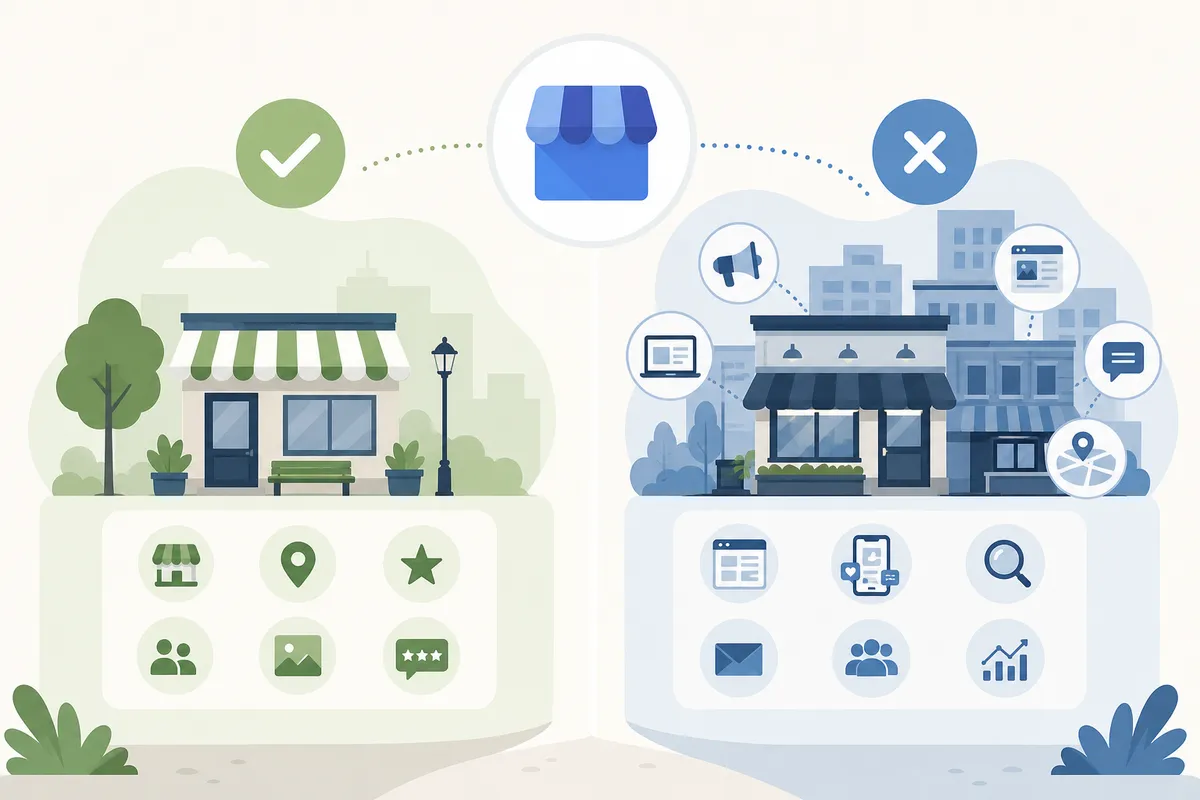
This is the honest part most local SEO checklists skip. A free, well-maintained profile covers a lot of ground for a single location with no real competition problem. It falls short once you're dealing with multiple locations, a slipping website, or a recurring issue that keeps coming back no matter how many times you fix it.
| Situation | Is Google Business Profile enough? | What you actually need |
|---|---|---|
| One location, listing just created | Yes, for now | Complete the profile fully, then wait for Google to index the changes |
| Business name/address wrong on one directory | Yes | Edit the directory listing directly; recheck it in a few weeks |
| Ranking well downtown but invisible three miles out | No | A rank grid showing performance across the whole service area, not just one point |
| Multiple locations or service areas | No | Dedicated location pages with locally specific content for each one, linked from the main site |
| Rankings keep sliding every few months | No | Ongoing monitoring and content refreshes, not a one-time edit |
| Reviews are fine but organic site traffic is flat | No | A broader look at site structure, keywords, and technical SEO beyond the profile |
If your situation looks like the left column of that table, Google's own tools are genuinely enough. If it looks like the right column, a profile edit treats a symptom, not the cause. Service businesses that cover a whole metro area, for instance, usually need more than a single polished listing; our guide on local SEO for contractors walks through what a multi-area service business needs beyond the basics.
Why distance matters more than people expect
About 30% of all mobile searches relate to location, according to data Google has shared through Think with Google. Nearly 76% of people who search for something nearby on a smartphone visit a business within a day, and 28% of those "near me" searches lead to a purchase. That's exactly why ranking well in one neighborhood but not another is a real, measurable revenue gap, not a minor inconsistency.
Common Local SEO Mistakes to Avoid
Even businesses that follow every item on a local SEO checklist can undo their progress with a few habits:
- Inconsistent NAP data. If one directory lists "St." and another spells out "Street," that mismatch confuses both search engines and customers.
- Changing your address too often. Frequent changes can make Google treat your business as less trustworthy.
- Buying or faking reviews. This breaks Google's policies and can get a profile suspended.
- Ignoring negative reviews. A missing response reads as indifference to anyone comparing you to a competitor.
- Treating local SEO as a one-time task. Profiles, citations, and rankings all drift. Revisit them on a schedule, not just when something breaks.
- Using the city name as a template swap. Location pages copied word-for-word with only the city changed rarely rank; they need real local detail.
Picking the right tools also matters here. Some free tools handle one listing well but can't track rankings across a whole service area or multiple locations over time; our comparison of local SEO tools, free versus paid, breaks down which jobs each type actually covers.
Where to Go Beyond the Profile
Once your Google Business Profile is complete, the next layer of local SEO tips moves to your website itself: local keywords in your page titles and copy, a dedicated page per location you serve, mobile-friendly design, and local business schema markup so search engines can read your address and hours directly from your code. The W3C's accessibility guidelines and Google's own Search Essentials both stress that a page needs to be usable and crawlable before any of these tactics can help, so check that foundation isn't already broken.
Surveyed SEOs consistently rank the Business Profile itself as the single most important map pack factor, well ahead of citations or on-page tweaks, which is exactly why it's the right place to start before anything else.
FAQs
How long does it take to see results from local SEO tips?
Profile changes can show up in weeks, but competitive rankings usually take a few months of consistent reviews, accurate listings, and site-level work to stabilize.
Do I need a physical address to show up in local search?
No. Service-area businesses without a storefront can still create a Business Profile and set a defined service area instead of a public address.
Is Google Business Profile the same thing as local SEO?
No. It's the biggest single piece, but local SEO also includes your website's local content, citations across other directories, and backlinks from local sources.
Can I do local SEO myself, or do I need an agency?
A single, well-maintained profile is manageable on your own. Multiple locations, ongoing content, and rank tracking across a service area usually need more consistent time than most owners can spare.
Why do I rank well in one part of town but not another?
Google ranks results partly by distance from the searcher, so a single listing can perform very differently just a few miles from your address. A rank grid across your service area shows exactly where that gap shows up.
Start With the One Listing That Matters Most
Pick the single field on your Google Business Profile that's weakest right now, whether that's missing photos, stale hours, or reviews you haven't answered, and fix it today. That one change is worth more than any other local SEO tip on this page if your profile has sat untouched for months. Once it's current, check how your rankings actually look across the areas you serve, not just from your own front door.
If you want a clearer picture of where your business stands and what to fix next after acting on these local SEO tips, talk to the team.
Resources / References
Sources
About the author
SearchBlueprint researched, wrote and scored this article with the content pipeline our customers run on their own sites. The score in the byline is what our content engine gave this page before it published. Nothing here is reviewed by hand, which is the point: it is the product's output, published where anyone can check it.