Top SEO Plugins for WordPress: What Actually Works in 2026
By Toy Wen Da, Co-Founder · Updated · 13 min read · scored 93/100
Yoast SEO and All in One SEO (AIOSEO) are the best-known SEO plugins for WordPress, and Rank Math is the third of the big three. Each pairs on-page content checks with technical fixes such as XML sitemaps and schema markup. Free versions cover most small sites well, and paid tiers run from about $7 a month to $99 a year for extras like rank tracking and WooCommerce SEO.
What "best" means for a WordPress SEO plugin

Most people searching for the top SEO plugins for WordPress want to know which tool handles the most jobs without slowing the site down or requiring a developer. A useful plugin covers four areas:
- On-page guidance: it checks the title tag and meta description, and scores keyword use and readability as you write.
- Technical SEO: it generates XML sitemaps, manages robots.txt and handles canonical tags automatically.
- Structured data: it adds schema markup so search engines (and increasingly AI answer engines) understand what the page is.
- Site-wide housekeeping: redirects, broken link detection and breadcrumb trails keep a growing site from accumulating errors.
Few plugins handle all four without a paid upgrade, so the real choice is which gaps you can live with, not which dashboard looks nicest.
Why the plugin choice matters more now
Search results are now shared between traditional rankings and AI-generated answers. A plugin that only polishes a title tag falls short, because the content has to be structured clearly enough for Google, Bing and AI tools to lift a passage and cite it. If you're building a new site and want the setup done in the right order, this WordPress SEO settings guide walks through what to configure first.
The top SEO plugins for WordPress, compared
Here's how the leading options stack up on price, free-tier depth and what each one does best.
| Plugin | Best For | Free Version | Paid Pricing | Standout Feature |
|---|---|---|---|---|
| Yoast SEO | Content analysis and readability | Yes, full on-page checks | Premium listed around $9.99/month billed annually | Real-time traffic-light scoring for SEO and readability |
| AIOSEO (All in One SEO) | All-around SEO plus automation | Yes, schema and sitemaps included | Pro starts around $49.50–$99/year for one site, varies by promo | Link Assistant for automated internal linking |
| Rank Math | Rank tracking inside WordPress | Yes, the most generous free tier of the three | Premium starts around $8.99/month billed annually | Built-in keyword rank tracking without a third-party tool |
| Squirrly SEO | AI-assisted keyword research | Yes, basic version | Premium starts around $9.99/month | Live AI feedback while you write |
| SmartCrawl | Simplicity with solid coverage | Yes | Premium starts around $60/year | Automatically pings Google to re-crawl updated pages |
| The SEO Framework | Speed and hands-off automation | Yes | Premium starts around $7/month billed annually | Dozens of automated SEO checks with minimal setup |
| Slim SEO | Beginners who want zero configuration | Yes | Premium starts around $59/year | Works well with almost no settings to touch |

Yoast SEO: the long-standing default
Yoast is the plugin most WordPress users meet first, and for good reason. Its traffic-light system flags issues right in the editor, such as a meta description that runs too long or a keyphrase missing from your intro. The free version limits you to one focus keyphrase per page and has no AI features, but it still covers sitemaps, schema and breadcrumbs out of the box.
Premium adds AI-generated titles and meta descriptions, internal link suggestions while you write and automatic redirects when you change a URL. WooCommerce SEO and local SEO are sold as separate add-ons rather than bundled, so the cost can climb for an online store.
AIOSEO: the broadest feature set
AIOSEO tries to do more inside one plugin instead of sending you to add-ons. Its free tier already includes a schema generator, internal linking automation, SEO audits and a redirection manager. The TruSEO Highlighter flags on-page issues in the post editor, much like Yoast's traffic lights.
Search Statistics pulls Google Search Console data straight into WordPress, and the Content Rankings report helps you spot pages losing traffic before they slide too far. Pricing climbs fast once you manage several sites, and licensing for more than a handful of properties pushes into the hundreds of dollars a year. That makes it a better fit for single-site owners and small agencies than for large multi-site networks.
Rank Math: the most generous free tier
Rank Math built its reputation on giving away more in the free version than competitors do, including limited AI features and multiple focus keywords per page, which Yoast reserves for premium. Its setup wizard offers an "Easy" mode for beginners and an "Advanced" mode for anyone who wants granular control over schema types and redirects.
Its content readability analysis is thinner than Yoast's. If you care more about rank tracking and technical coverage than writing guidance, Rank Math's pricing, among the lowest of the major paid tiers, makes it an easy recommendation.
Lighter alternatives: Squirrly, SmartCrawl, SEO Framework and Slim SEO
Not every site needs the full feature stack of the big three. Squirrly SEO relies on AI-powered keyword research and live ranking projections as you draft a post. SmartCrawl pairs a reasonable feature set with a simpler interface and notifies Google automatically when you publish updates. The SEO Framework runs dozens of automated checks with almost no manual configuration, which appeals to developers who want SEO handled quietly in the background. Slim SEO goes further still: it's built for people who want a plugin that works without ever opening a settings page.
AIOSEO vs. Yoast: the comparison everyone searches for
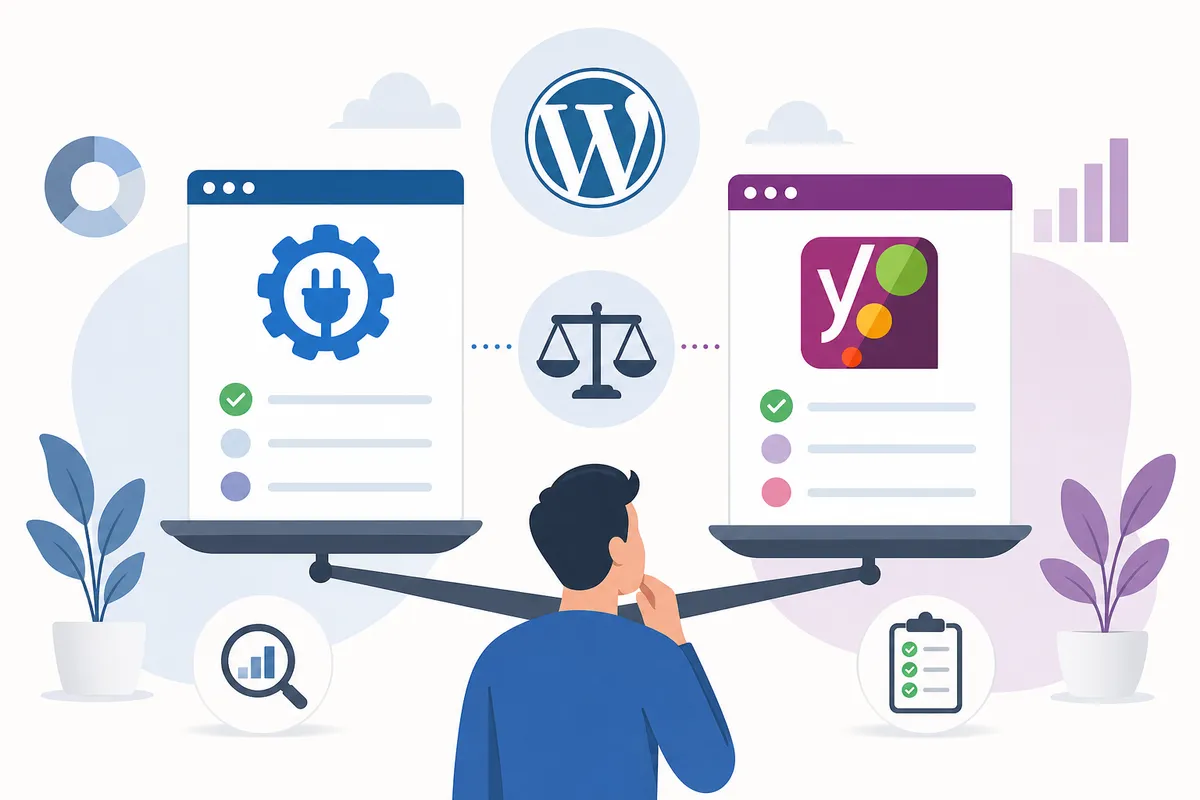
Choosing between the two most recognized names usually comes down to whether you value writing guidance or automation more. Yoast's content analysis is generally considered the more polished writing coach. AIOSEO pushes harder on automated technical fixes and bundles more into its base plans instead of separate add-ons. For a full side-by-side including WooCommerce SEO, schema handling and pricing structure, see this detailed AIOSEO vs. Yoast breakdown.
What a plugin can't do, and what to pair it with
A common mistake is assuming the plugin is the whole SEO strategy. An SEO plugin optimizes the page you've already built. It doesn't research which keywords to target, write the content or earn backlinks to your site.
Backlinks still need a separate tool
None of the plugins above build backlinks for you. Outreach, link prospecting and competitor backlink analysis sit outside what a WordPress plugin is designed to do. If off-page SEO is your gap, this roundup of backlink building tools and what they cost covers the options and their pricing.
Analytics and speed are separate jobs too
Two companion tools come up constantly alongside SEO plugins:
- MonsterInsights brings Google Analytics data into your WordPress dashboard, including clicks, impressions and average position pulled from Search Console, with pricing starting around $99.50 a year.
- WP Rocket handles caching, lazy loading and database optimization to improve page speed, which affects both user experience and rankings. It's listed from around $59 a year.
Google's own guidance treats Core Web Vitals as a signal tied to real user experience rather than a vanity metric. web.dev's Core Web Vitals documentation lists the thresholds Google measures against.

Broken links quietly hurt rankings
Links are one of the signals search engines weigh when evaluating a page, and a site full of dead internal or outbound links sends a weak trust signal. A dedicated broken link checker scans your site and flags every dead link with its HTTP status. You can then fix, unlink or dismiss each one in a couple of clicks. Several free versions exist, with paid tiers starting as low as $4.99.
Technical SEO features, side by side
Beyond pricing, the real differentiator between plugins is which technical boxes they check without an upgrade. Here's how the core features line up across the most common free tiers.
| Feature | Yoast (Free) | AIOSEO (Free) | Rank Math (Free) |
|---|---|---|---|
| XML sitemap generation | Yes | Yes | Yes |
| Schema markup | Basic schema.org types | Schema generator included | Multiple schema types, including advanced ones |
| Internal link suggestions | Premium only | Free (Link Assistant) | Free |
| Keyword rank tracking | Not included | Free (limited) | Free (generous limits) |
| Redirection manager | Premium only | Free | Free |
| Extra focus keyphrases on each page | Premium only | Free | Free |
Schema markup matters more than most site owners realize. It's the structured vocabulary that tells search engines (and AI tools) exactly what a page is about, and it's maintained publicly at Schema.org. Getting it right is part of what separates a page that gets quoted in an AI answer from one that doesn't.
How pricing scales with site count
The sticker price on a plugin's homepage rarely matches what agencies or multi-site owners end up paying. The table below gives a more realistic picture.
| Scenario | Typical Plugin | Approximate Annual Cost |
|---|---|---|
| Single blog, free tier only | Any of the top three | $0 |
| Single site, premium features | Any paid tier of the top three | Roughly $89–$120/year |
| 2–3 sites under one license | AIOSEO or Rank Math multi-site plans | Roughly $150–$250/year combined |
| Agency managing several client sites | AIOSEO's higher tiers | Licensing for more than three sites climbs toward the $399/year range |
If you manage SEO for multiple clients, plugin licensing is only one line item. It's worth comparing against dedicated SEO automation tools built for agencies, which bundle reporting, audits and client delivery in ways a single WordPress plugin isn't designed to handle.
Choosing by site type: small business, ecommerce or agency
The right plugin depends on what kind of site you run, not on which brand has the most installs.
Small business and local sites
A local service business usually needs local schema, Google Business Profile alignment and clean on-page basics more than rank tracking across hundreds of keywords. Any of the top three plugins covers this at the free or entry-paid tier. If you're newer to SEO, it's worth reviewing why SEO delivers measurable returns for small businesses before deciding how much plugin budget makes sense.
Ecommerce stores
Online stores need plugins that handle product schema, category pages and WooCommerce-specific optimization well. AIOSEO and Yoast both offer dedicated WooCommerce SEO functionality: AIOSEO bundles it into Pro tiers, while Yoast sells it as an add-on. A plugin is only one piece of ecommerce SEO, and this comparison of SEO tools built specifically for online stores shows what else typically gets added to the stack.
Agencies managing multiple client sites
For agencies, the plugin choice often comes down to how well it scales across many WordPress installs and how much client-facing reporting it produces natively. Plugin cost per site stops being the main expense here. Workflow matters more: how fast you can audit, fix and report across a dozen client sites.
Do you need a plugin or a full SEO platform?
A plugin handles what happens inside WordPress. It doesn't do keyword research across the web or generate content, and it can't track how often AI tools like ChatGPT or Perplexity cite your brand. If that broader picture is what you're missing, look at how full AI SEO platforms compare on features and pricing instead of stacking more WordPress plugins on top of each other.
It also helps to decide what should stay manual and what is safe to automate. Sitemap generation and schema output are safe to leave on autopilot, while publishing decisions and keyword targeting usually aren't. This breakdown of what to automate in WordPress SEO and what to skip is a useful gut check before you switch every setting to "automatic."
How your platform changes the answer
Not every WordPress site is the same kind of WordPress site, and that affects plugin choice.
- Self-hosted WordPress (WordPress.org) gives you full access to install and configure any plugin covered here. This is the default assumption throughout this article.
- WordPress.com restricts plugin installation on its lower-tier plans, so "best plugin" questions need a different answer. This WordPress.com SEO guide covers what's configurable there.
- Git-built or static sites don't run plugins in the traditional sense. SEO there happens through build-time metadata and commits, and this guide to SEO for git-based sites covers that setup.
If you manage sites on more than one of these platforms, this CMS SEO guide hub lays out the settings order for each one so you aren't guessing per platform.
Setting up your chosen plugin correctly
Installing a plugin is the easy part, and configuring it well takes a bit more care.
- Deactivate and delete any other SEO plugin first. Running two at once produces duplicate meta tags, duplicate sitemaps and conflicting schema. Google's Search Essentials guidance on technical requirements effectively assumes a single, clean source of structured data per page.
- Run the setup wizard in full and connect Google Search Console.
- Set your preferred site name format and social sharing defaults so every new post inherits them.
- Submit your XML sitemap to Search Console once it's generated.
- Check schema output on a sample page with your plugin's preview tool before you publish at scale.
Common setup mistakes to avoid
A few mistakes show up repeatedly on WordPress sites, whichever plugin is installed:
- Leaving the default "noindex" setting on for category or tag archives you actually want indexed.
- Never updating the default meta description template, so every page shows the same generic text.
- Forgetting to re-check redirects after a URL structure change, which leaves orphaned 404s.
- Adding a second SEO plugin "just for schema," which brings back the conflict problem described above.
Can you just use the free version?
For most small sites, yes. The free tiers of Yoast, AIOSEO and Rank Math all cover sitemaps, basic schema, meta tag control and readability or technical checks. Paying becomes worth it once you need rank tracking inside WordPress, WooCommerce-specific optimization or automated internal linking at scale. If your site has under a few dozen pages and no online store, there's no pressure to buy a premium license before you've outgrown the free tools.
FAQs
What is the best SEO plugin for a beginner on WordPress?
Yoast SEO and Rank Math are both considered beginner-friendly because of their guided setup wizards and traffic-light or score-based feedback as you write. Rank Math's free tier is more generous, while Yoast's content analysis is often seen as the more polished writing coach.
Is Yoast or AIOSEO better for WordPress SEO?
It depends on what you value more. Yoast tends to win on content and readability guidance, and AIOSEO leans into automation and bundles more technical features into its base plans. Neither is objectively better in every case, and the full AIOSEO vs. Yoast comparison has the specifics.
Can I use two SEO plugins on the same WordPress site?
No, it isn't recommended. Two SEO plugins at once typically create duplicate meta tags, conflicting sitemaps and confusing schema output, which can hurt your rankings rather than help them.
Do free SEO plugins work, or do I need to pay?
Free versions of the top WordPress SEO plugins cover sitemaps, basic schema and meta tag editing well enough for most small sites. Paid tiers add rank tracking, deeper automation and ecommerce-specific features that become worth it as a site grows.
Does installing an SEO plugin guarantee higher rankings?
No. A plugin optimizes the technical and on-page elements of a page you've already written, but rankings also depend on content quality, backlinks, site speed and how relevant the page is to the search query. A plugin generates none of those on its own.
Pick one plugin and finish the setup this week
The research above should be enough to settle on one of the top SEO plugins for WordPress instead of comparing specs indefinitely. Most sites do fine on the free tier of Yoast, AIOSEO or Rank Math, and can upgrade once a specific feature such as rank tracking or WooCommerce SEO becomes a real need. If you want to see what a thorough audit of your current setup looks like before you commit to a plugin or a paid tier, request a sample SEO report from the team.
About the author
SearchBlueprint researched, wrote and scored this article with the content pipeline our customers run on their own sites. The score in the byline is what our content engine gave this page before it published. Nothing here is reviewed by hand, which is the point: it is the product's output, published where anyone can check it.