7 Best WordPress SEO Tools in 2026 (Free vs Paid)
By Toy Wen Da, Co-Founder · Updated · 11 min read · scored 97/100
If you're hunting for the best SEO tools WordPress sites actually need, the short answer is: SearchBlueprint if you want your SEO plan, content, and reporting handled end to end, and Rank Math if you just need a free, feature-rich plugin inside wp-admin. Everything else on this list fills a narrower gap.

Most "best WordPress SEO tools" lists are really just plugin round-ups, Yoast versus Rank Math versus AIOSEO, forever. That misses half the picture. A plugin handles meta tags and sitemaps inside your WordPress admin. It doesn't do keyword research, write your articles, track whether AI search tools mention your brand, or produce a client-ready report. This guide covers both categories so you can see what each tool actually does, what it costs, and where it stops.
How We Chose These WordPress SEO Tools
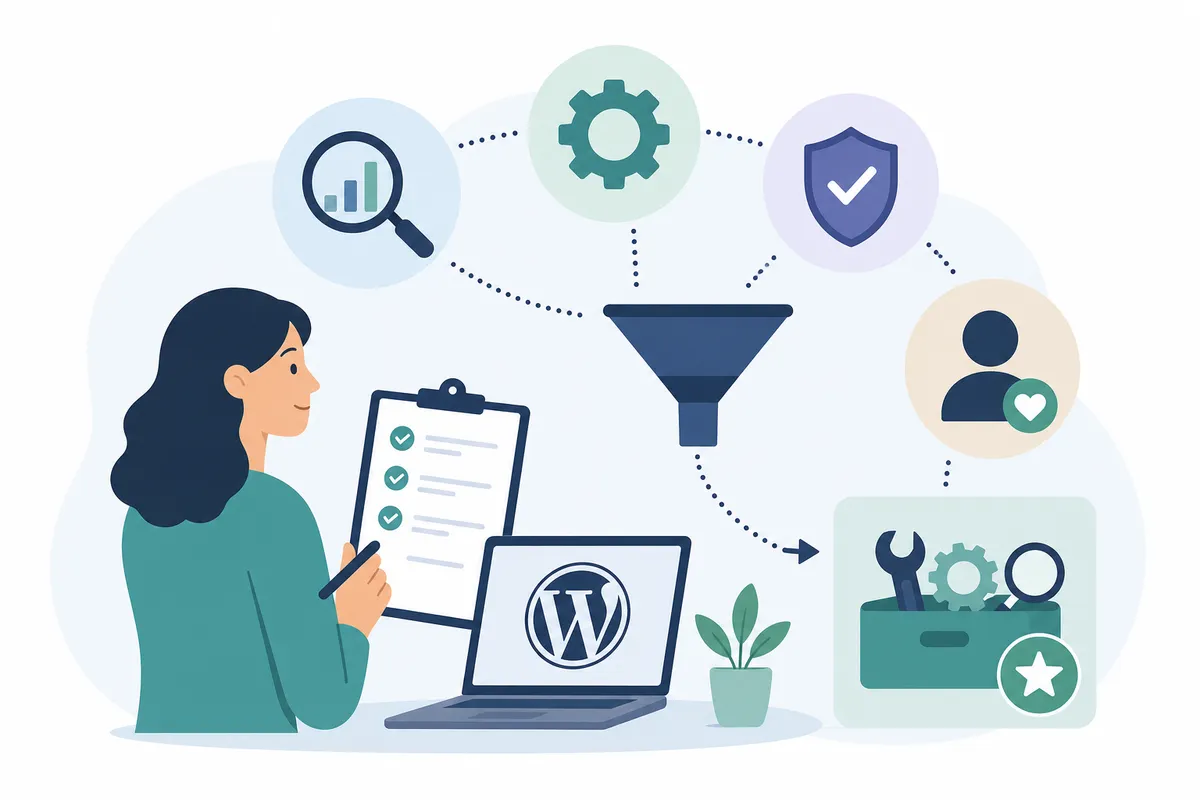
This comparison is built from each product's own website, pricing page, and documentation, not from hands-on testing or installed trials. We looked at four things:
- Price and free plan, what you get at $0, and what triggers an upgrade.
- What it does well, the one or two jobs each tool is actually built for.
- Its limits, what it doesn't do, stated plainly, so you don't buy the wrong thing.
- Who it fits, beginner, small business, freelancer, or agency.
Why Plugins Alone Aren't the Full Answer
A WordPress SEO plugin handles the technical plumbing: titles, meta descriptions, sitemaps, schema. It does not tell you which keywords to target, write your content, or show you how often AI assistants like ChatGPT or Perplexity cite your pages. If you only compare plugins, you're comparing a slice of SEO, not the whole job. That's why this list opens with a platform-level option before working through the plugins.
Comparing the Best SEO Tools for WordPress at a Glance
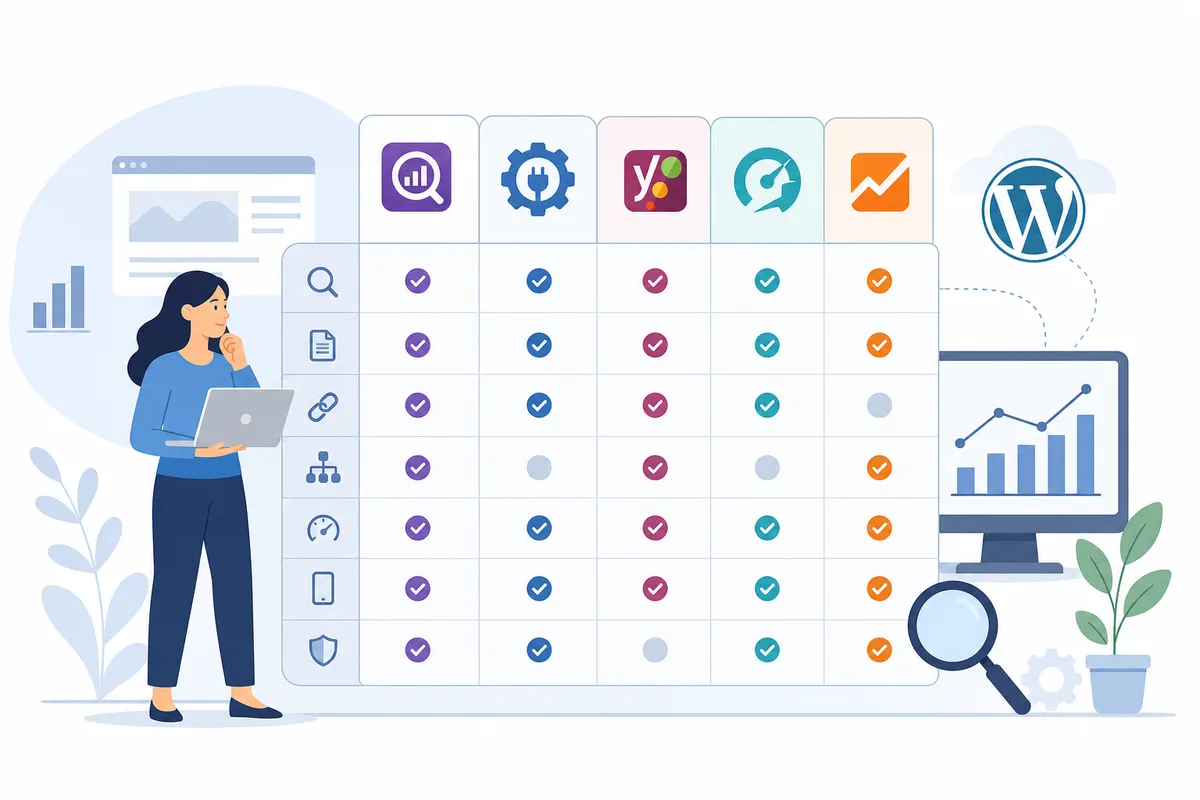
Before the full breakdown, here's how the seven options stack up on price, free access, and where each one runs out of road.
| Option | Best For | Free Plan | Starting Price | Main Limit |
|---|---|---|---|---|
| SearchBlueprint | Owners who want the whole SEO workflow run for them | Yes, 60+ free tools, plus a free SEO Academy | Free to start, then Base or Agency (see pricing page) | Not a WordPress admin plugin with real-time on-page scoring |
| Rank Math | Budget-conscious users who want maximum free features | Yes | $6.99/month billed annually, about $83.88/year | Interface can overwhelm complete beginners |
| Yoast SEO | Beginners who want guided, simple SEO | Yes | $118/year for one site | Fewer advanced tools in the free tier |
| All in One SEO (AIOSEO) | Small businesses and WooCommerce stores | Yes | $49.60/year for one site | Best features sit behind higher-priced tiers |
| SEOPress | Freelancers and agencies wanting white-label options | Yes | $49/year | Smaller brand recognition means fewer tutorials |
| The SEO Framework | Speed-focused, lightweight sites | Yes | $84/year for 2 websites | No built-in content guidance or suggestions |
| Google Search Console | Every WordPress site, no exceptions | Yes, fully free | Free | No in-editor writing help or keyword suggestions |
The 7 Best WordPress SEO Tools, Ranked by Who They Fit
1. SearchBlueprint: best for owners who want their SEO plan and content handled, not just scored
SearchBlueprint builds a full SEO plan that maps each target search to a specific page on your site, rather than leaving you to guess which keyword belongs where. It runs technical, on-page, and schema audits, does keyword research and competitor analysis, and tracks both traditional rankings and AI search visibility. On the content side, it writes articles and publishes them weekly to WordPress, Shopify, Wix, or Webflow after you approve each draft, refreshes pages that are slipping, and suggests internal links as your site grows. Agencies can generate white-label client reports from the same data. SearchBlueprint also offers more than 60 free SEO tools and a free SEO Academy for anyone who wants to learn the fundamentals before paying for anything.
What it doesn't do: it isn't a WordPress admin plugin with a real-time traffic-light score as you type, the way Yoast or Rank Math work. If you want that in-editor checklist feel, pair it with one of the plugins below, or compare it directly against the full WordPress SEO tools roundup to see how the two approaches differ.
- Starting price: free to start, then Base or Agency plans (see their pricing page for current rates).
- Free plan: yes, 60+ free tools plus a free SEO Academy.
- Pick it if: you want keyword research, content, audits, and reporting handled together instead of stitched from separate tools.
- Skip it if: you only need a lightweight plugin to tag up a handful of existing WordPress posts.
2. Rank Math: best for budget-conscious users who want maximum free features
Rank Math is a WordPress plugin that bundles on-page analysis, schema markup, XML sitemaps, a redirection manager, and Google Search Console integration into one dashboard. Its free version is unusually generous, reviewers consistently note it covers features other plugins charge for, including rich schema and a built-in redirect manager. The paid tiers add AI-powered content suggestions and deeper keyword tracking.
Pricing runs $6.99 a month (billed annually at $83.88) for the Pro plan, $20.99 a month ($251.88/year) for Business, and $49.99 a month ($599.88/year) for Agency, which covers up to 500 sites. If AI-assisted writing suggestions matter to you, it's worth comparing Rank Math against dedicated options in this roundup of AI SEO tools for professionals.
- Starting price: $6.99/month billed annually.
- Free plan: yes, and it's one of the stronger free tiers among WordPress SEO plugins.
- Pick it if: you want the most free functionality and don't mind a steeper setup.
- Skip it if: you're new to SEO and want a simpler, guided interface instead.
3. Yoast SEO: best for beginners who want a guided, simple setup
Yoast SEO is one of the longest-running WordPress plugins, known for its traffic-light system that scores your content as green, orange, or red while you write. It handles automatic technical SEO, sitemaps, canonical URLs, structured data, without requiring you to touch code, and gives a live preview of how your page will look in search results.
The free version covers the essentials and works as a complete tool on its own for many small sites. Yoast SEO Premium costs $118 a year for one site and adds internal linking suggestions, multiple keyword tracking, and a redirect manager. Premium bundles with add-ons for WooCommerce or local SEO start around $179 a year.
- Starting price: $118/year for one site.
- Free plan: yes, with core SEO and readability checks included.
- Pick it if: you're new to SEO and want clear, color-coded feedback as you write.
- Skip it if: you want advanced schema control or multi-keyword tracking without paying.
4. All in One SEO (AIOSEO): best for small businesses and WooCommerce stores
AIOSEO leads with a step-by-step setup wizard that configures core settings automatically, which makes it a popular choice for business owners who don't want to learn SEO jargon. It covers on-page scoring, XML sitemaps, schema markup, and social previews for free, and its local SEO and WooCommerce product-page tools are a particular strength for brick-and-mortar and ecommerce sites. If you run a store, it's worth checking how AIOSEO stacks up against the options in this guide to SEO tools for ecommerce.
Paid tiers scale by site count: Lite is $49.60 a year for one site, Plus is $99.60 a year for up to three sites and adds local SEO features, Pro is $174.65 a year for up to ten sites with an internal-linking assistant, and Elite runs $224.70 a year for up to 100 sites, aimed at agencies.
- Starting price: $49.60/year for one site.
- Free plan: yes, covering the basics well.
- Pick it if: you run a WooCommerce store or local business and want a guided setup.
- Skip it if: you need granular, expert-level control over every setting.
5. SEOPress: best for freelancers and agencies wanting white-label options at a lower cost
SEOPress is a lighter-weight plugin that trades some brand recognition for a cleaner, ad-free experience and a smaller footprint on page speed. Its free tier includes one-click Google Analytics integration, a redirection module with 404 monitoring, and clean XML sitemaps, features some competitors reserve for paid plans. Agencies can white-label the plugin for client sites on the paid tier.
The Pro plan is listed at $49 a year, undercutting most of the plugins on this list. If you manage several client sites and need broader software beyond a single plugin, see this breakdown of SEO software built for agencies.
- Starting price: $49/year.
- Free plan: yes, with more built in than many competitors' free tiers.
- Pick it if: you want a lightweight plugin with white-label options and no upsell prompts.
- Skip it if: you rely on community tutorials and third-party guides for troubleshooting.
6. The SEO Framework: best for speed-focused, lightweight sites
The SEO Framework takes the opposite approach from the all-in-one plugins: automatic setup, smart defaults, and a philosophy of staying out of your way. It generates meta tags, sitemaps, and schema markup automatically, with no dashboard to configure and no tracking of your data. Many users never touch a setting after activation.
The free version is complete and handles core automation on its own. The Pro plan costs $84 a year for two websites and adds premium extensions like content analysis and local SEO; Business runs $204 a year for 20 sites, and Agency is $324 a year for 200 sites.
- Starting price: $84/year for 2 websites.
- Free plan: yes, powerful enough that many users stop there.
- Pick it if: you already understand SEO basics and want automation without a learning curve.
- Skip it if: you're a beginner who needs guided feedback on your content.
7. Google Search Console: best for every WordPress site, no exceptions
Google Search Console isn't a plugin, it's a free tool from Google itself, and it's the one entry on this list that every WordPress site needs regardless of which plugin it runs. It shows which pages Google has indexed, which keywords you're ranking for, and flags security, mobile usability, or crawling problems directly from the source. According to Google Search Essentials, Search Console is the primary channel Google uses to report indexing status and manual actions, which no third-party plugin can substitute for.
It costs nothing and has no paid tier. Its main limit is that it only reports what's already happened, it won't suggest keywords to target or write content for you. For that, you'll want it paired with a plugin or platform from earlier in this list, or with the technical checks in this comparison of technical SEO tools.
- Starting price: free, permanently.
- Free plan: the only plan, there's no paid tier.
- Pick it if: you have a WordPress site. There's no scenario where this is optional.
- Skip it if: never, connect it regardless of what else you use.
When the Free Plan Is Enough, and When It Isn't

A free plugin covers most of what a small blog or local business site needs: meta tags, a sitemap, basic schema, and a nudge to add your focus keyword where it matters. If you're publishing occasionally and your competition is thin, Rank Math's free tier or AIOSEO's free tier will likely carry you for a long time. For a broader list of no-cost options across the stack, this collection of free SEO tools for 2026 is worth bookmarking.
Free plans start to show their limits once you're:
- Managing more than one or two sites and need centralized tracking instead of logging into each dashboard separately.
- Competing in a crowded niche, where multi-keyword tracking and deeper content suggestions actually move the needle.
- Producing content regularly and need help with research, drafting, and internal linking rather than just scoring what you already wrote.
- Reporting to clients, where a white-label report matters more than an in-editor score.
If any of those apply, that's the point to look at a paid plugin tier, a dedicated automation platform, or, if content production itself is the bottleneck, tools built specifically for that job, like those covered in this review of SEO content automation tools.
A Note on Backlinks and Off-Page Work
None of the seven tools above focus on link building. On-page plugins and content platforms optimize what's on your site; backlinks are an off-page signal that needs separate tools entirely. If link building is your next priority, this guide to backlink building tools covers that gap, and this framework for choosing AI SEO tools job by job can help you decide what to add next and in what order.
FAQs
Do I need a separate SEO plugin if I already use WordPress?
Yes. WordPress handles basic structure, but it doesn't generate XML sitemaps, schema markup, or meta tag controls on its own. A plugin like Yoast, Rank Math, or AIOSEO fills that gap, and it's still worth pairing with Google Search Console for direct performance data.
Is Rank Math better than Yoast SEO?
Rank Math's free tier includes more advanced features, like schema markup and multi-keyword tracking, that Yoast reserves for its paid Premium tier. Yoast's traffic-light interface is generally considered easier for complete beginners. Neither is strictly "better", it depends on whether you value more free features or a simpler learning curve.
Can I run two SEO plugins on WordPress at once?
It's technically possible but not recommended. Two plugins can generate conflicting sitemaps, duplicate meta tags, or clash over the same settings, which can hurt rather than help your SEO. Pick one primary plugin.
What's the best free SEO tool for WordPress?
For on-page optimization inside WordPress, Rank Math's free tier is widely considered the most feature-rich. For tracking how Google actually sees your site, Google Search Console is free and essential alongside any plugin you choose.
Will any of these tools guarantee higher rankings?
No. Every tool on this list helps you implement SEO correctly, but rankings depend on content quality, backlinks, site structure, and competition. A plugin gives you the technical foundation; it doesn't replace strategy or good writing.
Pick the Tool That Matches This Week's Job
Match the best SEO tools WordPress sites actually need to the job in front of you this week: a lightweight plugin if you just need clean technical SEO, or a platform like SearchBlueprint if you want keyword research, content, and reporting handled together. Either way, connect Google Search Console today if you haven't, it's free and tells you exactly how Google sees your site right now. To see what a fully managed SEO plan looks like in practice, talk to the team and look at a sample report before you decide.
Resources / References
Sources
About the author
SearchBlueprint researched, wrote and scored this article with the content pipeline our customers run on their own sites. The score in the byline is what our content engine gave this page before it published. Nothing here is reviewed by hand, which is the point: it is the product's output, published where anyone can check it.