301 Redirect SEO Penalty: Why It's a Myth (And What's Really Wrong)
By Toy Wen Da, Co-Founder · Updated · 7 min read · scored 93/100
There is no 301 redirect SEO penalty. A properly set up 301 passes nearly all ranking signal to the new URL, and Google treats it as a normal part of site maintenance. If your rankings dropped after redirecting, start by tracing the redirect to confirm it resolves cleanly to one final URL.

Does a 301 redirect hurt SEO? What's actually happening
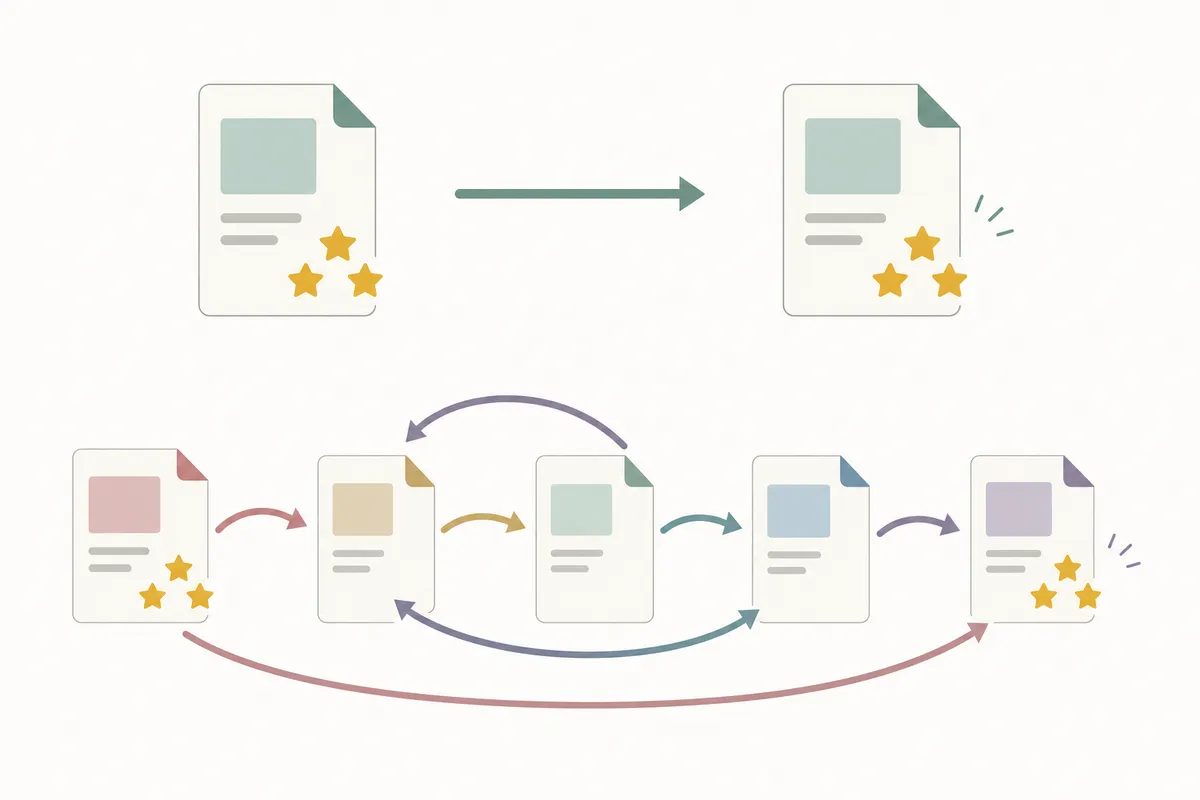
A 301 redirect tells browsers and search engines that a page moved permanently. Google consolidates ranking signals from the old URL onto the new one, including links, relevance and history (301 redirects and Google Search), so using one correctly carries no ranking tax.
The fear of a "301 redirect seo penalty" usually traces back to something else that went wrong during a migration. Common culprits are a messy chain of hops, a redirect pointing at the wrong page, or content that changed too much between the old URL and the new one. The redirect gets blamed because it's the most visible change.
What Google says about redirects
Google Search Essentials describes 301s as a standard way to tell search engines a page has permanently moved, and it mentions no ranking penalty for correct use (Google Search Essentials). The advice is to do redirects correctly rather than to avoid them.
Why rankings still drop sometimes
Rankings can slip after a redirect for reasons that have nothing to do with the 301 status code:
- The destination page doesn't match the intent of the old page.
- Multiple redirects chain together before landing on the final URL.
- Internal links still point to the old URL instead of being updated.
- The new page is thinner or less relevant than what it replaced.
Each of these is signal loss or mismatched relevance, and both can be fixed.
Check your redirect first
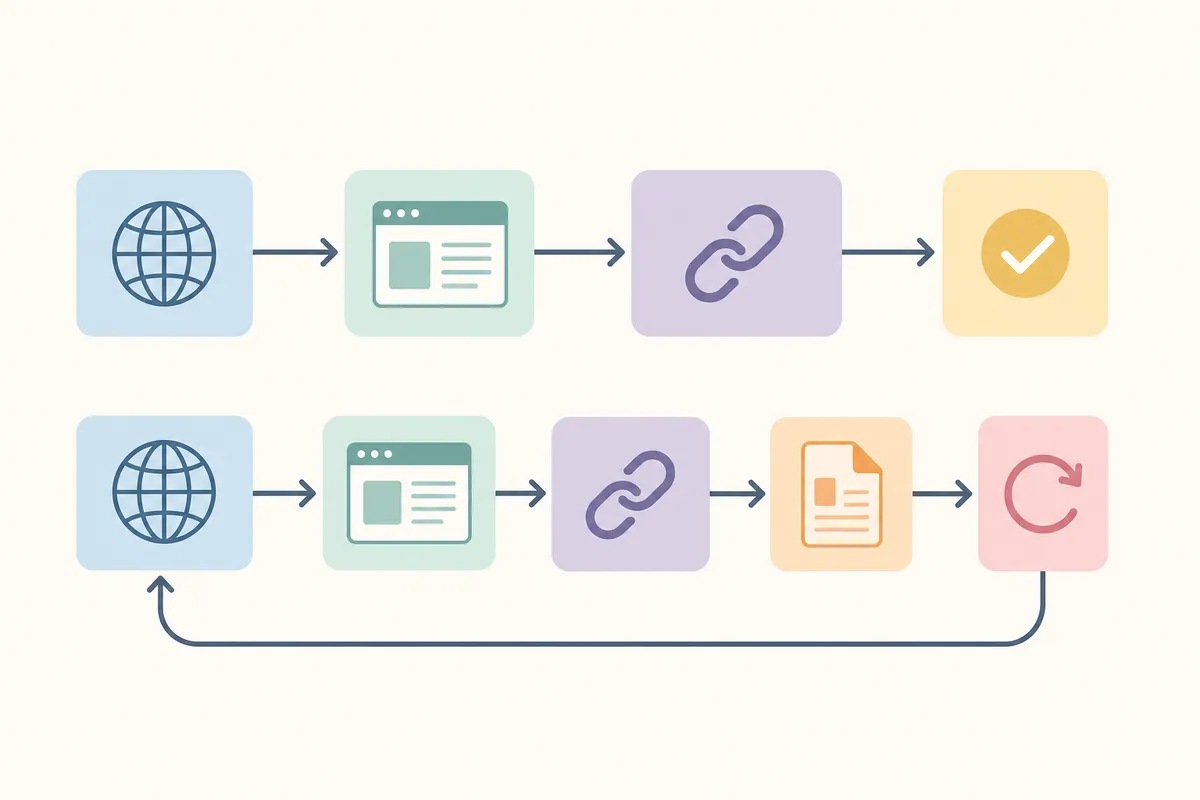
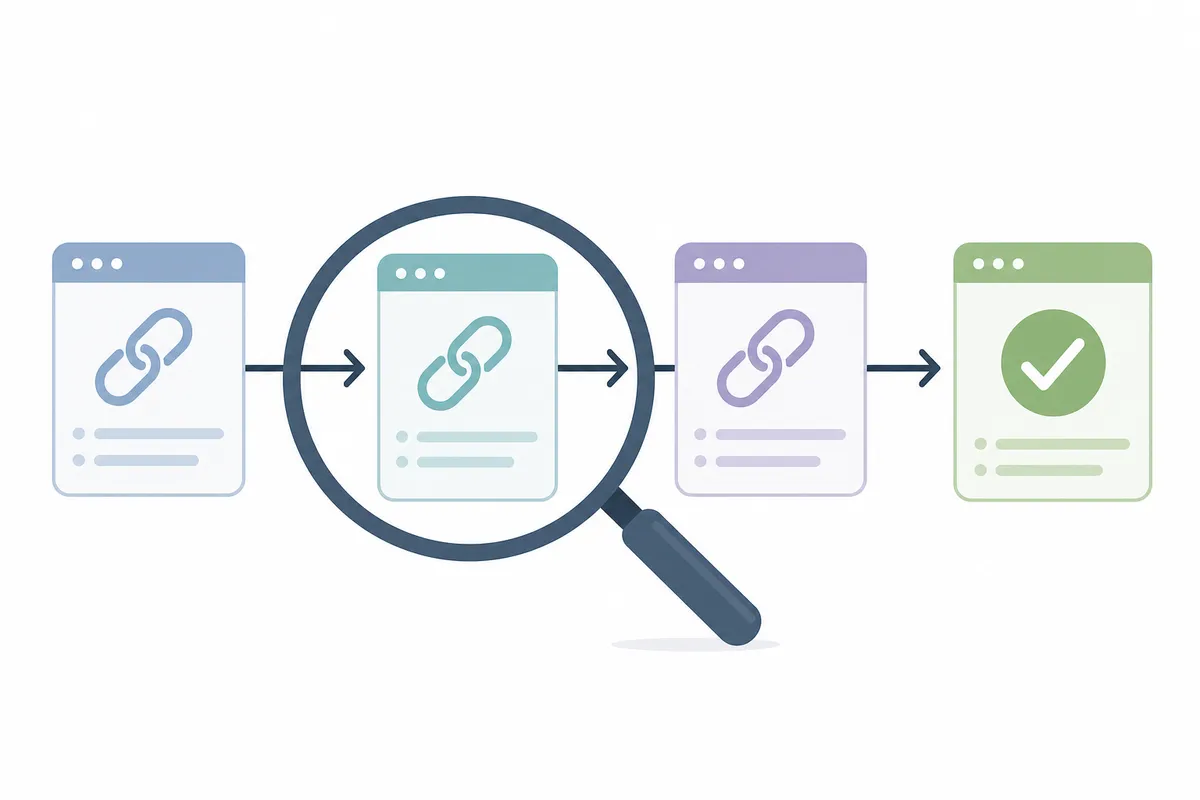
Before you change anything, trace what the redirect is doing. The free Redirect Checker follows a URL through every hop, shows the status code at each step and flags chains or loops that quietly drain ranking signal. Paste in the affected URL and you'll see within seconds whether it resolves cleanly to one destination or bounces through several first.
If the tool shows a single 301 landing on the right page, the redirect is fine and the ranking issue lies elsewhere. If it shows a chain of three or four hops, or a loop that never resolves, you've found your problem.
How to fix a redirect problem on your own site
The exact steps depend on your platform, but the logic is the same everywhere. Find the rule, confirm it points to the right destination, and make sure it uses a 301 (permanent) rather than a 302 (temporary) status unless the move really is temporary.
Step-by-step: general fix process
- Identify the broken or chained URL. Run it through the Redirect Checker and note every hop in the chain.
- Open your site's redirect settings. On most CMS platforms they sit under a "Redirects" or "URL Forwarding" section in the admin dashboard.
- Edit or remove the faulty rule. If there's a chain, point the first redirect directly at the final destination instead of through intermediate URLs.
- Set the correct status type. Choose "permanent" (301) for pages that have moved for good.
- Update internal links. Change any that still point to the old URL so visitors and crawlers land on the final page directly.
- Re-test the URL. Run it through the checker again to confirm it now resolves in a single hop.
Platform-specific guides
Menu names and steps vary enough between platforms that a general walkthrough won't cover everything. These guides match the current interface for each:
- Setting up a redirect in Cloudflare in under 5 minutes.
- Fixing a broken link in Wix using the built-in redirect manager.
- Fixing a broken link in Webflow through the project settings panel.
- Fixing a broken link in Shopify via the URL redirects page.
When your own tools are enough, and when they're not
Not every redirect problem needs outside help. This table shows which camp yours falls into.
| Situation | Scope | Tool-only fix works? | Why |
|---|---|---|---|
| One broken link from an old blog post | Single URL | Yes | Trace it, fix the one rule, re-check it |
| A page returns a 404 after a recent edit | Single URL | Yes | Add or correct a single redirect rule |
| Redirect chain of 2-3 hops on one page | Single URL | Yes | Flatten the chain to a direct 301 |
| Full site migration to a new domain | Whole site | Often not alone | Hundreds of URLs need mapping, not spot-fixes |
| Traffic drop with no clear redirect cause | Whole site | Often not alone | Needs a broader audit beyond redirects |
| Recurring 404s appearing after every content update | Recurring | Often not alone | Points to a process problem, not a one-off fix |
For one URL and a one-off problem, the Redirect Checker plus your platform's redirect settings will solve it. A site-wide migration, a pattern of recurring errors or a ranking drop you can't trace to any single page suggests the issue runs deeper than a redirect rule. Google Search Console's change of address process exists for full domain migrations (Change of address tool), and a full audit will serve you better than chasing the problem one URL at a time.
Common mistakes that create real problems
Chaining redirects instead of pointing directly
Each extra hop adds a small amount of delay and risk. A redirect that goes A → B → C → D should go straight from A to D.
Using a 302 for a permanent move
A 302 tells search engines the move is temporary, so they may keep the old URL in the index longer than you want. The HTTP standard draws this distinction itself, defining 301 as a permanent redirect and 302 as a temporary one (RFC 9110: HTTP Semantics). If the page has moved for good, use a 301.
Redirecting everything to the homepage
Mass-redirecting old URLs to your homepage instead of their closest matching new page tells Google the content is gone rather than moved. The redirect works fine technically, but the relevance is lost.
Forgetting internal links
If your own site still links to the old URL, every click forces an extra hop. Update internal links to point straight at the new page.
Leaving orphaned redirect rules
Old rules that nobody cleans up can stack into chains over years of site changes. A periodic check keeps the rule list lean.
FAQs
Does a 301 redirect lose any SEO value at all?
A properly configured 301 passes the vast majority of ranking signal to the new URL. The transfer isn't a perfect 1:1 in every case, but it's the closest thing to lossless available and far better than leaving a 404 in place.
How long does it take for rankings to recover after a redirect?
It varies by site and by how many pages are involved. Search engines typically need to recrawl and reprocess the redirected URLs before rankings settle, which can take anywhere from a few days to several weeks.
Is a 302 redirect worse for SEO than a 301?
A 302 isn't inherently worse, but it signals a temporary move, so search engines may hold onto the old URL in the index instead of fully transferring signal. Use a 301 for permanent moves.
Can too many redirects on a site hurt SEO?
A large number of long redirect chains can slow crawling and dilute signal transfer. A reasonable number of clean, single-hop 301s causes no measurable harm.
Will Google penalize a site for redirecting to a different domain?
No. Moving to a new domain with correct 301s is a standard, supported practice (Site moves with URL changes). Problems come from poor mapping between old and new URLs, and the domain change itself isn't the cause.
Talk to the team
You don't need to defend against a 301 redirect seo penalty, because it's a myth worth ruling out so you can focus on what's costing you rankings. Run your affected URLs through the Redirect Checker and fix any chains or wrong status codes you find. If the problem turns out to be bigger than one page, talk to the team for a full look at what's going on.
Sources
About the author
SearchBlueprint researched, wrote and scored this article with the content pipeline our customers run on their own sites. The score in the byline is what our content engine gave this page before it published. Nothing here is reviewed by hand, which is the point: it is the product's output, published where anyone can check it.