Cloudflare 301 Redirect: Set One Up in Under 5 Minutes
By Toy Wen Da, Co-Founder · Updated · 8 min read · scored 93/100
A Cloudflare 301 redirect is a Redirect Rule you build in Cloudflare's dashboard under Rules, not in your site's code. It sends visitors and search engines from one URL to another, and the 301 status code tells Google the move is permanent. Because it runs outside your site, it works even when your CMS can't handle redirects on its own.
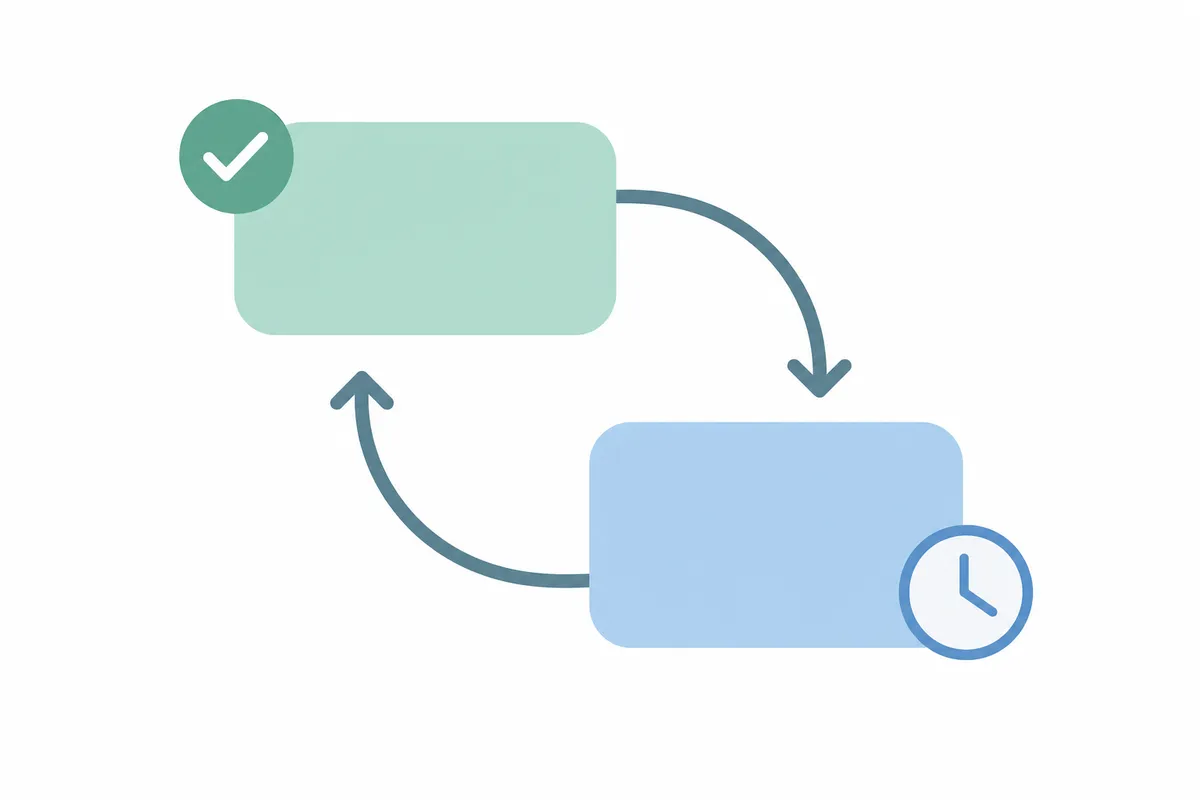
Before you build the rule, check whether the broken link already redirects somewhere unexpected. The free Redirect Checker traces every hop a URL takes and shows the status code at each step, and it flags loops or dead ends that stall on a 404. Run the broken URL through it first so you know exactly what you're fixing before you touch Cloudflare.
What a Cloudflare 301 redirect actually does
A 301 is a permanent-redirect status code, as defined in the HTTP specification. When a browser or crawler requests an old URL, the server answers that the page has moved permanently and hands over the new address. Search engines treat that as a signal to transfer ranking value from the old URL to the new one, which is why the status code you pick matters more than it seems.
Doing this through Cloudflare instead of your website's own redirect settings has one big advantage: the redirect fires at the network edge, before the request ever reaches your server or CMS. That suits sites on platforms with limited redirect controls and domains that moved hosts, and it helps agencies managing dozens of client domains from one dashboard. If your platform has its own native redirect tool, such as a Webflow 301 redirect, that may be the simpler route. More on that trade-off below.

How to set up a Cloudflare 301 redirect, step by step
Step 1: Open Rules in your Cloudflare dashboard
Log in to Cloudflare, select the domain you want to redirect, and find Rules in the left-hand sidebar. Every redirect and firewall rule for the domain lives there.
Step 2: Create a redirect rule
Inside Rules, choose the redirect option and start a new rule. Give it a name you'll recognize later, like "old blog to new blog", because it matters once a dozen rules are stacked up.
Step 3: Match the old URL
Set the field to match on, usually the full URL or the path. Choose "equals" (or "contains" if you're matching a pattern), and enter the exact old URL you want to redirect from.
Step 4: Set the destination and status code
Under the action section, enter the new destination URL and set the status code to 301. Cloudflare also lets you toggle "preserve query string," which keeps any ?utm_source= or tracking parameters attached to the destination. Turn it on unless you have a specific reason not to.
Step 5: Deploy and test
Save and deploy the rule. Then open the old URL in an incognito window or run it through a redirect-tracing tool, and confirm it lands on the new page with a clean 301 and no extra hops in between.
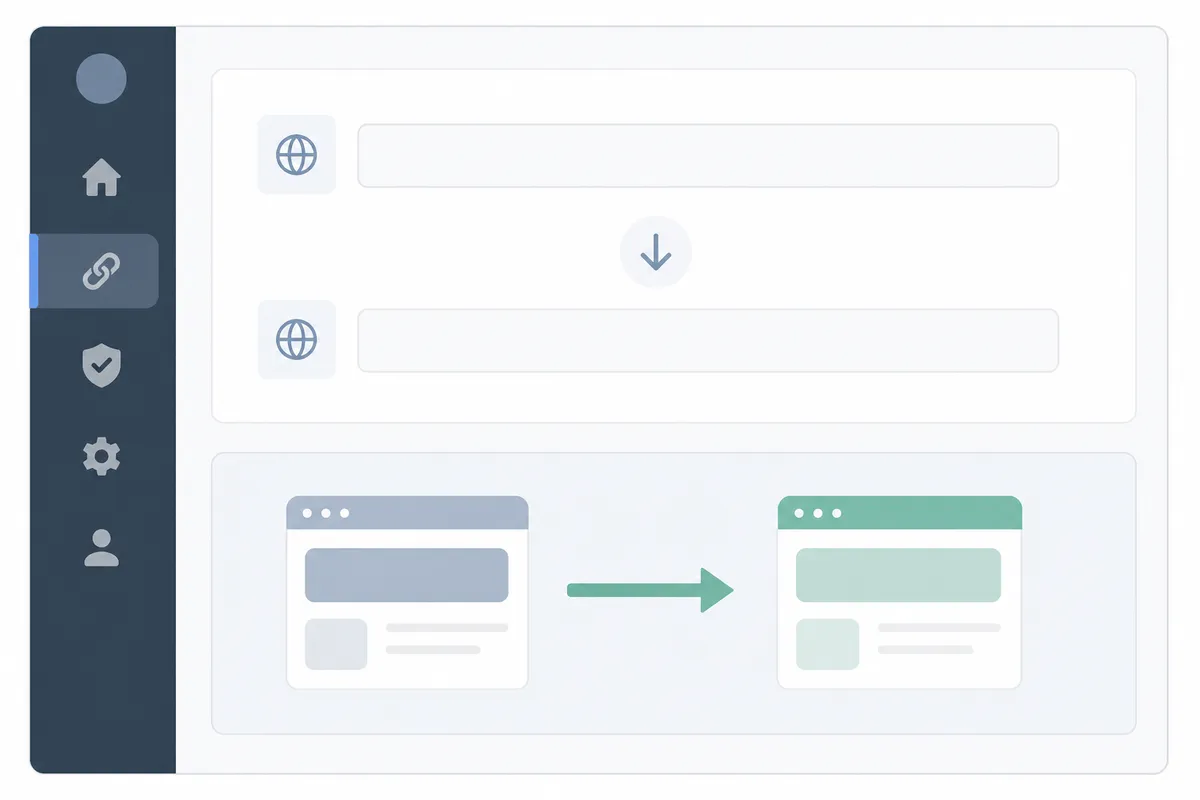
Single redirects, bulk redirects or page rules: which one do you need?

Cloudflare gives you more than one way to redirect a URL. Here's how the main options compare.
| Tool | Best for | Typical limit | Notes |
|---|---|---|---|
| Single Redirects (Redirect Rules) | One URL, or a small pattern match | Varies by plan | Fast to set up, visible match-and-action logic, no redirect list needed |
| Bulk Redirects | Large migrations, hundreds of old URLs at once | Depends on plan tier | Uses an uploaded redirect list; built for site moves and domain consolidations |
| Legacy Page Rules | Older accounts that already rely on them | Capped, low rule count | Being phased out in favor of Redirect Rules; new setups should avoid starting here |
If you're only fixing one broken link, a single Redirect Rule is the right tool, as explained in Cloudflare's Single Redirects documentation. If you just migrated a whole site and have a spreadsheet of old-to-new URLs, Bulk Redirects is the better choice because it saves you from building dozens of individual rules by hand, as described in Cloudflare's Bulk Redirects documentation.
When Cloudflare's tools are enough, and when they aren't
Cloudflare is a good place to manage a 301 redirect, but it isn't always the right layer to fix the problem in.
Cloudflare is enough when...
- You're redirecting one URL, or a small, clearly defined set of them.
- The issue is a one-off: a page got deleted, a URL structure changed once, or a domain moved.
- You already manage DNS for the domain in Cloudflare, so the rule sits next to settings you're touching anyway.
- You need the redirect to work regardless of what CMS or hosting is behind the site.
Cloudflare isn't the full answer when...
- The need is recurring: your CMS generates new URLs weekly and old ones keep breaking. A pattern-based rule inside your CMS, or a plugin built for that platform, usually scales better than hand-built Cloudflare rules.
- You're on a platform with solid native redirect handling, like a Shopify 301 redirect or a Squarespace 301 redirect. There, the team managing content can add redirects without dashboard access to Cloudflare.
- Your domain isn't proxied through Cloudflare (gray cloud, DNS-only). Redirect Rules only fire on proxied traffic, per Cloudflare's documentation on proxy status, so this route won't work until that changes.
- You're redirecting an entire old domain to a new one at scale, which usually calls for Bulk Redirects rather than a handful of single rules.
Google's own guidance on redirects notes that a 301 passes ranking signals to the destination URL over time, so it's worth choosing the right redirect mechanism over a quick workaround. See Google Search Central's documentation on 301 redirects.
Common Cloudflare 301 redirect mistakes
Most problems with a Cloudflare redirect trace back to a handful of setup errors.
| Mistake | What happens | Fix |
|---|---|---|
| Domain set to DNS-only (gray cloud) | Rule is saved but never fires | Switch the record to proxied (orange cloud) in DNS settings |
| Used 302 instead of 301 | Search engines treat the move as temporary and keep the old URL indexed | Edit the rule and change the status code to 301 |
| Match condition too broad | Unrelated URLs get redirected along with the intended one | Tighten the field and operator, or use "equals" instead of "contains" |
| Query strings dropped | Links with tracking parameters land on a generic page instead of the right one | Enable "preserve query string" in the rule |
| Redirect chains stacked | Old URL hops through two or three rules before reaching the final page, slowing the request | Point the rule directly at the final destination, skip the intermediate hop |
If you're not sure which of these is happening on a specific URL, a redirect-tracing tool lists every hop and every status code so you can see where the chain breaks down, which is easier than guessing from the dashboard. A full crawl-based report gives a broader picture of whether a site's redirects, meta tags and crawlability are in good shape in one pass, similar to what you'd get from a sample SEO report.
FAQs
Does a Cloudflare 301 redirect hurt my SEO?
No, not when it's set up correctly. A 301 is the status code search engines expect for a permanent move, and it passes most ranking value to the new URL. Problems only show up when the wrong status code is used or when redirects chain through multiple hops.
Why isn't my Cloudflare redirect rule working?
The most common cause is a DNS record set to "DNS only" instead of "Proxied." Redirect Rules only intercept traffic that passes through Cloudflare's network, so an unproxied (gray cloud) domain will ignore the rule entirely.
Can I redirect an entire domain with one Cloudflare rule?
You can match a whole domain with a single rule. For large migrations with many individual old URLs, though, Bulk Redirects is built for that job and is easier to manage than one broad rule.
Is a Cloudflare redirect better than one set up in Wix, Shopify or WordPress?
Neither is universally better. A Wix 301 redirect or similar CMS-level redirect is easier for a content team to manage day to day, while Cloudflare's version works at the network edge, which helps when redirects need to survive a platform migration or apply across multiple sites.
How long does a Cloudflare 301 redirect take to go live?
Redirect Rules typically apply within moments of deploying, since they're served from Cloudflare's edge network rather than waiting on DNS propagation. If the rule doesn't seem to work, recheck the proxy status before assuming it's a delay.
Check the fix before you move on
Once your Cloudflare 301 redirect is live, trace the old URL one more time and confirm it resolves in a single hop, with no loops and no leftover 404s. Talk to the team if you want a full look at your site's redirects, metadata and crawlability beyond this one fix.
Resources / References
About the author
SearchBlueprint researched, wrote and scored this article with the content pipeline our customers run on their own sites. The score in the byline is what our content engine gave this page before it published. Nothing here is reviewed by hand, which is the point: it is the product's output, published where anyone can check it.