Wix 301 Redirect: Fix a Broken Link in Under 5 Minutes
By Toy Wen Da, Co-Founder · · 7 min read · scored 93/100
A Wix 301 redirect sends visitors and search engines from an old, dead URL to a new, working one, telling Google the move is permanent so rankings transfer instead of getting lost. The first thing to do is open your Wix dashboard's redirect manager and map the old path to the new one, no coding, no app install required.
SearchBlueprint's Wix SEO guide walks through this exact scenario, what happens when you delete or rename a page in Wix, and which settings actually control how Google treats the old URL. It's worth a look if you want the full picture beyond just this one fix.
Why You Need a 301 Redirect on Wix in the First Place

Every time you delete a page, rename a blog post's slug, or restructure your site's navigation, the old URL stops working. Visitors who click an old link, and Google, which still has that URL indexed, both hit a dead end.
A 301 status code tells browsers and search engines "this moved permanently, go here instead" (MDN's HTTP status reference defines the code this way). Without it, you get a 404 error page. With it, visitors land where they meant to go, and most of the page's accumulated ranking signals carry over to the new URL.
This matters most when:
- You're deleting a page with existing backlinks or search traffic
- You're changing your URL structure (moving blog posts into a new folder, for example)
- You're merging two pages into one and don't want duplicate content fighting itself in search results, which Google's own guidance on consolidating duplicate URLs treats as a crawling and ranking issue
- You're migrating from another platform onto Wix, or off Wix onto something else
If you're moving a whole site rather than fixing one link, the process is different enough that it deserves its own read, doing a 301 redirect without losing your rankings covers the bigger migration case in more depth.
How to Set Up a Wix 301 Redirect, Step by Step
Find the Redirect Manager
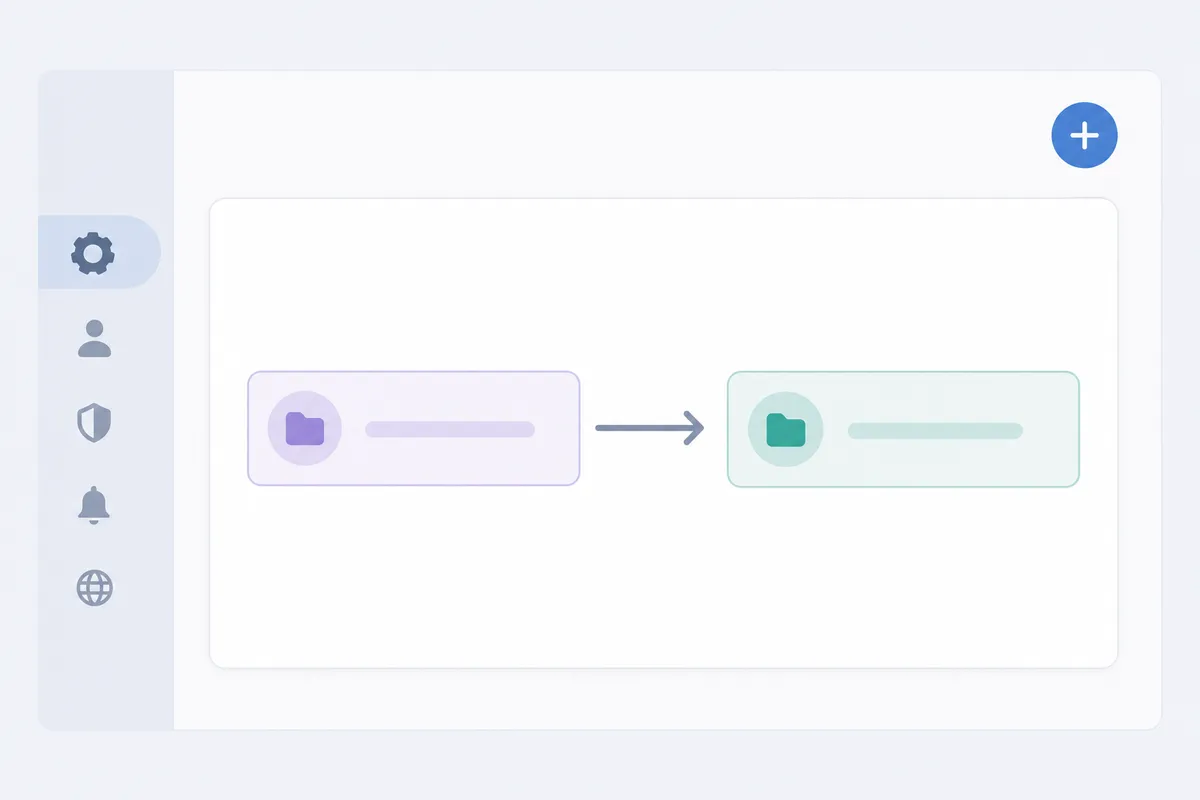
Log into your Wix dashboard and head to Settings. Look for the SEO section, Wix groups its redirect tool under SEO Tools, usually alongside sitemap and robots.txt controls. The panel is built for exactly this job: pairing an old path with a new one.
Add the Redirect
Once you're in the redirect tool:
- Click the option to add a new redirect.
- Enter the old URL path, just the part after your domain, like
/old-page-name, not the fullhttps://yoursite.com/old-page-name. - Enter the new URL path it should point to.
- Confirm the redirect type is set to permanent (301), which is the default for this kind of move.
- Save.
Wix applies the redirect automatically across your live site, there's no publish step separate from saving the setting itself.
Test It
Open an incognito browser window and paste the old URL in directly. You should land on the new page within a second, with the browser's address bar showing the new URL. If you still see a 404, double-check the old path for typos, a missing slash or an extra character is the most common reason a redirect doesn't fire.
When Wix's Built-In Tools Are Enough, and When They Aren't
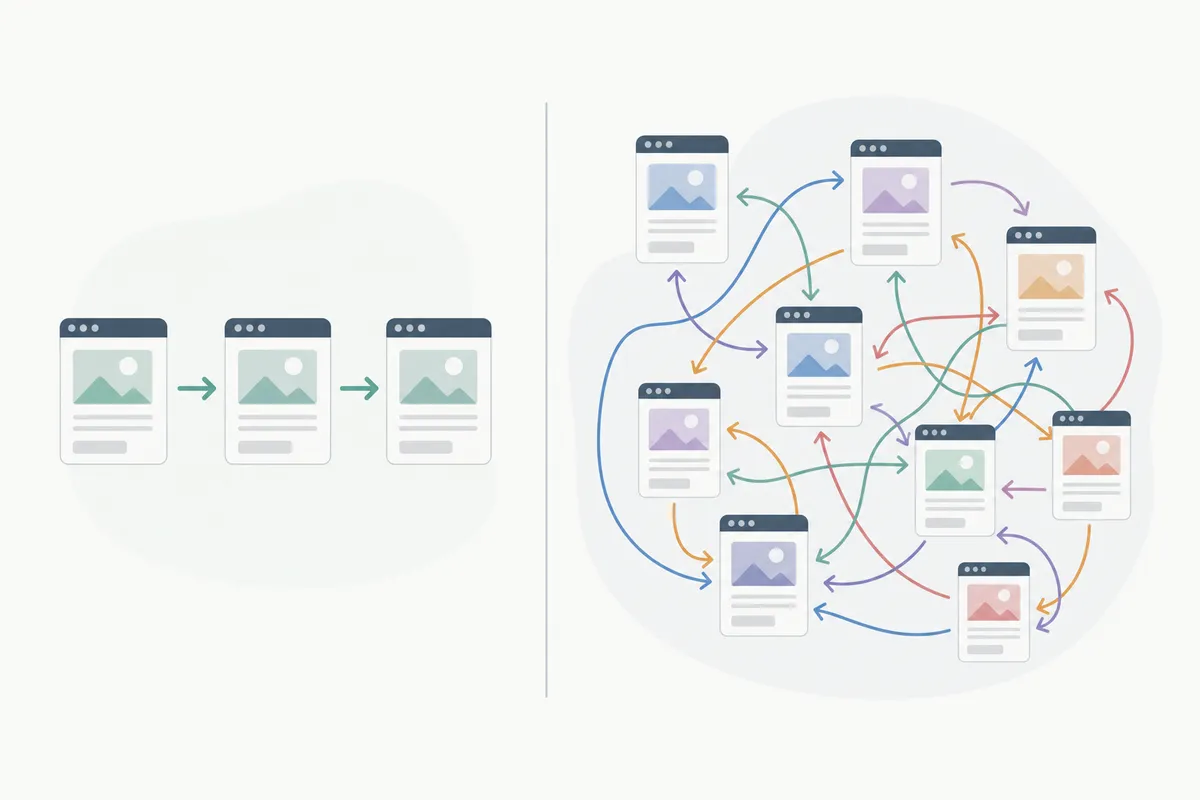
This is the honest part: Wix's redirect manager is genuinely good for what it's built for, and genuinely limited outside that scope.
| Situation | Wix's built-in tool | Better approach |
|---|---|---|
| One page deleted or renamed | Handles it fully, add one redirect, done | N/A |
| A handful of pages (under 10–15) | Still manageable one at a time | N/A |
| Bulk migration (50+ URLs, new site structure) | No bulk import; entering each one manually is slow and error-prone | Export your old URL list, plan the mapping in a spreadsheet first, then enter redirects in batches |
| Recurring restructuring (frequent slug changes) | No alerts when a redirect breaks or a new 404 appears | A broken-link or redirect monitoring tool that checks your site on a schedule |
| Auditing existing redirects for chains or loops | No built-in chain detection | A redirect checker that traces the full chain |
If you're dealing with one broken link, Wix's dashboard is the right tool and you're done in minutes. If you're replatforming, consolidating dozens of pages, or you keep finding new 404s months after a migration, you need a process for catching problems before they cost you rankings, not just a place to type in redirects one at a time.
Checking your own redirect chains is worth doing periodically even on a stable Wix site. SearchBlueprint's free redirect checker traces a URL's full path and flags chains or loops that quietly waste crawl budget.
Common Mistakes People Make with Wix Redirects
- Forgetting the redirect entirely. Deleting a page without redirecting it is the single biggest cause of avoidable 404s on Wix sites.
- Redirecting to an unrelated page. Google and users both notice when an old blog post about pricing redirects to your homepage instead of the new pricing page. Relevance matters as much as the redirect itself.
- Chaining redirects. Redirecting page A to B, then later B to C, instead of updating A to point straight to C. Each extra hop adds load time and dilutes signal slightly.
- Typos in the old path. A redirect only fires on an exact match, so
/old-pageand/old-page/can behave differently depending on how the original URL was structured. - Redirecting to a page that itself gets deleted later. Redirects need occasional maintenance, not a one-time setup.
The same mistakes show up on every platform, not just Wix, if you manage sites on more than one system, the fix looks similar whether it's fixing a broken link in WordPress, setting one up in Squarespace, or handling it in Shopify. The underlying logic, old path, new path, permanent status, doesn't change; only the menu you click through does.
Google's own documentation on site moves confirms the core point: a 301 is the signal that tells search engines to transfer ranking value to the new URL rather than treating it as a separate, unrelated page (see Google Search Central's guidance on site moves).
FAQs
Does Wix support 301 redirects without a paid plan?
Yes. The redirect manager is part of Wix's standard SEO tools and isn't gated behind a specific premium tier, it's available on the plans that give you SEO settings access generally.
How long does it take for a Wix redirect to work after I save it?
It typically takes effect almost immediately on the live site, though Google may take longer, anywhere from a few days to a few weeks, to recrawl the old URL and update its index accordingly.
Can I redirect a whole folder of pages at once in Wix?
Wix's standard tool is built for one-to-one URL mapping. Wildcard or pattern-based redirects for an entire folder aren't a native feature, so folder-level moves usually mean entering each URL individually.
Will a Wix 301 redirect pass my old page's rankings to the new page?
Largely, yes, a 301 is the correct signal for a permanent move, and Google's own guidance confirms that search engines treat it as grounds to transfer most ranking signals. It's not usually instant or perfectly 1:1, but it's the right mechanism for the job.
What happens if I don't set up a redirect after deleting a page?
Visitors and search engines hit a 404 error. Any backlinks pointing to that URL stop passing value, and the page's existing rankings typically decline rather than transferring anywhere.
Put the Redirect in Place Today
Open your Wix dashboard, find the SEO Tools redirect panel, and map any URL you've recently changed or deleted before Google recrawls it as a dead end. Setting up a Wix 301 redirect takes less time than reading this guide. If you want a clearer view of what else on your Wix site might be costing you rankings beyond redirects, talk to the team using this sample SEO report to see what a full audit would actually surface.
Resources / References
About the author
SearchBlueprint researched, wrote and scored this article with the content pipeline our customers run on their own sites. The score in the byline is what our content engine gave this page before it published. Nothing here is reviewed by hand, which is the point: it is the product's output, published where anyone can check it.