Hreflang Spanish Tags: How to Fix Wrong-Language Results
By Toy Wen Da, Co-Founder · Updated · 12 min read · scored 93/100
Hreflang Spanish means adding a specific HTML attribute that tells Google which Spanish-language version of a page to show a given searcher, and whether that version targets Spain, Mexico, the US or Spanish speakers generally. Before you write any new tags, check the ones you already have.
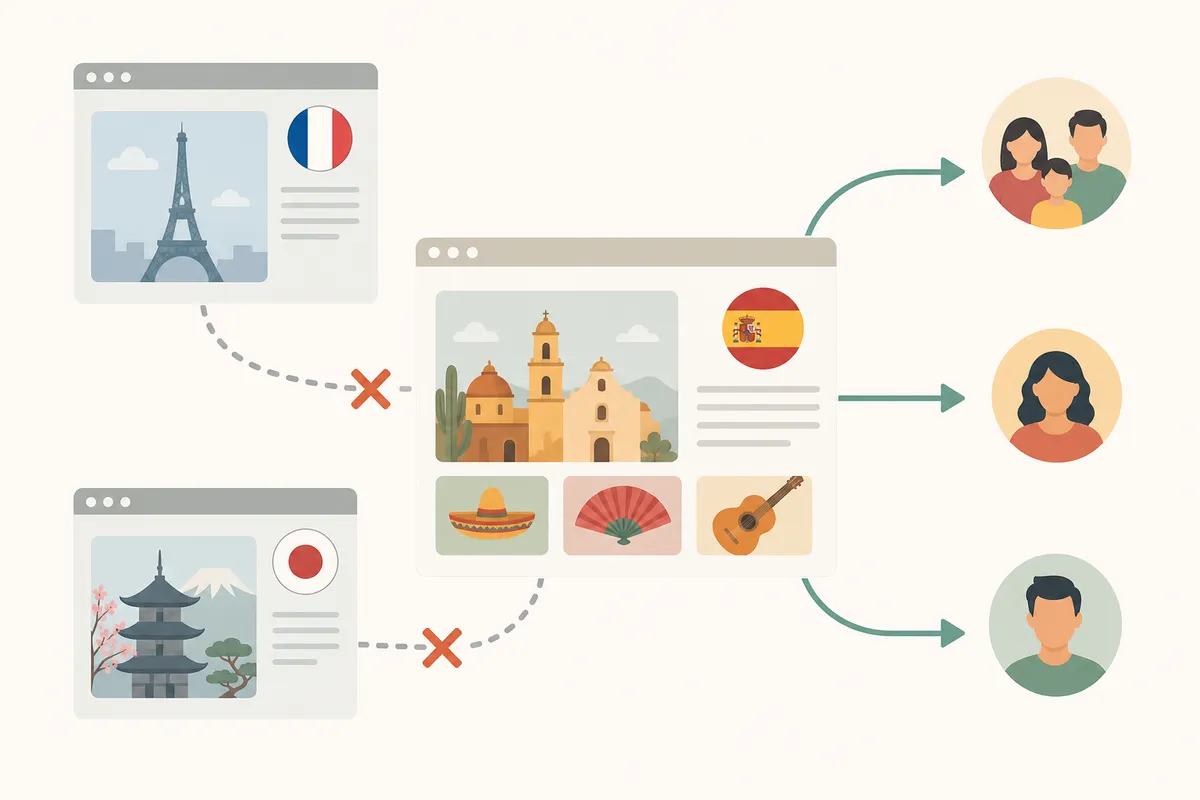
What hreflang Spanish tags need to say

A hreflang tag is a short HTML instruction that pairs a page with its translated or localized counterpart. The basic format looks like this:
<link rel="alternate" hreflang="es" href="https://example.com/es/producto" />
This line tells Google that the URL is the Spanish version of the content. The language portion, es, follows ISO 639-1. The country portion, when you add one like ES or MX, follows ISO 3166-1, the standard for two-letter country codes. Spanish makes this harder than most languages, because hundreds of millions of people speak it as a first language across more than 20 countries, so "Spanish" alone is often too vague.
Generic Spanish vs. country-specific Spanish
You have two real choices when tagging Spanish content, and the right one depends on how different your content is between regions.
| Approach | Code example | Best for | Downside if used wrong |
|---|---|---|---|
| Generic Spanish | es |
One Spanish page serving all Spanish-speaking visitors | Won't separate pricing, idioms or shipping details by country |
| Spain-specific | es-ES |
Content with Spain pricing, "vosotros" phrasing, or Spain-only offers | Mexican or Argentine visitors may see the wrong currency or terms |
| Mexico-specific | es-MX |
Content built for Mexican customers specifically | Needs its own page; can't double as the generic Spanish tag |
| Latin America (regional) | es-419 |
One page covering most of Latin America without a single-country lock | Doesn't match ISO country code lists exactly, so use it carefully |
| US Spanish-language | es-US |
Spanish content aimed at Spanish speakers inside the United States | Easy to confuse with es-MX if your audience overlaps |
If your business ships to Spain and Mexico, you may need different prices, checkout currencies or legal disclaimers for each, and in that case you should create separate es-ES and es-MX pages, each with a hreflang tag pointing to the other. If your Spanish content is identical everywhere, as with the same blog post or support article, a single es tag is simpler and spares you from maintaining pages that don't differ.
The same logic applies wherever one country has more than one language in play. A site targeting Canadian readers needs separate English and French tags, because treating two distinct audiences as one often misroutes the content. Spanish just spreads that problem across more countries.
The self-referencing rule
Every page in the cluster needs a tag that points to itself, whether it's the English original, the es-ES page or the es-MX page. It also needs tags pointing to every other version. Google Search Central has said this self-reference isn't strictly mandatory, but it's standard practice, and skipping it is one of the most common reasons hreflang clusters break. If you're unsure whether your Spanish page references itself correctly, this guide on fixing missing self-referencing hreflang walks through what to add and where.
How to fix hreflang for Spanish pages, step by step
Once you know which code you need, the fix happens in one of three places: the page's <head>, your XML sitemap, or your CMS's built-in translation settings.
Step 1: Confirm the problem first
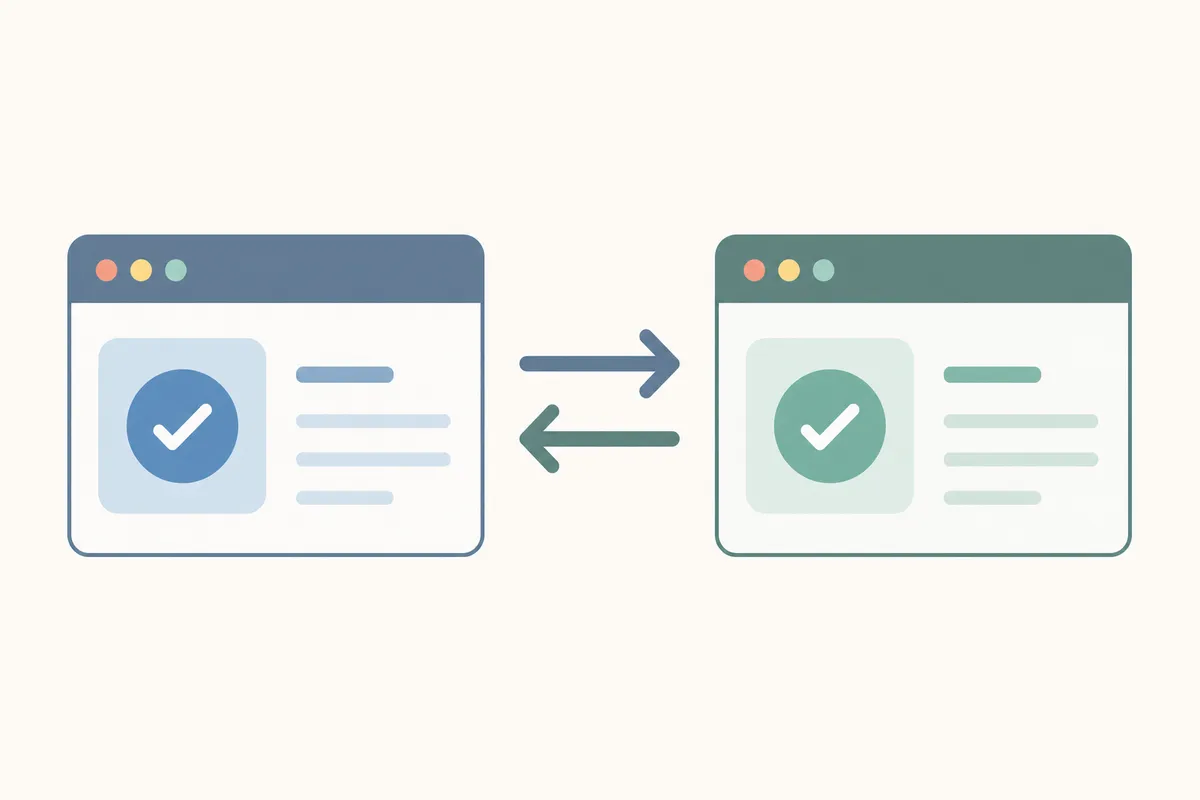
Run the English page and the Spanish page through the hreflang validator and compare the results side by side. You're looking for a valid language-region code, a matching pair of tags, and a self-referencing tag on each page. A matching pair means English points to Spanish and Spanish points back to English.
Step 2: Edit the page head (if you manage HTML directly)
If your site is built in plain HTML or a custom CMS without a translation plugin, open the page's <head> section and add one link element per language version. This is the block for the Spanish page, which lists the English page and itself:
<link rel="alternate" hreflang="en" href="https://example.com/product" />
<link rel="alternate" hreflang="es-mx" href="https://example.com/es-mx/producto" />
Repeat the full block of tags on every page in the cluster. The English page needs to list the Spanish page too.
Step 3: Use your CMS's language or translation settings
Most mainstream platforms generate hreflang automatically once you link two pages as translations of each other. Look for a setting named something like "Language" or "Translations" in the page or post editor's sidebar, where you'll also find a field to link the current page to its Spanish counterpart. Once the pages are linked, most platforms write the tags into the page head for you.
If your CMS has no native translation feature, check whether you're running a dedicated SEO or multilingual plugin. These usually add a "Translations" or "Language Switcher" panel to the editor screen, with a dropdown for the target language and a field to paste or select the matching URL.
Step 4: Submit through the sitemap (alternative method)
Instead of tags in the page head, you can declare hreflang relationships inside your XML sitemap. Large sites often do this because it keeps the tagging in one file instead of spreading it across thousands of pages. Each <url> entry lists its own address plus an <xhtml:link> entry for every language alternate, itself included.
Step 5: Re-validate
After publishing the change, run the Spanish URL back through the validator and confirm the pair resolves cleanly in both directions. A fix that updates only the English page, or only the Spanish page, will still show as broken. Hreflang is bidirectional by design, so half a fix is the same as no fix.
When your site's own tools are enough, and when they aren't
A free validator is usually all you need for a single, isolated problem. Auditing an entire multilingual site is a different job, and the line between the two sits roughly here.
| Situation | Free tool enough? | Why |
|---|---|---|
| One Spanish URL showing in the wrong country's results | Yes | A single-page check in the validator confirms the exact broken tag |
You just launched one new es-MX page |
Yes | One quick check before and after publishing catches most errors early |
| Your whole site has 50+ Spanish pages across several regions | Not alone | You need a crawl of every URL, not spot checks, to catch inconsistent patterns |
| Hreflang errors keep reappearing after each content update | Not alone | A recurring problem usually points to a template or CMS setting, which needs a developer to patch at the source |
You're migrating URL structures (e.g., moving /es/ to /es-mx/) |
Not alone | Migrations touch every tag at once, and a one-off check misses breaks that cascade across the cluster |
A recurring break across dozens of pages, or a site-wide migration, usually means the root cause lives in a template, a plugin setting or a redirect rule. Finding it takes someone who can look at the whole site's structure rather than one page at a time. If you want a broader read on how your site's setup compares to competitors, a sample SEO report covers more than hreflang alone.
Common hreflang Spanish mistakes (and how to avoid them)
Most Spanish hreflang errors fall into a small number of repeatable patterns.
| Mistake | What it looks like | Fix |
|---|---|---|
| Wrong language code | Using sp instead of the correct ISO code es |
Hreflang only recognizes valid ISO 639-1 codes; es is correct, sp is not a real code and gets ignored |
| Region code with no language code | Writing MX alone instead of es-MX |
Always put the language first and the region second, separated by a hyphen: es-MX, not MX or mx-es |
| One-directional tagging | English page links to Spanish, but Spanish page doesn't link back | Add the reciprocal tag on the Spanish page; hreflang only works as a confirmed pair |
| Missing self-reference | Spanish page lists English and other Spanish variants, but not itself | Add a tag on the Spanish page pointing to its own URL |
| Hreflang vs. canonical conflict | Spanish page tagged es-MX, but its canonical tag points to the English URL |
Make sure the canonical tag on each language page points to itself, not to another language version; a canonical checker will surface this mismatch directly |
| Auto-redirecting Spanish visitors | Server-side redirect sends every browser set to Spanish straight to /es/, overriding hreflang |
Let hreflang suggest the right page in search results; a forced redirect can trap users and confuse Google about which page to rank |
| Inconsistent URL structure | example.com/es-mx/page paired with example.es/page-alt |
Keep URL patterns consistent across all language versions so search engines can group them reliably |
The auto-redirect mistake deserves a closer look. Say your server detects a Spanish-language browser and force-redirects to the Spanish homepage, even though the person clicked a specific English URL. That breaks the experience Google was trying to deliver, and you can end up in a redirect loop that stops Google from indexing either version properly. For this reason Google Search Central specifically advises against automatically redirecting users based on their perceived language or location. Hreflang is a hint that search engines use when choosing which result to display, and it works alongside your pages rather than through a forced redirect that overrides user intent.
Why content parity still matters
Hreflang works best when the linked pages cover the same ground, even if the wording and currency differ. Say your English product page has three sections but your es-MX version has only one: Google may not treat them as true equivalents, and the hreflang signal carries less weight. Running the Spanish page through an on-page SEO checker for its target keyword is a reasonable way to confirm the translation is optimized for Spanish searchers and isn't a thin stub.

Researching the right Spanish keywords first
A page can have flawless hreflang tags and still underperform if the Spanish content targets the wrong terms. Spanish search behavior doesn't always mirror a direct translation of your English keywords, and Mexican Spanish and Spain Spanish often use different words for the same product. Before you finalize the page, run your core terms through a keyword suggestions tool for the relevant Spanish-speaking market, which saves a rewrite later. If you're building a Spanish section from scratch, a content idea generator can help map which topics are worth translating first.
How hreflang Spanish tags affect rankings and clicks
Hreflang doesn't directly push a page up the rankings. What it does is make sure the right version of your page shows up for the right searcher, which tends to lower bounce rate and improve the odds that someone clicks through and stays. A Spanish speaker in Mexico who lands on an es-ES page full of Spain-specific pricing is more likely to leave immediately than one who lands on a page written for them. The drop-off shows up in your click-through rate and engagement numbers even when the underlying page quality is identical.
Search engines also use hreflang to tell apart two kinds of duplicate content: the legitimate kind, such as the same product page translated into Spanish, and the accidental kind that should be consolidated. When the tags are right, Google treats your English and Spanish pages as intentional variants instead of competing duplicates.
If you're responsible for SEO across multiple markets, the resources section and the general SEO basics for small business guide both cover related technical groundwork beyond language targeting. SearchBlueprint also posts tool updates on the what's new page, among them changes to the hreflang validator itself, which is worth a glance if you're checking back after a few months.
FAQs
What's the correct hreflang code for Spanish?
Use es for Spanish speakers generally. To target a country, add its code after a hyphen: es-ES for Spain, es-MX for Mexico, es-US for US Spanish speakers. Use one only when you have a page built specifically for that country or region.
Can I use "sp" for Spanish in hreflang tags?
No. The correct code is es, as defined by ISO 639-1, the international standard for language codes. "sp" isn't a recognized language code, and search engines will ignore a tag that uses it.
Do I need separate pages for es-ES and es-MX, or can one Spanish page cover both?
One generic es page is fine if the content, pricing and terms are identical for every Spanish-speaking visitor. Create separate es-ES and es-MX pages only when pricing, currency, shipping or terminology genuinely differ between the two markets.
Why is Google still showing my English page to Spanish searchers?
The most common causes are a missing or one-directional hreflang tag, a canonical tag that points away from the Spanish page, or a hreflang code that's spelled incorrectly. Running the URL through a validator will usually show which of the three it is.
Does hreflang guarantee Google shows the exact page I intend?
No. Hreflang is a strong signal, and Google can still treat it as a hint. According to Google Search Central, Google generally respects hreflang but may choose a different version in edge cases, which is another reason to keep content parity and canonical tags consistent across every language version.
Check your Spanish pages right now
Hreflang Spanish setup is a small amount of markup with an outsized effect on whether the right audience ever sees your content. After you make changes, run your Spanish page through the hreflang validator again to confirm the pair resolves cleanly in both directions. If the audit turns up more than a single broken tag, or you can't tell whether the issue is a one-page fix or a template-wide problem, talk to the team and they can give you a clearer picture of what's happening across your site.
Sources
About the author
SearchBlueprint researched, wrote and scored this article with the content pipeline our customers run on their own sites. The score in the byline is what our content engine gave this page before it published. Nothing here is reviewed by hand, which is the point: it is the product's output, published where anyone can check it.