No Self-Referencing Hreflang? Here's the Fix, Step by Step
By Toy Wen Da, Co-Founder · · 6 min read · scored 92/100
A no self-referencing hreflang warning means one of your language or region pages doesn't list itself among its own hreflang alternates. Every URL in a hreflang set must point back to itself, not just to its sibling versions. The first thing to do is check which URL is missing its self-tag and add it.
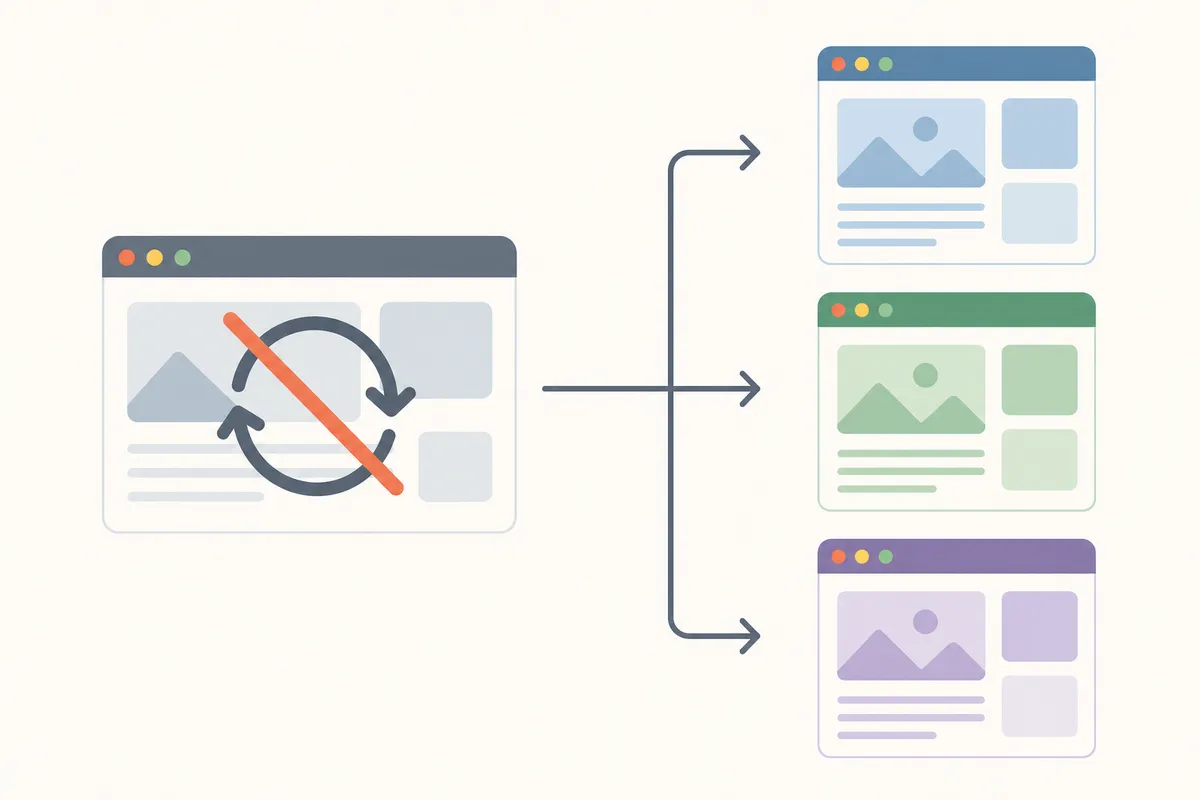
Before you touch any code, run the page through the free hreflang validator. Paste in the URL that's flagged, and it will show you every hreflang annotation it found, which one is missing a self-reference, and whether your return tags match up across the cluster. That's the fastest way to confirm the problem is real before you start editing templates.
What "No Self-Referencing Hreflang" Actually Means
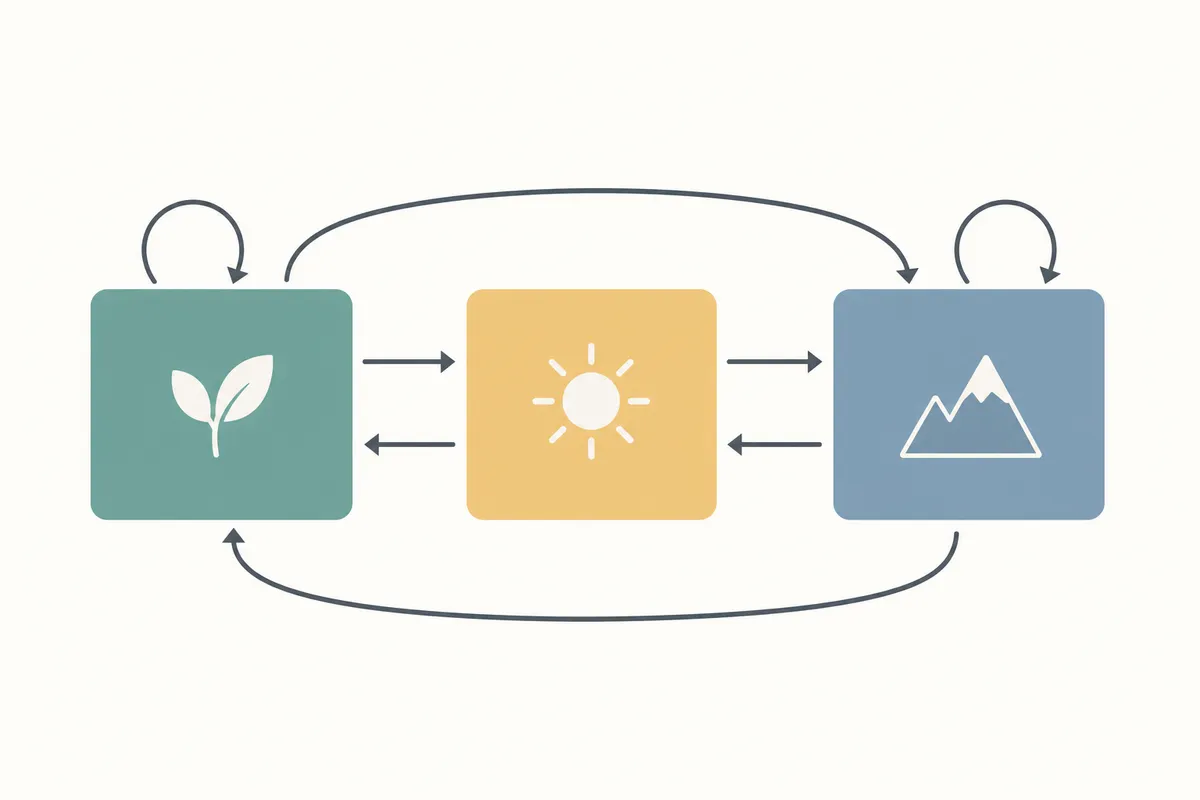
Hreflang tags tell search engines which page serves which language or region. Google's own documentation on international targeting is explicit that each page in a set should include a reference to itself, not just to its counterparts. If /en/ links to /fr/ and /de/ but never lists itself, the set is incomplete, even though the other pages might be configured correctly.
This is also a frequent topic on Google's Search Console help forums. In threads on the Google Search Central Community, contributors have confirmed repeatedly that hreflang annotations need to be reciprocal and self-inclusive, every URL, including the one currently being viewed, has to appear in its own alternates list. Skipping the self-reference is one of the most common reasons hreflang clusters get partially or fully ignored.
The language and region codes inside those tags aren't arbitrary either. Hreflang values are expected to follow the IETF's BCP 47 standard for language tags, and when a region is included, the ISO 3166-1 Alpha-2 code for that country. A missing self-tag is one failure mode; a self-tag with a code that doesn't match either standard is another, and it's worth ruling out while you're already checking the cluster.
Why This Happens in the First Place
A few patterns show up again and again:
- A developer templated the hreflang block to loop through "other" language versions and forgot to include the current page.
- A CMS plugin generates alternates automatically but only for translated pages it detects, excluding the source page.
- A migration or redesign dropped the self-tag when hreflang was moved from the page
<head>into an XML sitemap. - Manual edits added new language versions without updating the tag list on the original page.
Fixing It Inside Your Website
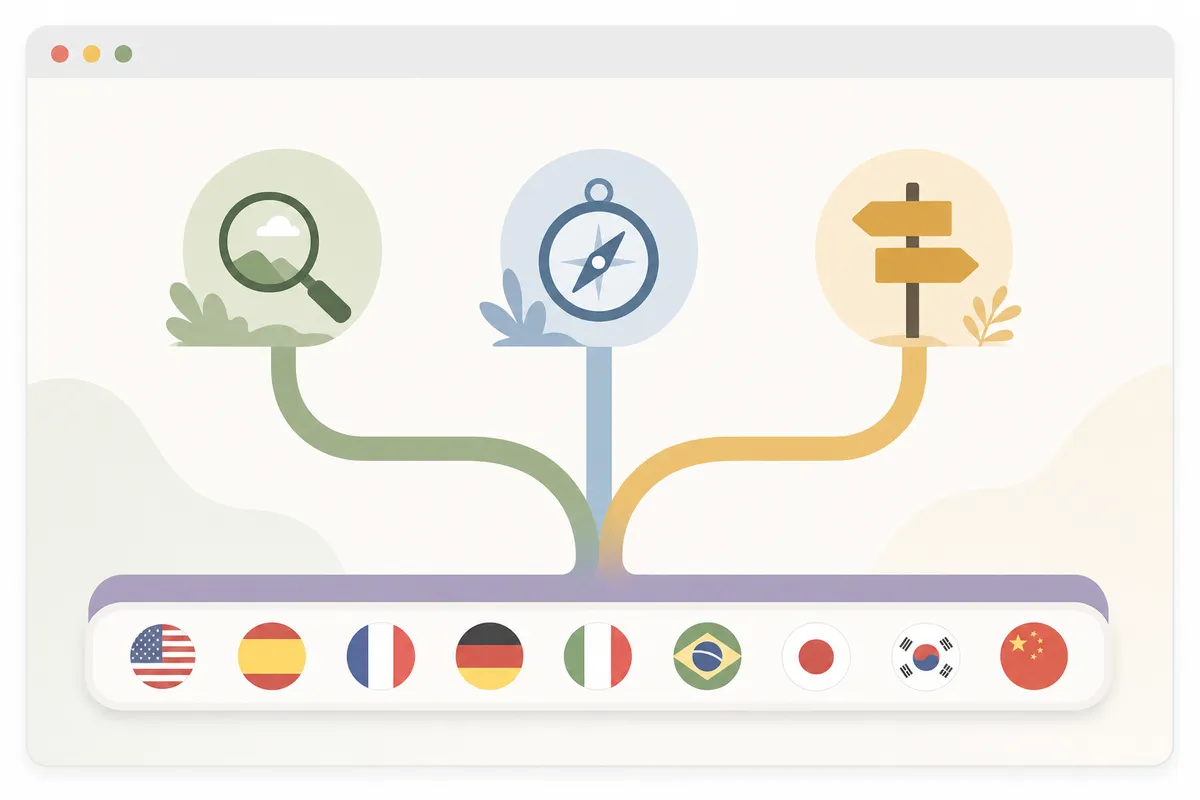
The steps differ slightly depending on how your hreflang is implemented, but the logic is the same everywhere.
- Find your implementation method. View the page source and search for
hreflang. You'll either see<link rel="alternate" hreflang="...">tags in the<head>, an HTTP response header, or no tags at all (meaning hreflang lives in your sitemap file). - Locate the list of alternates. If you're on WordPress with a multilingual plugin like WPML or Polylang, open the language or translation settings for that specific page and look for the section listing connected translations.
- Add the missing self-entry. The page's own URL and its own language/region code need to appear in that same list, exactly as the other versions do.
- Repeat for every page in the cluster. If three language versions link to each other, all three need a complete, self-inclusive set, not just the one that was originally flagged.
- Re-crawl and re-validate. Use the hreflang validator again on each URL to confirm the self-tag now appears and that return tags match.
When Your Website's Own Tools Are Enough, and When They Aren't

Checking a single flagged URL with a free tool is enough when you're dealing with one page, a one-off bug, or confirming a fix you just made. It's fast, free, and gives you a clear pass/fail on that URL.
It stops being enough once the problem is systemic, the same missing self-tag across dozens or hundreds of templated pages, or a recurring issue every time new language pages get published.
| Situation | Right Tool | Why |
|---|---|---|
| One flagged URL, checking before/after a fix | Free hreflang validator | Instant, no login, shows the exact tags found |
| Entire site, dozens of language pairs | Full site crawl (Screaming Frog, Sitebulb, or similar) | Finds every instance at once, not one URL at a time |
| Recurring issue after every new page publish | Template or CMS-level fix | A one-off patch won't survive the next publish cycle |
| Confirming Google's indexed view of international targeting | Search Console's International Targeting-style reports | Shows what Google actually processed, not just what's in your HTML |
Google's own Search Console Help documentation confirms that the International Targeting report reflects what Googlebot actually detected during crawling, which is why it's worth checking there even after your on-page fix validates clean.
Common Mistakes to Avoid
- Fixing only the flagged page. The whole cluster needs matching, self-inclusive hreflang sets.
- Adding a self-tag with the wrong language/region code. A typo here creates a new error instead of solving the old one.
- Mixing implementation methods. Don't have hreflang in both the sitemap and the page
<head>with conflicting values, pick one method per page. - Assuming a warning means a ranking penalty. It's a missed signal, not necessarily a manual action; still worth fixing promptly.
FAQs
Does a missing self-referencing hreflang tag hurt my rankings?
Not directly like a penalty, but it weakens Google's confidence in your international targeting setup, which can lead to the wrong version showing in the wrong market.
Can I fix this without a developer?
Often yes, if your CMS or multilingual plugin manages hreflang through a settings panel. If hreflang is hardcoded in templates, you'll likely need someone comfortable editing code.
Do I need to fix this on every page, or just the homepage?
Every page that's part of a hreflang set needs its own self-reference, this isn't a sitewide setting you flip once.
How long does it take Google to recognize the fix?
There's no fixed timeline; it depends on your crawl frequency. Re-check with a validator immediately to confirm the fix is live, then monitor your Search Console international reports over subsequent crawls.
Why can't I just ask Google support to check it for me?
Google doesn't offer direct phone or ticket support for this kind of issue, it's handled through documentation and community forums, which is also why self-diagnosis tools matter. This gap is covered in more detail in this breakdown of why there's no phone line for Search Console support.
Get a Full Picture of Your International SEO
Fixing one no self-referencing hreflang warning is a good start, but it's rarely the only international SEO issue hiding on a multilingual site. Talk to the team and get a sample report that shows exactly where your hreflang, canonical, and indexing signals stand across every language version you run.
Sources
About the author
SearchBlueprint researched, wrote and scored this article with the content pipeline our customers run on their own sites. The score in the byline is what our content engine gave this page before it published. Nothing here is reviewed by hand, which is the point: it is the product's output, published where anyone can check it.