Yoast SEO for Wix: Why It Won't Work (And What Does Instead)
By Toy Wen Da, Co-Founder · Updated · 9 min read · scored 94/100
You can't install Yoast SEO on Wix. Yoast is a WordPress plugin and Wix doesn't run WordPress plugins, so the thing to look for is Wix's own SEO toolkit: SEO Wiz, the Advanced SEO panel, and the SEO (Google) tab on every page.
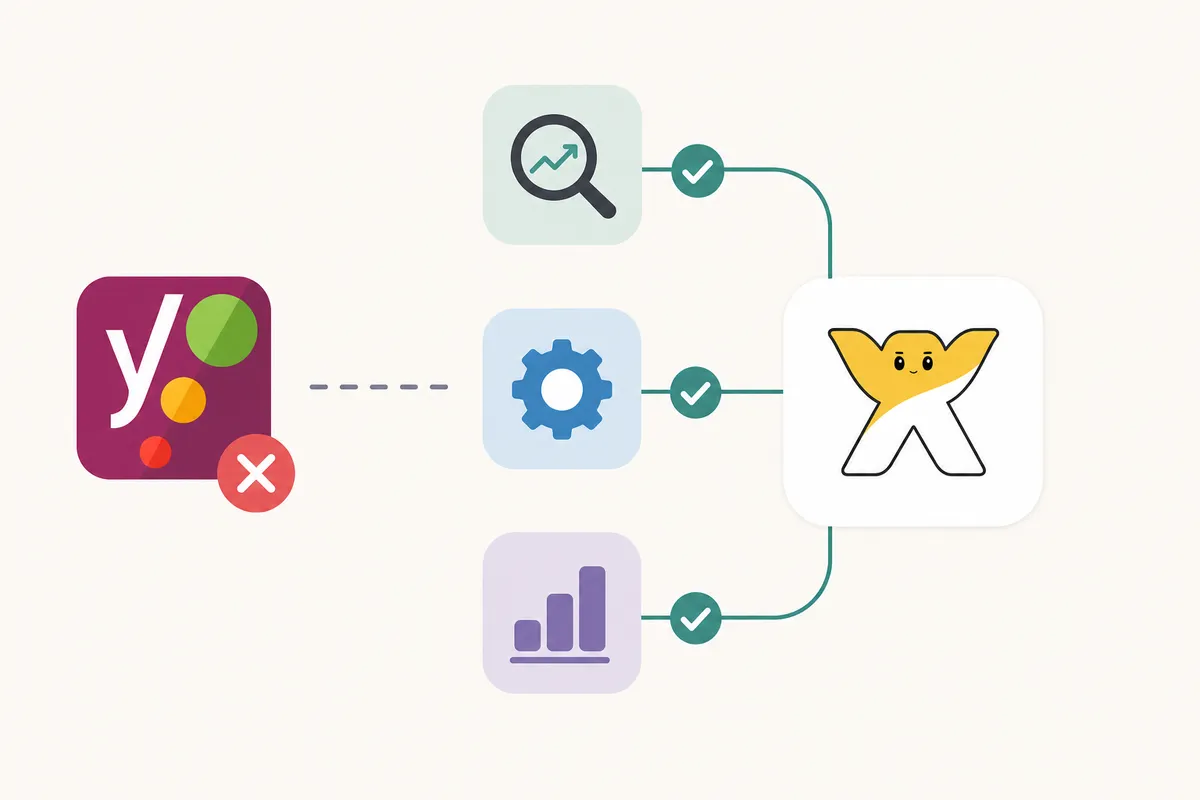
SearchBlueprint for Wix walks through that toolkit page by page, so you know which Wix setting does the job Yoast would handle on WordPress. It suits someone who already knows what Yoast checks for and wants the Wix equivalent in order, without a generic "10 SEO tips" list.
Why Yoast SEO doesn't work on Wix
Yoast plugs directly into WordPress's architecture. It hooks into the page editor, the theme files and the WordPress database to write meta tags, build XML sitemaps and generate schema markup. Wix is a closed, hosted platform without that kind of file structure, so a WordPress plugin has nowhere to attach.

What Yoast actually is
Yoast launched in 2008 and, according to its own WordPress.org plugin listing, now runs on more than 10 million websites. Many people associate it with "SEO settings" because it put a traffic-light system (red, orange, green) in front of WordPress users while they wrote. So plenty of people searching for Yoast on Wix already know what good on-page SEO looks like and are simply on a platform that can't host the tool that taught them.
Why people still search for it
Most of these searches come from someone who switched from WordPress and misses the familiar interface, or from someone who read a generic SEO guide that assumes every site runs WordPress. Neither case leaves you stuck, because Wix's settings cover the same ground Yoast does (title tags, meta descriptions, canonical URLs, sitemaps and structured data) through a different interface.
What Wix gives you instead of Yoast SEO

Wix bundles the same jobs into three places.
SEO Wiz
SEO Wiz is Wix's guided setup wizard. You answer a few questions about your business and goals, and it generates a personalized checklist covering keyword targeting, page titles and basic technical fixes. You'll find it in your site dashboard under the SEO section, and it works as a starting point rather than a replacement for ongoing optimization.
The SEO (Google) tab
Every page in Wix has its own SEO settings, usually reached by opening the page's settings and selecting the SEO tab. There you set the page title, meta description, URL slug and whether the page should be indexed at all, which is the direct equivalent of Yoast's metabox under a WordPress post editor.
The Advanced SEO panel
For site-wide control, Wix offers an Advanced SEO panel inside the Marketing & SEO section of your dashboard. It's where you manage structured data markup, review indexing status, connect Google Search Console and check crawl issues across the whole site instead of one page at a time.
Step-by-step: setting up SEO on Wix without Yoast
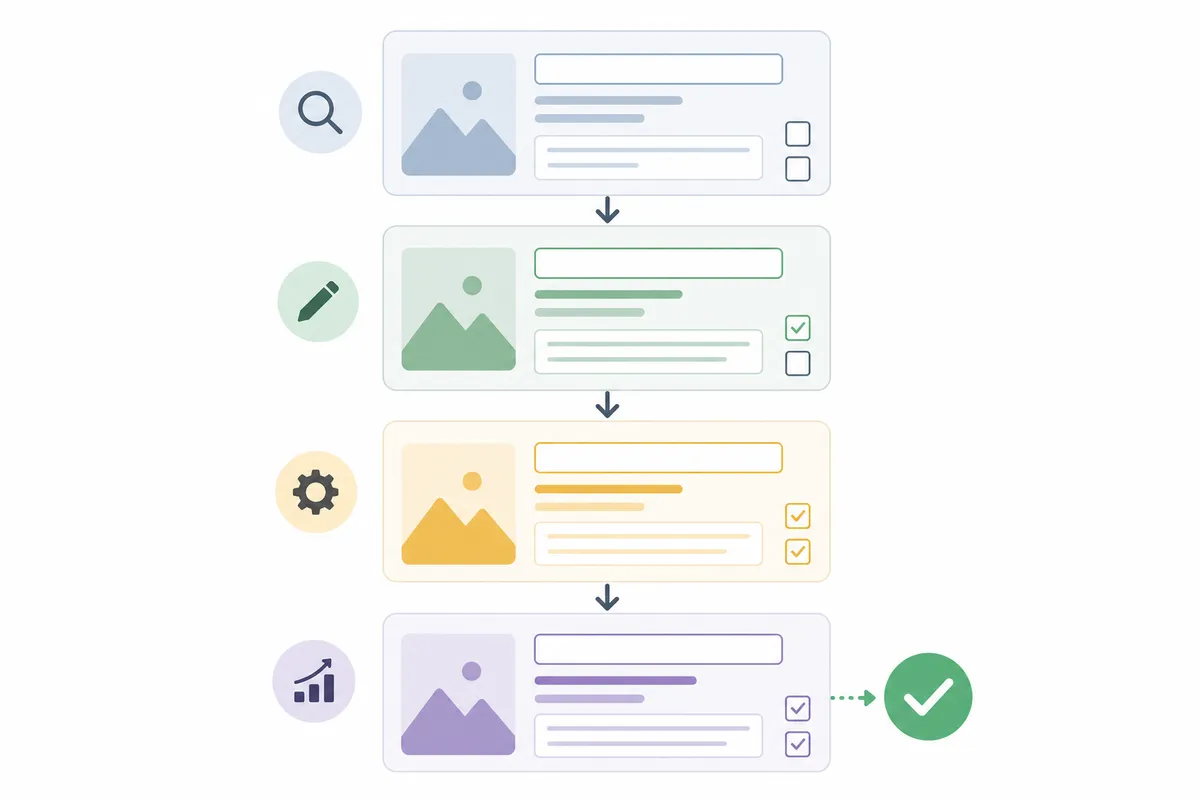
- Run SEO Wiz first. It builds your starting checklist and flags the biggest gaps on day one.
- Open each page's SEO settings and write a unique title and meta description for every page, rather than letting Wix auto-fill them from body text.
- Replace default slugs like page-2 with readable ones such as /seo-for-wix-guide.
- Add alt text to every image by selecting it, opening its settings and writing a short, accurate description. This also helps visually impaired visitors who use screen readers, as outlined in the Web Content Accessibility Guidelines.
- Set your heading structure with one H1 per page, H2s for main sections and H3s for sub-points. Wix lets you assign these directly in the editor.
- Connect Google Search Console from the Marketing & SEO section of your dashboard, which lets you track indexing and search performance.
- Check your structured data in the Advanced SEO panel, which shows what schema markup Wix has generated automatically and where gaps remain.
- Review site speed with Wix's built-in performance tools, which flag large images and heavy third-party apps that slow pages down.
Yoast SEO vs Wix's built-in SEO tools

| Feature | Yoast SEO (WordPress) | Wix Built-In Tools | Winner for Wix Users |
|---|---|---|---|
| Title tag and meta description editing | Per-post metabox with live preview | SEO (Google) tab per page | Tie, both cover it |
| XML sitemap generation | Automatic, with manual exclusions | Automatic, limited manual control | Yoast (more control) |
| Schema/structured data | Deep Schema.org integration, many types | Automatic basic schema, less customizable | Yoast (more depth) |
| Guided setup for beginners | Step-by-step configuration wizard | SEO Wiz checklist | Tie, both guide new users |
| Site-wide technical audit | Needs a separate crawler for full audits | Advanced SEO panel covers some, not all | Neither, use a dedicated SEO audit tool |
| Platform dependency | WordPress only | Wix only, no install needed | Wix (zero setup) |
Neither tool wins outright because each serves a different platform, so the question that matters is which platform your site runs on.
When Wix's own SEO tools are enough, and when they aren't
Most Wix guides skip this part.
One page vs the whole site
If you're fixing a single underperforming page with a thin meta description, a missing alt tag or a wrong canonical, Wix's SEO (Google) tab handles it in minutes without any extra tool.
Understanding why 40 pages across your site are thin, duplicated or poorly linked is a different job, since a single-page tab won't show you that pattern. You need something that looks across the whole site at once, and CMS-specific SEO guidance built for platforms like Wix is more useful there than editing one settings tab at a time.
A one-off fix vs a recurring problem
Renaming a slug, adding schema to a product page or fixing a broken redirect sits squarely inside what Wix's dashboard was built for.
A recurring problem looks different. If every new blog post needs the same title-tag cleanup, images keep going live without alt text, or rankings slip month over month, you have a process gap rather than a settings gap. You then need ongoing monitoring instead of a one-time checklist, however good SEO Wiz's first pass was.
Common mistakes when looking for "Yoast for Wix"
- Trying to install a WordPress .zip file on Wix. Wix has no plugin upload feature that accepts WordPress plugins, and the cause is incompatible platforms rather than permissions.
- Assuming Wix auto-optimizes everything. Wix generates basic tags automatically, but titles, descriptions and alt text still need a human to write them well.
- Skipping the Advanced SEO panel. Many site owners only touch the per-page SEO tab and never check site-wide indexing or structured data status.
- Confusing SEO Wiz with a WordPress migration plan. SEO Wiz optimizes your current Wix site and doesn't move your content anywhere.
- Forgetting mobile rendering. Google's search documentation confirms mobile-first indexing is standard practice, so a page that looks fine on desktop but breaks on mobile hurts rankings on Wix just as it would on WordPress.
If you outgrow Wix: moving to WordPress
Some businesses do move off Wix, usually because they need deeper customization, a specific plugin ecosystem or ecommerce features beyond Wix's built-in store. If that's your path, Yoast SEO becomes relevant again after the migration.
On WordPress, Yoast is most commonly compared against All in One SEO, and the choice matters enough that it's worth reading how All in One SEO stacks up against Yoast before committing to either. If your WordPress site also sells products, pairing Yoast with WooCommerce needs its own setup pass, and there's a full checklist for getting Yoast SEO configured on WooCommerce product pages to follow in order.
Not every migration leads to WordPress. Some teams move to static, git-based sites with an SEO workflow separate from both Wix and Yoast, and you can see how SEO works for sites built and deployed through GitHub if that's closer to your stack.
If you're an agency or in-house marketer making this decision for a client in a regulated field, the stakes of the platform and plugin choice go up. A CPA firm's SEO fixes translated into actual new clients is a useful example of what's worth prioritizing once the platform question is settled.
FAQs
Can you install Yoast SEO on a Wix website?
No. Yoast SEO is built exclusively for WordPress and relies on WordPress's plugin architecture. Wix doesn't support WordPress plugins of any kind, so there's no install path, workaround or hidden setting that makes it possible.
What's the closest Wix equivalent to Yoast SEO?
SEO Wiz, the per-page SEO (Google) tab and the Advanced SEO panel together cover most of what Yoast handles on WordPress: title tags, meta descriptions, sitemaps and structured data.
Does Wix generate an XML sitemap automatically?
Yes. Wix creates and updates a sitemap as you publish or change pages, so you don't need a plugin like Yoast to generate one manually.
Should I move my Wix site to WordPress just to use Yoast SEO?
Not for that reason alone. Wix's built-in tools cover the fundamentals well, so migrate only if you need WordPress-specific features, deeper plugin options, more flexible theming or advanced ecommerce. Treat Yoast as a bonus of that move and not the reason for it.
Does Wix support schema markup the way Yoast does?
Wix generates some structured data automatically and lets you add more through the Advanced SEO panel. It's less granular than Yoast's schema controls on WordPress, which cover more Schema.org types with finer manual control.
Get the Wix settings right the first time
The Yoast plugin you're searching for doesn't exist on this platform, so go straight to SEO Wiz, the SEO (Google) tab and the Advanced SEO panel, where the real fixes live. If you want a clear picture of where your Wix site stands right now, talk to the team and get a sample report that shows what to fix first.
Resources / References
Sources
About the author
SearchBlueprint researched, wrote and scored this article with the content pipeline our customers run on their own sites. The score in the byline is what our content engine gave this page before it published. Nothing here is reviewed by hand, which is the point: it is the product's output, published where anyone can check it.