Does GoHighLevel Host Websites? Yes, Here's How It Works
By Toy Wen Da, Co-Founder · Updated · 9 min read · scored 90/100
Yes, GoHighLevel hosts websites natively. Every site you build in its Sites builder (formerly Funnels) lives on HighLevel's own servers, and your subscription bundles hosting with a content delivery network and SSL, so you never buy separate hosting. To start, open the Sites tab and either launch a template or connect a domain you already own.

What "hosting" means inside GoHighLevel

Where your site actually lives
People who ask whether GoHighLevel hosts websites usually want to know if they need a separate company like Bluehost or SiteGround. They don't, because every page built in the Sites or Funnels tool is served directly from GoHighLevel's infrastructure. There is no cPanel or FTP and no server to manage.
Many page builders only design your site and then hand you a file to upload elsewhere. GoHighLevel keeps design, hosting, domain and SSL inside one subscription, which is the core reason agencies adopt it: one login, one bill, and one place for clients to see their site.
What's included and what you still manage
GoHighLevel handles hosting and uptime, bandwidth included. You still manage the domain registration itself unless you buy it through the platform, and you're responsible for the content and for third-party integrations such as forms or booking widgets, plus tracking pixels. GoHighLevel's own support documentation, published at help.gohighlevel.com, groups this functionality under "Funnels and Websites," a category with more than 100 individual help articles on topics from template launches to funnel analytics by country and city.
How to set up hosting inside GoHighLevel, step by step
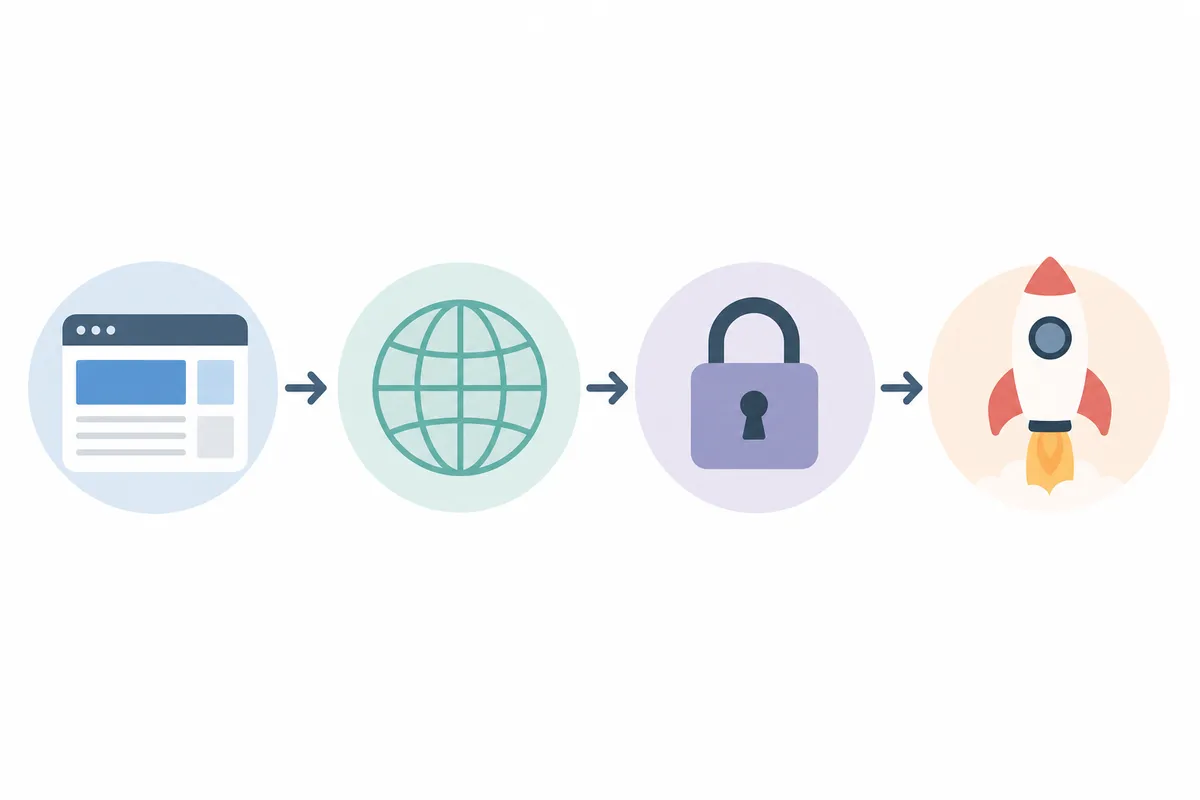
Setting up a hosted website in GoHighLevel takes four stages: build, connect a domain, confirm SSL and go live. None of them involves a server.
Building the site
- Open the sub-account where you want the site to live.
- Go to the Sites section in the left-hand menu. Some accounts still show it as Funnels, depending on when the account was created.
- Choose Launch a Website From Template for a faster start, or Launch a Website from Blank if you're building from scratch.
- Use the drag-and-drop builder to add pages, forms and calendar embeds.
Connecting a custom domain
Once the design is ready, you need a domain pointing at the hosted site.
- Inside the site settings, find the Domains section.
- Add the domain you want to use for this site.
- If you already own the domain through a registrar like GoDaddy or Namecheap, update the DNS records there to point to GoHighLevel.
- If you don't own a domain yet, GoHighLevel lets you search for and purchase one without leaving the platform.
Confirming SSL and going live
GoHighLevel issues an SSL certificate automatically once your domain is correctly connected, following the same validation standards the CA/Browser Forum sets for certificate authorities across the web. Issuance can take anywhere from a few minutes to a few hours depending on DNS propagation, so check the domain's status in the Domains panel before publishing. A domain that still shows as pending shouldn't be shared with customers yet, since visitors may hit a security warning. Once it shows as connected and secured, publish the site and it's live on GoHighLevel's hosting.
GoHighLevel hosting vs. running WordPress through GoHighLevel

Some agencies don't want to migrate an existing WordPress site into GoHighLevel's native builder, so they keep WordPress and use GoHighLevel's tools alongside it, usually through the LeadConnector WordPress plugin. GoHighLevel also now offers its own WordPress hosting option for agencies that want WordPress specifically but still want one bill.
| Approach | Where it's hosted | What you control | Best for | Known limitation |
|---|---|---|---|---|
| Native GoHighLevel Sites/Funnels | GoHighLevel's servers | Design, domain, forms and SSL, all in one place | New sites, landing pages, funnels and simple business sites | No raw HTML file import; a request for this sits in HighLevel's roadmap with 28 votes, listed as "upcoming" |
| LeadConnector plugin on existing WordPress | Your WordPress host | Full WordPress flexibility, plus GoHighLevel forms and calendars embedded | Agencies with clients already committed to WordPress | Embedded forms can load slowly enough to hurt page speed scores, an issue with 11 votes on HighLevel's feedback board |
| GoHighLevel's own WordPress hosting | GoHighLevel's servers, running WordPress | Standard WordPress plugins and themes, billed through GoHighLevel | Agencies that want WordPress without a separate host | No WordPress multisite support yet, and Cloudflare's full proxy ("orange cloud") protection is marked "planned" and isn't live |
The deciding factor is usually how much WordPress-specific functionality the site needs, weighed against the value of keeping everything under one roof.
When GoHighLevel's built-in hosting is enough
A single landing page or funnel
If you need one page or a short funnel for a campaign, GoHighLevel's hosting is genuinely enough. It sets up fast and SSL is automatic, with no separate host to pay for. This is the use case GoHighLevel was originally built for, and it still handles it well.
A full marketing website
For a small business website with five to twenty pages, GoHighLevel's native hosting generally covers it too. You get SSL and a CDN along with your domain, with no extra vendors. The honest caveat is that the builder's design flexibility is more limited than WordPress with a premium theme, so highly custom layouts take more workarounds.
A growing content site or blog
Here the answer depends on how much you publish. GoHighLevel's blog tool works fine for publishing, but agencies have requested, in a feature request with 7 votes, the ability to write content inside GoHighLevel and auto-distribute it to a separate WordPress blog. That suggests teams running larger content operations still find the native blog limiting for scale and design control.
A one-off landing page is fully solved by GoHighLevel's hosting alone. A recurring publishing engine meant to rank needs more, because the pages still need proper indexing, structured data and a backlink strategy, which is a separate problem from where the site lives. Our guide on what search engine indexing is and why pages get skipped explains this further. A hosted, published page doesn't automatically show up in Google.

Common mistakes people make with GoHighLevel hosting
| Mistake | Why it hurts | The fix |
|---|---|---|
| Publishing before the domain fully connects | Visitors may see a security warning or the old site | Wait until the Domains panel shows the domain as fully connected before sharing the link |
| Assuming raw HTML templates can be uploaded | GoHighLevel's builder doesn't yet support importing pre-built raw HTML files | Rebuild the design in the native editor, or keep that site on its current host and link to it |
| Embedding too many third-party forms on one page | Each embed adds load time, which has been flagged as a page speed problem | Use GoHighLevel's native forms where possible instead of embedding external ones |
| Treating hosting as the whole SEO strategy | A hosted, published site with no technical SEO work still won't rank | Run the site through an audit and fix indexing and schema problems and content gaps separately |
| Skipping DNS verification after a domain move | SSL can fail to reissue, breaking the site for visitors | Recheck the domain status screen any time you change registrars or DNS providers |
Getting found after you're hosted: SEO inside GoHighLevel
Hosting a website and getting it found in Google are two different problems, and GoHighLevel solves only the first.
Indexing and technical SEO
A site hosted on GoHighLevel still needs to be crawled and indexed correctly. Orphaned pages, and pages that are blocked or thin on content, can get skipped entirely however reliable the hosting is. Google's own Search Central documentation confirms that page-level signals drive crawling and indexing, and server location doesn't enter into it. If a page genuinely isn't appearing in search results, run through indexing basics before touching anything else.
Structured data and schema
GoHighLevel websites don't automatically carry full structured data the way a well-configured WordPress or Webflow site might. Adding schema markup helps search engines and AI tools understand what a page is about. The markup is based on the Schema.org vocabulary, a standard maintained jointly by Google, Microsoft, Yahoo and Yandex. If you're not sure what that involves, start with this breakdown of what schema markup actually does for SEO, which walks through it in plain terms. This piece on structured data's effect on rankings and AI search covers the rest.
Backlinks and off-site authority
Hosting location has no bearing on domain authority, so a GoHighLevel-hosted site still needs backlinks from relevant, trustworthy sites to rank competitively. If you're building a link profile, this list of backlink sites worth pursuing, and ones to skip is a reasonable starting filter.
Showing up in AI answers
More searches now get answered directly by AI tools before a user ever clicks a result, and a GoHighLevel site has the same shot at this as any other, provided the content is structured clearly. This look at what AI SEO actually does, and where it falls short, is worth reading first, since AI visibility doesn't always work the same way as classic ranking.
Reputation and local signals
For local businesses, reviews and a verified Google Business Profile matter as much as the website itself. GoHighLevel has reputation management tools built in, and connecting them properly matters for local pack visibility. See this step-by-step reputation management setup for the walkthrough. For the technical side of profile data, see how the Google Business Profile API works and how to get access.
Once the site is hosted and these pieces are in place, it's worth knowing what a proper technical check costs. If you'd rather not do it all manually, this 2026 price breakdown of SEO audit costs lays out typical ranges.
FAQs
Does GoHighLevel host websites for free?
Hosting is bundled into GoHighLevel's paid plans that include the Sites or Funnels feature. There's no separate hosting fee, but you do need an active GoHighLevel subscription, and there isn't a standalone free hosting tier outside a trial.
Can I move an existing WordPress site onto GoHighLevel hosting?
You can rebuild the site inside GoHighLevel's native editor, or keep the WordPress site on its current host and connect it to GoHighLevel using the LeadConnector plugin. Direct raw HTML or file-based migration isn't supported yet.
Does GoHighLevel include SSL certificates?
Yes. Once a domain is correctly connected in the Domains settings, GoHighLevel issues and manages an SSL certificate automatically, at no extra cost beyond the subscription.
Will my GoHighLevel website show up in Google search results?
Being hosted on GoHighLevel doesn't guarantee ranking. The site still needs to be indexed correctly, have clean on-page SEO and ideally some backlinks, the same bar as a site hosted anywhere else.
Is GoHighLevel hosting reliable enough for a client-facing business site?
For most small-business and agency use cases, yes, since it's built to carry live client sites and funnels. The honest limits are design flexibility and advanced custom development, and reliability isn't among them.
Talk to the team about what your hosted site is missing
Hosting settles where your site lives but says nothing about whether anyone finds it. The next step is seeing exactly what's blocking your site from ranking or getting cited by AI tools. Talk to the team and get a sample report showing what's happening with your site right now.
About the author
SearchBlueprint researched, wrote and scored this article with the content pipeline our customers run on their own sites. The score in the byline is what our content engine gave this page before it published. Nothing here is reviewed by hand, which is the point: it is the product's output, published where anyone can check it.