Submit XML Sitemap to Bing: Fix Missing Pages in Minutes
By Toy Wen Da, Co-Founder · · 6 min read · scored 94/100
To submit your XML sitemap to Bing, verify your site in Bing Webmaster Tools, open the Sitemaps section, and paste in your sitemap's full URL (for example, yoursite.com/sitemap.xml). Bing then crawls the file and starts discovering the URLs listed inside it, usually within a few hours to a couple of days.
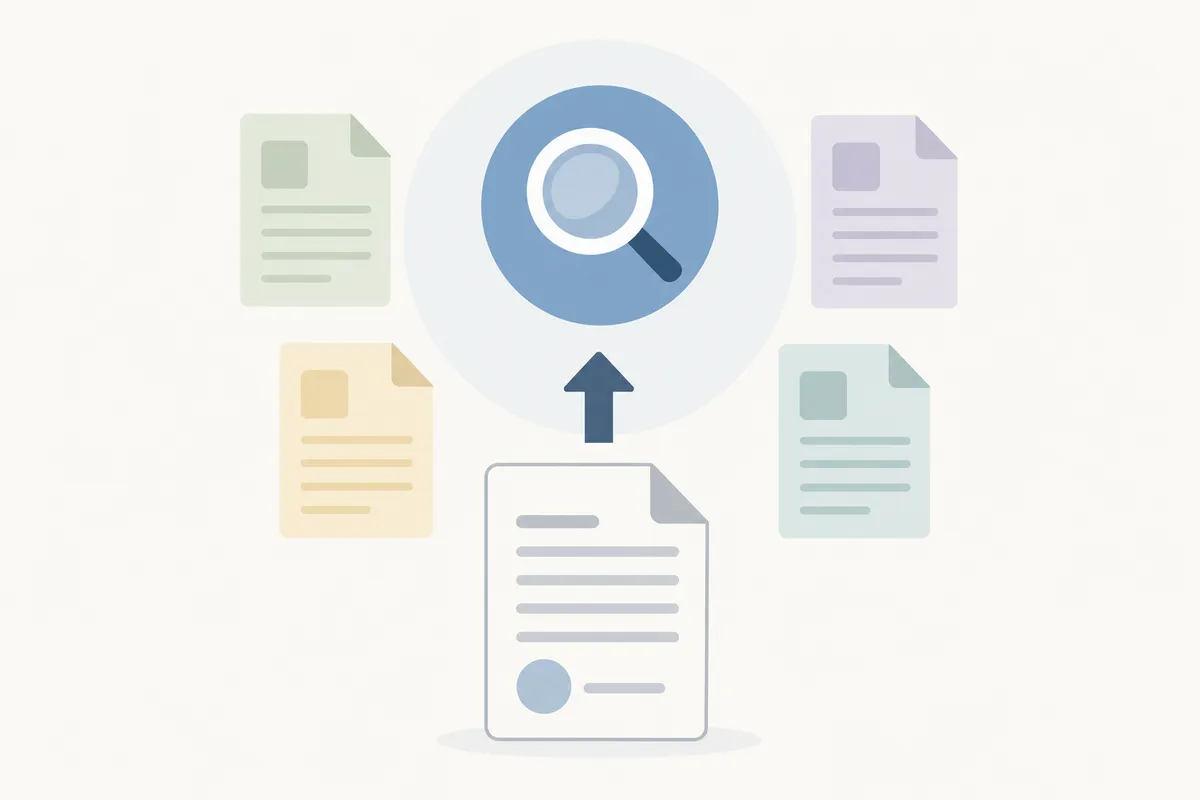
Before you touch Bing Webmaster Tools, check that the sitemap file itself is clean. Run it through the free Sitemap Checker to confirm the URL loads, the XML is valid, and every link inside it actually resolves. A sitemap with broken links or a wrong content type will submit "successfully" and still fail to get your pages indexed, so this is the step most guides skip.
Step-by-Step: Submit Your Sitemap in Bing Webmaster Tools
Here's the actual path, as the interface is laid out today.
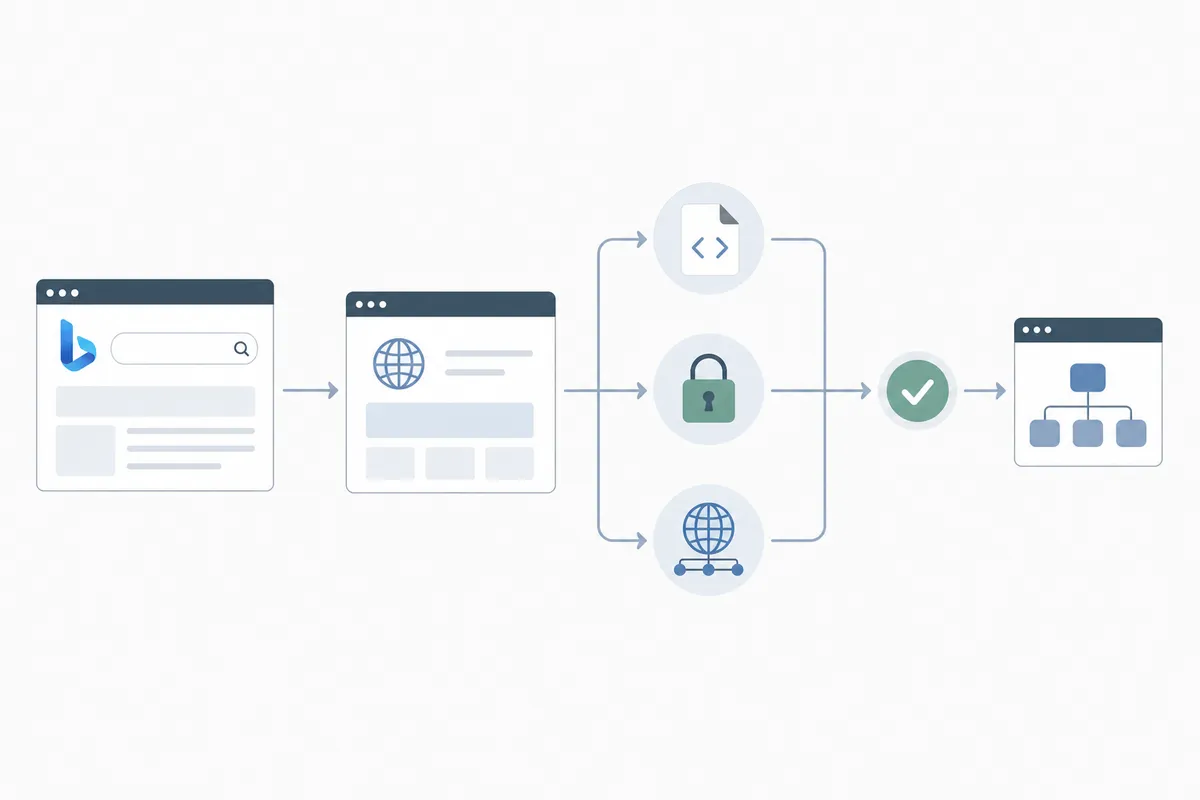
Step 1: Verify your site ownership
Go to Bing Webmaster Tools and sign in. If your site isn't added yet, use Add a site, enter the URL, then verify it with one of the offered methods, an XML file upload, a meta tag, or DNS record. Bing also lets you import a verified property directly from Google Search Console, which skips the manual verification step entirely.
Step 2: Open the Sitemaps section
Once your site is verified and selected in the dashboard, look in the left-hand menu for Sitemaps, usually grouped under a "Configure My Site" or similar heading. This is the screen where every sitemap you submit to Bing gets listed, along with its last-crawled date and discovered URL count.
Step 3: Submit the sitemap URL
Click Submit sitemap, type or paste the full sitemap address, and confirm. Use the complete path,https://yoursite.com/sitemap.xml, not just the domain. If your site uses a sitemap index file that points to several smaller sitemaps, submit the index file; Bing will follow the links inside it automatically.
Step 4: Check the submission status
After submission, the sitemap row shows a status: discovered, pending, or an error. Give it a day or two before worrying about a "pending" state, Bing doesn't crawl on a fixed schedule, and processing time varies by site size and how often your pages change.
When Bing Webmaster Tools Is Enough, and When It Isn't

Submitting a sitemap to Bing solves the discovery problem: it tells Bing your pages exist. It doesn't guarantee indexing, and it isn't the right tool for every situation. Here's how to tell which camp you're in.
| Situation | Bing Webmaster Tools alone | What you actually need |
|---|---|---|
| One URL missing from Bing's index | Yes, use URL Submission inside Bing Webmaster Tools for instant, single-page requests | Nothing extra; this is a one-off fix |
| Whole sitemap not being crawled | Partially, resubmitting can nudge a stalled crawl | Check the sitemap file itself for a server error, bad XML, or a block in robots.txt |
| Same pages drop out of the index repeatedly | No | A recurring pattern means something structural, duplicate content, thin pages, or a sitemap listing URLs that 404 |
| New site, no history with Bing | Yes | Submission plus patience; new domains take longer to build crawl trust |
| Large site (10,000+ URLs) with partial indexing | Partially | Split into multiple sitemaps by section so Bing can prioritize crawling, and monitor each one separately |
If you're dealing with a one-off, the dashboard is genuinely enough. If the same problem keeps coming back, the sitemap submission isn't the issue, something upstream is.
Common Mistakes When Submitting a Sitemap to Bing
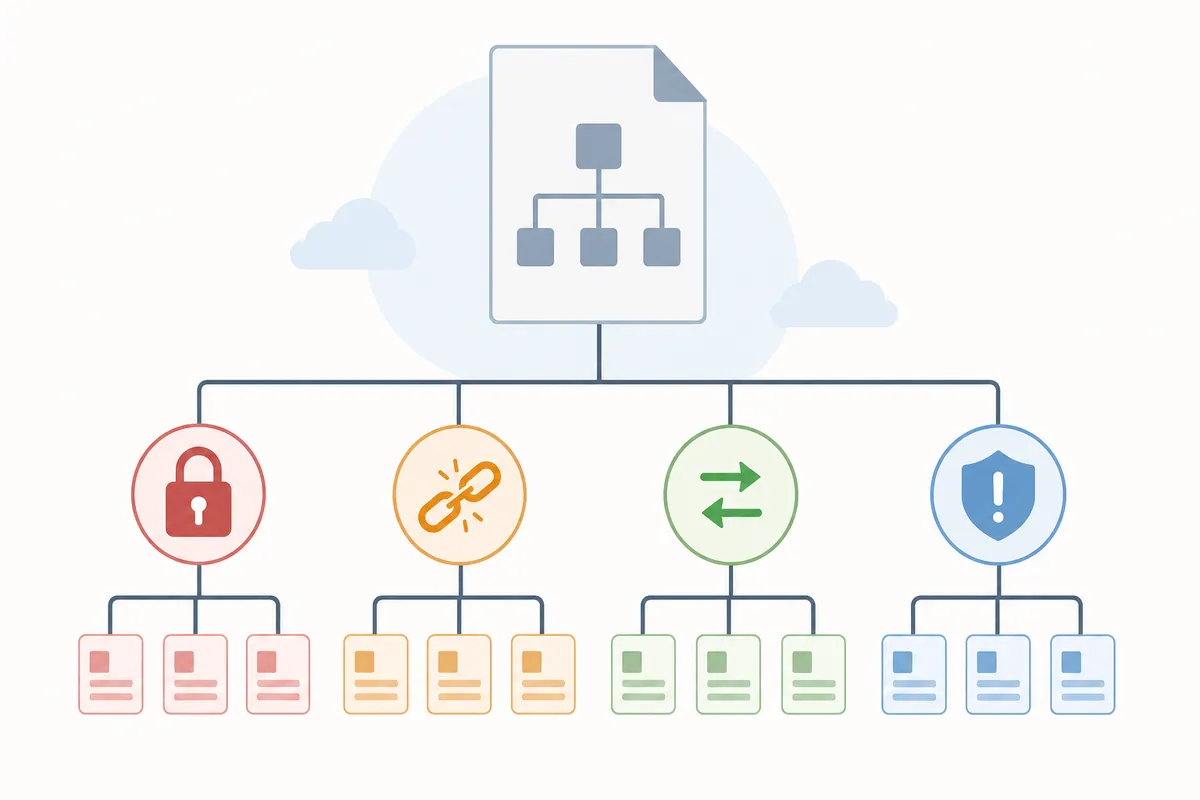
Most failed submissions trace back to a handful of repeat issues:
| Mistake | What happens | Fix |
|---|---|---|
| Submitting the sitemap URL instead of the full path | Bing can't find the file | Always use the complete URL ending in .xml |
| Sitemap blocked by robots.txt | Bing reports a fetch error | Remove any disallow rule covering the sitemap path |
| URLs in the sitemap return 404 or redirect | Bing marks them as errors and skips them | Regenerate the sitemap so it only lists live, 200-status pages |
| Site not verified in Bing Webmaster Tools | Submission option isn't available | Verify ownership first, then submit |
| Sitemap never updated after site changes | New pages never get discovered | Use a sitemap that regenerates automatically, like the one from the Free XML Sitemap Generator |
Note that submitting a sitemap to Bing more than once a day does nothing extra, resubmission doesn't speed up crawling, it just re-registers the same file.
CMS-Specific Notes
The mechanics change slightly depending on your platform. WordPress sites typically auto-generate a sitemap you can check against your own records, covered in this guide to finding, reading, and fixing wp-sitemap.xml. Drupal sites need their sitemap module configured correctly before Bing can crawl it cleanly, see generating and submitting a Drupal XML sitemap. If your pages rely heavily on images for search traffic, a standard sitemap won't carry image metadata; that needs a dedicated image sitemap submitted separately.
If you don't have a sitemap file at all yet, or you're not sure the one you have is current, the Free XML Sitemap Generator crawls your site and builds one you can submit directly.
According to Microsoft's own Bing Webmaster Tools documentation, sitemaps are one of several signals Bing uses for discovery, alongside regular crawling and links, submission speeds up discovery but doesn't override how Bing evaluates a page for indexing.
FAQs
How long does it take for Bing to crawl a submitted sitemap?
It varies. Some sites see sitemap activity within hours; others take a few days, especially on newer domains with less crawl history. There's no fixed timeline Bing publishes.
Do I need to resubmit my sitemap every time I add a new page?
No, not if your sitemap updates automatically. Bing periodically re-crawls submitted sitemaps on its own schedule. Manual resubmission only helps if your sitemap is static and you know it just changed.
Can I submit a sitemap to Bing without verifying my site first?
No. Bing Webmaster Tools requires site verification before the sitemap submission option becomes available, as a basic ownership check.
What's the difference between submitting a sitemap and submitting a single URL?
A sitemap submission tells Bing about every URL in the file at once. URL Submission, found in the same dashboard, pushes one specific page for near-instant crawling, useful for a single new or updated page rather than a whole site.
Why does my sitemap show as submitted but my pages still aren't indexed?
Submission only confirms Bing fetched the file. Indexing depends on separate factors, content quality, duplication, and whether the page is worth ranking at all. A clean fetch status doesn't guarantee indexing.
Check Your Sitemap Before You Submit It Again
If pages are still missing after you submit your XML sitemap to Bing, don't keep resubmitting the same file, run it through the Sitemap Checker first to catch broken links, bad status codes, or formatting errors that silently block crawling. Once the file is clean, a single submission in Bing Webmaster Tools is all it should take. For a fuller picture of how your site is performing beyond sitemaps, you can talk to the team and get a sample report walking through what's actually holding your indexing back.
Resources / References
About the author
SearchBlueprint researched, wrote and scored this article with the content pipeline our customers run on their own sites. The score in the byline is what our content engine gave this page before it published. Nothing here is reviewed by hand, which is the point: it is the product's output, published where anyone can check it.