Drupal XML Sitemap: Generate, Submit and Fix It Today
By Toy Wen Da, Co-Founder · · 5 min read · scored 91/100
A Drupal XML sitemap is a file that lists every page you want search engines to crawl and index, following the XML Sitemap protocol that search engines rely on. Drupal core doesn't build one for you. You need a contrib module like Simple XML Sitemap. Install it, configure which content types get included, and submit the resulting sitemap.xml to Google Search Console.
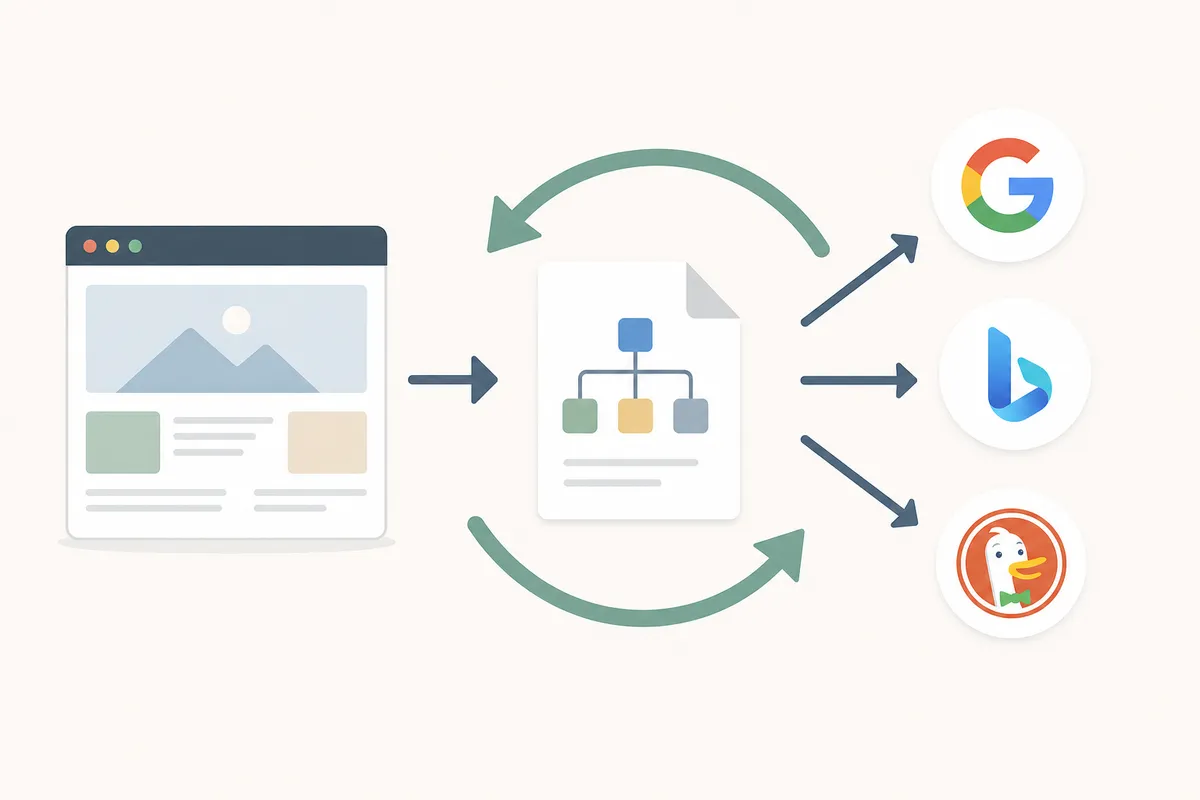
Before you touch any settings, run the page through SearchBlueprint's free XML Sitemap Generator. It crawls your live site and builds a downloadable sitemap. You'll see exactly which URLs a crawler would find right now. That's useful for spotting whether your Drupal sitemap is missing pages before you start debugging modules.
How to Create an XML Sitemap in Drupal
Installing Simple XML Sitemap
Most current Drupal 9 and 10 sites use the Simple XML Sitemap module. Install it with Composer, then enable it from the Extend page in the Drupal admin toolbar. After enabling, go to Configuration > Search and Metadata > Simple XML Sitemap. This is where you control which entities, nodes, taxonomy terms, users, get added to your Drupal XML sitemap.
Configuring What Gets Included
Under the Simple XML Sitemap settings, each content type has an inclusion toggle and a priority/changefreq value. Turn on the content types you actually want indexed (blog posts, product pages, landing pages). Leave out things like user profile pages or internal forms. Save the configuration, then use the "Rebuild queue" or "Generate sitemap" option on the same page to force Drupal to build the file.
Finding and Submitting the File
Once generation finishes, the sitemap is available at yoursite.com/sitemap.xml. Open it in a browser to confirm it loads and lists real URLs. Then log into Google Search Console, pick your property, open the Sitemaps report, and paste in sitemap.xml. Submission usually gets acknowledged within a few minutes, though full crawling can take longer.

When Drupal's Own Tools Are Enough, and When They're Not

Honesty matters here, because the right answer depends on the size of the problem.
Drupal's sitemap module is enough when you're dealing with a standard site: a handful of content types, one language, and no custom routing. If sitemap.xml loads and lists your pages, you're done. No extra tooling needed.
It stops being enough in a few situations:
- One URL is missing, not the whole sitemap. A module rebuild regenerates everything. It won't tell you why one specific product page didn't make the list. A crawl-based checker will show you that single URL's status directly.
- The problem keeps coming back. If new content doesn't auto-add to the sitemap, that's usually a caching or cron issue, not something a one-time "rebuild" fixes permanently.
- You manage multiple Drupal sites or agencies' client sites. Logging into each admin panel to check sitemap health doesn't scale. A quick external crawl does.
- Images matter for your traffic. Drupal's default sitemap handles pages, not image metadata well. If product photos or blog images drive search traffic, see our guide on building an image sitemap Google will actually read.
Common Sitemap Problems in Drupal

| Problem | Likely Cause | Fix |
|---|---|---|
sitemap.xml returns a 404 |
Module not enabled or never generated | Enable Simple XML Sitemap, then run "Generate sitemap" manually |
| Sitemap loads but is nearly empty | Content types not toggled on in settings | Check inclusion settings per content type under Simple XML Sitemap configuration |
| New pages never appear | Cron isn't running, so the sitemap queue never rebuilds | Confirm Drupal cron is scheduled and running, not just configured |
| Sitemap includes unpublished or duplicate pages | Entity-level settings override global defaults | Review per-node sitemap settings, often found on the node edit form |
| Multilingual site shows only one language | Each language needs its own sitemap variant | Enable per-language sitemaps in the module's multilingual settings |
Common Mistakes to Avoid
- Forgetting to rebuild after changes. Editing which content types are included doesn't retroactively update
sitemap.xml. You have to trigger generation again. - Submitting the wrong URL. Google Search Console wants the path to the sitemap file itself, not your homepage.
- Ignoring cron health. A stalled cron job is the most common reason a Drupal sitemap goes stale without anyone noticing.
- Assuming one sitemap covers everything. Large catalogs or multilingual content often need sitemap indexes with several child files, which Simple XML Sitemap supports but doesn't enable by default.
According to Google's Search Central documentation, sitemaps are especially useful for large sites, new sites with few external links, or sites with pages that aren't well linked internally. That describes a lot of Drupal builds with deep taxonomy structures.
FAQs
Does Drupal have a built-in XML sitemap feature?
No. Drupal core doesn't generate sitemaps on its own. You need a contrib module, most commonly Simple XML Sitemap, to create and maintain a sitemap.xml file.
Where is the sitemap file located on a Drupal site?
Once a sitemap module is enabled and generated, it's typically available at yoursite.com/sitemap.xml. Some configurations use a sitemap index that links to multiple sub-sitemaps.
Why isn't my new content showing up in the sitemap?
Usually it's a cron problem. The sitemap queue rebuilds on cron runs, so if cron is stalled, new pages won't get added automatically. Check the content type's inclusion setting too.
Can I have a separate sitemap for each language on a multilingual Drupal site?
Yes. Simple XML Sitemap supports per-language sitemap variants, which you configure under its multilingual settings rather than relying on a single combined file.
How often should I resubmit my sitemap to Google?
You generally don't need to resubmit repeatedly. Google revisits submitted sitemaps on its own schedule. Resubmit manually after a major structural change, like a large content migration or URL restructuring.
Get Your Drupal Sitemap Checked Properly
If you've enabled Simple XML Sitemap, generated the file, and submitted it in Search Console, you've covered the basics of a Drupal XML sitemap. What's harder to see on your own is whether it's actually complete and current month over month. Talk to the team at SearchBlueprint to get a sample report showing exactly what your site's technical SEO, sitemap included, looks like right now.
Resources / References
Sources
About the author
SearchBlueprint researched, wrote and scored this article with the content pipeline our customers run on their own sites. The score in the byline is what our content engine gave this page before it published. Nothing here is reviewed by hand, which is the point: it is the product's output, published where anyone can check it.