Drupal SEO: The Step-by-Step Fix Using Drupal's Own Modules
By Toy Wen Da, Co-Founder · · 5 min read · scored 90/100
Drupal SEO means setting up your site so Drupal's native tools, Metatag, Pathauto, XML Sitemap and Redirect, handle titles, URLs, sitemaps and page indexing correctly. The first thing to do is check whether those modules are installed and configured, since a surprising number of Drupal sites run with none of them active.
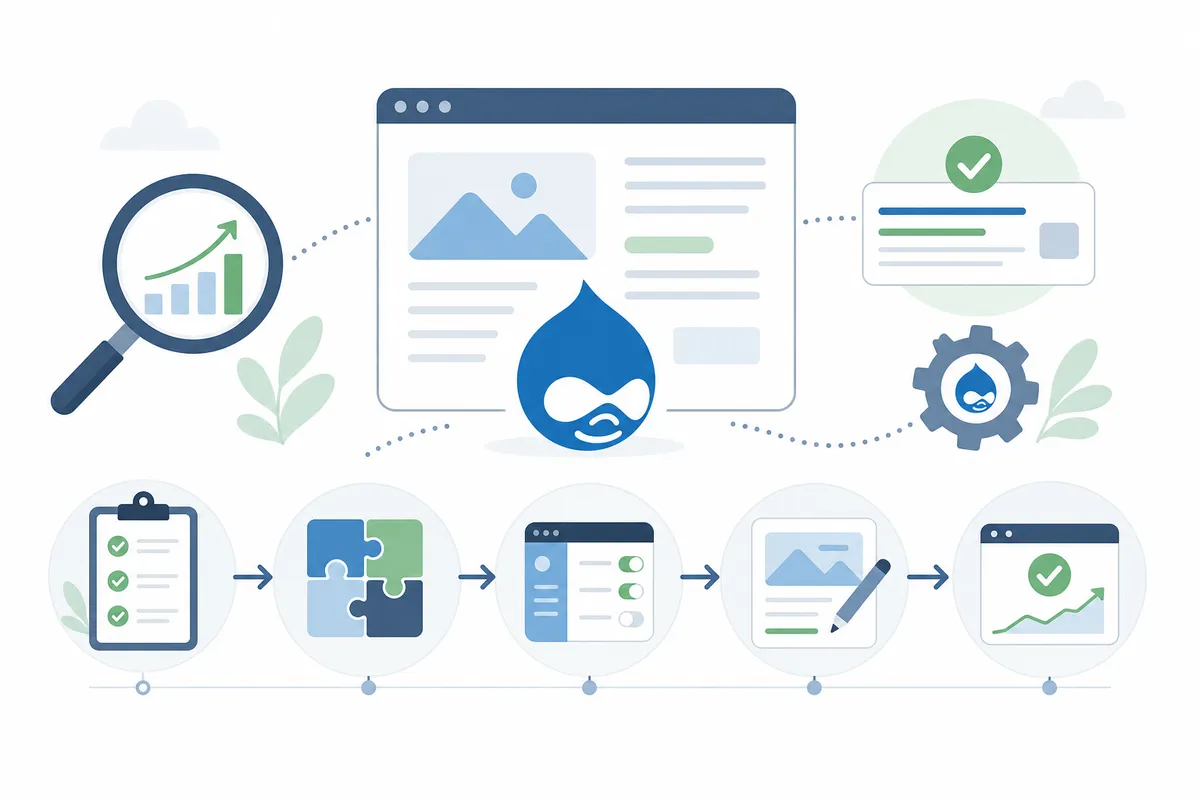
Fixing Drupal SEO Inside Drupal
Meta Tags and Titles
Install the Metatag module from the Extend page, then enable it. Go to Configuration > Search and metadata > Metatags. Set a default pattern for page titles and descriptions, then override it per content type under the same menu. This is the single biggest lever for click-through rate, since the title tag is what shows up in Google's results.
Clean, Keyword-Friendly URLs
Enable Pathauto alongside Token and Path. Under Configuration > Search and metadata > URL aliases, set patterns like /[node:content-type]/[node:title] so URLs read as words, not /node/1234. Clean URLs are a readability signal for users and make your Drupal SEO structure easier for crawlers to parse.
XML Sitemap
Install XML Sitemap (formerly Simple XML Sitemap). Configure it under Configuration > Search and metadata > XML sitemap, choose which content types to include, then submit the generated sitemap URL in Google Search Console. Without this, new pages can sit un-indexed for weeks.
Redirects and Robots Settings
Enable the Redirect module to catch 404s and map old URLs to new ones whenever you rename a page or change a URL pattern. Pair it with the Robots.txt module if you need per-environment control, since staging sites accidentally left crawlable is one of the more common Drupal SEO failures.
Core Drupal SEO Modules Compared
| Module | What It Fixes | Native to Drupal? | Setup Effort |
|---|---|---|---|
| Metatag | Page titles, meta descriptions, Open Graph tags | No, contributed | Low, set once, override per type |
| Pathauto | Ugly node/123 URLs replaced with readable paths | No, contributed | Low |
| XML Sitemap | Missing or stale sitemap for search engines | No, contributed | Low |
| Redirect | Broken links and 404s from renamed content | No, contributed | Medium, needs ongoing maintenance |
| Real-time SEO (Yoast-style) | On-page scoring while editing content | No, contributed | Medium |
When Drupal's Own Tools Are Enough, and When They Aren't
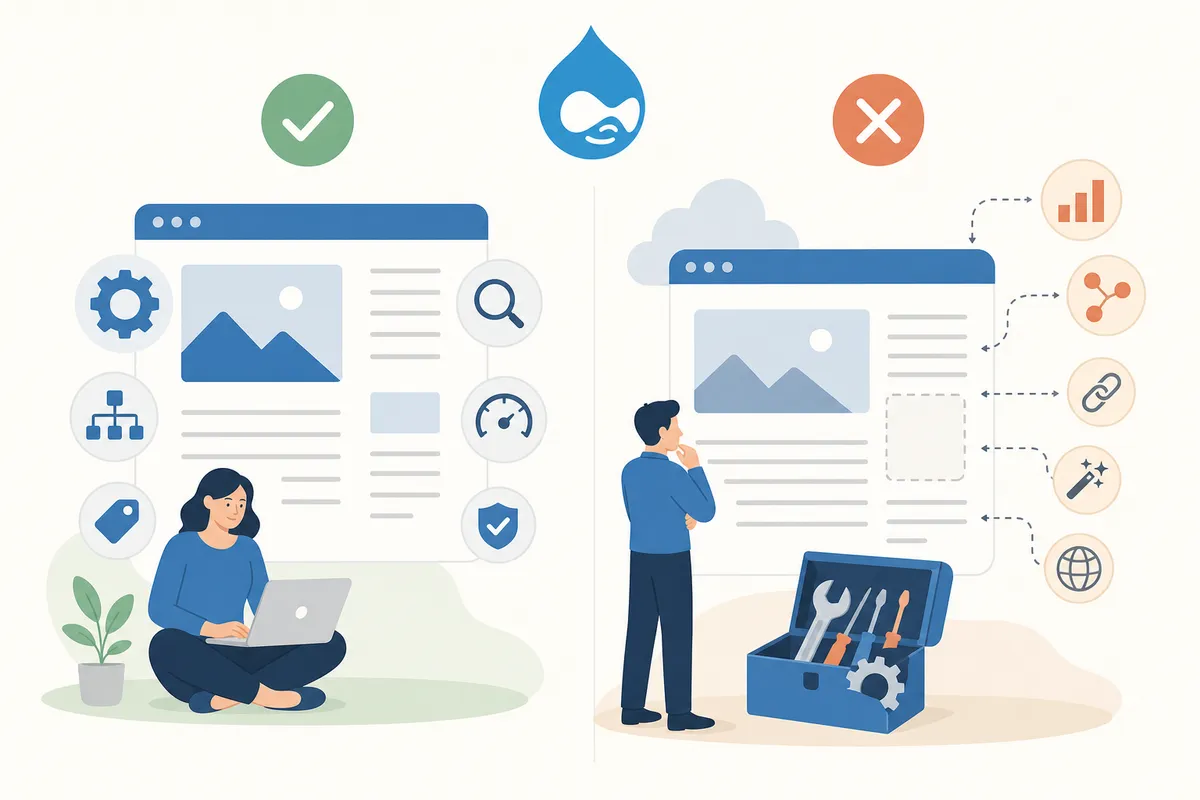
Drupal's module stack is genuinely sufficient for a single page with a one-off problem: a missing meta description, a broken redirect, a sitemap that hasn't been regenerated. Fix it in the relevant settings page, resubmit the URL in Search Console, and move on.
It stops being enough when the problem is site-wide or recurring. If fifty product pages share the same duplicate title pattern, or your content team keeps publishing pages without meta descriptions, checking each node manually doesn't scale. That's a process and monitoring problem, not a one-time configuration fix, and it's where a technical SEO audit that scans the whole site, not one URL, earns its keep.
The same split applies to local businesses running on Drupal. A single location page missing schema markup is a Drupal fix. A multi-location business needing consistent location pages and a rank grid across every city it serves is a bigger structural project.
Common Drupal SEO Mistakes
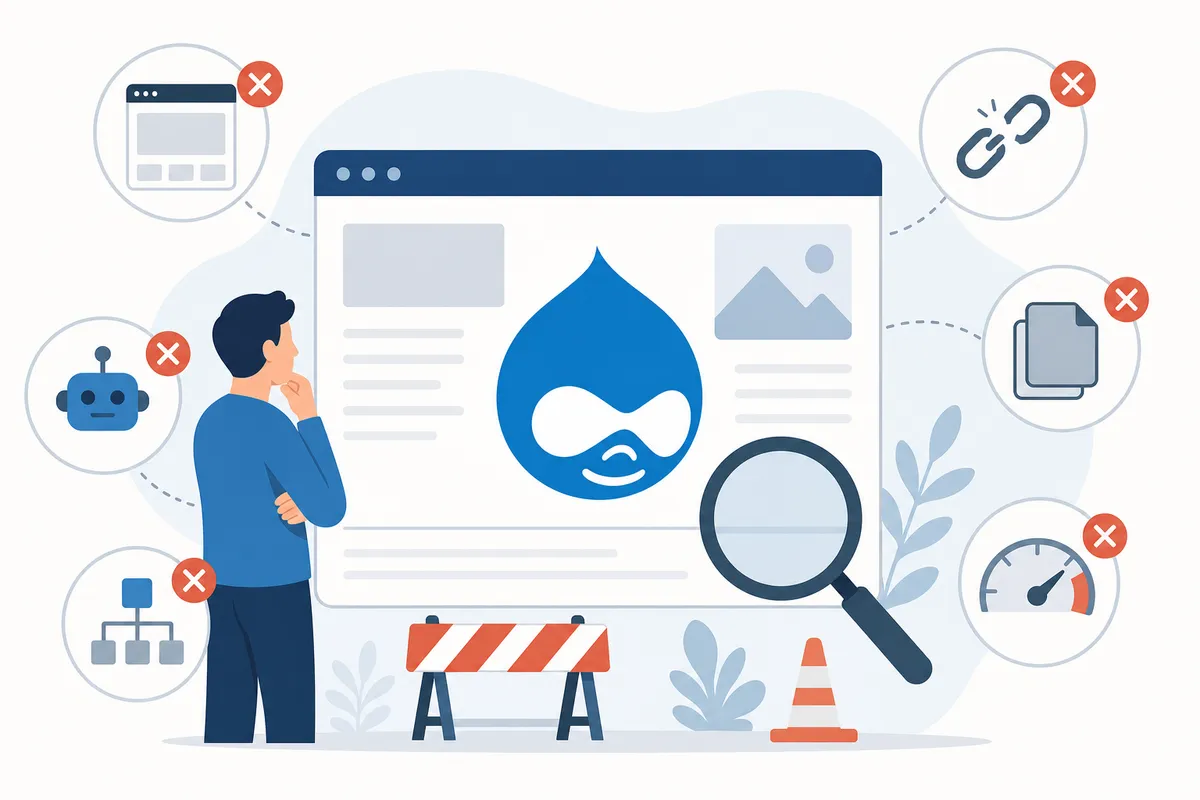
- Leaving the default
/node/123URL pattern instead of enabling Pathauto. - Installing Metatag but never setting a default title/description pattern, so new pages ship blank.
- Forgetting to regenerate the XML sitemap after a bulk content import.
- Letting the Redirect module go unused, so renamed pages return 404s instead of 301s.
- Blocking staging and production with the same robots.txt rules, or the reverse, leaving staging crawlable.
FAQs
Does Drupal come with SEO built in, or do I need modules?
Drupal's core install has basic clean-URL support but no meta tag editor, sitemap generator, or redirect manager. Those require contributed modules like Metatag, XML Sitemap, Pathauto and Redirect, all free on Drupal.org.
Which Drupal SEO module should I install first?
Metatag, since missing or duplicate title tags and meta descriptions tend to cause the most immediate ranking and click-through problems.
Will updating Drupal core affect my SEO settings?
Usually not directly, but always check module compatibility after a core update, an outdated Metatag or Pathauto version can silently stop generating tags or aliases.
How do I check if Google has indexed my Drupal pages?
Use Google Search Console's URL Inspection tool, and cross-reference against your XML Sitemap module's generated list to catch pages that were submitted but never indexed.
Is Drupal better for SEO than WordPress?
Both can rank well. Drupal's advantage is granular control over markup and caching for large, complex sites; WordPress's advantage is a larger plugin ecosystem for smaller sites. Neither wins SEO on its own, configuration does.
Run the Audit Before You Touch Another Module
Good Drupal SEO comes from a handful of correctly configured modules, not a long checklist of nice-to-haves. Get Metatag, Pathauto, XML Sitemap and Redirect working first, then watch for the site-wide patterns that a single-page fix can't catch. Talk to the team to see a full audit of your Drupal site and get a prioritized list of what to fix first.
Sources
- How these Drupal SEO modules can boost your website ...
- Search Engine Optimization (SEO) for Drupal 7, 8, 9, and 10
- Using AI to automate SEO in Drupal
Disclaimer: This article is general information about rules and figures that applied when it was written, not personalised financial, tax or investment advice. It does not take account of your income, obligations, risk tolerance or goals, and rates and thresholds change. Verify the current position with the relevant authority, and speak to a licensed adviser or a qualified accountant before acting.
About the author
SearchBlueprint researched, wrote and scored this article with the content pipeline our customers run on their own sites. The score in the byline is what our content engine gave this page before it published. Nothing here is reviewed by hand, which is the point: it is the product's output, published where anyone can check it.