Your Apple Maps Business Listing: Free Setup in 7 Steps
By Toy Wen Da, Co-Founder · · 9 min read · scored 95/100
An Apple Maps business listing is a free place card showing your company's name, address, hours and photos to anyone searching Apple Maps or asking Siri. You claim or create one through Apple Business Connect, then verify ownership by phone or document review. Most businesses finish the setup in well under an hour.

What Counts as an Apple Maps Business Listing?
Apple calls it a "place card." It's the panel that shows up when someone searches your business name, taps a pin, or asks Siri for something nearby. It pulls from Apple Business Connect, the free dashboard Apple launched in January 2023 to replace the older Maps Connect tool from 2014.
If you've never touched it, Apple may already have a barebones version of your listing. It typically builds early records from third-party data sources like Yelp and a service called Localeze. That's why the first move in claiming an Apple Maps business listing is searching for your business before creating anything new, duplicate listings cause headaches later.

Why This Listing Is Worth Your Time
It's tempting to treat Apple Maps as an afterthought next to Google. That's a mistake for a specific reason: Apple Maps is the default map app on every iPhone, iPad, and Mac. There's no toggle for most users to switch it off.
A few figures make the case concrete:
- Apple controls close to 40% of the US smartphone market.
- In a 2023 9to5mac poll, nearly 47% of iOS users said they prefer Apple Maps, versus 44% who preferred Google Maps.
- Siri pulls "near me" results directly from Apple Maps data, not from a web search.
- An estimated 78% of local mobile searches lead to an offline purchase.
- Google itself has reported that over 60% of people who search for a business on their phone end up contacting that business.
None of that means Google Business Profile stops mattering, it's still the bigger directory for most industries, and keeping it from quietly dropping ranking position is its own project worth reading up on through this Google Business Profile troubleshooting guide. But an Apple Maps listing reaches a segment of ready-to-buy customers that a Google-only strategy simply skips.
Apple Maps vs. Google Maps: How the Two Compare
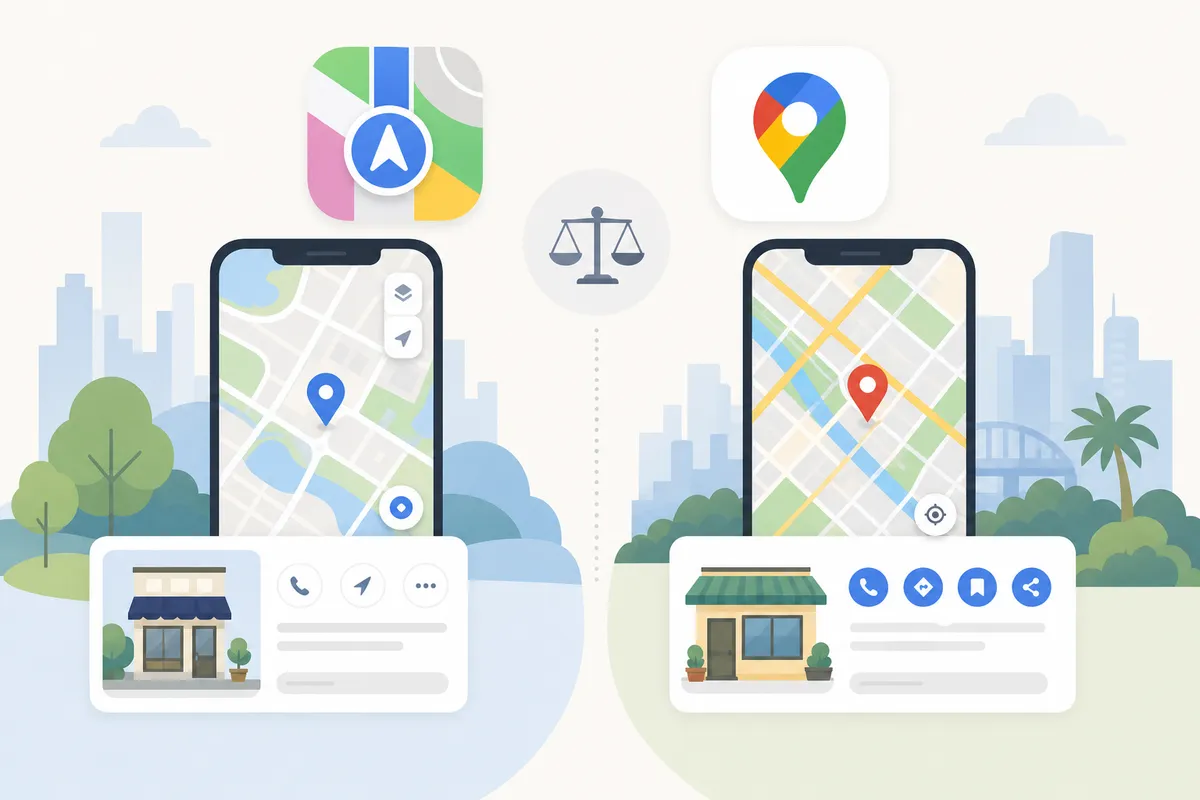
Different sources size each platform differently, which is worth knowing before you decide how much time to invest in either one.
| Factor | Apple Maps | Google Maps |
|---|---|---|
| Estimated reach | ~500 million monthly users globally (per Redefine Your Marketing); 75–100 million US users (per ReviewTrackers, citing Local SEO Guide) | ~1.8 billion monthly users globally (per Redefine Your Marketing) |
| Default on device | Every iPhone, iPad, and Mac | Android devices; optional download elsewhere |
| Review source | Still syndicates Yelp and Tripadvisor data, alongside Apple's own thumbs-up/thumbs-down ratings | Native Google reviews |
| Management tool | Apple Business Connect (free) | Google Business Profile (free) |
| Typical verification time | Instant by phone call, or up to 5 business days by document | Varies; often same-day for phone-verifiable listings |
Both matter. If you're weighing where to put your limited time first, a listing with genuinely less competition, because fewer businesses bother optimizing it, can be the faster win.
How to Claim Your Apple Maps Business Listing
The process runs through Apple Business Connect and follows the same basic shape whether you're adding one location or managing several.
Step 1: Create an Apple ID
You need an Apple ID to sign in. If you already use iCloud or the App Store, that account works. Many businesses prefer a separate Apple ID just for listing management, so access isn't tied to one employee's personal account.
Step 2: Search Before You Create
Look up your business name in Apple Business Connect first. A record may already exist from Yelp or Localeze data. Claim that existing card rather than building a new one, duplicate Apple Maps listings confuse customers and are a pain to merge later.
Step 3: Pick Your Business Type
Apple asks whether you're a single small business, an enterprise with multiple locations, or a third party managing listings on behalf of others, relevant if you run an agency handling client accounts.
Step 4: Add Location and Company Details
Enter your business name, phone number, address, primary category, display name, and website. If a parent company owns the location, Apple asks for that too; there's a shortcut to autofill it when the business and the owning company are the same entity.
Step 5: Verify Ownership
This is the step most guides rush past, but the timing difference matters if you need the listing live quickly.
| Verification method | Typical time | What you need |
|---|---|---|
| Phone call | Nearly instant | Access to the business phone number listed in your profile; Apple calls with a PIN |
| Document review | Up to 5 business days | An official document showing your business name and address, such as an invoice or bank statement |
Pick phone verification whenever the number on file is one you can actually answer. It's the faster path by days.
Step 6: Set Hours and Confirm Your Pin
Enter your operating hours, including whether you're open 24 hours. Then check the map pin Apple placed, drag it to your actual entrance if it's off. A misplaced pin sends customers to the wrong building, which matters more for walk-in businesses than almost anything else on the profile.

Building Out Your Profile After Verification

Getting listed is step one. A thin, half-filled Apple Maps business listing doesn't convert nearly as well as a complete one. Apple Business Connect gives you three tools worth using fully: the Info section, Showcases, and Insights.
Showcases
Showcases are promotional cards attached to your place card, useful for a seasonal offer, a new menu item, or an event. Each one has strict size limits:
| Element | Requirement |
|---|---|
| Photo | 1:1 ratio, minimum 492 x 492 pixels |
| Heading | Up to 38 characters |
| Body text | Up to 58 characters |
| Action button | One of: Call Now, Add to Favorites, Add Photos, Share This Place |
Keep the heading punchy, at 38 characters you have room for a short offer, not a sentence.
Photos
Business photos appear in the "From the Business" section of your place card. Apple accepts PNG, JPG, or HEIF files, with a minimum size of 720 x 960 pixels. If you've already sized images for Google Business Profile, it's worth checking the specs line up, a photo sizing reference built for Google's requirements is a useful cross-check even though Apple's minimums differ slightly.
Insights
Once your Apple Maps business listing has traffic, Business Connect shows you:
- Taps on your location
- What people searched before tapping your listing
- Where directions requests originated
- Views and interactions on your place card
- Photo counts
This is the closest thing Apple Maps has to Google's performance data, and it's worth checking monthly alongside whatever you're already tracking for Google rankings.
Reviews and Ratings on Apple Maps
Apple Maps doesn't yet have a full text-review system of its own. It still pulls review content from Yelp and Tripadvisor. What Apple has added is a native thumbs-up/thumbs-down rating, triggered only for users who physically visited the location, Apple ties this to location and device signals rather than letting anyone rate a place sight unseen.
That matters for honesty's sake: optimizing your Apple Maps business listing alone won't fix a reputation problem sitting on Yelp. If your star rating is weak there, it still shows up here. Treat your Apple Maps listing as one piece of a wider local presence, not a substitute for managing reviews on the platforms Apple still sources from.
Do You Need Both Apple Maps and Google Business Profile?
You need both Apple Maps and Google Business Profile, yes, for most businesses. They reach overlapping but distinct audiences, and the setup cost for Apple Maps is close to zero once you've already gathered your business details for Google. Research from BrightLocal found that 98% of consumers used the internet to research a local business in the past year, spread across more than one platform, not just one search engine.
If you haven't touched your Google Business Profile category settings in a while, it's worth revisiting, Google has been known to auto-assign or quietly change categories, and a guide to fixing Google Business Profile categories walks through diagnosing that. And if ranking on Google's map pack is the bigger priority right now, a separate playbook on ranking in Google Maps without buying ads covers that process end to end.
There's also a newer reason both listings matter: AI assistants increasingly pull business answers from structured local data rather than ranking web pages the old way. Consistent details across Apple Maps and Google make it more likely an AI assistant names your business by name, a topic covered in more depth in a guide to getting named in Gemini's AI answers.
Can You Do This Yourself, or Hire Someone?
For a single location, doing it yourself is the right call. The Apple Business Connect form is short, verification is usually same-day by phone, and there's no cost. Set aside 20–30 minutes.
Where it's worth professional help:
| Situation | Why it's harder solo |
|---|---|
| 100+ locations | Apple supports bulk submission via file upload, but formatting and ongoing syncing across hundreds of place cards takes real process, not a one-off form |
| Multiple directories to keep consistent | Apple Maps, Google Business Profile, Yelp, and Tripadvisor all need matching name, address, and phone details; drift between them hurts trust signals |
| No one owns local listings internally | Insights and Showcases go stale fast without a named owner checking them monthly |
| Agency managing client locations | Apple's own business-type options include a "manage for others" path, but scaling that across clients benefits from a dedicated workflow |
If local visibility is one piece of a bigger SEO effort you're juggling, a broader SEO roadmap built for business owners is a reasonable next stop for sequencing this against everything else on your plate.
FAQs
Is claiming an Apple Maps business listing free?
Yes. Apple Business Connect doesn't charge to create, claim, or manage a place card. The only cost is your time completing the form and verification.
How long does Apple Maps verification take?
Phone verification is nearly instant, Apple calls the number on your listing with a PIN. Document review, where you upload something like an invoice or bank statement, can take up to five business days.
Can a home-based business get an Apple Maps listing?
Generally, no. Apple requires a confirmed physical location it can verify, so home-based businesses without a public-facing address are often not approved.
Does Apple Maps show my Google reviews?
No. Apple Maps syndicates review content from sources like Yelp and Tripadvisor, plus its own thumbs-up/thumbs-down ratings from verified visitors. Your Google Business Profile reviews stay separate.
What happens if my business has more than one location?
You can add multiple locations individually through Apple Business Connect. For businesses with more than 100 locations, Apple supports a bulk file submission instead of entering each one by hand.
Get Your Apple Maps Listing Working as Hard as Your Website
A claimed, well-stocked Apple Maps business listing is one of the cheapest local-visibility wins available, it costs nothing but time, and most of the work is a one-time setup with light monthly upkeep after that. If you're not sure how this fits against everything else competing for your attention, Google rankings, content, technical fixes, talk to the team and get a sample report showing where your local presence actually stands today.
Sources
About the author
SearchBlueprint researched, wrote and scored this article with the content pipeline our customers run on their own sites. The score in the byline is what our content engine gave this page before it published. Nothing here is reviewed by hand, which is the point: it is the product's output, published where anyone can check it.