Google Business Profile Categories: The Fast Way to Fix Yours
By Toy Wen Da, Co-Founder · Updated · 7 min read · scored 98/100
Google Business Profile categories tell Google what your business sells, which searches you should appear in, and which features show up on your listing. Pick them to match the work that actually pays your bills rather than the title you'd put on a business card, and you'll reach people who are already looking for you.

Why categories matter so much
Categories are the labels Google uses to sort every business on Maps and in local search results. When yours match what you actually do, Google can confidently show your profile to the right searchers, and when they don't, your listing gets buried behind competitors who filled theirs out correctly, however good your service is.
Categories also decide which features you get. A restaurant with the right category gets a menu display, a service business gets booking buttons and service-area labels, and a retailer gets product showcases. So choosing well affects more than ranking: it shapes what customers can do on your listing once they find it.

Businesses that lean on their profile for new customers see this directly. One founder described her Google Business Profile as one of her main discovery channels, with more than 40% of her leads coming straight through it and most of the rest arriving after a word-of-mouth referral had already sent someone to check the profile first. Categories are part of why that channel works.
Primary vs. secondary categories

Google gives you one primary category and lets you add secondary categories on top, up to nine in total. The two do different jobs, and the primary is the one Google leans on hardest when it decides which searches you match.
| Category Type | Role | How Many to Use | Example |
|---|---|---|---|
| Primary | The main signal Google uses to decide which searches you match | Exactly one | "HVAC Contractor" for an HVAC company |
| Secondary | Adds context for related services you genuinely offer | Two to four, typically | "Air Conditioning Repair Service," "Furnace Repair Service" |
| Unused slots | Categories Google allows but you don't need | Zero, skip them | N/A |
Most local businesses land between three and five categories in total. A narrow, single-service business might need only a primary and one secondary, while a multi-service shop can justify more as long as each one reflects real, provable work that a visitor to your site would recognize immediately.
Why more isn't the goal
Filling every slot rarely helps and can hurt. Adding a category you only loosely cover, such as "Emergency Plumber" when you don't take emergency calls, sends Google a mixed signal, dilutes relevance for the searches you want to win, and can pull in the wrong kind of lead.
How to choose your primary category
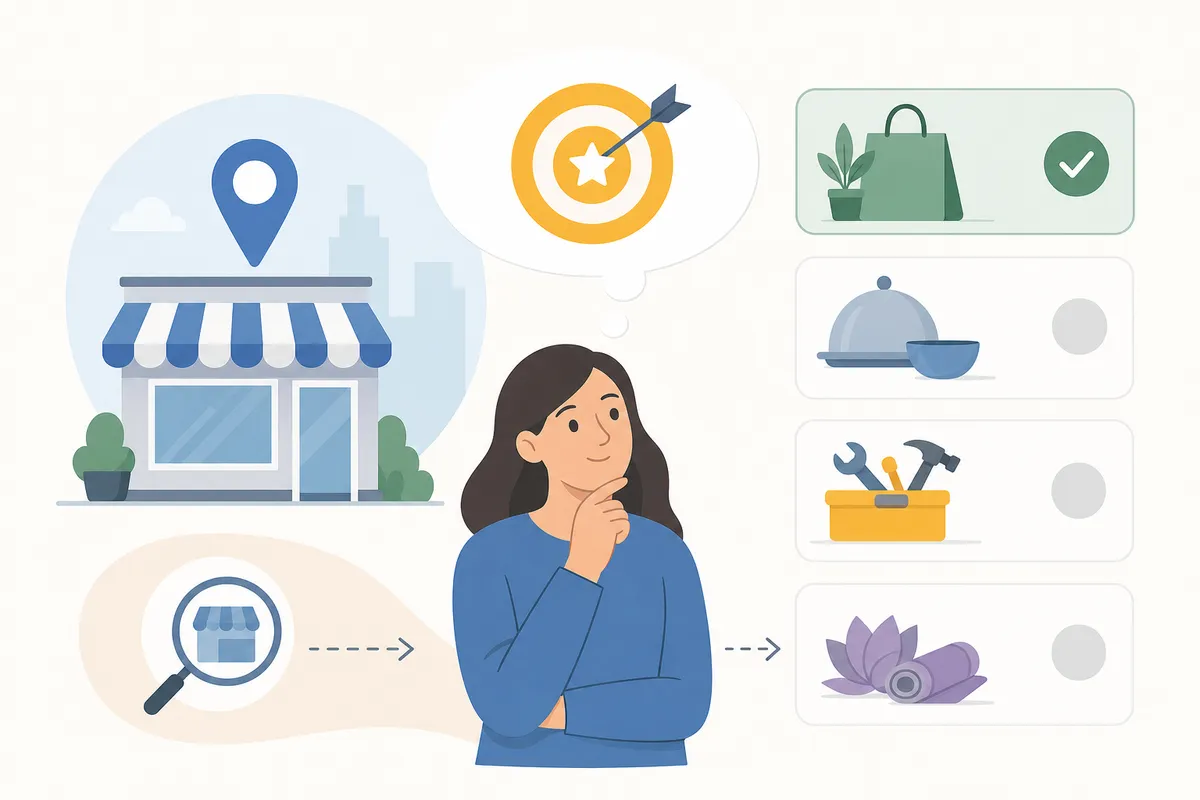
Start with one question: which service brings in the most revenue right now? Your long-term ambition and the label that sounds most impressive don't count here, only the work that pays the bills today.
Then match that service to the most specific category that still fits:
- List your top three services by revenue. Your primary category should map to the one at the top.
- Search for the specific term before the broad one. A family law practice should check "Family Law Attorney" before settling for "Law Firm."
- Check what similar top-ranking businesses use. Open Google Maps, search your core service plus your city, and note the categories your strongest competitors chose.
- Confirm the category exists in Google's list. There are thousands of options, and Google adds more every few months, so a niche fit often exists even if you haven't found it yet.
Specific almost always beats broad. A Mexican restaurant that picks "Restaurant" instead of "Mexican Restaurant" gives away relevance in exactly the searches it should be winning, and the same logic holds elsewhere: "Divorce Lawyer" over "Attorney," "Cosmetic Dentist" over "Dentist," "Roofing Contractor" over "Contractor." For the full set of ranking signals behind local visibility, the three factors that decide your Google Business ranking covers how categories fit alongside reviews and proximity.
Adding secondary categories without overreaching
Secondary categories should round out the picture. A good rule is that each one needs proof somewhere on your website or in your profile content, so if you can't point to a page describing the service, don't add the category.
Sensible pairings look like this:
| Primary Category | Reasonable Secondary Categories |
|---|---|
| Auto Repair Shop | Tire Shop, Brake Shop |
| Vegan Bakery | Vegan Restaurant |
| Hardware Store | Tool Rental Service, Paint Store, Home Improvement Store |
| Pediatric Dentist | General Dentist, Orthodontist |
Each secondary here supports the primary rather than competing with it. If your extra categories read like a different business, cut them.
Common mistakes that cost you visibility
| Mistake | Why It Hurts | The Fix |
|---|---|---|
| Choosing a broad primary category | Misses high-intent, specific searches | Pick the narrowest category that still fits most of your work |
| Category stuffing | Sends mixed signals, attracts unqualified leads | Keep to three to five total, each backed by real content |
| Picking categories you don't actually offer | Confuses Google and disappoints customers who click through | Only add what you can prove on your site today |
| Never revisiting your setup | New, better-fitting categories go unused for years | Review categories at least once a year |
If you're unsure where your categories stand against competitors, a tool that audits your listing against ranking pages, like the sample SEO report, can show you the gap quickly.
How to change categories without losing ground
Category changes can cause short-term shifts in visibility while Google re-evaluates your listing, which is normal. A safer approach runs in four steps.
- Record a baseline. Note your Profile Views, calls and direction requests from the past two weeks in your Business Profile Insights.
- Change one category at a time. Swapping the primary and a secondary in the same sitting leaves you unable to tell which change moved the needle.
- Wait 7 to 14 days before judging the result. Watch how discovery traffic trends during that window.
- Roll back if performance drops sharply. If calls or views fall by more than 20%, revert and try a different category.
Small, measured changes beat sweeping overhauls across local SEO generally, and a 90-day approach to improving your Google ranking walks through pacing changes like this alongside reviews and on-site fixes.
Google's own guidance on local search points to relevance, distance and prominence as the core ranking factors, and categories are the clearest lever you control for relevance. You can read more on how Google frames ranking systems at Google Search Central.
FAQs
How many Google Business Profile categories should I use?
Most local businesses do well with three to five in total. The count matters less than relevance, because every category should reflect a real service you can back up on your website.
Should my primary category be broad or specific?
Specific almost always wins: "Family Law Attorney" outperforms "Attorney" when that's your actual practice. Go broader only if the specific option is too narrow or unrecognized in your market.
Can adding too many categories hurt my ranking?
Yes. Categories that don't match your real services send Google a mixed signal, which weakens relevance and can bring in lower-quality leads.
Will changing my category drop my rankings?
It can cause a short, temporary shift while Google re-evaluates your listing. Changing one category at a time and tracking results for 7 to 14 days limits the risk.
How often should I review my Google Business Profile categories?
At least once a year. Google regularly adds and revises categories and your own services change too, so a setup that fit two years ago might be holding you back now.
Get your categories checked properly
Guessing at categories wastes months of visibility you can't easily get back. Before you make another change, see where your listing and your site stand against the competitors already ranking for your best searches, then talk to the team and get a sample report built around your business.
Resources / References
Sources
About the author
SearchBlueprint researched, wrote and scored this article with the content pipeline our customers run on their own sites. The score in the byline is what our content engine gave this page before it published. Nothing here is reviewed by hand, which is the point: it is the product's output, published where anyone can check it.