Local SEO for WordPress: The Complete Setup Guide for 2026
By Toy Wen Da, Co-Founder · · 8 min read · scored 100/100
Local SEO for WordPress means setting up your site, plugins, and Google Business Profile so Google can match your business to nearby searches. Start by installing an SEO plugin with local business schema, filling in your name, address, and phone number consistently, and claiming your Google Business Profile. Everything else builds on that foundation.
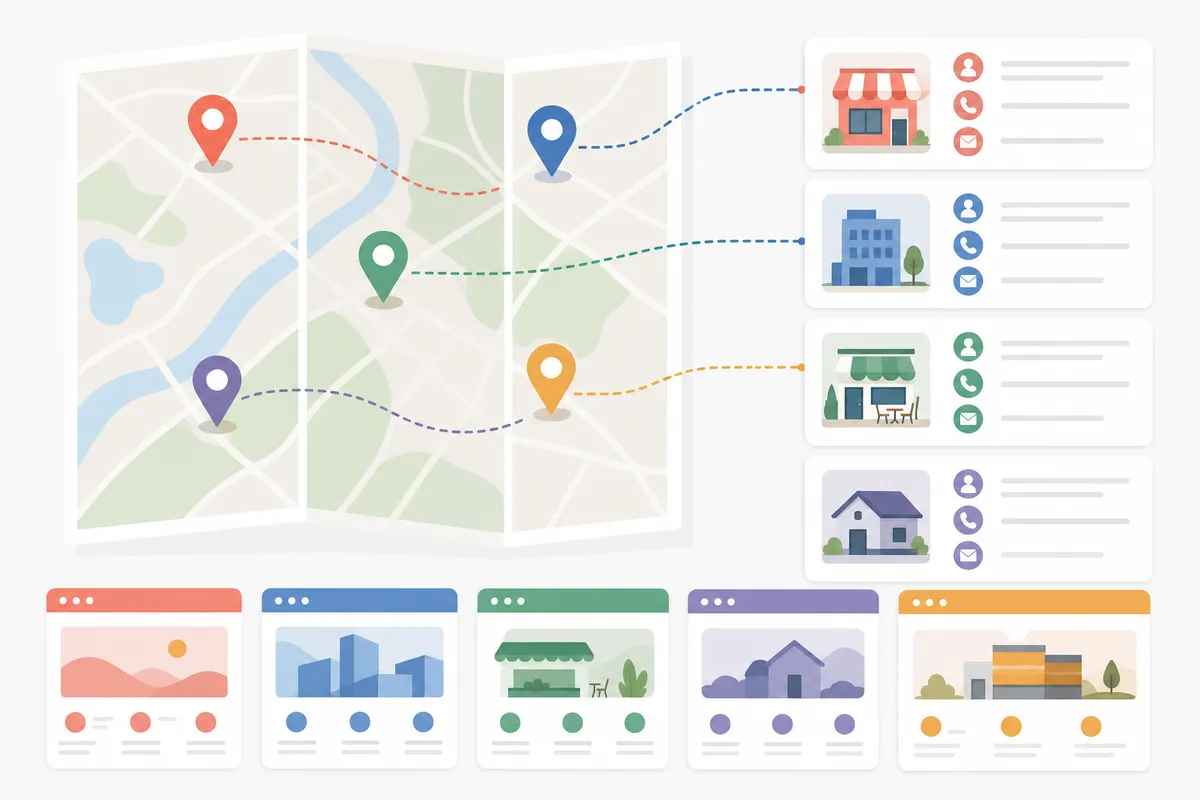
SearchBlueprint's local SEO feature tracks exactly this problem: it shows a rank grid of where your WordPress site actually sits across every neighborhood you serve, plus which location pages you're still missing. It's built for this specific gap, not general SEO advice.
The Ranking Factors Local SEO for WordPress Actually Depends On
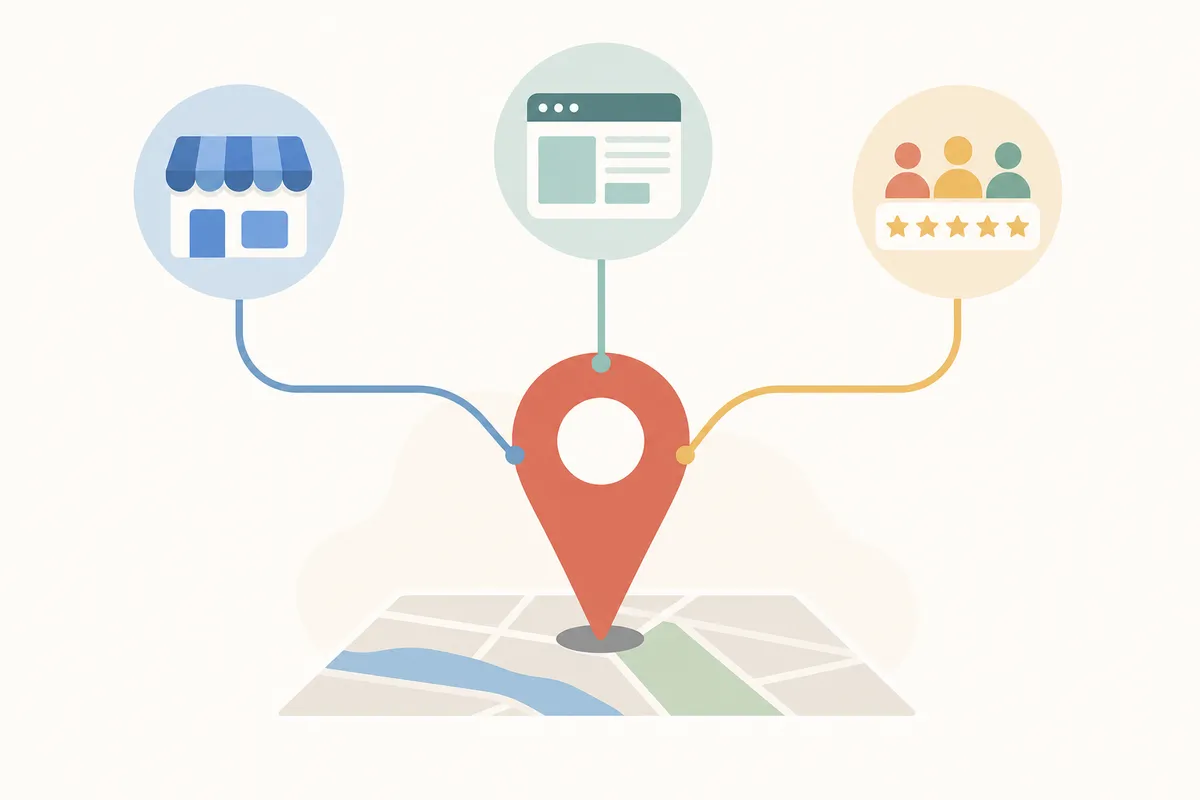
Search engines decide which local businesses to show by reading signals from your Google Business Profile, your website content, and third-party mentions of your business. None of these live in just one place, which is why local SEO on WordPress always touches more than your theme settings.
| Factor | What It Means | Where You Fix It |
|---|---|---|
| Google Business Profile | Your free Google listing with hours, category, and photos | Managed on Google, but your WordPress site should link to and match it |
| NAP consistency | Name, address, and phone matching across your site and directories | Local SEO plugin settings, footer widget, contact page |
| Reviews | Customer feedback on Google, Yelp, and Facebook | Embed a review widget on your site; can't be faked from WordPress alone |
| Relevance | Your content matching the actual words people search | Page titles, headings, body copy, local keyword choices |
| Proximity | How close your business is to the searcher | Not directly editable, but location pages widen the areas you can compete in |
Step-by-Step: Setting Up Local SEO for WordPress
1. Claim and Verify Your Google Business Profile
Go to google.com/business and sign in with the Google account tied to your business. Enter your business name, pick a category, add your address or service area, and choose a business type. Google will then ask you to verify ownership, usually by postcard or a short video of your storefront. Verification is typically followed by roughly a week before your profile goes live in search, per Google's Business Profile help center.
2. Install a Local SEO Plugin and Turn On Schema
In your WordPress dashboard, go to Plugins, then Add New, and search for Yoast SEO, Rank Math, or AIOSEO. After activating one, look in its settings for a module called something close to "Local SEO" or "Local Business", the exact label varies by plugin and plan. Fill in your business type, address, and hours there. This generates the schema markup (structured data) that tells search engines your address and hours directly, without you writing code. Schema.org, the vocabulary behind this markup, defines the LocalBusiness type most of these plugins use automatically. If you want to sanity-check what a plugin outputs before you commit to one, this roundup of free WordPress SEO tools covers several ways to inspect your own schema and site speed for free.
3. Add Your NAP and a Map to Key Pages
Most local SEO plugins ship with a widget or shortcode for displaying your business name, address, and phone number. Add it to your footer so it appears sitewide, and build out a dedicated contact page with your NAP, opening hours, and an embedded Google Map. Keep the formatting identical to how your business appears in your Google Business Profile, inconsistent abbreviations (like "St." versus "Street") are a common source of confusion for both customers and crawlers.
4. Build Local Content and Location Pages
If you serve more than one town or neighborhood, give each one its own page with a real address, local landmarks, and testimonials from that area. A thin page with just the city name swapped in won't rank; it needs to read like it was written for that actual neighborhood. This piece on the website fixes that win local painting jobs is a good example of what a service-area page needs beyond a NAP block.
5. Track Your Rankings and Fix What Slips
Local rankings move. Check Google Search Console weekly for which queries bring in impressions and clicks, and watch whether your Business Profile still shows accurate hours and categories. A one-time setup won't hold rankings on its own, it needs revisiting as reviews, competitors, and Google's own display of local results shift.
Which Local SEO Plugin Fits Your WordPress Site

| Plugin | Best For | Notable Stats | Local SEO Features |
|---|---|---|---|
| Yoast SEO + Local SEO add-on | Businesses already using Yoast who want deeper local schema | First released in 2013, still updated alongside core Yoast SEO | Automatic LocalBusiness schema, NAP widgets, opening-hours shortcodes |
| Rank Math | Sites wanting local SEO bundled free into an all-in-one plugin | One of the most widely installed WordPress SEO plugins | Built-in Local SEO module with business schema and social profile fields |
| AIOSEO | Agencies managing several client locations | Local SEO tools require the Plus plan or higher | No-code local business schema, Google Maps embedding |
| Five Star Business Profile and Schema | Sites that just need clean schema, nothing extra | Listed on WordPress.org at version 2.5.0, running on over 7,000 sites with 438,030+ downloads | JSON-LD schema, multi-location support, embedded maps and hours |
| Local Business Schema Lite | Simple single-location sites wanting a minimal setup | Version 3.5.5, used on over 3,000 sites with 32,880+ downloads | Name, address, logo, and phone number schema only |
A plugin alone won't rank you. It just makes sure the data Google needs is readable, the content and consistency still come from you.
When WordPress's Own Tools Are Enough, and When They're Not
One Page Versus the Whole Site
If you run a single location with one service area, a plugin's schema settings plus a verified Google Business Profile are usually enough. You're solving one problem: making sure one set of business details is correct and marked up everywhere.
A One-Off Fix Versus a Recurring Problem
Multi-location businesses, or anyone competing against several nearby rivals, outgrow a one-time setup fast. Schema stays accurate after you set it, but rankings don't stay still, reviews come in, competitors add pages, and Google's local results shift weekly. Honestly, free plugin settings can't track any of that for you. That's the gap this piece on local SEO fixes that moved movers into the map pack walks through: a recurring ranking problem needs recurring monitoring, not another one-time schema edit.
Common Mistakes That Quietly Kill Local Rankings
- Mismatched NAP. Your address reads one way on your site and another way on a directory listing. Pick one format and use it everywhere.
- Duplicate or missing schema. Two plugins both trying to output LocalBusiness schema can conflict and cancel each other out.
- Thin location pages. A city name swapped into a template without real local detail reads as a doorway page, not a useful one, compare it against how flooring companies turn local searches into booked jobs for what a real location page covers.
- A slow, bloated theme. Local searchers are often on mobile, and a sluggish site loses them before they see your address. This WordPress theme roundup for SEO covers options built for speed, not just looks.
- Ignoring Google's own guidelines. Google Search Essentials lays out what it expects from indexable, spam-free pages, worth a read before you lean too hard on any local SEO "trick."
FAQs
Do I need a plugin to do local SEO on WordPress?
Not strictly, but without one you'd have to write LocalBusiness schema by hand and keep it updated manually. A plugin automates that and reduces the chance of a markup error costing you visibility.
Is Yoast or Rank Math better for local SEO?
Both cover the basics, schema, NAP, hours. Yoast's local add-on has been refined since 2013 and leans toward deeper control; Rank Math bundles local SEO into its free plan, which matters if budget is the deciding factor.
How long does it take to rank locally after setup?
There's no fixed timeline. A verified Google Business Profile typically shows up within about a week, but ranking well against competitors depends on reviews, content, and citations building up over time.
Do I need a separate page for each location I serve?
Yes, if you genuinely serve distinct areas with different customers. Each page needs real local detail, not just a city name swapped into a copied template, to have any chance of ranking.
Can local SEO work without a physical address?
Yes. Service-area businesses can set a service radius on their Google Business Profile instead of a public address, and still use schema and location pages to target the areas they cover.
See What Your Site Is Actually Missing
Local SEO for WordPress isn't a single setting you flip once, it's a plugin configuration, a Business Profile, and content that all need to agree with each other. Talk to the team and pull a sample report to see exactly what's missing on your site right now.
## Resources / References

1. [google.com](https://www.google.com/business/)
2. [Google's Business Profile help center](https://support.google.com/business/)
3. [Schema.org](https://schema.org/LocalBusiness)
4. [Google Search Console](https://search.google.com/search-console/about)
5. [Google Search Essentials](https://developers.google.com/search/docs/essentials)

## Sources

- [The Ultimate WordPress Local SEO Guide to Boost Rankings](https://www.wpbeginner.com/beginners-guide/the-ultimate-wordpress-local-seo-guide/)
- [How to optimize WordPress with local SEO](https://www.easywp.com/blog/wordpress-local-seo/)
- [What is local SEO in a WordPress website?](https://google.com/goto?url=CAESeQHrOzAVfYHD6nDwGf1IiyiWJBaulMQHYAuHQ8Cw8FBFp1PrGoLRqAQeOopOlXrF5glLo5Y_3PKwrsvALQOtraIIErD2ySExdlsQow0-D5OY1GcEaKNCy_U18B87Bsw-pQVw_h--ggjaXoXEEtd_rdYL0YfWvyBGRhM)
About the author
SearchBlueprint researched, wrote and scored this article with the content pipeline our customers run on their own sites. The score in the byline is what our content engine gave this page before it published. Nothing here is reviewed by hand, which is the point: it is the product's output, published where anyone can check it.