Google Reviews Badge: How to Add One to Your Site
By Toy Wen Da, Co-Founder · · 6 min read · scored 96/100
A Google reviews badge is a small widget on your website that displays your star rating and review count, pulled live from your Google Business Profile. Get it working by verifying your Business Profile first, then choosing Google's tools or a third-party widget to display the rating.
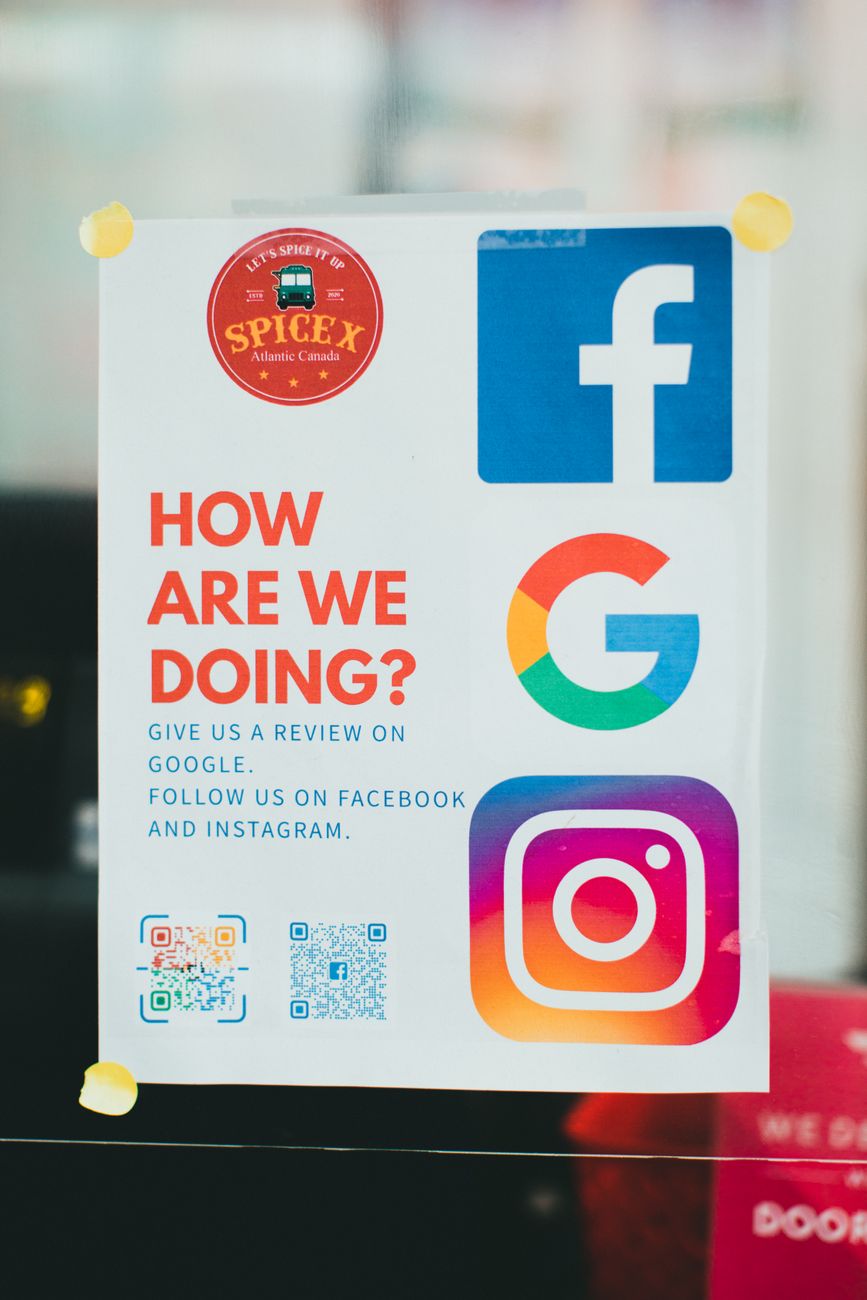
What a Google Reviews Badge Actually Shows
The badge itself is just a display: your average star rating (say, 4.7 out of 5), your total review count, and sometimes a short excerpt from a recent review. It reads live from your Google Business Profile data, so it updates as new reviews come in, it isn't a static image you upload once and forget.
Most visitors scan it in under two seconds. It works because it's third-party proof, not your own marketing copy. That's also why Google is strict about how reviews get collected: a badge built on padded or purchased reviews undermines the one thing it's meant to prove.

How to Set Up a Google Reviews Badge From Your Business Profile

Here's the honest version of this process, because a lot of guides skip the part that trips people up.
- Sign in to Google Business Profile and confirm your business is verified. An unverified or suspended profile won't generate reviews worth showing.
- Check your review count and rating from the profile's reviews section. You need live reviews before any badge has anything to display.
- Get your Business Profile's share link (sometimes called the review link) so customers can leave reviews directly, and so you can point a badge tool at the right profile.
- Know the limit of Business Profile alone: it does not include a built-in generator for an embeddable star-rating widget for your own website. What it gives you is the review link, the ability to respond to reviews, and the rating that already shows in Google Search and Maps results.
- Add the actual badge using one of two routes: a review-display plugin or app that reads your profile's rating through Google's Places API, or structured data (schema.org's
AggregateRatingmarkup) added to your site's code so Google can show a star rating in search results, which is a different kind of "badge" than a widget on your homepage.
This is the part most searches on this topic miss: people expect a native badge generator inside Google Business Profile, and it doesn't exist. What does exist is the data the badge pulls from.
When Google Business Profile's Own Tools Are Enough, and When They Aren't
Whether the free route covers you depends on how many locations you have and whether you need the rating on one page or across a whole site.
| Scenario | Is GBP alone enough? | What you'll likely need instead |
|---|---|---|
| One location, one page, occasional check-ins | Yes, rely on the Business Profile review link and manual screenshots or a basic free plugin | Nothing extra for now |
| Multiple locations, one combined badge | No | A widget app that supports multi-location pulls, since GBP shows one profile at a time |
| Showing more than a handful of reviews | Often no | A paid plan, free tiers built on Google's Places API commonly cap display around five reviews at once |
| Recurring, site-wide display with filtering | No | A dedicated reviews app with moderation, layout options, and refresh scheduling |
| Rich star ratings appearing in Google search results | No | Structured data (AggregateRating schema), separate from an on-site badge |
If you've looked into pulling reviews programmatically, you've probably hit that five-review ceiling on the free tier, it's worth understanding what the paid APIs unlock before you pay for a plugin that doesn't actually solve it.

Common Mistakes With a Google Reviews Badge
- Assuming Google Business Profile has a native badge button. It doesn't. Searching the Business Profile help menus for "badge" wastes time better spent choosing a widget.
- Letting the badge go stale. A widget that hasn't refreshed in months looks worse than no badge at all.
- Padding the count. Asking only happy customers, filtering out negative reviews before they post, or paying for reviews outright breaks Google's policies and risks the profile itself, not just the badge.
- Hiding the badge below the fold. It works best near the decision point: a service page, a pricing page, or the homepage header.
- Ignoring the rest of local SEO. A badge boosts trust on the page it sits on, but it doesn't fix an unoptimized profile or missing location pages behind it.
On that second-to-last point, it's worth reading up on why shortcuts around review volume rarely pay off before you're tempted by a service offering to "boost" your rating.
FAQs
Can I get a Google reviews badge for free?
Yes. A basic plugin or widget reading your Business Profile's public rating through Google's API can display a free badge, though free tiers usually limit you to a handful of reviews and slower refresh rates.
Does Google Business Profile have an official badge generator?
No. Business Profile gives you the review link and the rating that shows in Search and Maps, but not a ready-made embed code for your own website.
What's the difference between a Google reviews badge and a review widget?
A badge is typically a compact rating display, stars and a number. A widget is broader and can include a carousel, review text, or filtering by product and location.
Will a Google reviews badge help my SEO?
Indirectly. The badge builds trust and can lift conversion rates, but the ranking signal that matters more to Google is structured data (AggregateRating schema) and the health of your Business Profile itself, per Google's own guidance on review snippets at developers.google.com/search.
Can I show reviews from multiple locations in one badge?
Not through Google Business Profile alone. You'll need a widget or app built to combine multiple profiles into a single display.
Set your Business Profile up correctly first, confirm the review link is working, and then pick the display method that matches how many locations and reviews you actually have, don't chase a native Google reviews badge generator that isn't there. If you want a clearer picture of how your reviews, local listings, and the rest of your site's SEO fit together, talk to the team and walk through a sample report built around your own site.
Sources
About the author
SearchBlueprint researched, wrote and scored this article with the content pipeline our customers run on their own sites. The score in the byline is what our content engine gave this page before it published. Nothing here is reviewed by hand, which is the point: it is the product's output, published where anyone can check it.