Yoast SEO Example: What a Fully Optimized Page Looks Like
By Toy Wen Da, Co-Founder · Updated · 7 min read · scored 99/100
A Yoast SEO example is a real page where every plugin field is filled in properly: focus keyphrase, SEO title, meta description, readability and schema. Check the SEO analysis tab at the bottom of the editor first, because it shows which fields are missing before you touch anything else.

What a Filled-In Yoast SEO Example Looks Like
Open any post in the WordPress editor and scroll down. The Yoast metabox sits below the content area, with tabs for SEO, Readability, Schema and Social, and a properly worked example fills in every one of them.

The focus keyphrase field
Type your target phrase into the Focus keyphrase box at the top of the SEO tab. This single field drives most of the checks below it, so pick the phrase a real searcher would type rather than a loose theme. Under six words works best, which is the range Yoast's own analysis rewards.
Once you add the phrase, Yoast checks it against your title, your intro, your subheadings and your image alt text. Each check turns green, orange or red depending on whether the phrase shows up where it should.
The SEO title and snippet
Click Edit snippet to open a preview of how the page will look in Google's results. Two things get set here:
- SEO title: ideally includes the focus keyphrase near the front.
- Meta description: a short pitch for the page, with the keyphrase worked in naturally.
The bar under each box turns green once the length is right and orange if you've run too long. Google doesn't always use the description you write, though. Its own search essentials documentation explains that Google can generate its own snippet from the page content when it thinks that serves the query better. A strong description still helps, since Google uses it often enough to matter.
The Readability tab
Switch to the Readability tab for sentence-length and structure feedback, kept separate from the keyphrase checks. It doesn't move rankings directly, but a page that's easier to read tends to hold attention longer, and that matters for every reader who lands on it.
The Schema and Social tabs
The Schema tab lets you pick a page type, such as Article or Web Page, so search engines get structured data about what the content is. The Social tab controls the title, description and image shown when the link is shared on Facebook or X; if you skip it, the featured image and page title get used instead.
| Field | What good looks like | Where to find it |
|---|---|---|
| Focus keyphrase | Short, specific phrase a real searcher types | SEO tab, top box |
| SEO title | Keyphrase near the front, under the length limit | Edit snippet |
| Meta description | Natural sentence, keyphrase included, under the limit | Edit snippet |
| Readability | Short sentences, subheadings, transition words | Readability tab |
| Schema type | Matches the actual content (Article, Web Page, etc.) | Schema tab |
When WordPress's own tools are enough, and when they're not
Yoast inside WordPress is genuinely good for a single page. If you're fixing one blog post, one product page or one landing page, the metabox gives you everything you need in one place, for free.
It stops being enough once the question changes from "is this one page right?" to "is the whole site right?" A few signs you've outgrown the page-by-page workflow:
- You have dozens or hundreds of posts and no way to see which ones are missing a focus keyphrase without opening each one.
- The same mistake, such as a missing meta description or a thin readability score, keeps repeating across new posts.
- You need to catch problems before publishing rather than after a post has gone live with a red light.
The metabox itself doesn't always appear, either. Some themes and page builders push it off-screen or hide it entirely, which is covered in Where's the Yoast SEO meta box? How to find and fix it. If you build pages in Elementor, the SEO analysis sometimes doesn't run at all until you adjust how the two plugins talk to each other, which is detailed in Yoast SEO with Elementor: fix the missing analysis.

A WooCommerce store has its own version of the problem, because titles, descriptions and schema need to work across dozens of similar listings. The Yoast SEO WooCommerce setup checklist covers what to fill in on product pages specifically.
Yoast SEO example: free vs. premium fields
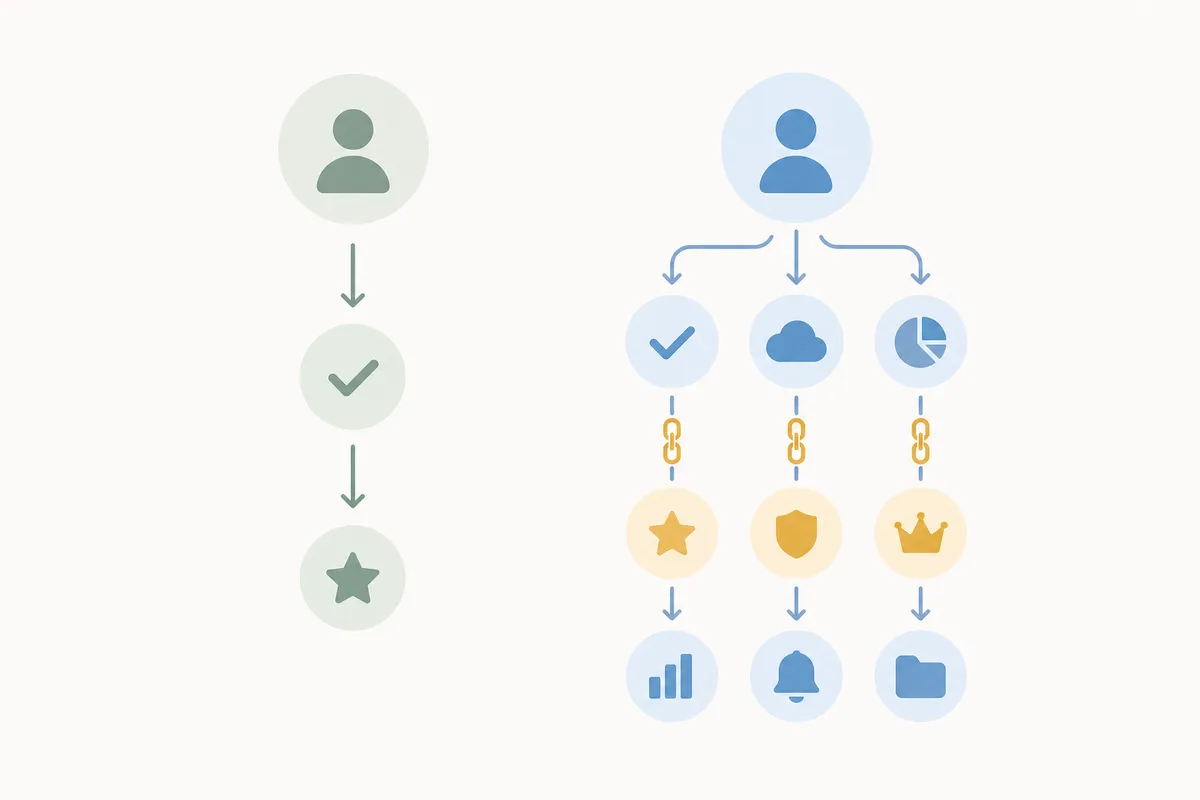
The free version covers the fields most pages need. Premium adds a few that matter once you're optimizing at scale.
| Feature | Free | Premium |
|---|---|---|
| Focus keyphrase | One per page | Multiple keyphrases per page |
| Synonyms and related phrases | Not included | Included in the analysis |
| Internal linking suggestions | Not included | Suggested while you write |
| Redirect manager | Not included | Built in |
| Social and schema fields | Included | Included |
Whether Premium is worth paying for depends on how many keyphrase variants a given page realistically needs. This breakdown of what Yoast SEO Premium actually adds goes through it feature by feature.
Common mistakes with Yoast fields
- Stuffing the keyphrase everywhere. Yoast rewards the phrase appearing in the intro, a subheading and the title, but forced repetition reads badly and helps nothing.
- Leaving the meta description blank. Yoast will pull a snippet from the page if you skip it, but it's rarely the pitch you'd have written yourself.
- Treating one green light as the whole job. A green SEO score means the on-page basics are covered, and it says nothing about backlinks, page speed or whether the content actually answers the question.
- Changing the slug on a published page. Editing the URL after a page has traffic breaks existing links unless you set up a redirect.
- Ignoring the Readability tab. It's a separate score from the SEO tab, and a wall of long sentences can quietly hurt time-on-page even with a perfect keyphrase score.
FAQs about the Yoast SEO example
What's the difference between the SEO tab and the Readability tab in Yoast?
The SEO tab checks how well your focus keyphrase is used across the title, intro, subheadings and alt text. The Readability tab checks sentence length, paragraph length and transition words, so it's about how easy the page is to read and has nothing to do with keyword placement.
Does a green light in Yoast mean the page will rank?
No. A green light means the on-page basics are in place: keyphrase usage, title, meta description and structure. Rankings also depend on factors Yoast doesn't measure, like backlinks, page speed and how well the content matches what searchers want.
Why doesn't my meta description show up in Google exactly as I wrote it?
Google sometimes writes its own snippet instead of using yours, taking text from the page that suits the query better. This is documented in Google's search essentials guidance. A strong description still helps because Google uses it often, though never with a guarantee.
Can I use more than one keyphrase in Yoast's free version?
No. The free version analyzes one focus keyphrase per page. Premium lets you track multiple keyphrases on the same page, along with synonyms and related phrases.
Why doesn't the Yoast metabox show up when I edit a page?
Usually a theme or page builder is pushing it off the visible editor area, or another plugin is conflicting with it. It's a fixable layout issue and doesn't mean the plugin failed to install, though the fix depends on which builder you're using.
Check your own page against this example
Open your most recent post, scroll to the Yoast metabox, and work through the SEO and Readability tabs one field at a time: focus keyphrase first, then the snippet, then schema. If you'd rather see where every post on your site stands against a Yoast SEO example without opening each one by hand, talk to the team and ask for a sample SEO report.
Resources / References
Sources
About the author
SearchBlueprint researched, wrote and scored this article with the content pipeline our customers run on their own sites. The score in the byline is what our content engine gave this page before it published. Nothing here is reviewed by hand, which is the point: it is the product's output, published where anyone can check it.