Where's the Yoast SEO Meta Box? How to Find and Fix It
By Toy Wen Da, Co-Founder · Updated · 5 min read · scored 97/100
The Yoast SEO meta box sits directly below the content editor on a WordPress post, page, or (once enabled) product screen, and it's where you write the title, meta description and focus keyphrase for that page. When it goes missing, the cause is usually a Screen Options checkbox or a content-type setting in Yoast's dashboard rather than a faulty install.

Most people hit this mid-edit: they're about to write a meta description and the box they remember from last week has vanished. Below you'll find where the box lives in each editor, the usual reasons it disappears, and the point at which a developer is worth calling.
Where to find the Yoast SEO meta box in WordPress
In the Classic Editor
Scroll past the main content field and you'll see a boxed panel labeled "Yoast SEO" with tabs for SEO, readability and schema. This is the meta box. Click into the SEO tab to edit the meta description, and the snippet preview above it updates as you type.
In the block editor (Gutenberg)
The same panel appears as a collapsible section in the right-hand sidebar, or as a full-width box underneath your content, depending on your Yoast version and screen width. If the sidebar panel isn't visible, look for the Yoast icon in the top toolbar, which toggles the meta box open.

Why the Yoast SEO meta box won't show up
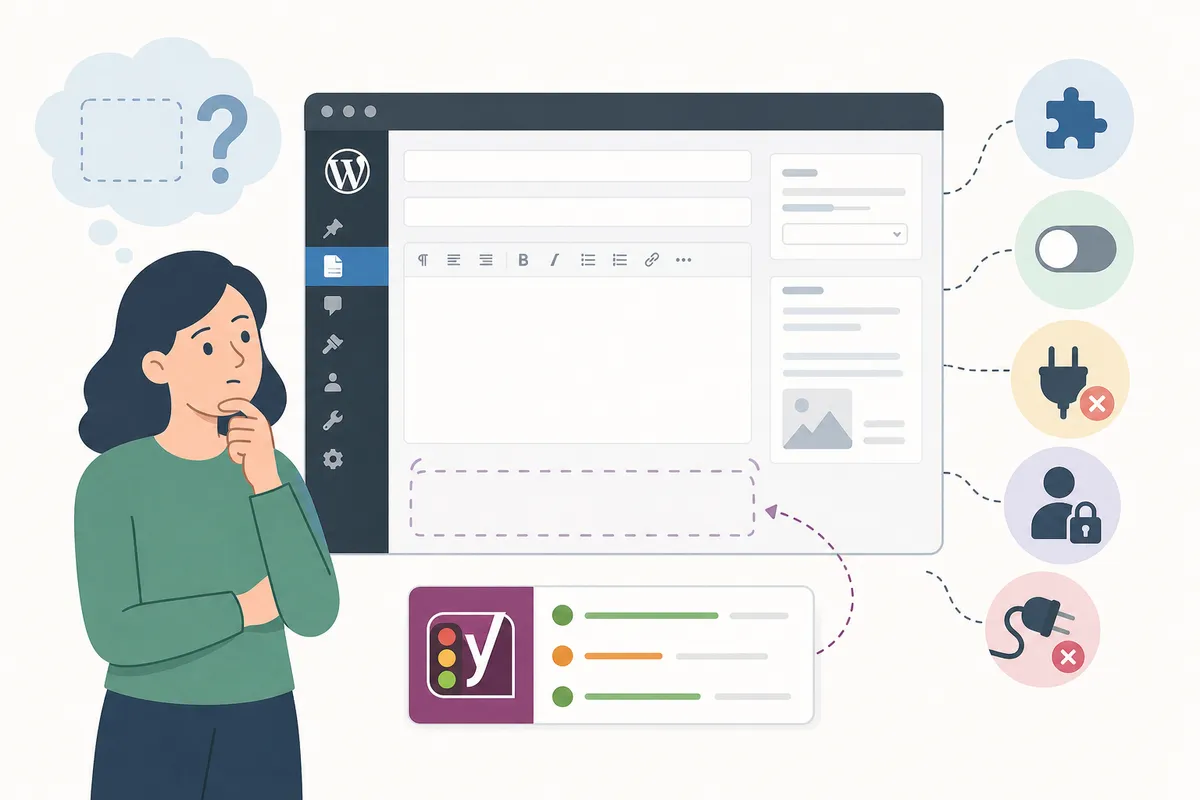
Most "missing meta box" complaints trace back to one of a handful of causes. A WordPress.org thread titled "Yoast SEO box doesn't show on products" was resolved once the owner enabled SEO controls under Content Types, because the box isn't turned on for every post type by default.
| Cause | What You'll See | Fix |
|---|---|---|
| Content type not enabled | Box shows for posts/pages but not products or custom types | Go to Yoast SEO → Settings → Content Types and toggle on "Enable SEO controls" for that type. Then recheck it in Screen Options |
| Screen Options hidden it | Box exists but isn't checked | Click Screen Options (top-right of the editor), tick "Yoast SEO" |
| Theme or builder JS conflict | Box absent entirely, browser console shows a JavaScript error | A reported GitHub issue traced this to the Avada theme after a WordPress 6.0 update. Deactivating other plugins and switching themes temporarily confirms the conflict |
| Conflicting form/meta plugin | Front-end layout breaks or fields double up when Yoast is active | A support forum thread describes this exact clash with a front-end form plugin; test with Yoast deactivated to confirm before troubleshooting further |
If you're weighing whether to keep troubleshooting Yoast or switch plugins, compare the alternatives first: All in One SEO and Rank Math. Most meta box problems aren't a reason to migrate.
Can you fix a missing meta box yourself?

Yes, in almost every case. Toggling Screen Options or flipping a content-type setting takes under five minutes and needs no code, so treat it as a DIY job first.
Hire a developer only when the console shows a JavaScript error tied to your theme or a page builder. That is a compatibility bug rather than a dashboard setting, and it usually needs a plugin or theme update instead of a workaround.
Setting the meta description once you find the box
Once the box is visible, click the SEO tab and type your description into the snippet preview field, keeping it specific to the page's content. Google's own guidance says a meta description is a candidate for the snippet shown in search results, and search engines can generate their own summary when yours doesn't match the query (Google Search Essentials). That is why "how to add meta description in WordPress" and "where's the Yoast box" are really the same question.
To see what finished titles and descriptions look like across a site, check a sample SEO report, which shows the before-and-after at page level.
FAQs
Where is the Yoast SEO meta box located?
It sits below the main content editor on posts, pages, and any enabled custom post type. In the Classic Editor it's a boxed panel; in the block editor it's a sidebar section or a panel under the content.
Why is the Yoast meta box missing from my product pages?
By default, Yoast only shows SEO controls for posts and pages. Go to Yoast SEO → Settings → Content Types and enable SEO controls for products (or any custom type), then check it in Screen Options.
Does the Classic Editor and block editor show the meta box in the same place?
No. The Classic Editor shows it as a fixed box below the content field, while the block editor offers a toggleable sidebar panel or a block-style panel under the content, depending on screen size.
Can a theme break the Yoast meta box?
Yes. A reported case involving the Avada theme caused the box to vanish after a WordPress core update, traced to a JavaScript error. Deactivating other plugins and switching themes temporarily is the standard way to confirm a theme conflict.
Does Google always show the meta description I set in the box?
No. Google treats it as a strong candidate for the search snippet but may substitute its own summary if it judges another passage matches the search query better.
Fix your meta descriptions before they cost you clicks
A missing Yoast SEO meta box is almost always a two-click fix. A blank or weak meta description is slower and quieter: it just means fewer clicks on pages that already rank. Talk to the team and get a look at which of your pages are missing one.
Resources / References
Sources
About the author
SearchBlueprint researched, wrote and scored this article with the content pipeline our customers run on their own sites. The score in the byline is what our content engine gave this page before it published. Nothing here is reviewed by hand, which is the point: it is the product's output, published where anyone can check it.