Yelp SEO: How Your Yelp Listing Affects Google Rankings
By Toy Wen Da, Co-Founder · Updated · 7 min read · scored 99/100
Yelp SEO means optimizing your Yelp business page, reviews and citations so they support your Google rankings instead of competing with them. Start by claiming and fully completing your Yelp for Business profile, because an unclaimed or sparse listing gives Google little to work with.
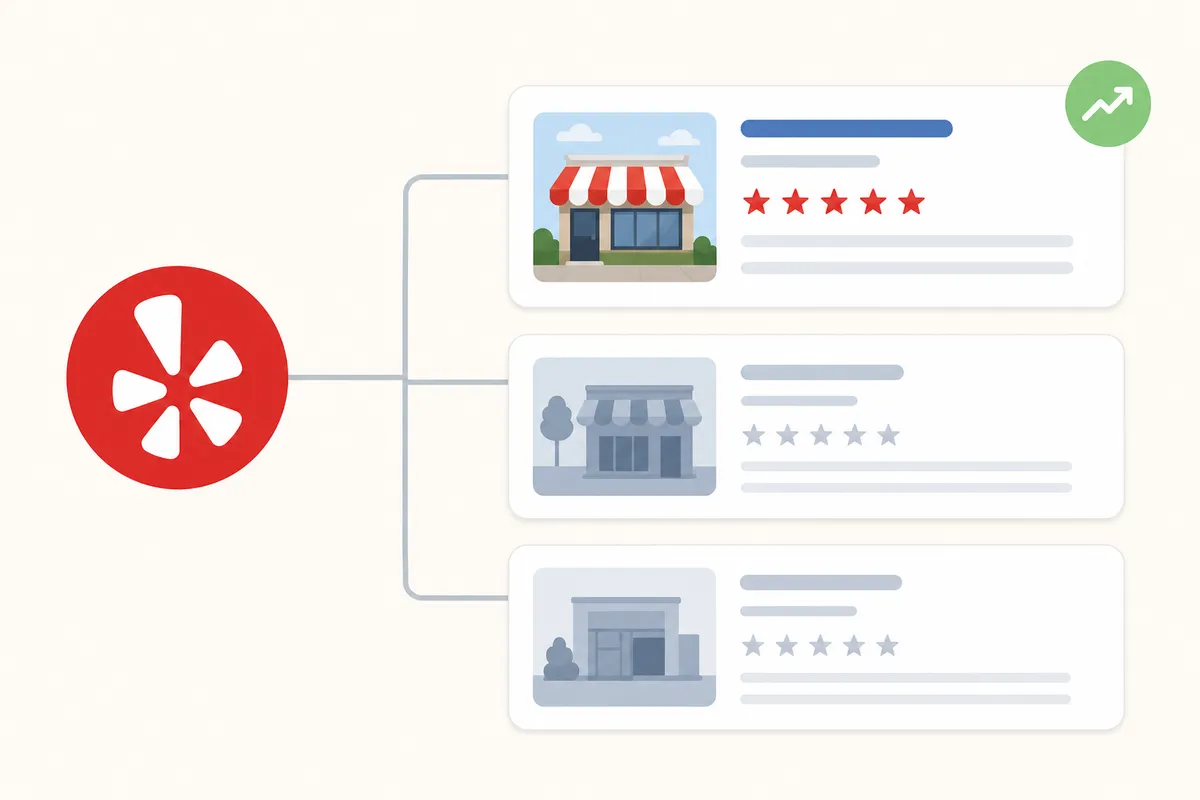
What Yelp SEO actually covers
Yelp SEO has two sides: optimizing the listing itself, and making sure your website carries the same information so Google trusts both. Treat them as a single project.
Why Yelp listings show up in Google and Bing results
Search a generic local query such as "massage therapist," "garage door repair" or "dentist near me" and a Yelp result often sits near the top, sometimes above the business's own site. Yelp carries strong domain authority, and Google treats it as a reliable aggregator of local business data. Bing leans on Yelp data even more heavily for local packs. When a searcher clicks through to Yelp instead of your homepage, the listing's photos, categories and review count make the pitch for you.
Citations, backlinks and trust signals
Every complete Yelp profile acts as a citation. It repeats your business name and contact details, known as NAP (name, address, phone), so Google can match them against your Google Business Profile and website footer. Mismatches across those three sources weaken the trust signal.
A well-trafficked Yelp page can also attract secondary backlinks when other sites or local directories reference it, and social shares of a listing add a small extra signal. None of this replaces a backlink to your own domain, but it reinforces that your business is real, located where you say and actively reviewed.
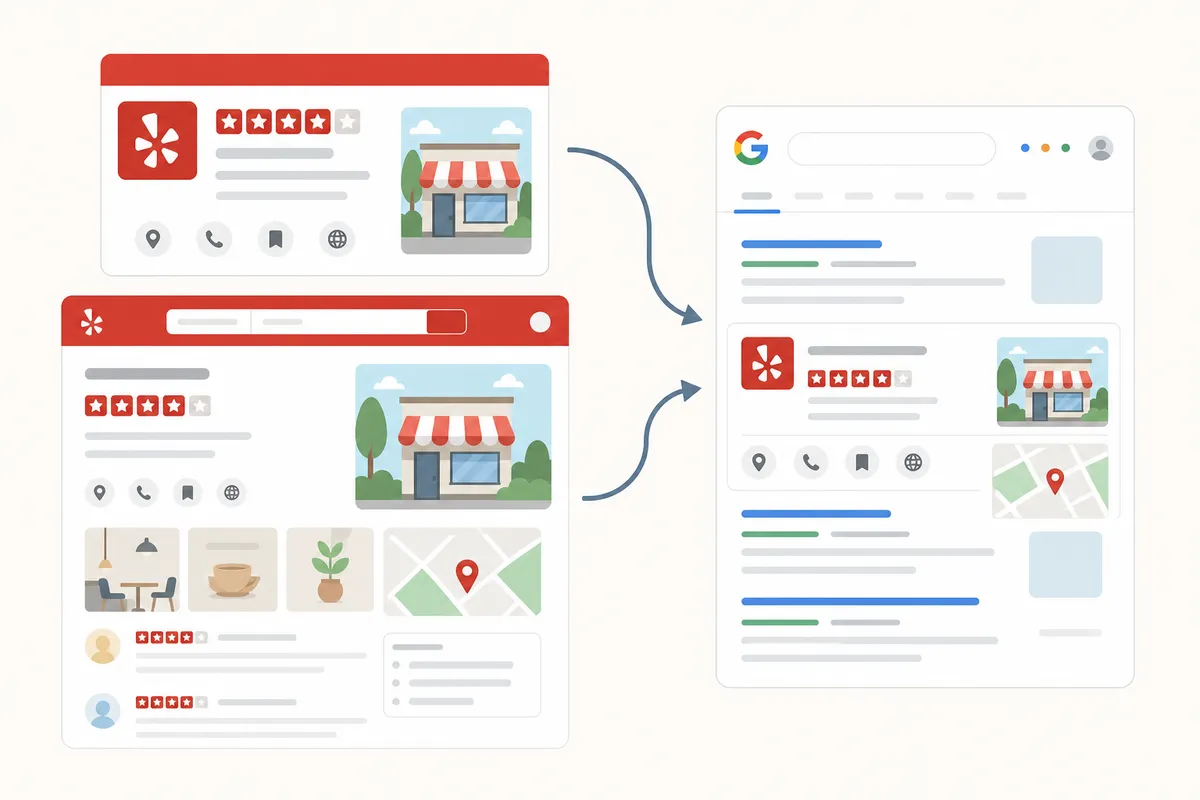
Fixing Yelp SEO on your own website
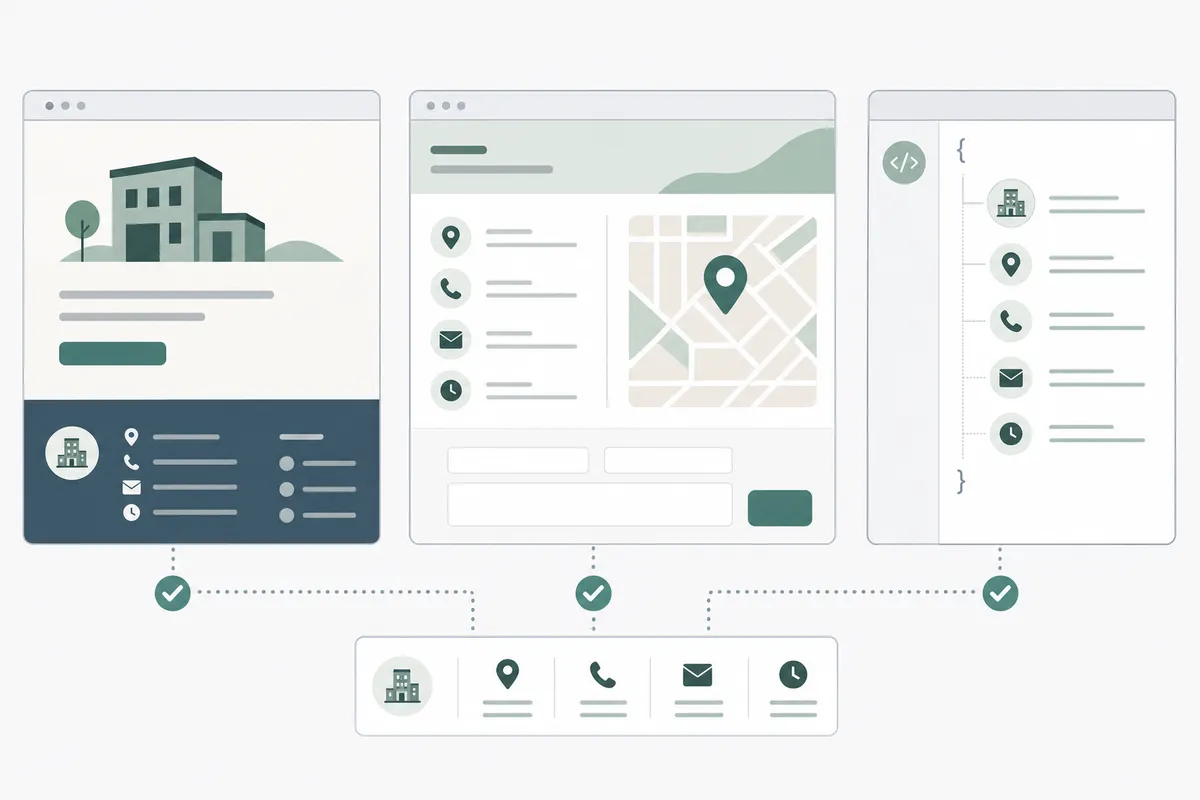
The Yelp side lives on Yelp's platform, but several fixes belong on your own site, and most businesses skip them.
Step 1: Match your NAP exactly
Open your website's footer, contact page and any schema markup, then compare the business name, address and phone number against your Yelp listing word for word. Suite numbers, abbreviations ("St." versus "Street") and old phone numbers are the most common mismatches.
Step 2: Add LocalBusiness structured data
If your site doesn't already include LocalBusiness schema, add it to your homepage or contact page. It gives Google a machine-readable version of the details your Yelp profile shows, which reinforces consistency without duplicating effort.
Step 3: Link out to your Yelp reviews instead of embedding everything
A simple, visible link from your website to your Yelp profile closes the loop between the two, and the website field on Yelp can point back to you. Raw Yelp review widgets scattered around the site tend to slow pages down, so a link plus a short testimonials section usually performs better and loads faster.
Step 4: Check your site's own on-page basics
Yelp traffic only helps if it lands on a page that's actually optimized. If you run a CMS, work through the CMS-specific SEO guides for your platform, and get titles, meta descriptions and headings in order before you drive more visitors there.
When your website's own tools are enough, and when they aren't

Checking one page differs from auditing an entire local SEO setup, and the free DIY route has limits.
- For one URL, such as confirming your homepage's title tag matches Yelp, a free on-page checker or meta tag tool is enough.
- A one-off cleanup like fixing a mismatched phone number or adding schema is a self-contained task you can finish in an afternoon with your CMS's editor.
- NAP inconsistencies, missing schema or thin location pages can show up across dozens of URLs. If they keep reappearing after every content update, you have a recurring pattern, and checking page by page stops scaling fast.
- Once you're tracking Yelp, Google Business Profile and industry-specific directories together, a dashboard that watches all of them beats spreadsheet comparisons.
If you're on Duda, the Duda blog SEO guide covers verified publishing settings that keep your on-page details consistent as you add location or service pages. If you publish through Framer, the Framer blog SEO setup explains the RSS and webhook options for keeping content synced without re-checks.
Common Yelp SEO mistakes
| Mistake | Why it hurts | The fix |
|---|---|---|
| Duplicate Yelp listings for one location | Yelp's system can flag it as manipulation and bury both versions | Search Yelp for your business name and address, then request a merge for any duplicate |
| Leaving the profile unclaimed | No control over categories, photos or hours; weaker trust signal | Claim the listing through Yelp for Business and verify it |
| NAP mismatch between Yelp, Google Business Profile and your site | Confuses which details are authoritative, diluting local trust | Audit all three sources side by side and standardize the format |
| Ignoring negative reviews | Unanswered complaints are the reviews people read first | Respond to every review, positive or negative, promptly and specifically |
| Wrong or too-broad categories | Yelp and Google can't match you to the right local searches | Pick the most specific primary category, then add relevant secondary ones |
Yelp vs. Google Business Profile: where each one fits
| Factor | Yelp | Google Business Profile | What to do |
|---|---|---|---|
| Where it shows up | Yelp.com, often in Google/Bing local results | Directly inside Google Search and Maps | Optimize both; don't treat either as optional |
| Review weight | Strong trust among its own active user base | Most visible to the broadest search audience | Encourage reviews on both |
| Category depth | Over 1,200 categories available | Fewer, broader category options | Match categories as closely as possible across platforms |
| Primary SEO value | Citation, trust signal, direct traffic | Rankings in Maps and the local pack | Keep NAP identical between them |
Google's guidance on spam and trust, including fake engagement and review manipulation, is laid out in its Search Essentials documentation. Read it before you ask customers for reviews on any platform.
FAQs
Does having a Yelp listing directly boost my Google ranking?
Not directly, since Google doesn't name Yelp as a ranking factor. A complete, consistent Yelp profile does strengthen the citation and trust signals that support local SEO indirectly.
Do I need to respond to every Yelp review?
Ideally yes. Responding to positive and negative reviews alike shows active management, which matters to future customers and to Yelp's own algorithm.
Can too many Yelp reviews too fast look suspicious?
A sudden, unnatural spike can look like manipulation to Yelp's filtering system, so steady, organic review growth over time is safer than a review drive.
Should I pay for Yelp ads to help my SEO?
Yelp ads affect visibility on Yelp itself and have no bearing on your Google rankings. Treat them as a separate paid-traffic decision.
What if my Yelp listing has wrong business hours or an old address?
Claim the listing through Yelp for Business and correct the details right away. Outdated information creates the very NAP mismatch that weakens local trust signals.
Start with your own listing this week
Yelp SEO pays off fastest when you run it as one project across Yelp's platform and your own website: matched NAP details, the right categories and a steady flow of answered reviews. Pull up your Yelp profile today and check it against your website's footer, since that one comparison catches most of the mistakes above. When you're ready to see where your site's own local signals stand, talk to the team.
Resources / References
Sources
About the author
SearchBlueprint researched, wrote and scored this article with the content pipeline our customers run on their own sites. The score in the byline is what our content engine gave this page before it published. Nothing here is reviewed by hand, which is the point: it is the product's output, published where anyone can check it.