Why Is My Google Business Profile Only Visible to Me? Here's the Fix
By Toy Wen Da, Co-Founder · · 6 min read · scored 99/100
If you're asking why is my Google Business Profile only visible to me, the listing is almost always stuck in an unverified, under-review, or suspended state that Google hasn't cleared for public search and Maps yet. The first thing to do is open the profile in your Google Business Profile account and check its status before touching anything else.

What "Only Visible to Me" Actually Means

When you're logged in as the owner or manager, Google shows you a preview of your listing even if the public can't see it yet. That's by design, it lets you review and fix details before customers find it. So seeing your profile fine on your own screen tells you nothing about what a customer searching for your business actually sees.
This is a different problem from a profile that was live and then vanished. If your listing used to show up and then disappeared, that's a separate issue tied to suspensions or policy flags, and it's worth reading through a dedicated breakdown of why a Google Business Profile disappears and what to do instead for the specific triggers and fixes.
Common Causes and Fixes
| Cause | What It Looks Like | How to Confirm | Typical Fix |
|---|---|---|---|
| Pending verification | Listing shows a "Verify now" or pending badge | Open Business Profile Manager, check the status banner | Complete verification by postcard, phone, email, or video |
| Under review after edits | Recent name, address, or category change | Status shows "In review" | Wait it out; avoid further edits during review |
| Suspended profile | No status shown, listing unsearchable | Account shows suspended or no profile listed | File a reinstatement request with accurate business info |
| Duplicate listing | Two profiles for the same address | Search your business name plus city on Google Maps | Request a merge or remove the duplicate |
| New listing, not yet indexed | Brand-new profile, just created | Listing is only a few days old | Give it time; Google often needs several days to publish a new profile |
How to Fix It Inside Google Business Profile
Work through these steps in order inside your Google Business Profile account.
- Sign in and open the right listing. Go to Google Business Profile Manager and confirm you're looking at the correct business if you manage more than one.
- Check the status at the top of the dashboard. Look for any banner mentioning verification, review, or suspension. This single step explains most cases of a profile only visible to the owner.
- Finish verification if it's incomplete. If you see a verification prompt, choose the offered method, postcard, phone call, email, or video, and complete it. An unverified listing simply does not appear in public search or Maps results.
- Search your business name and city on a separate device or logged-out browser. This confirms whether the public truly can't see it, rather than relying on what you see while signed in.
- Check for duplicates. Search Google Maps for your exact business name and address. A second listing at the same location can suppress the one you're managing.
- Review recent edits. If you changed your business name, category, or address recently, Google may be re-reviewing the listing. Avoid making more edits while it's under review, since that can restart the clock.
- Request reinstatement if suspended. If the dashboard shows no live listing or flags a suspension, submit a reinstatement request through the support option in your account, with accurate, consistent business details.
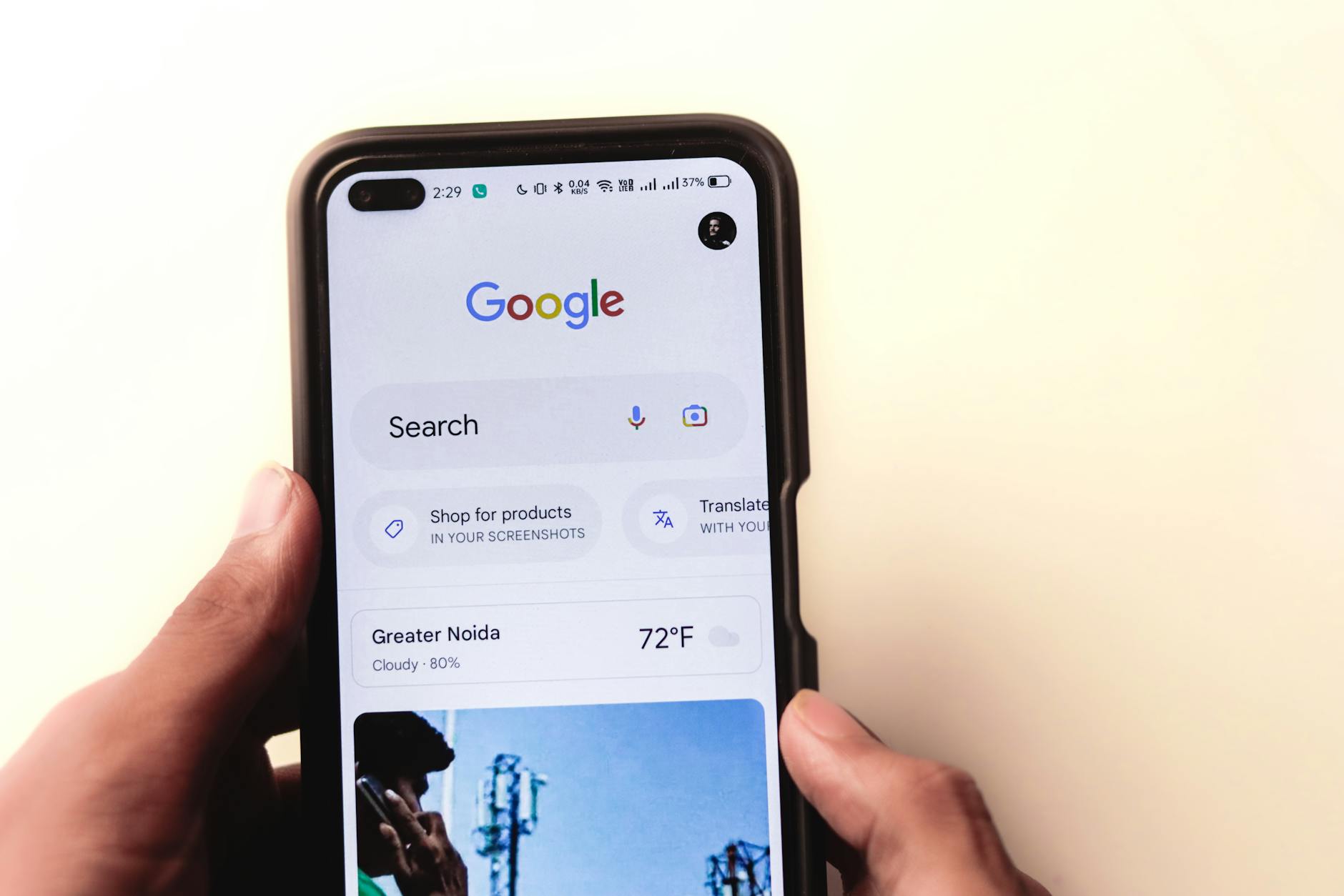
Google's own guidance confirms that a listing's information and verification status directly affect whether it's eligible to appear in search and Maps results, see Google Search Central for how indexing and eligibility generally work.
When Google's Own Tools Are Enough, and When They're Not

For a single listing with one clear problem, an unfinished verification, one duplicate, one suspension, the built-in dashboard and support flow are genuinely enough. You check status, fix the one thing, and wait.
Google's own tools stop being enough when the problem repeats or spreads:
- You manage several locations and more than one is affected.
- The profile keeps getting flagged or suspended after you fix it.
- Your Google Business Profile is fine, but you still don't rank for local searches once it's live.
- You're not sure if the real issue is the profile itself or weak signals elsewhere, like inconsistent listings across directories or thin location pages on your site.
That last scenario is where a one-off fix turns into a recurring local SEO problem rather than a single bug. If you want to see what a complete, properly filled-in profile looks like next to yours, this example of a filled-in Google Business Profile is a useful side-by-side reference.
Common Mistakes to Avoid
- Re-verifying repeatedly. Submitting multiple verification requests while one is already pending can confuse the review and slow things down.
- Editing the listing mid-review. Changing your name, address, or category while Google is reviewing often restarts the review clock.
- Assuming it's permanent. A newly created profile not showing publicly after a day or two is often still just in Google's queue, not broken.
- Ignoring duplicate listings. A second profile at the same address can suppress yours even if yours is fully verified.
- Checking only while logged in. Always confirm visibility from a logged-out browser or another device.
FAQs
Why can I see my Google Business Profile but customers can't?
Because you're logged in as the owner, Google shows you a management preview regardless of public status. Customers only see the listing once it's verified and cleared review.
How long does it take for a new Google Business Profile to go public?
It varies, but new listings commonly need several days after verification for Google to index them publicly. Recent edits can add further review time.
Can a duplicate listing cause this?
Yes. If Google has two profiles at the same address, it may show one and suppress the other, which can look like your real listing is only visible to you.
Does a suspended profile show up to anyone?
No. A suspended profile is not visible to the public and typically shows no active status in your dashboard until you file a reinstatement request.
Is this the same as my profile disappearing after being live?
No, a profile that was public and then vanished points to a suspension or policy issue, not an unverified listing. That's a distinct case with its own troubleshooting path.
Get Your Listing, and Your Local Search Presence, Checked Properly
Start by confirming your profile's exact status in Google Business Profile Manager today, since that single check resolves why is my Google Business Profile only visible to me in most cases. If the fix doesn't hold, or you suspect the real issue sits in your broader local search presence rather than one setting, talk to the team, you can start with a sample SEO report that shows what a fuller local SEO review would surface for your business.
Resources / References
Sources
About the author
SearchBlueprint researched, wrote and scored this article with the content pipeline our customers run on their own sites. The score in the byline is what our content engine gave this page before it published. Nothing here is reviewed by hand, which is the point: it is the product's output, published where anyone can check it.