Whitepaper SEO: Make Your PDF Rank and Generate Leads
By Toy Wen Da, Co-Founder · · 6 min read · scored 99/100
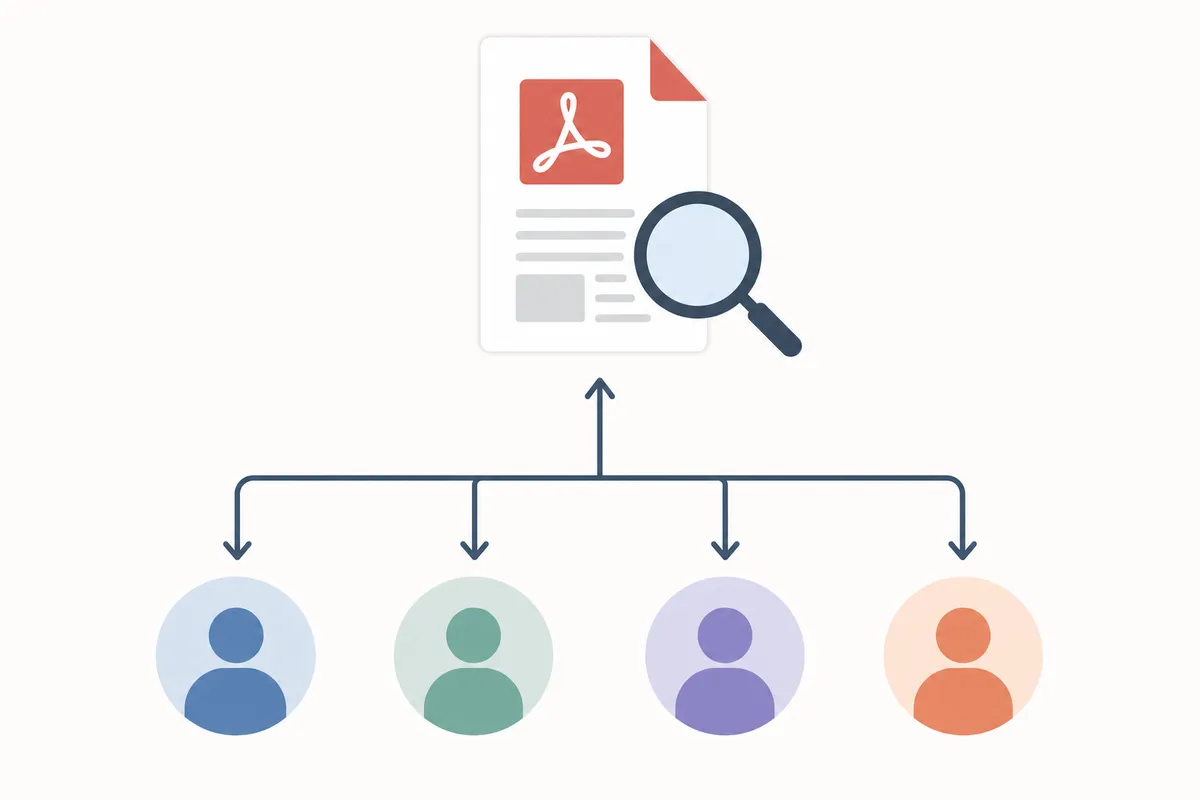
Whitepaper SEO means optimizing the landing page, title tag, meta description, headings, and internal links around your PDF. This helps search engines find, rank, and keep sending it leads after launch. The first step is a real, crawlable landing page, never the PDF file alone.
How to Do Whitepaper SEO on Your Own Site
Build a Real Landing Page, Not Just a PDF Link
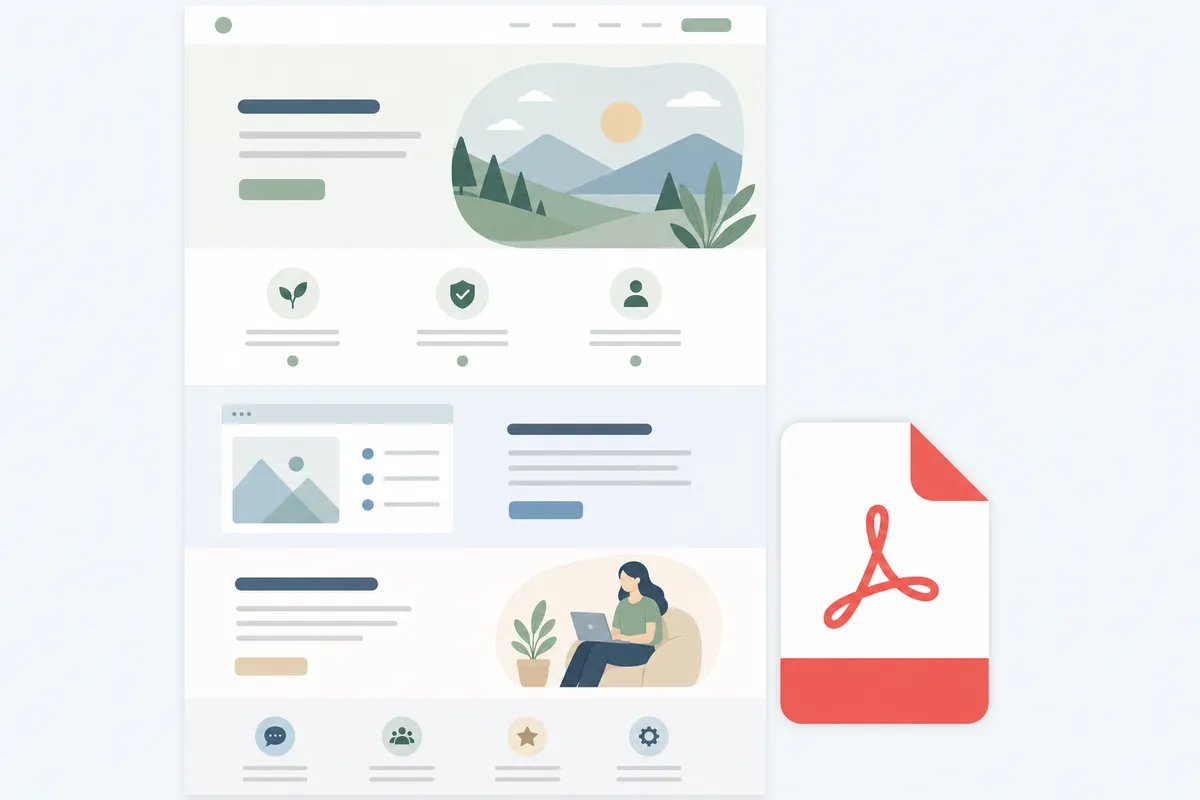
Search engines can read text inside a PDF, but a bare PDF url almost never outranks a well-built page. Create a dedicated landing page that summarizes the whitepaper's argument, lists what the reader will learn, and embeds a preview. Link to the PDF from that page rather than pointing your SEO efforts at the file itself.
Write the Title, Meta Description, and Headings
In your CMS's page or post editor, set a unique page title that includes the whitepaper's topic, not just its internal name. Fill in the meta description field with a one- to two-sentence summary that mirrors what someone would type into Google. Use one H1 for the landing page headline, then H2s for each core argument the paper makes. This is the backbone of whitepaper SEO on the page itself.
Fix the PDF's Own Metadata
Open the PDF's document properties, usually under File > Properties in your design tool, and set the title, author, and subject fields. Many PDF generators leave these blank or auto-filled with a filename. A PDF with no real title metadata shows up in search results as a meaningless string of characters. The W3C's Web Content Accessibility Guidelines also call for a descriptive title, since assistive tools rely on that same field.
Don't Let the Lead-Gen Form Block Indexing
If visitors must fill out a form to download the PDF, keep the landing page itself, with its summary text, publicly crawlable. Gating the entire explanation behind the form, with no visible text on the page, gives Google almost nothing to index. Google's own guidance confirms content must be crawlable and indexable before it can rank at all, per Google Search Essentials.
Add Internal Links Both Ways
Link from relevant blog posts and service pages to the whitepaper's landing page. Then link from that page back to related content on your site. This spreads authority to the new page and gives readers a next step beyond the download.
Which Whitepaper Format Ranks and Converts Best
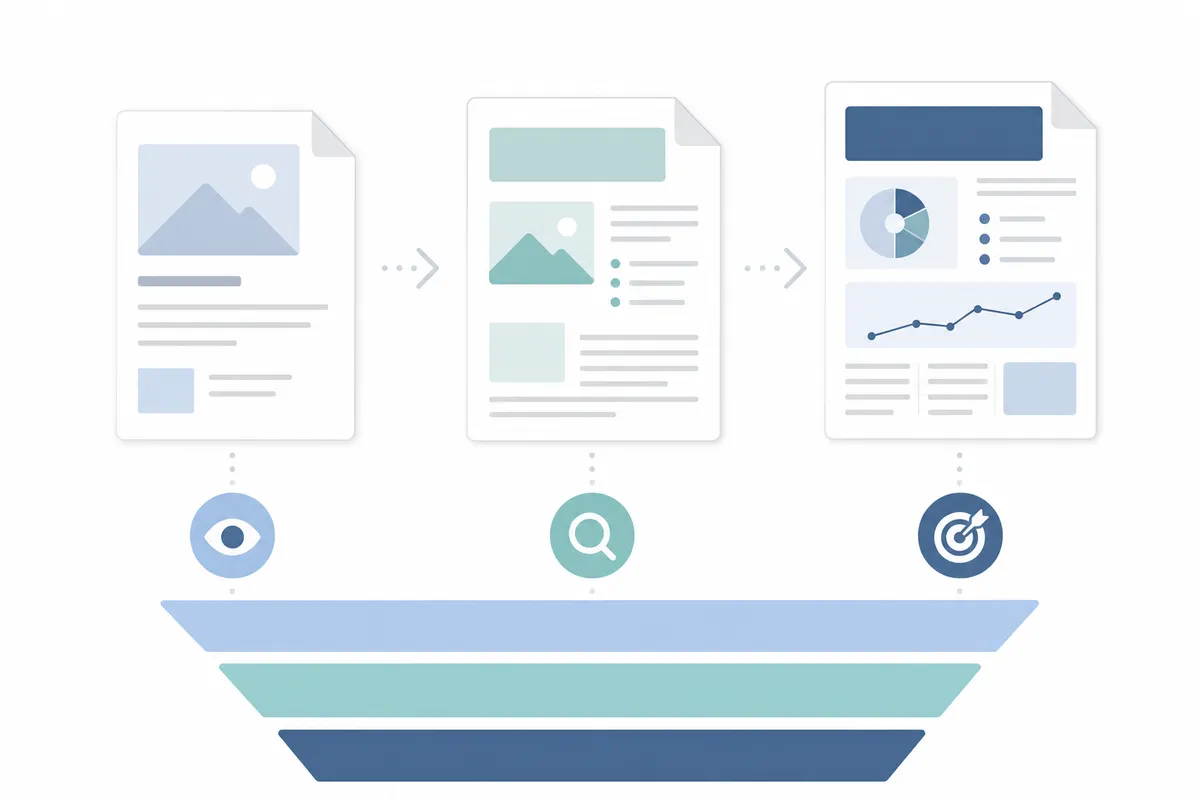
The structure you choose affects both what readers expect and how easily the page targets a specific search intent.
| Whitepaper Type | Best For | SEO Strength | Example Angle |
|---|---|---|---|
| Problem/solution | Early-to-mid funnel readers researching a pain point | Strong, matches informational search queries directly | A paper walking through common SEO mistakes before introducing your fix |
| Backgrounder | Late-funnel readers comparing a shortlist of vendors | Moderate, ranks for branded and feature-comparison terms | A deep technical explainer on how your product's audit engine works |
| Numbered list | Casual readers early in the journey, looking for quick answers | Strong, matches "how to" and listicle-style queries | "12 Steps to Fix a Slow-Loading PDF Landing Page" |
Research cited by document platform FlippingBook notes that 90% of emails submitted through a well-built lead capture form come back valid. That's a sign that a properly structured whitepaper funnel, not just the ranking itself, turns traffic into usable leads.
When Your Website's Own Tools Are Enough, and When They're Not
| Situation | DIY Fix Usually Enough? | Why |
|---|---|---|
| One whitepaper landing page needs a title tag and meta description fix | Yes | A single-page edit in your CMS takes minutes and doesn't require ongoing monitoring |
| You publish one whitepaper a year as a one-off campaign | Yes | Low volume means manual checks catch most issues before launch |
| You run several whitepapers across multiple product lines or regions | Often not | Tracking rankings, cannibalization, and broken links across many pages gets hard to do by hand |
| Whitepaper traffic has stalled or dropped after a redesign | Often not | Diagnosing whether it's crawlability, a lost backlink, or a content issue needs a proper audit |
If your business serves specific regions, pair the whitepaper's landing page with location-specific pages built for a rank grid. This can widen the net beyond generic industry search terms for local lead gen.
Common Mistakes
- Treating the PDF as the page. Search engines index pages more reliably than files; always wrap the PDF in a real landing page.
- Over-gating. Hiding every sentence behind a form leaves nothing for Google to crawl or quote.
- Skipping the meta description. Without one, Google writes its own snippet, often a poor match for the search query.
- No internal links in or out. An orphaned page with zero inbound links rarely earns rankings, no matter how good the writing is.
- Ignoring design. Studies on whitepaper design have found that visually weak covers and layouts reduce read-through and share rates. This happens even when the content ranks.
FAQs
Does a whitepaper need its own URL to rank in Google?
Yes. A whitepaper needs a dedicated, crawlable landing page with its own URL, title tag, and meta description. A PDF sitting behind a generic download link with no surrounding page text rarely ranks well on its own.
Can I gate a whitepaper behind a form and still rank it?
You can, as long as the landing page itself contains visible summary text that search engines can crawl. The gate should sit between the summary and the full document, not in front of everything.
How long should a whitepaper be for SEO purposes?
Length depends on the topic, but most whitepapers run from roughly 1,000 to 10,000 words of research-backed content. What matters more for SEO is the landing page text summarizing it, not the PDF's word count alone.
Does whitepaper design actually affect SEO, or just conversions?
Design mainly affects conversions, read-through, and sharing, and shares and backlinks indirectly help SEO. The page's technical setup (title, meta description, crawlability) is what directly affects rankings.
Should I use schema markup on a whitepaper landing page?
Adding structured data, such as the Article type, to the landing page helps search engines understand the content's topic and author. This supports clearer indexing. Schema.org, the structured data vocabulary maintained jointly by Google, Microsoft, Yahoo, and Yandex, defines that Article type.
Check Your Whitepaper's SEO Setup
Before you publish the next whitepaper, confirm the landing page has its own title, meta description, and crawlable summary text. That's the foundation every other whitepaper SEO fix builds on. To see exactly where your current pages stand, talk to the team. Get a sample report on what's helping and hurting your rankings today.
Resources / References
Sources
About the author
SearchBlueprint researched, wrote and scored this article with the content pipeline our customers run on their own sites. The score in the byline is what our content engine gave this page before it published. Nothing here is reviewed by hand, which is the point: it is the product's output, published where anyone can check it.