Shopify Plus SEO: What You Can Fix in Shopify and What You Can't
By Toy Wen Da, Co-Founder · Updated · 7 min read · scored 93/100
Shopify Plus SEO means using the platform's native settings (title tags, URL redirects, the sitemap and robots.txt) to get a high-volume store crawled and indexed correctly. After that comes the work Shopify doesn't cover, such as Core Web Vitals and duplicate content across markets. Start by auditing a single page.

For a full walkthrough of every setting worth changing on a Shopify store, SearchBlueprint's Shopify SEO guide lays out the order to work in, from theme basics to international markets. It uses the same menu names you'll see below, so you can follow along inside your own admin while you read.
What Shopify Plus gives you for SEO out of the box
Shopify Plus ships with more SEO control than standard Shopify, mainly around multi-market setups, checkout customization and API access for bulk edits. The core SEO toolkit, though, is the same one every Shopify store gets.
That toolkit covers:
- Editable page titles and meta descriptions on every product, collection, blog post and page.
- Automatic 301 redirects when you change a URL handle.
- A generated sitemap.xml and robots.txt file.
- Alt text fields on every image.
- Canonical tags that Shopify sets automatically on most templates.
Those canonical tags follow the same preferred-URL guidance Google documents in its Search Central pages on canonicalization.

This is a solid floor, but how far it takes you depends on how well you use these fields across thousands of products. It also leaves out things Shopify doesn't touch automatically, like render speed and structured data for non-product pages.
Fixing Shopify Plus SEO inside Shopify, step by step
Most problems here start with the basics, so work through these in order before you look at third-party apps.
Step 1: Fix title tags and meta descriptions
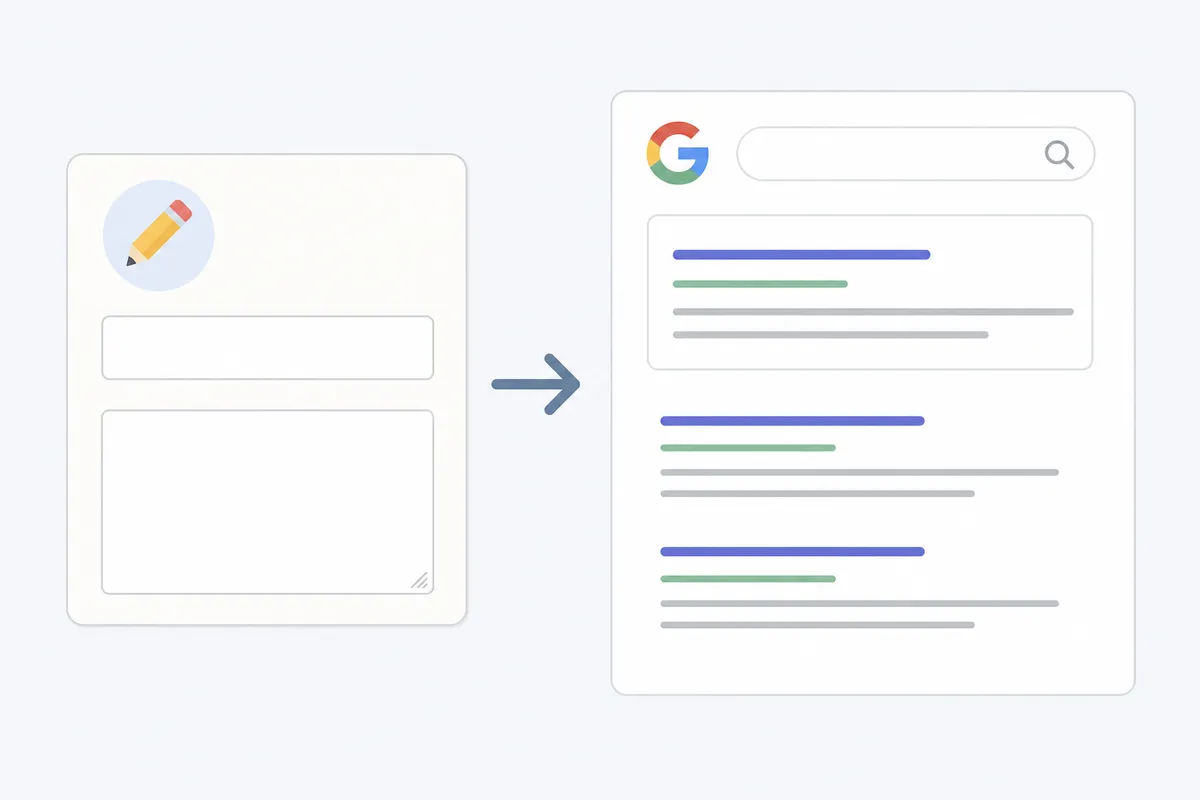
Open the product, collection or page you want to fix and scroll to the Search engine listing section near the bottom of the editor. Click Edit website SEO, update the Page title and Meta description fields, then click Save.
Keep titles under about 60 characters so they don't get cut off in search results. Meta descriptions should stay under roughly 155 characters for the same reason.
Step 2: Set up URL redirects
Go to Online Store > Navigation, then select URL Redirects. Click Create URL redirect, enter the old path and the new one, and save. Shopify creates these automatically when you edit a handle, but check manually after any bulk import or theme migration, because bulk tools sometimes skip this step.
Step 3: Check your sitemap and robots.txt
Shopify generates sitemap.xml and robots.txt automatically, and you can view them at yourdomain.com/sitemap.xml. On Shopify Plus you can edit robots.txt directly by creating a robots.txt.liquid template in the theme code editor, which lets you block low-value URLs like filtered collection pages. Google's Search Central guide to robots.txt explains which directives it honors and which it ignores.
Step 4: Add structured data where Shopify leaves gaps
Shopify adds basic Product schema automatically on most themes. It does not add FAQ, Article or Review schema by default, and those matter for how AI search tools and Google's AI Overviews summarize your pages. Google's own Search Central documentation covers which structured data types it supports and how to validate them.
When Shopify's own tools are enough, and when they aren't
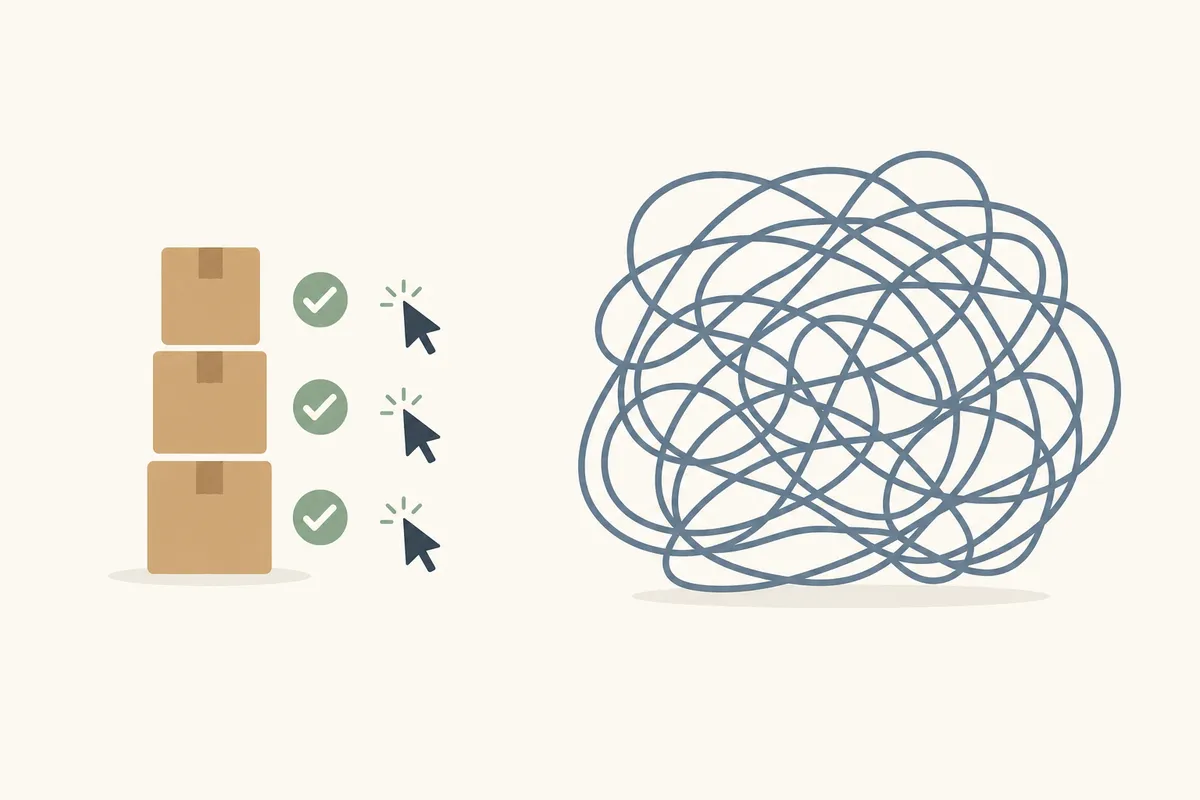
A lot of Shopify Plus SEO work really is a five-minute admin fix. Some of it isn't, and no amount of clicking around the dashboard will solve it.
| Situation | Shopify's tools alone | What you actually need |
|---|---|---|
| One product page has a missing meta description | Enough, edit it in the SEO fields and save | Nothing extra |
| A handful of pages have duplicate titles | Enough, fix each one manually | Nothing extra, just time |
| Thousands of filtered collection URLs are creating duplicate content | Not enough | Canonical rules, robots.txt exclusions, or an app that manages this at scale |
| Site speed is slow across the whole catalog | Not enough | Theme-level fixes, image compression, and app audits |
| You run multiple markets with translated content | Partially enough | Hreflang setup beyond what Shopify Markets configures by default |
| You need FAQ or Review schema on product pages | Not enough | A schema app or custom theme code |
If the problem sits on one URL, fix it in the admin and move on. If the same problem repeats across hundreds or thousands of SKUs, or comes back every time you add new products, you have a recurring process problem. That is the line between a DIY afternoon and a project.
Site speed shows the split well. A slow theme drags down every product page at once, and SearchBlueprint's roundup of Shopify themes built for SEO compares options on load time and Core Web Vitals readiness as well as design. Google uses Core Web Vitals as part of how it evaluates page experience, and the thresholds are documented on web.dev.
When the catalog gets too big to fix by hand
A store with 50 products can get real SEO value from manual edits. A Shopify Plus store with 20,000 SKUs across three markets can't. At that scale the useful question is which process catches problems automatically from here on, since hunting for the right setting no longer helps.
This is where most Shopify Plus stores move from manual fixes to some form of automation: bulk editing tools, scheduled audits, or apps that flag issues as new products get added. SearchBlueprint's breakdown of what actually scales for Shopify SEO walks through which parts genuinely need automation and which are better left to a human review.
Core Web Vitals and schema markup are usually the biggest gaps at this scale. Both have dedicated apps built for Shopify, and SearchBlueprint's comparison of Shopify SEO apps covers which ones move the needle and which just add another dashboard to check.
Common Shopify Plus SEO mistakes
- Treating Shopify Markets as a translation tool only. Markets handles currency and language, but hreflang and duplicate content between regions still need separate attention, following the rules Google sets out for localized versions of a page.
- Ignoring filtered collection URLs. Faceted navigation can generate thousands of near-duplicate URLs that dilute crawl budget.
- Skipping alt text on bulk-imported products. Importers often leave this field blank across an entire catalog.
- Assuming the default theme is fast enough. Heavy apps and uncompressed images slow down even well-built themes.
- Fixing SEO once and never checking again. The task recurs as the catalog grows.
FAQs
Does Shopify Plus have better SEO than regular Shopify?
No. Shopify Plus and standard Shopify use the same core SEO tools: title tags, meta fields, sitemap and redirects. Plus adds things like Shopify Markets and higher API limits, which help at scale but don't change the underlying SEO mechanics.
Can I edit Shopify's robots.txt file on Plus?
Yes. Shopify Plus lets you override the default robots.txt by adding a robots.txt.liquid file in the theme code editor, which standard Shopify plans don't support.
Why isn't my Shopify Plus store showing up in Google?
Usually it's one of a few things: the page is still set to unpublished, it's blocked in robots.txt, it has no internal links pointing to it, or it's too new for Google to have crawled yet. Check the page's status in Shopify admin first.
Do I need an SEO app for Shopify Plus?
Not always. For a small catalog the native fields cover most of what you need, but for large catalogs with recurring duplicate content, speed or schema gaps, an app or a managed process usually pays for itself in time saved.
How often should I review Shopify Plus SEO?
Treat it as ongoing, since new products, theme updates and app installs all create new SEO issues. A monthly or quarterly review catches problems before they compound across the catalog.
See where your store actually stands
Fixing it one page at a time works until your catalog outgrows manual edits. Pull up the search engine listing fields in your admin and check one high-traffic product page today to see what's missing. For a fuller picture of where your store stands and what to fix next, talk to the team.
Resources / References
About the author
SearchBlueprint researched, wrote and scored this article with the content pipeline our customers run on their own sites. The score in the byline is what our content engine gave this page before it published. Nothing here is reviewed by hand, which is the point: it is the product's output, published where anyone can check it.