Shopify Meta Description: Where to Edit It and What to Write
By Toy Wen Da, Co-Founder · · 5 min read · scored 98/100
A Shopify meta description is the short summary text you set for a page, product, or collection so it appears under the blue link on Google. To change it, open the page in your Shopify admin, scroll to the "Search engine listing" section near the bottom, click Edit, and type a new description under 160 characters.
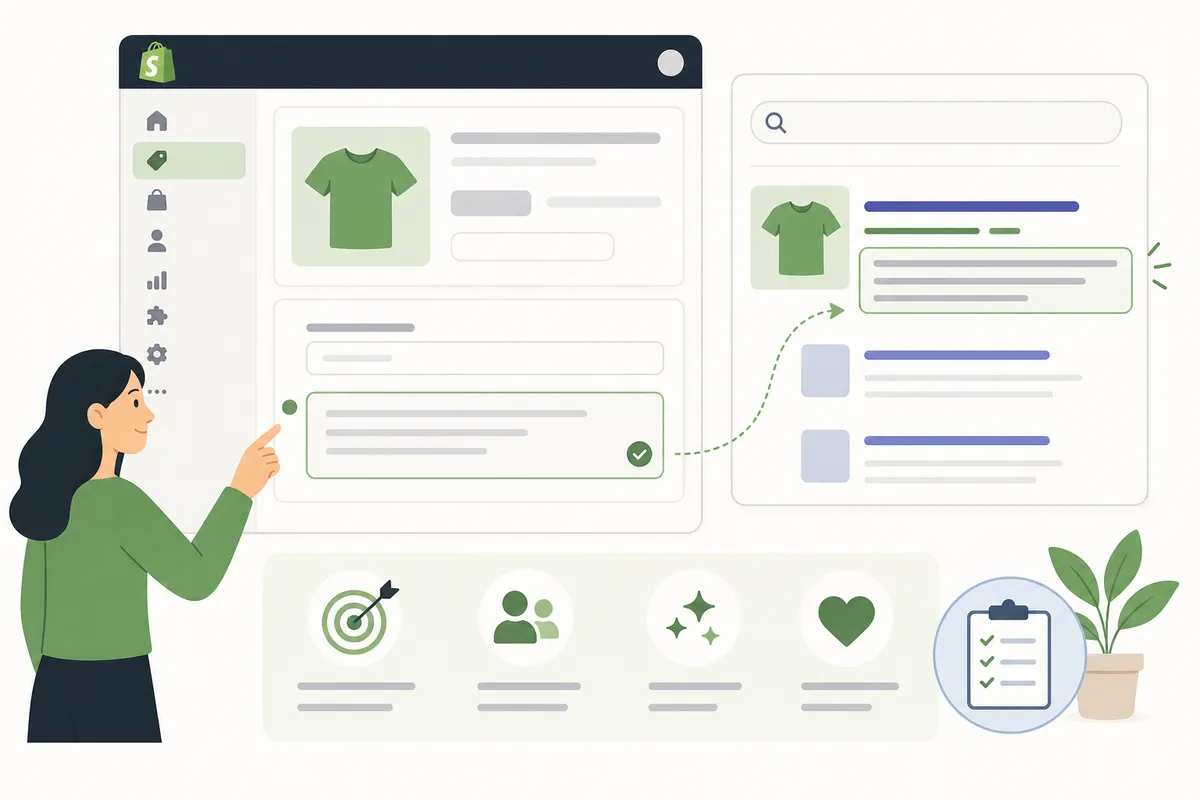
How to Edit a Meta Description on Each Shopify Page Type
The steps below use the menu names currently shown in Shopify's admin. They're close to identical across page types, only the starting menu changes.
Homepage
Go to Online Store > Preferences in your Shopify admin. You'll see a "Title and meta description" box near the top. Edit the text and click Save in the top-right corner. This is the only page where the meta description doesn't live inside a "Search engine listing" box.
Product Pages
Open Products, click the product you want to edit, and scroll to the bottom of the page. Click Edit website SEO under the Search engine listing preview. Update the "Description" field and click Save.
Collection Pages
Go to Products > Collections, open the collection, and scroll down the same way. Click Edit website SEO, update the description, and save. Leaving this blank is common, and it means Google decides what text to show instead of you.
Blog Posts and Other Pages
For blog posts, open Online Store > Blog posts. For standalone pages like About or Contact, go to Online Store > Pages. Both have the same "Search engine listing" box at the bottom with an Edit website SEO link.
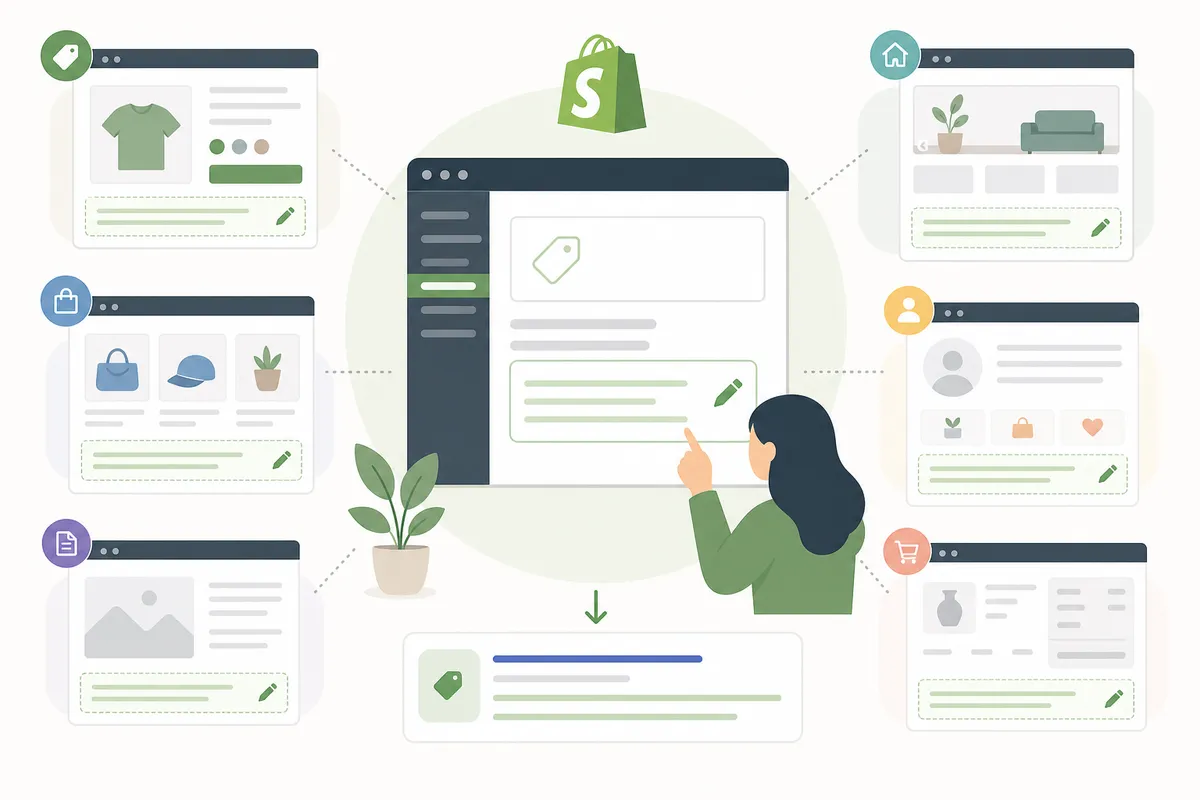
Bulk-Editing Meta Descriptions Across Many Products

Editing one meta description at a time is fine for a handful of pages. It stops being fine once a store has 300 products and a dozen collections. Shopify's admin has no native bulk-edit screen for SEO fields, so stores at that scale generally use one of two routes: an app that generates descriptions in bulk (several on the Shopify App Store use AI to draft titles and descriptions across selected products at once), or a CSV export, edit, and re-import through Products > Export. Either way, review the output before publishing, bulk-generated text tends to repeat the same phrasing across similar products unless you check it page by page.
If writing is the bottleneck rather than the mechanics of bulk editing, a free meta description generator can draft a few keyword-aware options per page that you then paste into Shopify's own field.
When Shopify's Built-In Tools Are Enough, and When They're Not

Editing the field by hand works fine for a small catalog. It gets slower, and more error-prone, the bigger the store gets.
| Situation | Shopify admin alone | When you need more |
|---|---|---|
| Fixing one product's meta description | Enough, takes under a minute | , |
| A new collection launching this week | Enough | , |
| 200+ products with blank or duplicate descriptions | Too slow one by one | Bulk app, CSV export, or an SEO tool that flags duplicates across the whole catalog |
| Descriptions keep getting truncated on mobile and desktop | Hard to catch manually across every page | A character-count check or site-wide crawl |
| You don't know which pages are missing a description at all | Shopify won't tell you this in one view | A full-site audit or crawl report |
For the one-off fix, open the page and edit it, that's the whole job. For a recurring, store-wide problem, a one-page-at-a-time workflow just doesn't scale, and that's the gap tools built for whole-site SEO are meant to close.
Common Shopify Meta Description Mistakes
- Leaving the field blank. Shopify community threads have documented cases where a misconfigured or password-protected store shows generic fallback text like a login prompt instead of real content in Google, a reminder that a blank or inaccessible page gives Google nothing good to show.
- Copying the same description across similar products. Google and most SEO guidance treat near-duplicate descriptions as a missed opportunity, not a style choice.
- Writing past the limit. Text beyond roughly 155–160 characters usually gets cut off with an ellipsis on desktop results.
- Stuffing keywords instead of writing a sentence. A description that reads like a tag list rarely earns the click, even if it ranks.
- Forgetting the homepage field is separate. It's easy to fix every product page and forget the homepage still has Shopify's default text.
For the exact character counts and spacing that keep a description intact on both desktop and mobile, see this breakdown of meta description length and character limits.
Google's own guidance on search snippets notes that it may rewrite a description if the existing one doesn't match what a searcher typed, one more reason to write something specific rather than generic (Google Search Central).
FAQs
Where exactly do I edit the meta description in Shopify?
Open the product, collection, blog post, or page you want to change, scroll to the bottom, and click "Edit website SEO" under Search engine listing preview. For the homepage, go to Online Store > Preferences instead.
Why isn't my new meta description showing up on Google?
Google doesn't always use the exact text you wrote, and it can take days to weeks to re-crawl and update a cached snippet. If it's been longer than that, check that the page isn't blocked by robots.txt or marked noindex.
How long should a Shopify meta description be?
Aim for roughly 150–160 characters. Shorter is fine; going much longer risks getting cut off with an ellipsis in search results.
Can I bulk edit meta descriptions for all my products at once?
Not directly in Shopify's admin, it edits one page at a time. Stores with large catalogs typically use a CSV export/import or a dedicated app to update many at once.
What happens if I leave the meta description blank?
Google will generate its own snippet by pulling text from the page, which is often less persuasive than something you'd write on purpose.
Fix the Description, Then Check What's Actually Live
Start with the pages that get the most traffic, your homepage and top products, and rewrite any Shopify meta description that's blank, duplicated, or running long. Talk to the team to see a sample SEO report and find out which of your pages need attention first.
Resources / References
Sources
About the author
SearchBlueprint researched, wrote and scored this article with the content pipeline our customers run on their own sites. The score in the byline is what our content engine gave this page before it published. Nothing here is reviewed by hand, which is the point: it is the product's output, published where anyone can check it.