Add Keywords to Website: Where to Place Them Right
By Toy Wen Da, Co-Founder · Updated · 5 min read · scored 97/100
To add keywords to your website, put the target phrase in the page title, URL, H1, a couple of subheadings, the opening sentences, the meta description and the image alt text, then use natural variants elsewhere. No single spot does the work alone. Search engines learn what a page is about from the combination.

Where to add keywords on a website, step by step

Page title and H1
The title tag is what shows up in the browser tab and often in the search snippet. In your CMS it is usually a field labeled "SEO Title," "Page Title" or "Meta Title" inside the page or post settings. Put your main keyword near the front and keep it under roughly 60 characters, while making sure it still reads like a real sentence.
The H1 is the big headline at the top of the page itself. It differs from the title tag, and there should be only one per page. Work the keyword in here too, but skip it if it sounds clunky.
URL slug
Most website builders generate a URL from your title and let you edit it in a "Permalink" or "URL" field before you publish. Shorten it, drop filler words and keep the keyword phrase intact. A clean example: /blog/dog-grooming-tips beats /blog/post-copy-2-final-v3.
Meta description
This is the one or two sentences under your listing in search results. It doesn't directly boost rankings, but it should still include the keyword because it influences whether someone clicks. Look for a "Meta Description" field in your page settings, usually right below the title field.
Image alt text
Every image needs alt text. Click the image in your editor and look for an "Alt Text" or "Describe this image" field in the settings panel. Describe the picture plainly and include the keyword only when it genuinely fits.
Body copy and subheadings
Use the keyword in the first couple of sentences, then let variations and related phrases carry the rest of the page. Break long sections with H2 and H3 subheadings, and use the keyword or a close variant in two or three of them.
Internal links
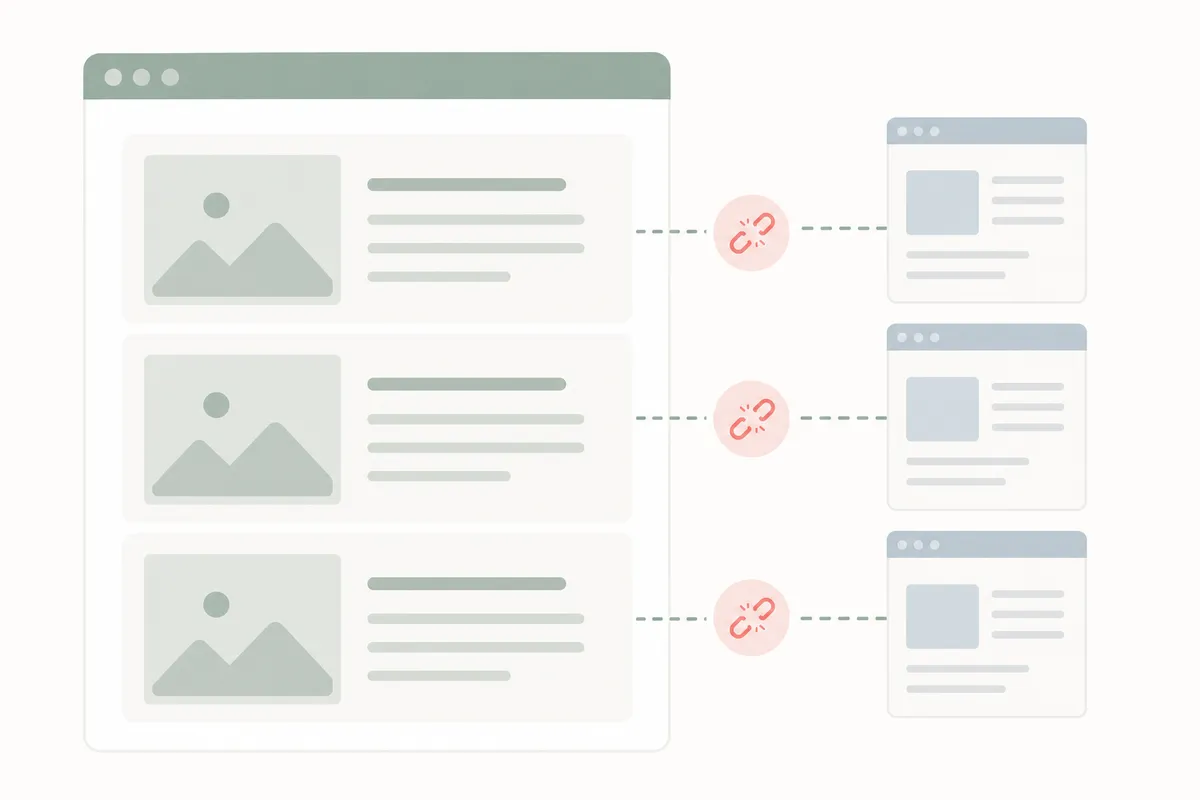
When you link one page to another on your own site, write descriptive anchor text instead of "click here." If you're linking to a page about customer trust signals, for instance, an anchor like this breakdown of Trustpilot widget types tells both readers and search engines exactly what's on the other end.
When your website's own tools are enough, and when they aren't

| Situation | Built-in tools usually enough? | Why |
|---|---|---|
| Updating one page's title, URL, or alt text | Yes | These are simple fields in your page editor, no extra software needed |
| Deciding which keywords to target across dozens of pages | No | Your CMS doesn't show search volume, difficulty, or competitor gaps |
| A one-off fix after you notice a missing meta description | Yes | Open the page, fill the field, republish |
| A recurring process across a growing site | No | You need tracking and research tools to keep pace, not manual edits page by page |
| Checking if a keyword is already ranking somewhere | No | This needs rank tracking data, not anything in your editor |
If you're fixing a single page, your site's own editor is enough and you don't need extra tools. Once you're managing keyword placement across a whole site, or deciding which terms to go after next, you've moved past what a page editor can tell you.
Common mistakes
- Repeating the exact phrase everywhere. Variety reads more naturally and avoids keyword stuffing, which Google's search documentation flags as something that can hurt rankings rather than help them (Google Search Essentials).
- Skipping alt text entirely. It's an easy, often-forgotten spot to add keywords to a website's pages.
- Targeting a keyword with no clear page to put it on. Research the phrase first, then build the page around it.
- Forgetting internal links. A page with no links pointing to it, like a review-badge how-to such as this guide to adding a Google reviews badge, is harder for both users and search engines to find.
- Ignoring body copy after optimizing the title. The title gets a page clicked, and the body is what keeps it ranking.
FAQs
Do I need to use the exact keyword phrase every time?
No. Use the exact phrase once or twice in key spots such as the title, H1 and opening paragraph, then switch to natural variations and synonyms through the rest of the page.
How many times should I repeat a keyword on a page?
There's no fixed number. Cover the topic well and place the phrase where it reads naturally instead of counting mentions.
Can I add keywords to a website without a plugin?
Yes. Most website builders have built-in fields for title, meta description, URL and alt text, and a plugin just makes editing them faster.
Will adding keywords guarantee higher rankings?
No. Placement helps search engines understand a page, but rankings also depend on content quality, site speed and links from other sites.
Where do people most often forget to add keywords?
Image alt text and internal link anchor text are the two spots skipped most often, even on otherwise well-optimized pages.
Start with the page that matters most
Pick one underperforming page, add the keyword to its title, URL and alt text this week, and watch how it moves in search results before touching the rest of the site. That is how you add keywords to your website without guesswork, one page at a time. If you want a clearer picture of where your pages stand first, talk to the team and get a sample SEO report that shows exactly what to fix.
About the author
SearchBlueprint researched, wrote and scored this article with the content pipeline our customers run on their own sites. The score in the byline is what our content engine gave this page before it published. Nothing here is reviewed by hand, which is the point: it is the product's output, published where anyone can check it.