SEO for Concrete Contractors: The Playbook That Books Jobs
By Toy Wen Da, Co-Founder · Updated · 8 min read · scored 99/100
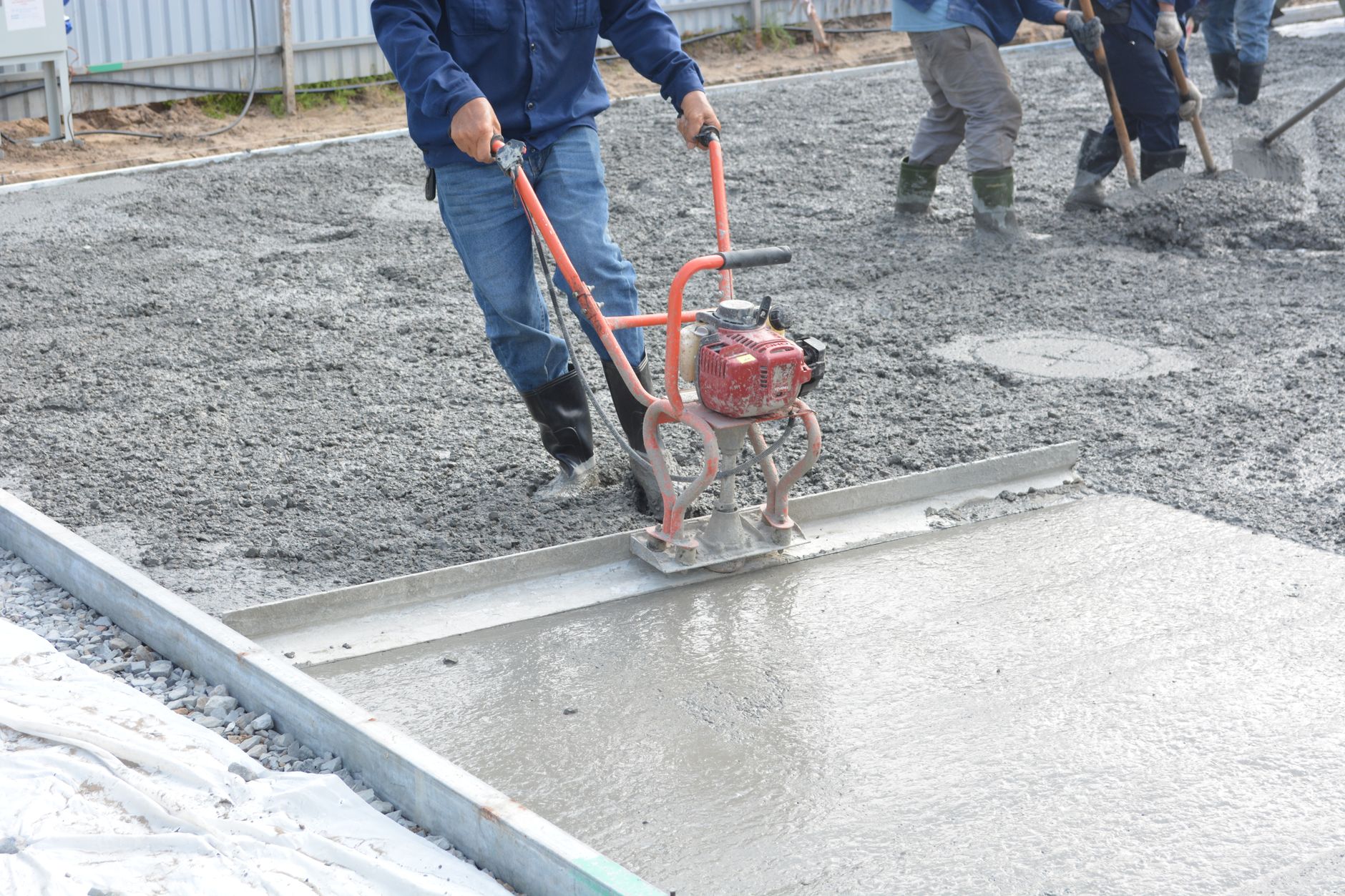
SEO for concrete contractors means making your website show up when homeowners search for driveway, patio, stamped concrete or repair work. Start with one page for each service in each town, with real pricing ranges, local photos and reviews, instead of a single catch-all "services" page.
If you want the map-pack side covered in more depth, SearchBlueprint's guide on local SEO for contractors shows how to align your Google Business Profile with your service-area pages. That alignment is what lands you in the three map pack slots that pull most of the local clicks for searches like "concrete driveway near me."
Why concrete contractor SEO matters more every year
The concrete trade isn't shrinking. One industry analysis counts close to 94,000 U.S. concrete contracting businesses, growing at a consistent 4.3% a year, so more competitors chase the same local results each year.
It's still winnable, because most of those competitors haven't touched their website in years. A five-page site built in 2014, with a Google Business Profile nobody has updated since, remains the norm in this trade. You don't have to outspend anyone. You have to be specific where everyone else is vague.
How fast homeowners decide
Local search behavior has a short decision window. Roughly 75% of local searchers make up their mind in under 30 minutes and 28% decide in under five. Most look at three businesses or fewer before calling, and only about 1% look at more than ten.
Your site gets scanned rather than studied. A homeowner on a phone needs to see what you do, where you work, what it costs and proof that someone in their town hired you.
Where the clicks go
Ranking on page one isn't the finish line, since the ten slots on that page are nowhere near equal and concrete contractor SEO lives or dies on the top few.
| Result position | Typical click share | What it means for a concrete contractor |
|---|---|---|
| Top 3 organic results | 68.7% of all clicks combined | If you're not in the top three, most searchers never scroll to you |
| Local Pack position 1 | ~17.6% | The single best spot on the page for "concrete contractor near me" searches |
| Local Pack position 2 | ~15.4% | Still strong, worth fighting for if you're not #1 |
| Local Pack position 3 | ~15.1% | The last map pack slot that gets meaningful traffic |
| Organic position 4+ | Small remainder | Functionally a different business in the searcher's eyes |
For a driveway or patio search, the map pack sits above the organic results on mobile, and 73% of local searches start on mobile versus just 19% on a computer. Treat your Google Business Profile and your website as one combined ranking surface and work on them together.
What gets a concrete contractor's site found
Most of the fixing happens inside your own website, before you touch ads or backlinks. Work through these in order:
- Open your CMS's page or SEO settings and check what each service page's title tag and meta description currently say. If every page title just reads "Services" or your business name, rewrite it to name the service and the town.
- Create a dedicated page for each service: driveways, patios, stamped or decorative concrete, and repair and resurfacing. Decorative work gets chosen on photos while plain driveways get chosen on price and timing, so write each page differently.
- Add a page for each town you actually work in, rather than a radius in miles. Use the page or post editor to set a clean URL slug that includes the service and the town name.
- Publish a per-square-foot pricing range on each service page, along with what moves it: thickness, reinforcement, tear-out of old concrete, access and finish. A single number is almost always wrong for someone else's job, whereas a named range is honest and specific enough to quote.
- Upload dated project photos sorted by category, so stamped patios land on the stamped page and driveways land on the driveway page. Add descriptive alt text through your media library so Google Images and AI tools can tell what's in the shot.
- Add an FAQ block to each service page covering curing time, weather delays, and cracking versus control joints. Mark it up with FAQ schema if your CMS or SEO plugin supports it.
- Submit your sitemap in Google Search Console after publishing so new pages get crawled quickly.
Not sure where these settings live on your platform? SearchBlueprint's CMS SEO guides walk through the menus and fields for major platforms. The SEO for GitHub-built sites guide covers the commit-based workflow if your site is managed through code rather than a traditional CMS.
Don't mass-produce town pages
Twenty near-identical town pages with only the city name swapped get suppressed as doorway pages. Google's own Search Essentials guidance says pages created mainly to manipulate rankings, with little unique value, violate its spam policies. Five genuinely detailed pages for your five best towns, each with real local photos and reviews, will outperform fifty thin ones.
When your website's own tools are enough, and when they aren't

Most guides skip this part.
Say you're checking one page for a title tag, a meta description and a working canonical tag. The free, built-in checkers on most SEO plugins, or a quick manual look in your CMS, are genuinely enough, and a one-off check on a single URL doesn't need a subscription or an agency.
Where that stops working is scale and recurrence. Five services across five towns means 25 pages to keep consistent on titles, schema, pricing, alt text and internal links, and checking each by hand every time you update pricing or add a town leads to missed pages and inconsistent schema. The problem recurs across the whole site, so a single fix won't settle it.
Rankings follow the same split. Watching whether one page moved from position 11 to position 4 takes five minutes. Tracking whether your five services across your five target towns are collectively gaining or losing ground is harder, and so is tracking whether those gains turn into phone calls. Free single-page tools weren't built for that kind of ongoing monitoring.
Common mistakes concrete contractors make with SEO
| Mistake | Why it hurts | The fix |
|---|---|---|
| One generic "Our Services" page | It can't rank for any single service-plus-town search | Split into one page per service, per priority town |
| No pricing on the site | Homeowners find a national average elsewhere and bring it to your estimate | Publish an honest per-square-foot range with the factors named |
| Google Business Profile categories don't match the site | Google reads both and treats the mismatch as a weak signal | Align primary and secondary categories, and service area, with your actual pages |
| Thirty near-identical town pages launched at once | Reads as a doorway page and gets suppressed | Build five real pages for your best towns first, add more monthly |
| Slow-loading pages on mobile | 73% of local searches start on mobile; a slow page loses the job before you're evaluated | Compress images, use tap-to-call links, keep forms short |
| No reviews mentioning the specific service and town | Generic reviews don't reinforce the page they sit on | Ask every completed job for a review that names the service and the town |
FAQs
How long does SEO for concrete contractors take to show results?
A well-built service-town page on an established site shows movement within four to eight weeks and settles over three to six months. Your site's existing authority and how many reviews you're generating matter more than the page itself.
Should I target "near me" keywords directly on my pages?
Don't stuff the phrase into your copy. Google matches "near me" searches using the searcher's location against your Google Business Profile and your pages, so an accurate profile, a correct service area and real town pages win those searches where repeating "near me" won't.
Do I need a blog, or just strong service pages?
Service pages book the jobs. Blog posts catch people earlier in their research and build topical authority that helps those pages rank. Build the service pages first and add blog content once your money pages are live.
Should I publish my concrete pricing online?
Yes, as a range tied to the real variables: thickness, reinforcement, demolition of the old slab, access and finish. A published range filters out mismatched inquiries and gives homeowners and AI tools something specific to quote in place of a generic national average.
How many town pages should a concrete contractor build first?
Start with your five highest-margin towns rather than your five highest-volume ones. Build one genuinely detailed page for each, then add one new town page a month as you gather local photos and reviews.
Start with your best five pages
Pick your five best service-plus-town combinations and rewrite those pages with real pricing ranges, local photos and FAQ content, then fix your Google Business Profile categories to match. That's the work that turns SEO for concrete contractors into booked jobs. Want a clear picture of where your site stands? Talk to the team and get a sample report of what to fix.
Resources / References
Sources
About the author
SearchBlueprint researched, wrote and scored this article with the content pipeline our customers run on their own sites. The score in the byline is what our content engine gave this page before it published. Nothing here is reviewed by hand, which is the point: it is the product's output, published where anyone can check it.