Negative SEO: What It Is and How to Fix It Before It Costs You Rankings
By Toy Wen Da, Co-Founder · · 6 min read · scored 95/100
Negative SEO is when someone deliberately sabotages your website's rankings, usually through spam backlinks, scraped content, fake reviews, or hacking attempts. The first thing to do is check your backlink profile and Google Search Console for sudden, unexplained spikes. Most cases are fixable without legal action.

A free SEO audit from SearchBlueprint scans your site for the technical fingerprints this kind of attack often leaves behind, spam link patterns, duplicate content flags, indexing errors, and crawl issues. Running it first tells you whether you're actually under attack or just seeing a normal ranking dip.
What Negative SEO Actually Looks Like

The practice covers any deliberate attempt to damage a competitor's search rankings instead of improving your own. It's considered black hat SEO under Google's spam policies, and some forms cross into illegal territory depending on your country.
The tactic isn't new, and SEO forums are full of debate about how common it really is. A widely discussed Reddit thread in r/SEO titled "Does negative SEO exist?" shows just how split opinion is, some practitioners say they've seen real attacks, others argue Google's algorithms have made most forms harmless. The honest answer sits in the middle: it exists, but it's less frequent and less effective than site owners fear.
The Six Most Common Attack Types
| Attack type | What it looks like | How to spot it | First fix |
|---|---|---|---|
| Spam link building | Thousands of low-quality backlinks appear overnight | Sudden spike in your backlink profile | Google's disavow tool |
| Content scraping | Your articles republished elsewhere, sometimes indexed first | Plagiarism check or exact-phrase search | Canonical tags, DMCA request |
| Fake negative reviews | A burst of 1-star reviews in a short window | Review dashboard shows a pattern, not organic drift | Report to the review platform |
| Site hacking | Malware warnings, strange redirects, defaced pages | Search Console security issues report | Clean the hack, request a review |
| Fake traffic / bot spam | Bounce rate and time-on-site tank suddenly | Analytics shows traffic from odd sources, no conversions | Block the traffic source in your server config |
| Fake removal requests | A legitimate backlink disappears without you asking | Backlink tool shows a lost link you never removed | Contact the linking site directly to confirm |
The Fix, Step by Step, Inside Your Own Site
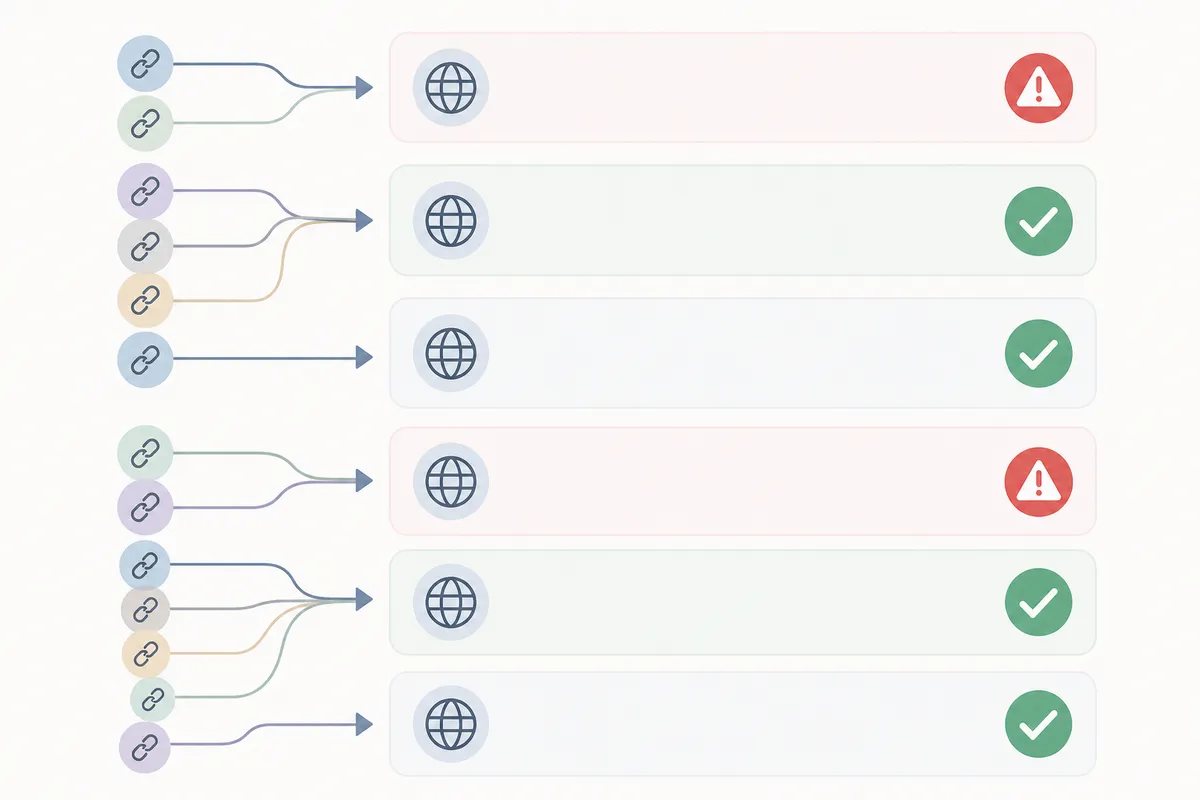
Before assuming the worst, work through your own tools. Most of what you need is already free.
Step 1: Check Your Backlink Profile
Open Google Search Console and go to Links in the left sidebar. Look at the Top linking sites list. If you see hundreds of unfamiliar domains with foreign-language anchor text or gambling and pharma keywords, that's a red flag.
Cross-check with a dedicated backlink tool (Seobility's checker or a similar one) since Search Console only shows a sample, not your full link profile.
Step 2: Disavow the Spam Links
If you confirm a spam link pattern, compile the offending domains into a text file and submit it through Google's disavow tool. This tells Google to ignore those links when evaluating your site. It won't remove the links, but it stops them from counting against you.
Step 3: Check for Scraped Content
Paste a distinctive sentence from one of your pages into Google search, in quotes. If a copy shows up on another domain, especially one that outranks you, you likely have a scraping problem.
Make sure your canonical tags are set correctly on every page, this is one of the areas a technical SEO audit checks automatically, since a missing or wrong canonical tag is one of the more common reasons scraped content outranks the original.
Step 4: Review Your Reputation Signals
Check your Google Business Profile and major review sites for a sudden cluster of negative reviews posted close together. Report suspicious batches directly to the platform, and respond to every review, fake or real, promptly and politely. A fast, professional response limits the damage either way.
Step 5: Watch Your Site Speed and Security
Monitor page load times and set up alerts for unusual crawl activity. If you see excessive requests from one IP range, you can block it at the server or firewall level. Keep your CMS, plugins, and themes updated to close the door on hacking attempts, which are the most damaging form of this sabotage because Google can deindex a compromised site entirely.
When Your Own Tools Are Enough, and When They Aren't
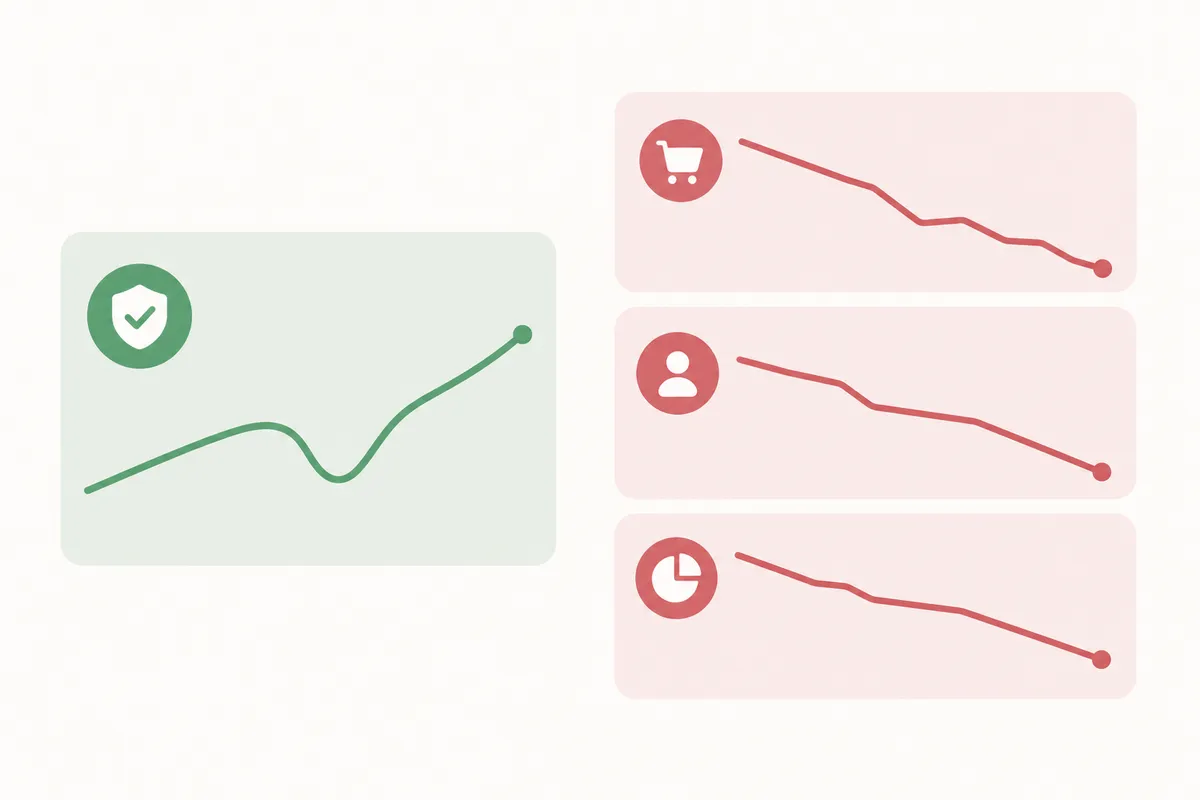
Being honest about this matters. A lot of what looks like sabotage is a single bad week, not a coordinated attack.
Your own tools (Search Console, analytics, a free audit) are usually enough when:
- The issue affects one URL, not the whole site.
- You can trace the problem to a specific, one-off cause, a single scraped page, one cluster of fake reviews.
- Rankings dip but don't collapse, and traffic recovers within a few weeks.
You need outside help when:
- The pattern recurs month after month across multiple pages.
- You're seeing site-wide ranking loss alongside a security warning or malware flag.
- The spam links number in the thousands and keep growing weekly despite disavowing.
- Legal action is on the table (defamatory reviews, a competitor caught hacking you).
If the problem is confined to rankings for specific local search terms, a local SEO setup that includes consistent rank tracking makes it much easier to tell a real attack apart from normal fluctuation, since you'll have a baseline to compare against.
Common Mistakes Site Owners Make
- Assuming every ranking drop is an attack. Algorithm updates and on-site issues cause far more ranking loss than this kind of attack ever does.
- Disavowing too aggressively. Disavowing legitimate links by mistake can hurt you more than the spam did.
- Ignoring the problem because "Google handles it." Google's systems catch a lot, but not everything, and not instantly.
- Skipping documentation. If you ever need to escalate (legal, platform support, Google itself), screenshots and timestamps matter.
- Reacting publicly before confirming the source. Accusing a competitor without proof creates a bigger problem than the original attack.
FAQs
Does negative SEO really work?
It can work in narrow cases, mainly hacking and fake reviews, but spam link attacks are largely neutralized by modern Google algorithms, which is why opinion on forums like Reddit's r/SEO remains divided.
Can I sue someone for negative SEO?
In some regions, fake negative reviews and certain forms of sabotage are unlawful, but proving who's responsible is difficult. Most cases are resolved through platform reporting rather than litigation.
How long does it take to recover from a negative SEO attack?
Recovery timing varies widely depending on the attack type. A cleaned-up hack with a reconsideration request can take weeks; a disavowed link spam campaign often shows improvement within a month or two.
Should I buy my competitor's misspelled domain names to protect myself?
Large or well-known brands sometimes register common misspellings and domain variations to limit abuse, but it's not necessary for most small or mid-size sites.
Is it negative SEO if a site just outranks me using better content?
No. That's competition. The term specifically means deliberate sabotage, not a competitor simply doing better keyword research or publishing stronger pages.
Run the Check Before You Assume the Worst
Most ranking drops aren't negative SEO. Rule out the ordinary causes first, a broken canonical tag, a slow server, a missed algorithm shift, using a real diagnostic, not a guess. Talk to the team and get a sample report that shows exactly what's happening on your site right now.
Resources / References
Sources
About the author
SearchBlueprint researched, wrote and scored this article with the content pipeline our customers run on their own sites. The score in the byline is what our content engine gave this page before it published. Nothing here is reviewed by hand, which is the point: it is the product's output, published where anyone can check it.