Manage Backlinks the Right Way: A Simple Ongoing System
By Toy Wen Da, Co-Founder · · 12 min read · scored 92/100
To manage backlinks well, you track every link pointing to your site, check whether each one is still live and still passing value, and remove or replace the ones that go dead, turn spammy, or quietly disappear. Start with an audit of what you already have, then set up a routine so new problems surface before they cost you rankings.
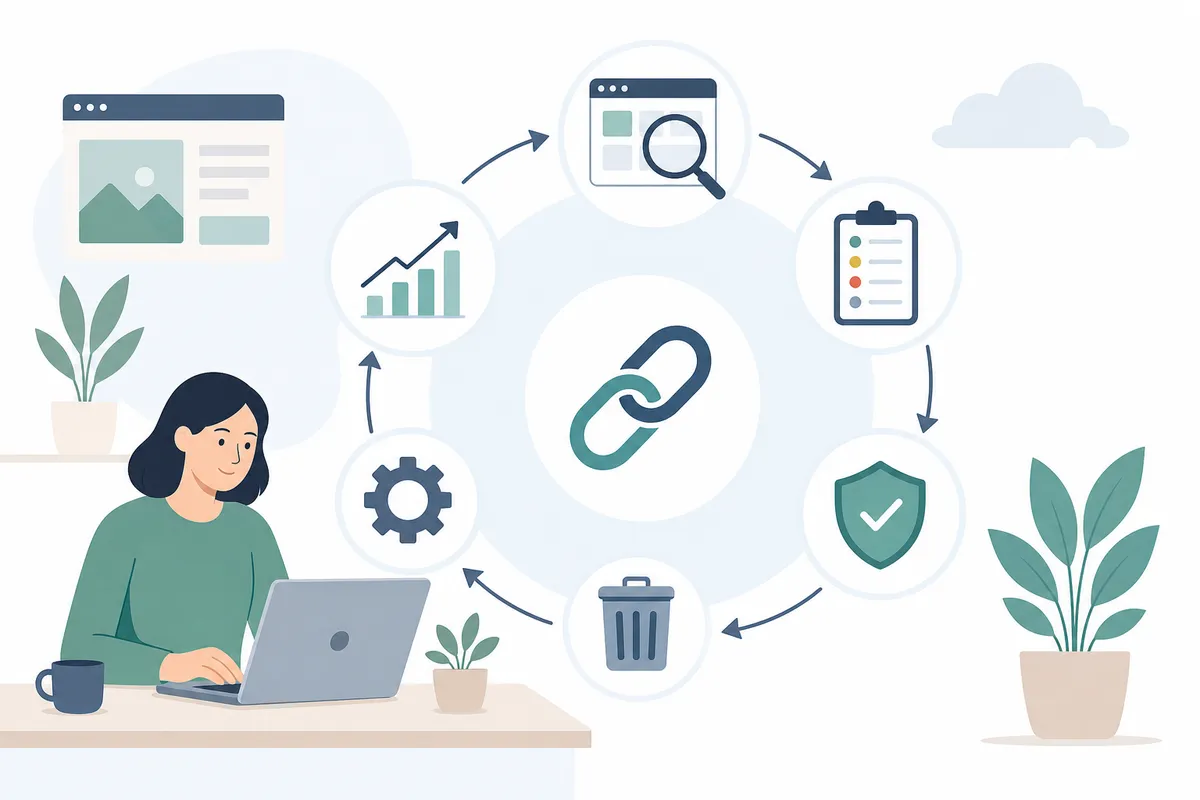
A fast way to see where you actually stand is SearchBlueprint's free broken link checker. Run your domain through it and it flags dead inbound links, broken redirects, and pages returning errors, the exact issues that quietly drain the value out of a backlink profile without you noticing until rankings slip.
What It Means to Manage Backlinks
Managing backlinks is the ongoing work of tracking, evaluating, and maintaining the links that point to your website, not the one-time act of building them. It covers three jobs: knowing which links exist, judging whether they're helping or hurting you, and fixing the ones that have gone wrong.
Backlinks matter because search engines read them as a vote of confidence. A link from a relevant, trafficked site tells Google that someone else vouches for your page. That's why a healthy backlink profile correlates with stronger rankings, and why a profile full of dead, spammy, or irrelevant links can drag a site down instead.
Why This Is Different From Link Building
Link building is acquisition, getting new links through guest posts, outreach, or content that earns mentions naturally. Managing backlinks is maintenance, making sure the links you already have keep doing their job. Skip the maintenance side and you lose ground even if your link-building efforts never slow down, because old links decay faster than most site owners expect.
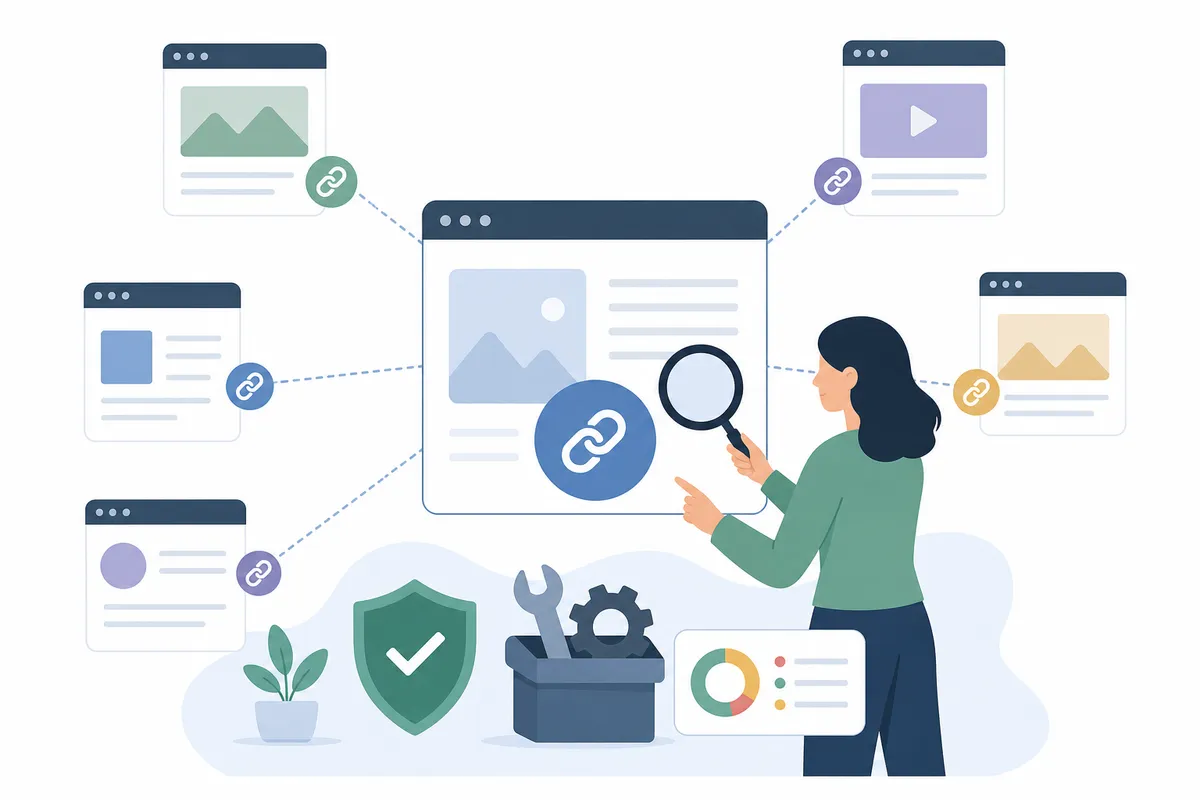
How to Check Your Backlinks Inside Your Website's Own Tools
Before paying for anything, use what you already have. Google Search Console and Google Analytics are free, connected to your actual data, and enough for most first checks.
Step 1: Open the Links Report in Search Console
Sign in to Google Search Console and select your property. In the left-hand menu, click Links. This opens a report split into two halves: External links and Internal links. For backlink management, you want External links.
Step 2: Read the Three Default Tables
Under External links, Search Console shows Top linked pages, Top linking sites, and Top linking text. Each table lists a short preview; click More under any of them to see the full list. This is where you spot which pages on your site attract the most outside links, and which anchor text those links use.
Step 3: Export and Cross-Check
Export the full list to a spreadsheet so you have a record outside of Google's interface. For a deeper, more systematic walkthrough of pulling this data, see this step-by-step guide to finding backlinks in Google Search Console. If you want to widen the search beyond what Search Console surfaces on its own, there are also other reliable methods for finding backlinks through Google itself.
Step 4: Check Referral Traffic in Analytics
Search Console tells you a link exists. Analytics tells you whether anyone is actually clicking it. Look at referral traffic by source to see which backlinks send real visitors versus which ones sit there unclicked. This matters because a link's SEO value and its traffic value aren't the same thing, and checking backlinks through Analytics alone has real limits worth understanding before you rely on it as your only source.

When Your Website's Own Tools Are Enough, and When They're Not
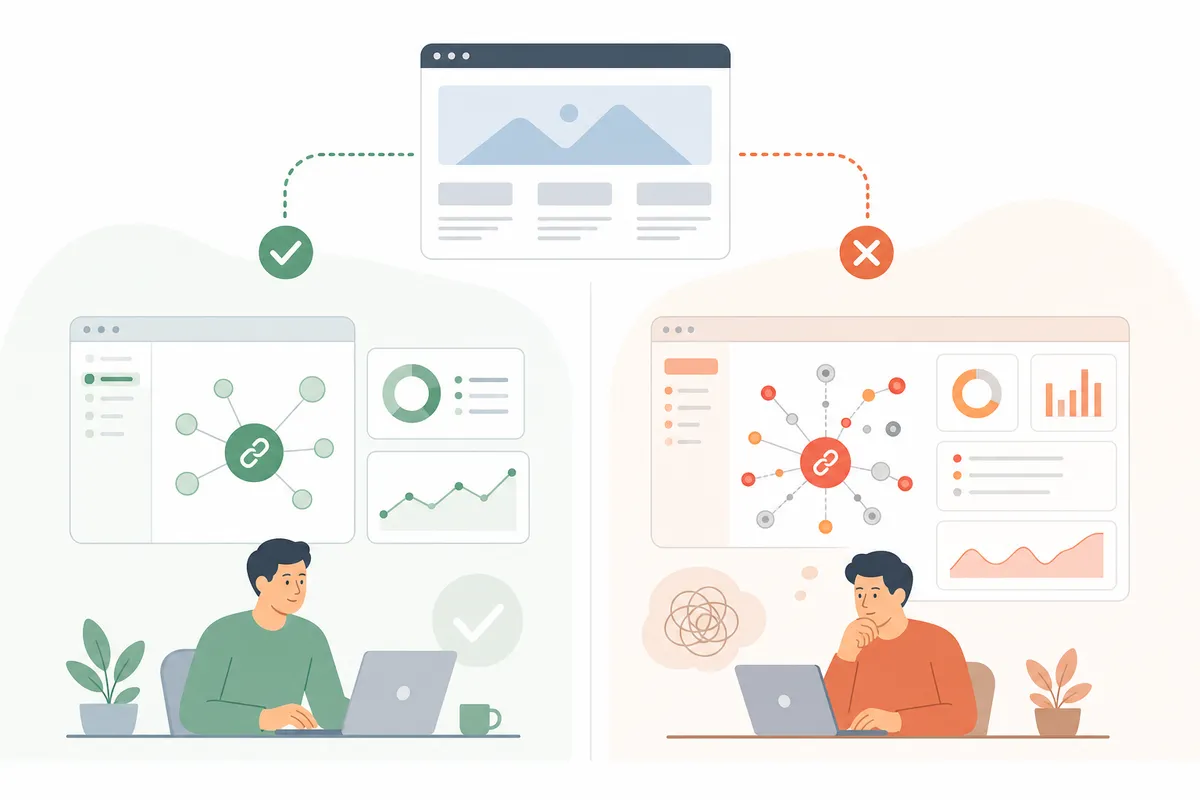
This is the honest part: Search Console and Analytics cover a lot of ground, but they weren't built as backlink monitoring systems. They show you a snapshot, not a continuously updated feed.
| Situation | Search Console / Analytics | Dedicated tool needed? |
|---|---|---|
| Checking whether one specific page lost a backlink | Enough, check the Links report or search referral traffic | No |
| A one-off audit before a client call or quarterly review | Enough for a single manual pass | Usually not |
| Monitoring hundreds of links across a whole site, continuously | Falls short, no alerts, manual export every time | Yes |
| Comparing your link profile against a competitor's | Not available in Search Console at all | Yes |
| Tracking link-building partnerships for several clients at once | Not built for this use case | Yes |
| Catching a link the moment it turns nofollow or goes dead | No real-time alert | Yes |
If you manage one site and check in occasionally, Search Console plus the free broken link checker will carry you a long way. If you're running an agency, managing a site with hundreds of referring domains, or need alerts the moment something breaks, that's when a dedicated tool earns its subscription.
Common Causes of Backlink Problems, and the Fix
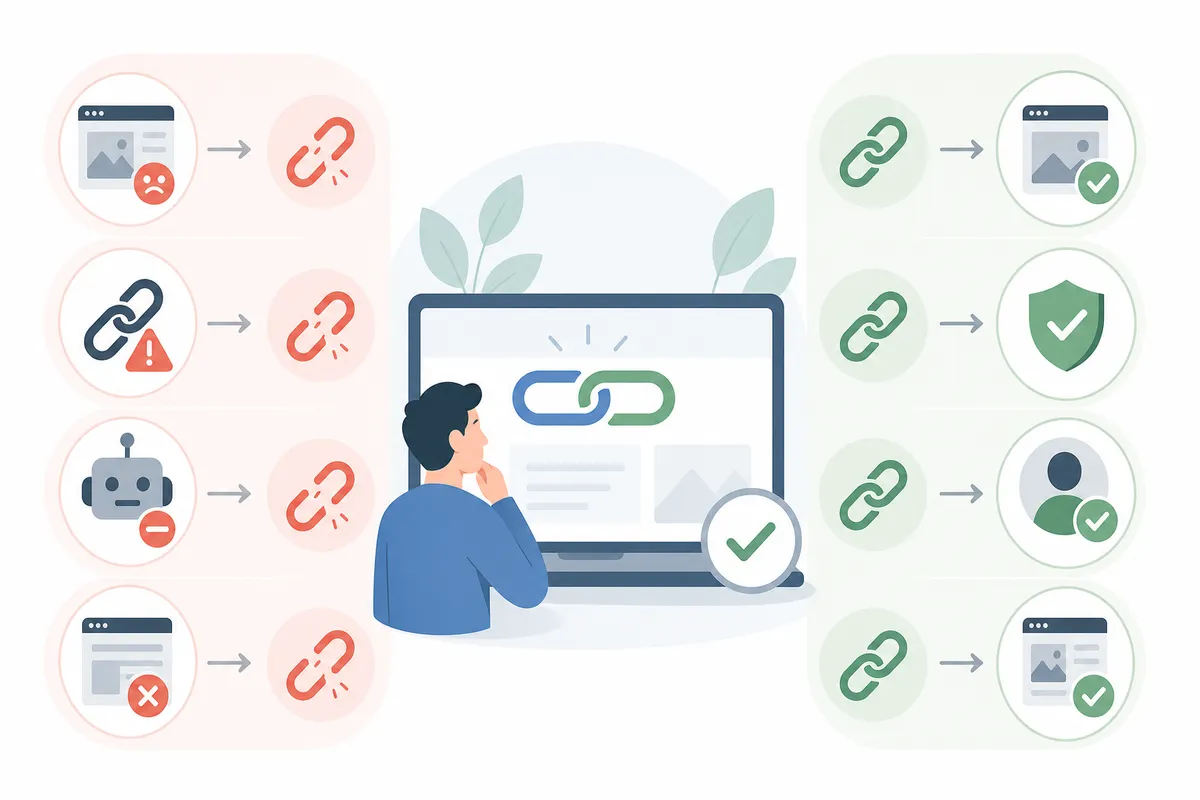
Most backlink issues fall into a small set of repeating patterns. Knowing which one you're looking at tells you exactly what to do next.
| Cause | What it looks like | Fix |
|---|---|---|
| Link rot | The linking page was deleted or the site restructured; the backlink now 404s | Find a replacement page on the same site, request a fix, or set up a redirect on your end if the URL moved |
| Link turned nofollow | A previously dofollow link now carries a nofollow attribute, often after a CMS or plugin update on the linking site | Reach out to ask for a correction, or accept it, a mix of dofollow and nofollow is normal and expected |
| Site develops spam signals | Rising Spam Score, irrelevant or foreign anchor text, a sudden drop in the linking site's own traffic | Monitor it; if it crosses into clearly manipulative territory, add it to a disavow file |
| Anchor text over-optimization | The same exact-match keyword repeated across many linking pages | Encourage natural variation, brand name, URL, generic phrases, rather than one repeated phrase |
| Conflicting totals between tools | Search Console, Ahrefs, and Semrush each report a different backlink count | Pick one tool as your source of truth for trend tracking; use the others for spot-checks, not daily comparisons |
Metrics to Track When You Manage Backlinks
Counting backlinks tells you almost nothing on its own. A link from a page with real traffic in your niche is worth more than ten links from low-traffic, unrelated sites. Four metrics matter more than the raw count.
Spam Score and Link Trustworthiness
Moz's Spam Score is built from a set of features shared by sites that search engines have penalized or banned in the past. As a rule of thumb, a score between 1-30% is considered low risk, 31-60% is medium, and 61-100% is high. A high score isn't automatic proof of a bad link, a brand-new site with low authority can score high without doing anything wrong, so treat it as one signal among several, not a verdict.
Dofollow vs. Nofollow Ratio
There's no official target ratio from Google, and SEO practitioners don't fully agree either. Some treat anything past roughly 10% nofollow links as worth watching, and past 20% as worth acting on. Others point to a rough 60:40 dofollow-to-nofollow split as a healthy-looking profile, while stressing that link quality and relevance matter more than hitting a specific number. Since 2019, Google has also said it treats nofollow, sponsored, and UGC tags as hints rather than strict exclusions, meaning nofollow links still carry some signal value, not zero.
Anchor Text Diversity
Anchor text that repeats the same exact keyword across many linking pages can look like manipulation to search engines rather than natural endorsement. A common guideline is to avoid reusing the same anchor text more than once or twice on a single page, and to let brand names, naked URLs, and generic phrases make up the rest of your profile.
Lost Link Monitoring
This is the metric most site owners underestimate. Ahrefs has reported that about 66.5% of links built over a nine-year span eventually disappeared, roughly 7% per year. That means a site that never checks for lost links is quietly bleeding authority it already earned, with nothing to show for it. Regular monitoring, even monthly, catches this before it compounds.
Backlink Management Tools Worth Knowing
Once you outgrow Search Console and spreadsheets, a handful of tools specialize in exactly this job. Pricing and limits vary a lot, so match the tool to the volume you're actually managing.
| Tool | Free Option | Starting Paid Plan | Monitoring Limit | Best For |
|---|---|---|---|---|
| BacklinkCRM | Free plan, 3 users, 50 partners | $19/month | 300 partnerships | Agencies running link exchanges and partnerships |
| Ranking Raccoon | Lite plan, free, unlimited sites listed | $25/month (Pro) | Full database access, unlimited chats | Outreach-driven link building with vetted partners |
| Backlinkmanager.io | Tracks up to 250 links free | $39/month | 200 links | White-label reporting for client work |
| Linkody | 30-day free trial; free 3 months on yearly plans | $14/month (Webmaster) | 500 links | Solo SEOs and small sites on a budget |
| BacklinkPilot | Free version | Paid tiers add daily checks | 500 links | SaaS teams wanting automated monitoring at no upfront cost |
| Ahrefs | Free Webmaster Tools suite | $129/month (Lite) | Scales with plan | Deep backlink and competitor analysis |
| Semrush | Free trial available | Roughly $117/month (Pro) | Scales with plan | Combining backlink audits with broader SEO tracking |
Ahrefs and Semrush both advertise backlink indexes in the tens of trillions of links, updated frequently, useful if you need to analyze competitors, not just your own site. Smaller tools like BacklinkCRM or Ranking Raccoon focus more narrowly on managing ongoing partnerships, which suits agencies juggling multiple link exchanges more than it suits a single-site owner who just wants to check status occasionally.
Building a Repeatable Backlink Management Workflow
A workflow beats a one-time audit because backlinks change constantly, new ones appear, old ones disappear, and some quietly turn nofollow without any notice. Here's a routine that scales from a single site to an agency managing several.
- Audit what exists. Pull your full backlink list from Search Console, export it, and note status, anchor text, and linking domain for each.
- Categorize by health. Mark each link live, lost, nofollow, or suspicious. This single step makes every later decision faster.
- Prioritize by impact. Sort by the traffic and relevance of the linking domain, not just by date. A link from a high-traffic, relevant site deserves attention before a low-traffic one.
- Reclaim what's lost. For dead or broken links, check whether the content moved, searching Google directly for mentions of your brand or old URL often turns up the new location, then email the site to request a fix.
- Watch quality sources, not just quantity. Not every site that links to you is worth keeping track of the same way; some backlink sources genuinely move the needle while others are safe to ignore.
- Keep building, not just maintaining. Managing a shrinking link profile isn't a strategy. Keep a modest, steady stream of new links coming in through outreach, guest content, or resource mentions.
- Recheck on a schedule. Weekly for high-traffic sites, monthly for smaller ones. Consistency catches problems while they're still small.
If you're ever unsure whether your current link count is even a problem, it helps to know roughly how many backlinks a page actually needs to rank for its specific keyword difficulty, chasing an arbitrary number wastes effort that reclaiming lost links would spend better.
Common Mistakes When Managing Backlinks
- Treating backlink count as the goal. A hundred low-quality links can do less for you than ten relevant ones from trafficked, topically close sites.
- Never rechecking old links. Given how many links disappear over time, skipping re-audits means losing value you already earned without replacing it.
- Disavowing too aggressively. A single high Spam Score reading isn't proof of a harmful link, disavow files should target clear, confirmed spam, not every link that looks unusual.
- Over-optimizing anchor text. Repeating the same exact-match keyword across many linking pages reads as manipulation, not popularity.
- Relying on one tool's count as gospel. Search Console, Ahrefs, and Semrush crawl differently and will never show identical totals, use one as your baseline and treat the rest as cross-checks.
- Ignoring referral traffic. A link can be technically live and still send zero visitors. If you're only checking status and not traffic, you're missing half the picture.
- Skipping new link building while focused on maintenance. Good management protects what you have; it doesn't replace earning new links through guest posting or other outreach, and the fundamentals of what backlinks are and how to earn the right ones are worth revisiting if your link-earning has stalled.
FAQs
How often should I check and manage my backlinks?
A monthly check is enough for most small to mid-sized sites. High-traffic sites or agencies managing several client domains benefit from weekly checks, since lost or nofollowed links are easier to fix the sooner they're caught.
Can I manage backlinks without paying for a tool?
Yes, for a single site with a moderate number of links. Google Search Console's Links report, Google Analytics for referral traffic, and a free broken link checker cover the core checks. Paid tools add automatic alerts and competitor comparisons that free tools don't offer.
What's a bad Spam Score for a backlink?
Scores above roughly 60% are considered high risk, though a high score alone doesn't confirm a link is harmful, it's one signal to weigh alongside the linking site's relevance, traffic, and age.
Should I disavow every nofollow or low-quality link?
No. Nofollow links are a normal, expected part of a healthy profile, some practitioners only start worrying once nofollow links pass roughly 10-20% of the total. Disavow files are meant for confirmed spam, not every link that looks imperfect.
What's the difference between backlink management and link building?
Link building is getting new links. Managing backlinks is tracking, evaluating, and maintaining the ones you already have, catching lost links, monitoring spam signals, and keeping anchor text natural over time.
Put a System Around Your Links This Week
Run your domain through the free broken link checker first, it's the fastest way to see which links need attention right now, before you decide whether a paid tool is worth it.
Once you know what you're working with, the fastest way to see the full picture, rankings, traffic, and the technical issues sitting underneath them, is a real report built on your own site. Talk to the team and get a sample SEO report that shows exactly where your backlink profile and the rest of your SEO stand today, so you can manage backlinks with a clear baseline instead of guesswork.
Sources
About the author
SearchBlueprint researched, wrote and scored this article with the content pipeline our customers run on their own sites. The score in the byline is what our content engine gave this page before it published. Nothing here is reviewed by hand, which is the point: it is the product's output, published where anyone can check it.