How to Find Backlinks in Google Search Console (Step by Step)
By Toy Wen Da, Co-Founder · Updated · 6 min read · scored 91/100
Google Search Console backlinks live in the Links report, under "Top linking sites." Open your property, click Links in the left-hand menu, and you'll see the external domains Google has found pointing to your site, along with the pages of yours that attract the most links. It's the most accurate free source available because it comes straight from Google, but it's incomplete, and knowing where it falls short matters as much as knowing how to read it.

Where to find backlinks in Google Search Console
Log into Google Search Console, pick the property you want, scroll the left menu to the bottom and click Links. The summary screen has two halves, external links and internal links, and the external half holds three tables.
What each report shows
| Report | What it lists | Best used for |
|---|---|---|
| Top linked pages | Your pages ranked by number of backlinks | Spotting which content already has link equity |
| Top linking sites | Domains linking to you, sorted by link count | Checking who's talking about you and vetting link quality |
| Top linking text | The anchor text used in incoming links | Seeing how other sites describe your content |
Click into "Top linking sites" and you'll see a list of domains with a count next to each. Click a domain and Google expands it into the specific pages on your site that it links to. That is the whole method for searching backlinks on Google with nothing but Google's own tool: no extensions, and no sign-up beyond the free Search Console account.
If a page you expect to see linked isn't showing up at all, confirm it's indexed first, because a page Google hasn't crawled can't collect backlink credit in this report. Keeping your sitemap current helps here, and how to add a sitemap to Google Search Console covers the steps if you haven't submitted one recently.
What Google Search Console won't show you
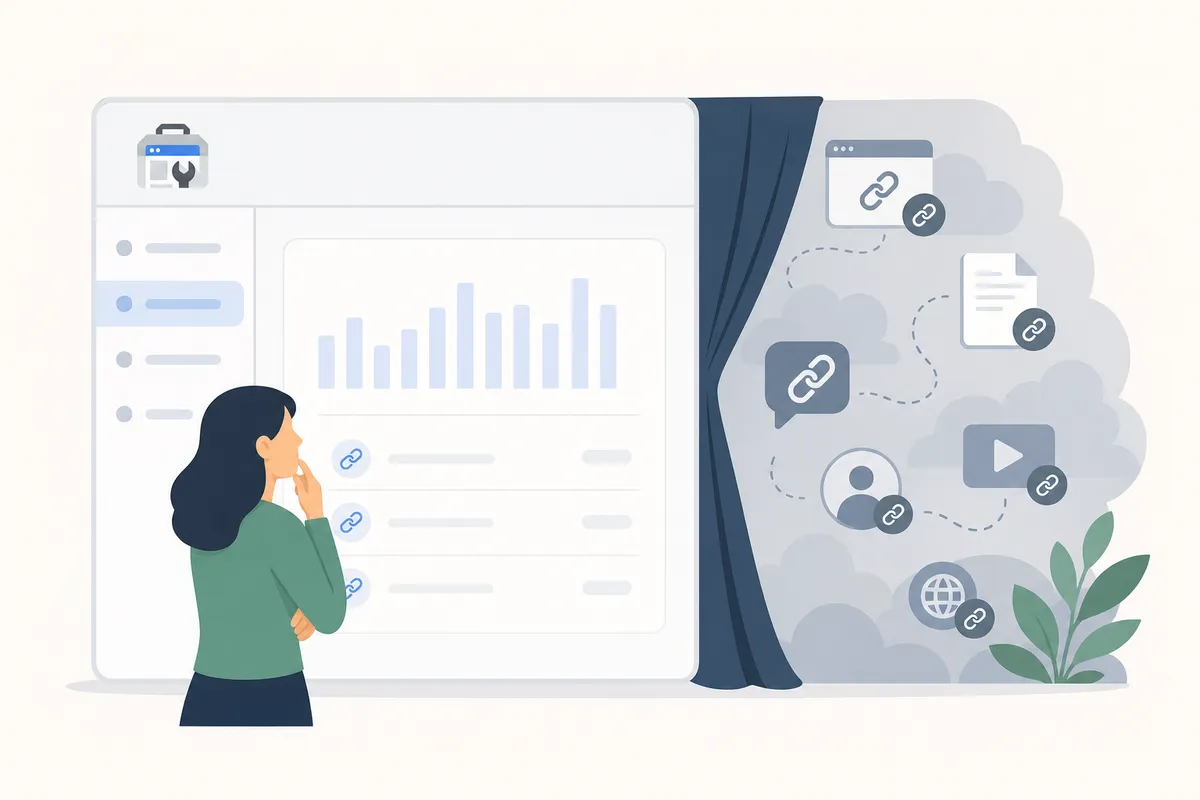
This is the part most guides skip. Search Console backlink data is a sample of the links Google has discovered, and Google's own documentation is clear that it doesn't publish every one. Google Search Central describes how Google handles link discovery and indexing in general.
SEO forums report a more specific limit: the referring-domains list is widely said to cap out around 1,000 domains. A well-linked authority site can have tens of thousands of referring domains feeding ranking signal that never appears in the report. This is also the usual answer to "why isn't my backlink showing up in Search Console?" A link can be real and crawled, and still count in Google's ranking systems without ever making the visible list.
Other gaps to know about before you rely on this data for a full audit:
- Anchor text and linking domains appear separately, so you can't see which anchor goes with which link.
- You only see links pointing at properties you've verified, so there is no competitor view.
- The report is a current snapshot with no historical trend by default.
- Nofollow and low-quality links can appear alongside valuable ones, with no quality score attached.
Other free ways to search backlinks on Google
Search Console isn't the only free route. The link: search operator (link:yourdomain.com) used to return a fuller list, but Google scaled it back around 2017, and today it mostly surfaces a thin, uneven mix of indexed pages and occasional brand mentions.
Google Analytics (GA4) won't list your backlinks, but it shows which ones actually send traffic. Check Acquisition → Traffic acquisition and filter by "referral" to see which linking domains are driving visits. One widely cited Ahrefs figure puts the share of published content that gets zero organic search traffic at over 96%, and a thin backlink profile is one of the reasons cited for it. Referral traffic from AI answer engines like ChatGPT or Perplexity shows up the same way, but those visits aren't traditional backlinks, so leave them out of your link profile. You can track search and AI-driven visits side by side through site traffic reporting instead of digging through GA4 manually.
Turning backlink data into link-building moves
Once you know which pages hold the most external links, put that authority to use. A common practice among SEOs is adding four to ten internal links from each high-authority page to cluster content or underperforming pages, which spreads equity without diluting the source page's own ranking power.
Export your Performance report alongside your Links data to find which pages need help most. Search Console lets you pull up to 16 months of Performance data. Match the two by URL and look for pages with strong backlinks but weak clicks. Research from Backlinko has found that top-ranking results average roughly 3.8 times more backlinks than pages lower on the page, so the report works as a map for where to point your next link-building push as well as a diagnostic.
DIY or a dedicated backlink tool?
| Method | Cost | Data depth | Best for |
|---|---|---|---|
| Google Search Console Links report | Free | Your own site only, capped list | Quick checks, internal linking decisions |
link: search operator |
Free | Thin, inconsistent since 2017 | Spotting obvious brand mentions |
| Ahrefs / Semrush / Majestic (free tier) | Free, limited | Dozens of backlinks per lookup | Testing before upgrading |
| Paid backlink tools | Paid | Full historical and competitor data | Ongoing outreach and competitor analysis |
If you only need to confirm a client's site is attracting links and see which pages deserve more internal links, Search Console is enough. If you need competitor comparisons or a complete historical link graph, a paid tool is the honest next step, because the free report can't do that job.
FAQs
Why don't all my backlinks show up in Google Search Console?
GSC reports a sample of what Google has found. Crawl timing, indexing gaps, and a widely reported cap near 1,000 referring domains all play a role, and real backlinks can be counted by Google's algorithm without appearing in the report.
Does Google only count backlinks that appear in Search Console?
No. Google has stated it uses far more link signals in ranking than it chooses to surface in the Links report, so a link missing from GSC can still carry ranking weight.
How do you search backlinks on Google without Search Console?
Try the link:yourdomain.com operator for a rough check, or review GA4 referral traffic for links sending real visits. A free-tier backlink checker from Ahrefs, Semrush, or Majestic gives a deeper look.
What's the difference between Top linked pages and Top linking sites?
Top linked pages shows which of your URLs get the most backlinks, while Top linking sites shows which outside domains do the linking. Use the first to spot your strongest content and the second to vet who's referencing you.
How often does Google Search Console update backlink data?
Google doesn't publish a fixed refresh schedule. The Links report generally updates every few days to a couple of weeks as Google recrawls linking pages.
Check your own Links report today
Open Search Console, click Links, and see which of your pages already pull in backlinks. Then put that authority to work with a few well-placed internal links. If you'd rather see your Google Search Console backlinks data alongside the rest of your site's SEO picture, talk to the team, or walk through a sample report first.
Resources / References
Sources
About the author
SearchBlueprint researched, wrote and scored this article with the content pipeline our customers run on their own sites. The score in the byline is what our content engine gave this page before it published. Nothing here is reviewed by hand, which is the point: it is the product's output, published where anyone can check it.