Hyperlocal SEO: What It Means and How to Fix It in GBP
By Toy Wen Da, Co-Founder · · 8 min read · scored 97/100
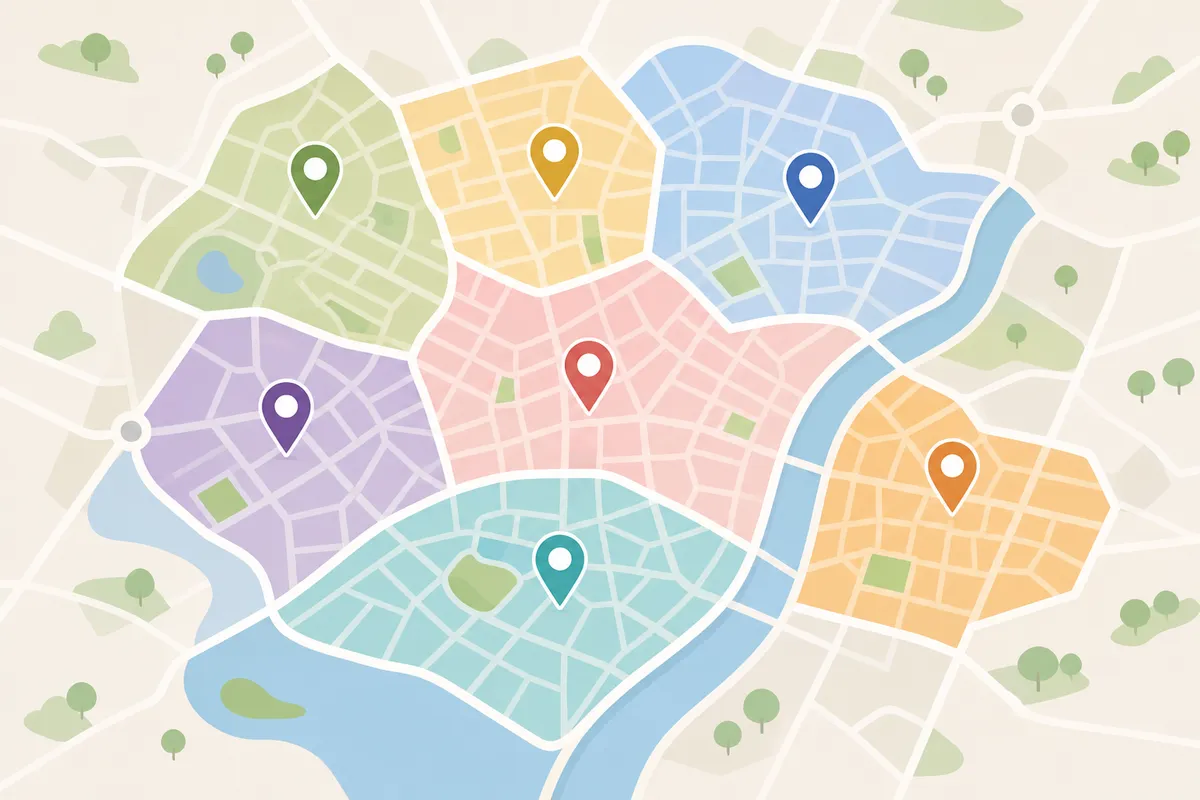
Hyperlocal SEO means optimizing your website and Google Business Profile to rank for searches tied to a specific street or neighborhood. That's more specific than ranking across your whole city. The first fix is almost always inside Google Business Profile. Check that your service area, business description, and posts actually name the neighborhoods you serve, instead of just the city.
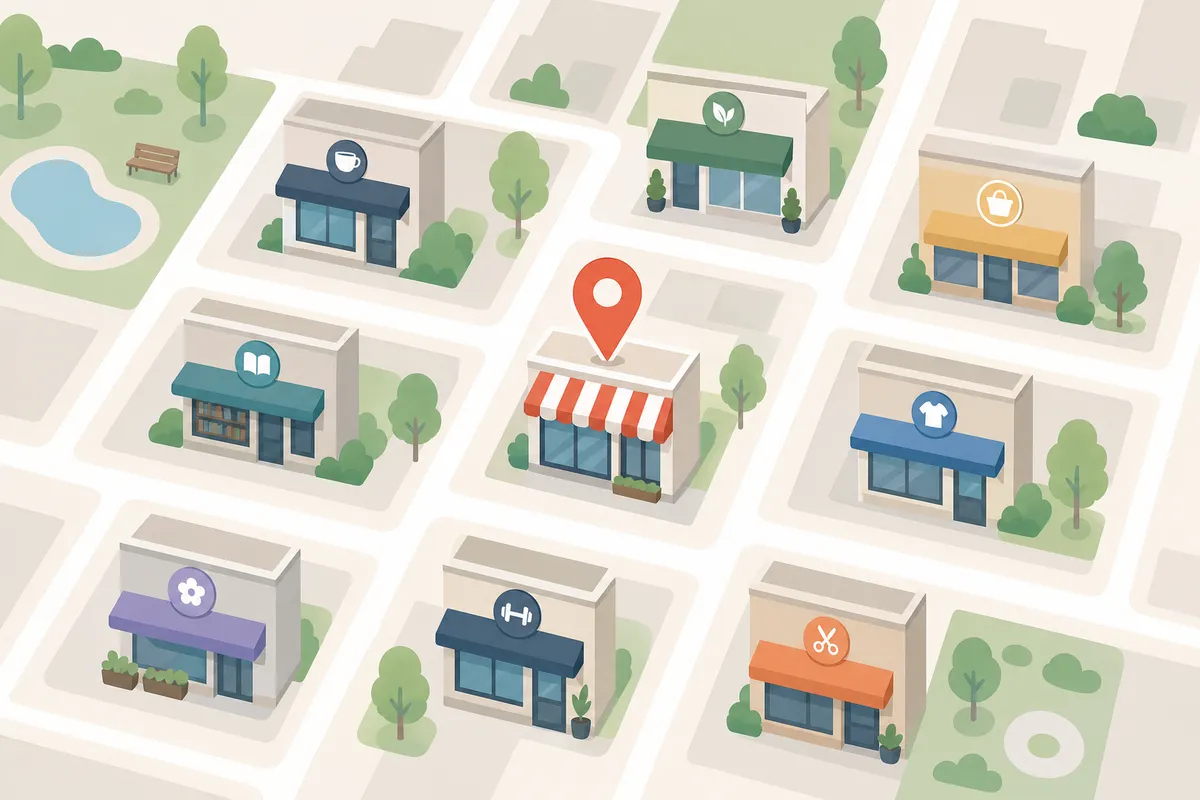
SearchBlueprint's local SEO feature tracks this kind of neighborhood-level visibility automatically. It shows which streets and districts your listing actually ranks for. It also flags where a nearby competitor is pulling ahead of you on a search you'd expect to win.
What Hyperlocal SEO Actually Means
Regular local SEO gets you found across a metro area. It narrows that to a neighborhood, a district, or a handful of zip codes. Think "best coffee shop near Capitol Hill" instead of "best coffee shop Seattle."
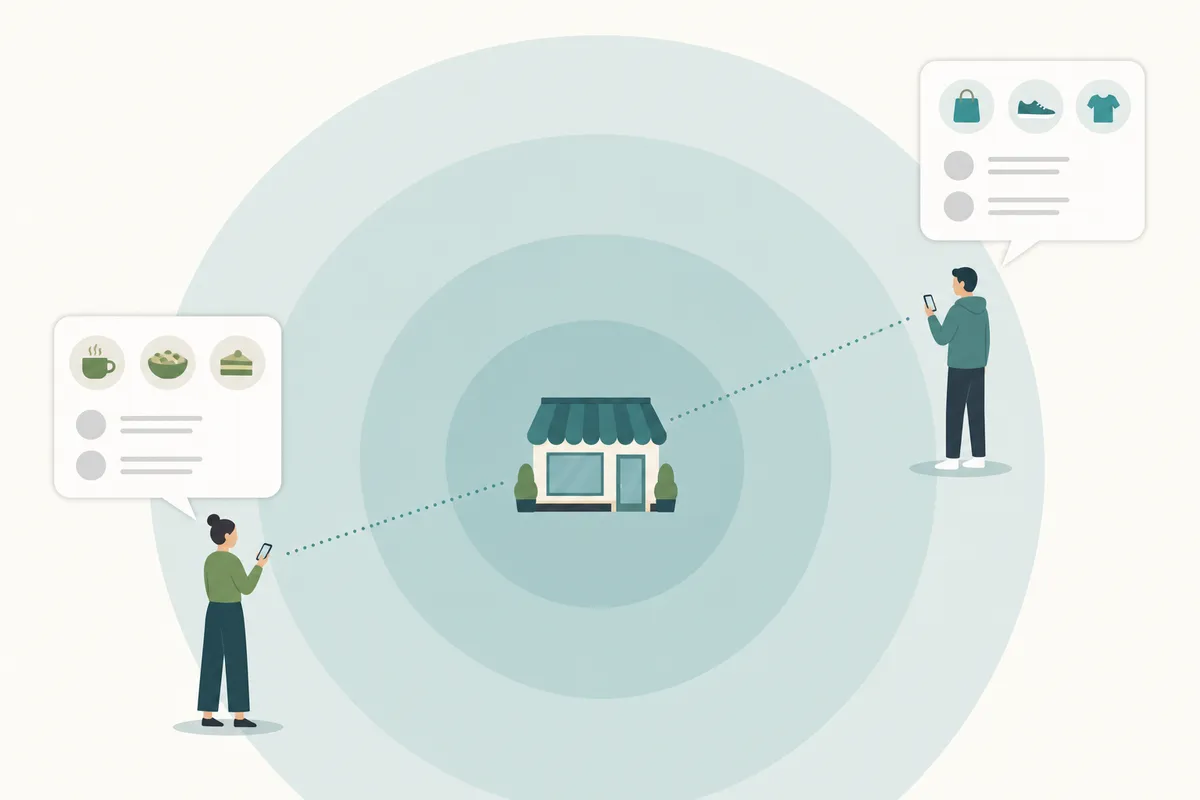
This matters because Google weighs proximity heavily for these searches, one of the key factors Google uses to rank local results. A searcher two blocks away sees different results than someone five miles out, even when both type the same phrase. Your Google Business Profile is the main lever Google uses to understand where you actually operate. That's why local visibility lives or dies on how specific that profile is.
Search volume for the exact term "hyperlocal seo" is modest, around 50 searches a month in the US. But the intent behind it is sharp. People searching it are usually agencies, marketers, or owners of multi-location businesses trying to rank in one specific area, not citywide.
How to Fix Hyperlocal SEO Inside Google Business Profile
Most of these problems trace back to a profile that's too generic. Here's where to look, in order.
Setting Your Service Area
Open your profile, go to Business Profile settings, then Service area. Google's Business Profile Help center walks through the exact menu path, since it varies slightly by business type. List the actual neighborhoods, suburbs, or zip codes you cover, not just the city name. If you serve six neighborhoods but only list "Chicago," Google has less reason to connect you to a Wicker Park search.
Writing a Description That Names Real Places
In the Edit profile section, update your business description. Mention the neighborhoods or landmarks you're known near. Avoid stuffing every area name into one sentence. Write naturally, the way you'd describe your coverage to a customer on the phone.
Posts, Q&A, and Photos That Stay Specific
Use Add update to post about local events, projects, or landmarks near you. Seed the Questions & answers section with questions a nearby customer would actually ask. Upload photos that show your storefront or job sites, since geographic context in images reinforces the same signal.
Products and Services With Local Framing
If you use the Services or Products sections, describe offerings the way a local customer would search for them. "Emergency plumber in Logan Square" reads differently to Google than "emergency plumbing services."
Common Hyperlocal SEO Mistakes
| Mistake | Why It Hurts | Fix |
|---|---|---|
| Service area set to city only | Google can't tell which neighborhoods you actually cover | List specific neighborhoods or zip codes in Service area settings |
| Generic business description | No local relevance signal for Google to match against hyperlocal searches | Rewrite with real neighborhood or landmark names, used naturally |
| No local landing pages on the website | One GBP listing has to carry the whole site's hyperlocal weight | Build a page per service area and link it from the main service pages |
| Inconsistent address or phone number across listings | Confuses Google's confidence in your actual location | Audit every directory listing for matching NAP details |
| Posts that never mention a place | Missed chance to reinforce location relevance regularly | Post about local events, projects, or landmarks monthly |
Google's own guidelines for representing your business spell out what counts as accurate, consistent information, the standard any NAP audit should match. If the mistake is on a specific page rather than the profile, running that page through a free SEO audit will usually surface it in a couple of minutes.
When Google Business Profile's Own Tools Are Enough, and When They Aren't
This is the honest part: a lot of these problems really are a five-minute GBP fix. Others aren't, and pretending otherwise wastes time.
| Scenario | Is GBP Alone Enough? | What You Actually Need |
|---|---|---|
| One listing, one city, ranking fine except for one neighborhood | Usually yes | Tighten service area and posts for that neighborhood |
| One page not ranking for a local term | Often yes, if the fix is on-page | Check title tags, headings, and local content on that page |
| Multiple locations with overlapping service areas | Rarely enough on its own | Separate landing pages per location, each linked properly |
| Rankings dropping across the whole site, not just one term | No | A full site audit, not just a profile edit |
| Ongoing, recurring visibility problems month after month | No | A tracking system that flags drift before it compounds |
A single URL issue is a quick GBP or on-page fix. A recurring, site-wide pattern is a different job entirely. That's the gap most general SEO suites miss. They write about it in the abstract, instead of looking at what's actually happening on your profile.
If your site runs on a specific platform, the settings matter more than generic advice. The CMS SEO guides walk through platform-specific settings in order. That matters because a "service area" field behaves differently depending on how your site is built. Sites on Duda can follow the Duda blog SEO guide for verified publishing. Framer sites have their own path through the Framer SEO guide, using RSS or webhook publishing.
Schema.org's LocalBusiness type also matters here. It defines the structured-data properties, like address and service area, that search engines can read directly from your site. Google's own guidance on local business structured data explains which properties it actually uses. That's separate from whatever you've entered in Google Business Profile.
FAQs
What's the difference between hyperlocal SEO and local SEO?
Local SEO targets your whole city or metro area. Hyperlocal SEO narrows that further, to a neighborhood, district, or a few-block radius. That's why you show up for searches tied to a specific part of town.
How long does it take to see hyperlocal SEO results?
Profile edits like service area and description changes can show movement within days to a few weeks. Building out neighborhood-specific content on your website usually takes longer to show results, often a couple of months.
Do I need a separate page for each neighborhood I serve?
If you serve several distinct neighborhoods with real demand in each, a dedicated page per area helps. For a single small service radius, a strong Google Business Profile and one well-written service page is often enough.
Does the Google Business Profile service area setting directly affect ranking?
It tells Google where you're willing to work, which shapes which searches you're eligible to appear in. It works alongside proximity and relevance signals rather than replacing them.
Can a small business realistically compete with national chains on hyperlocal searches?
Yes, more easily than on broad city-wide terms. Chains optimize for scale, not for the specific block or neighborhood a hyperlocal search is tied to. That leaves room for a business with a tighter, more specific profile.
Check Your Service Area Today
Open your Google Business Profile right now and look at the service area field. If it only says your city name, that's the gap costing you local visibility nearby. SearchBlueprint's local SEO feature can show you exactly which neighborhoods you're winning, and which ones you're losing to a competitor nearby. Talk to the team to see what that looks like for your own listing.
Related reading: [SEO for Wedding Venues: The Checklist to Fill Your Calendar](https://searchblueprint.io/blog/seo-for-wedding-venues-the-checklist-to-fill-your-calendar).

## Resources / References

1. [key factors Google uses to rank local results](https://support.google.com/business/answer/7091)
2. [Business Profile Help center](https://support.google.com/business/)
3. [guidelines for representing your business](https://support.google.com/business/answer/3038177)
4. [LocalBusiness](https://schema.org/LocalBusiness)
5. [guidance on local business structured data](https://developers.google.com/search/docs/appearance/structured-data/local-business)
About the author
SearchBlueprint researched, wrote and scored this article with the content pipeline our customers run on their own sites. The score in the byline is what our content engine gave this page before it published. Nothing here is reviewed by hand, which is the point: it is the product's output, published where anyone can check it.