How to Set a WordPress SEO Title Google Won't Rewrite
By Toy Wen Da, Co-Founder · Updated · 8 min read · scored 99/100
A WordPress SEO title is the headline that appears in Google's search results and in your browser tab. It is set separately from your post title, through an SEO plugin's title field rather than the WordPress editor. Getting it right means picking the correct field, keeping it under roughly 60 characters, and leading with your keyword.
What exactly is a WordPress SEO title?
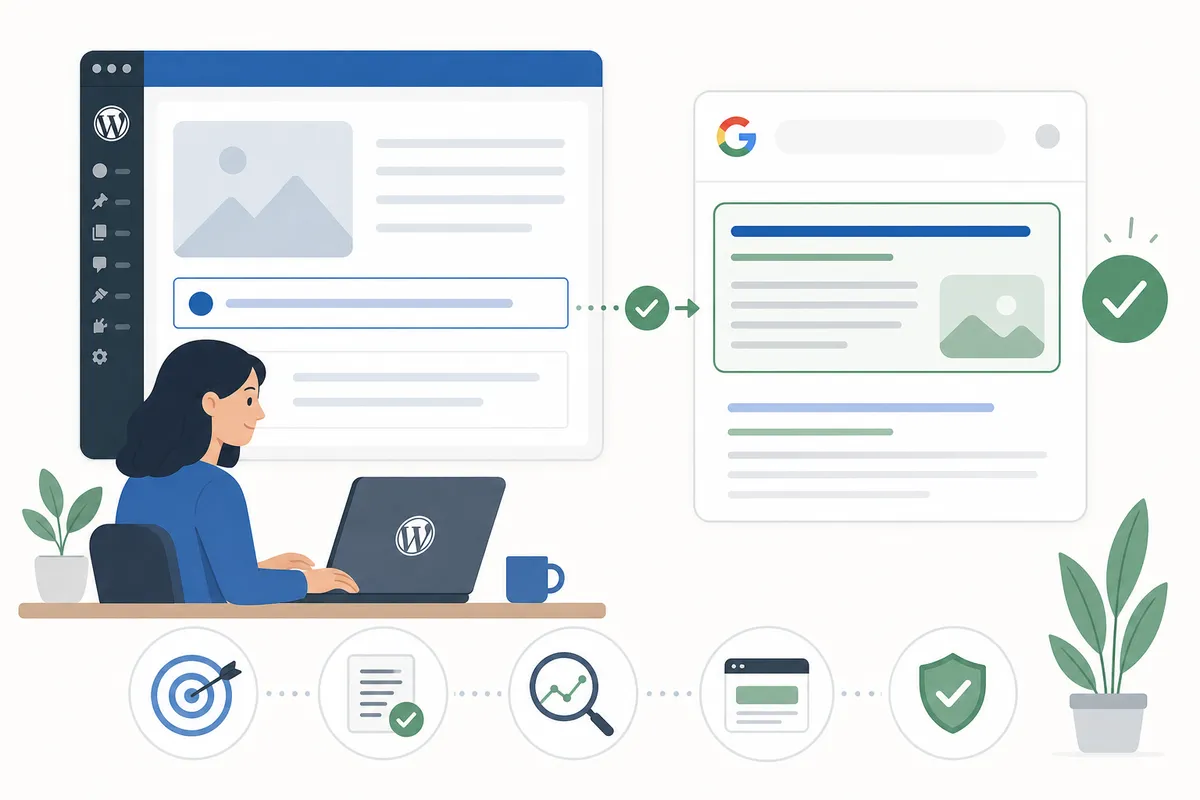
Your WordPress SEO title is the text inside the HTML <title> tag, the line Google typically uses as the blue clickable headline in search results. People often confuse it with the post title, which is what you type into the main editor field and which WordPress uses as your H1 by default. The SEO title is the field your SEO plugin adds, and it overrides what gets written into the <title> tag.
By default, WordPress reuses your post title as the SEO title. That works for short titles but falls apart when the post title is long, light on keywords, or written for readers rather than search engines. An SEO plugin lets you keep a readable H1 on the page while writing a tighter, keyword-first version for the search snippet.
Google's own guidance confirms that the title element is a primary signal it uses to understand a page's topic and to generate the title shown in results, per Google Search Central.
Why the WordPress SEO title matters for clicks and rankings

A strong title does two jobs. It tells Google what the page is about, which affects whether you show up for the right query, and it convinces a human to click instead of scrolling past you to a competitor.
Click-through rate isn't a confirmed direct ranking factor, but a title nobody clicks isn't working, and over time pages that get ignored in the results tend to slide. If you rank on page one and still get few clicks, the SEO title is usually the first thing worth rewriting.
What a weak title costs you
A vague or truncated title shows up in three common ways:
| Problem | What the searcher sees | Likely fix |
|---|---|---|
| Title too long | Text cut off mid-word with "..." | Trim to roughly 50–60 characters |
| No keyword in title | A generic headline Google may rewrite | Lead with the target keyword |
| Duplicate titles across pages | Same snippet for multiple URLs, confusing searchers | Write a unique SEO title per page |
How to change the SEO title in WordPress
You need an SEO plugin to edit this field reliably, since stock WordPress has no native SEO title control beyond the site-wide title in Settings. The process is nearly identical across the major plugins:
- Open the post or page in the WordPress editor.
- Scroll to the plugin's SEO meta box (usually below the content, or in a sidebar panel).
- Find the field labeled "SEO Title," "Title Tag," or similar. It is separate from the main post title.
- Type your keyword-led title and check the live preview.
- Watch the character or pixel counter; a green indicator means it should display fully in search results.
- Update or publish.
If you're setting up a fresh WordPress install, working through the settings in order (site title, taxonomy templates, then individual pages) saves you from redoing work later. A full walkthrough of that sequence is in this guide to WordPress SEO settings.
Comparing the major WordPress SEO plugins
| Plugin | Free title editing? | Notable paid feature | Reported pricing |
|---|---|---|---|
| Yoast SEO | Yes, with width check | AI-powered title generator (Premium) | Listed at $118.80/year (ex VAT) |
| SEOPress | Yes, with pixel guide | OpenAI title/meta generation (PRO) | Listed at $49/year for unlimited sites |
| RankMath | Yes, with preview | Bulk title editing, dynamic variables | Free tier covers most title editing |
| All in One SEO | Yes, with snippet preview | Title templates by post type | Free tier covers most title editing |
Each plugin adds a Google snippet preview, so you can see how your SEO title will render before it goes live and how it gets cut on mobile versus desktop.
How long should a WordPress SEO title be?
A WordPress SEO title should run roughly 50–60 characters. Google doesn't enforce a strict character limit; it truncates by pixel width, because letters like "i" and "w" take up different amounts of space. In practice, 50–60 characters stays within the roughly 600-pixel display width on desktop, and mobile often shows slightly less.
A few practical rules:
- Put your primary keyword near the start of the title.
- Save your brand name for the end, separated by a pipe or dash.
- Use one clear focus rather than stacking several keywords.
- Don't repeat your keyword twice in the same title, since it reads as stuffed to both users and Google.
If you're running the same SEO title pattern across dozens of location or service pages, dynamic variables (available in most plugins) let you template the structure once instead of rewriting it page by page. A templated, location-aware title setup pairs naturally with local SEO pages built around named neighborhoods or service areas.
Why Google shows a different title than the one you set
This is the most common SEO title complaint: you set a specific title, but the search result shows something else, often the post title, a truncated version, or text pulled from your H1 or breadcrumbs.
Google has been explicit that it sometimes replaces the <title> tag when it believes an alternative better matches what the searcher typed, or when the title is missing, duplicated, or stuffed with keywords. The usual causes are these:
- Google hasn't recrawled the page yet, which can take anywhere from a few days to a few weeks depending on how often the site is crawled.
- Your on-page heading says something very different from your SEO title, so Google prefers the heading.
- More than one H1 on a page can confuse which text is the actual topic.
- An overly clickbait title that doesn't reflect what's on the page gets overridden more often.
Can you fix this yourself?
Usually, yes. Check these before assuming it's permanent:
- Confirm the SEO title field actually saved (reload the page and recheck the plugin box).
- View your page source and search for
<title>to see what's actually being sent to Google, rather than what the plugin shows in the editor. - Submit the URL for recrawling through Google Search Console to speed up the update.
- Make sure your H1 and SEO title aren't contradicting each other.
If titles revert site-wide after a theme or builder change, a known issue with some page builders overriding plugin output, that's a technical conflict worth auditing rather than guessing at. Automating title and meta updates across a whole WordPress site is covered in more depth in this breakdown of what to automate on WordPress and what to leave manual.
WordPress.com vs self-hosted WordPress: does the process differ?
On WordPress.com, plugin options are more limited depending on your plan, and some SEO tools aren't available at all. The concept is the same, a separate SEO title field overriding the page heading, but where you find that field and which plans make it available differ. If that's your setup, this guide to WordPress.com SEO with verified publishing walks through what's actually editable on each plan tier.
A quick checklist before you publish
- Keyword appears near the start of the SEO title.
- Title is under roughly 60 characters.
- Title is unique; no other page on your site uses it.
- Title matches what the page actually delivers.
- Preview checked in both mobile and desktop snippet views.
- No more than one H1 on the page.
FAQs
Where do I find the SEO title field in WordPress?
It's inside your SEO plugin's meta box, usually below the post editor or in a sidebar panel, labeled "SEO Title" or "Title Tag." The large "Title" field at the top of the post editor is a different thing: it sets your post title and H1.
Does WordPress have a built-in SEO title setting?
Only for your homepage, through Settings → General → Site Title. For individual posts and pages, you need an SEO plugin like Yoast, RankMath, SEOPress, or All in One SEO to set a custom SEO title.
Why isn't my new WordPress SEO title showing on Google yet?
Google needs to recrawl the page before the new title appears in results, which can take days to weeks. Submitting the URL through Google Search Console's inspection tool usually speeds this up.
How many characters should a WordPress SEO title be?
Aim for roughly 50–60 characters. Google truncates based on pixel width rather than a strict character count, so shorter, clearer titles are safer than long ones.
Can I use the same SEO title on multiple pages?
No. Duplicate titles confuse both search engines and searchers comparing results, and they waste the chance to target a distinct keyword on each page. Every page should carry its own unique SEO title.
Put your title changes to work
Rewriting a handful of SEO titles is a quick win, but knowing which pages need it first, and which keyword each one should target, is the harder part. Talk to the team and get a sample report showing which of your pages have a weak or duplicate WordPress SEO title right now.
Resources / References
Related reading: Where's the Yoast SEO Meta Box? How to Find and Fix It.
Sources
About the author
SearchBlueprint researched, wrote and scored this article with the content pipeline our customers run on their own sites. The score in the byline is what our content engine gave this page before it published. Nothing here is reviewed by hand, which is the point: it is the product's output, published where anyone can check it.