How to Manage Multiple Locations in business.google.com
By Toy Wen Da, Co-Founder · Updated · 7 min read · scored 97/100
Searching "business google com locations" usually means you're in the Locations tab, trying to add, verify, or fix something. The direct answer: business.google.com lets you manage every physical or service-area location under one login. You can add locations one at a time, or import a spreadsheet in bulk once you have 10 or more sites.
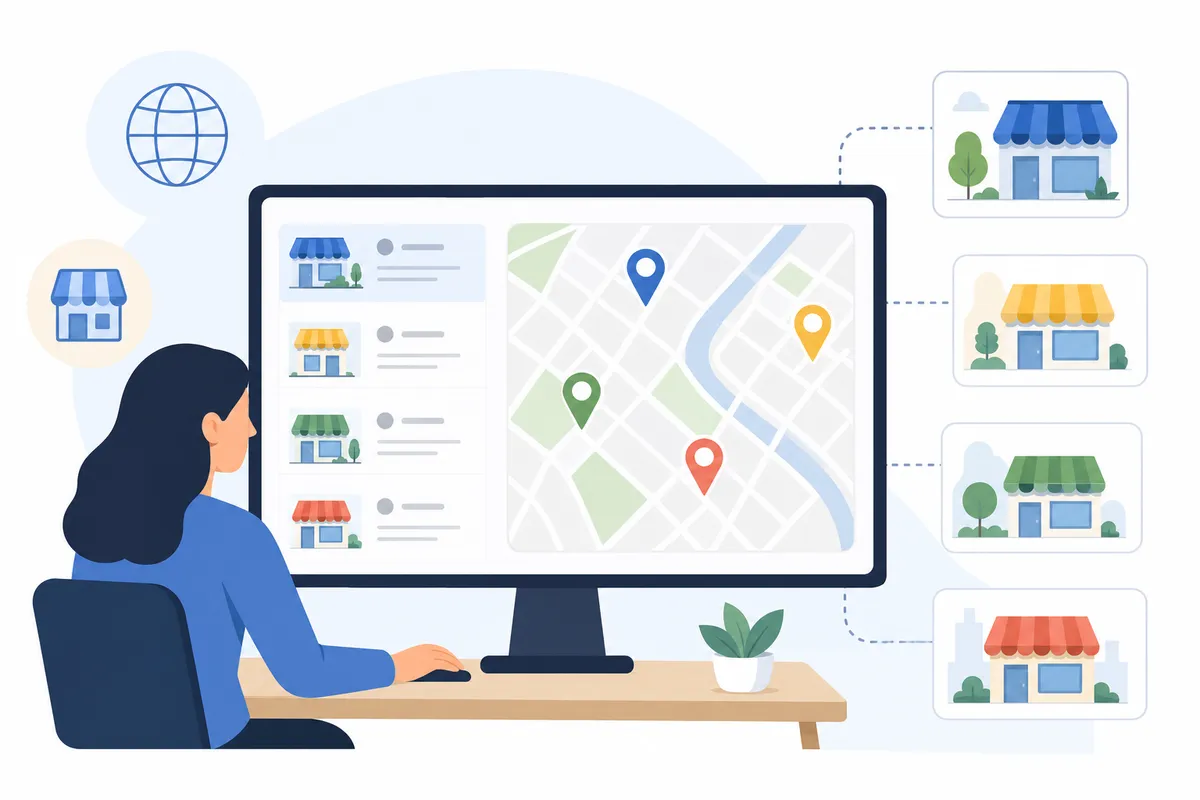
What the business.google.com locations dashboard does
Business.google.com is the web portal for Google Business Profile, where you create, verify and edit the listings that appear on Google Maps and in local search results. The Locations section is the hub for anyone managing more than one address.
A single-location shop needs one name, one address and one set of hours. A restaurant group, a clinic network or a home services franchise gets something closer to a management console, where you switch between locations, bulk-edit attributes and track performance site by site.
People searching "google business profile locations" are usually trying to add a new site, fix a listing that shows wrong information, or work out why a location isn't appearing at all. The steps below cover each case.
How to add a new location in business.google.com
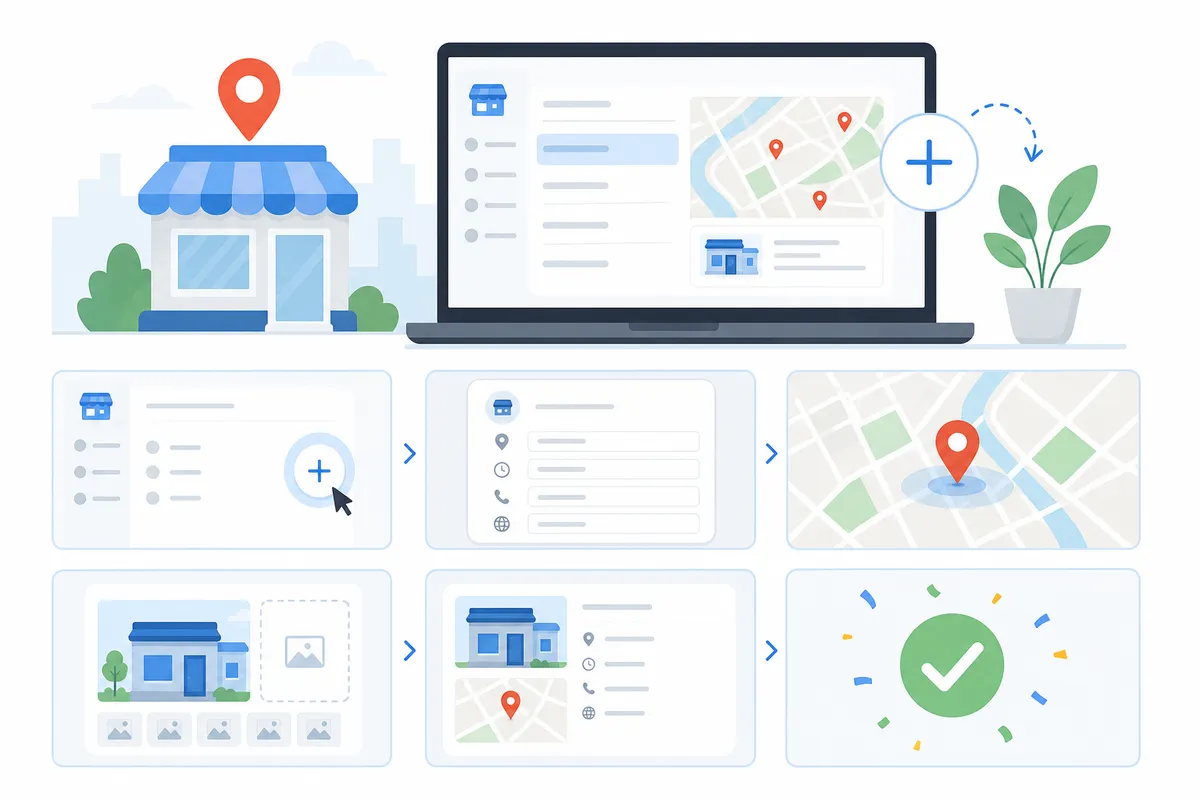
The process splits depending on how many locations you manage, and Google draws the line at 10.
Adding a single location (fewer than 10 total)
- Sign in at business.google.com and open your existing profile.
- Click the "Add location" or "Manage locations" menu, usually in the top corner of the dashboard.
- Choose "Add single location."
- Enter the new address, phone number, website and business category.
- Submit for verification.
If your business manages fewer than 10 locations in total, Google requires you to verify each one individually. The method depends on your category and country: postcard, phone, email or video.
Bulk-adding 10 or more locations
Once you cross the 10-location threshold, manual entry stops being realistic, and Google's bulk tools exist for exactly this case:
- From the Locations menu, select "Import locations" instead of "Add single location."
- Download the sample spreadsheet and the attributes reference file Google provides.
- Fill in store code, business name, full address, sub-locality, locality, postal code and any relevant attributes for each site.
- Upload the completed spreadsheet.
- Request bulk verification from the same menu. You'll need to supply location names, regions and contact details for the account manager Google will reach out to.
Bulk verification can take longer to review than individual verification, because Google checks ownership across the whole batch before approving it.
Verifying each location

Verification is what turns a draft listing into a live one. Whatever you edit in the business.google.com locations section, whether hours, photos or descriptions, stays hidden from the public until the location is verified.
| Verification method | Best for | Typical timing |
|---|---|---|
| Postcard by mail | Single storefronts, first-time profiles | Days to a couple of weeks |
| Phone | Eligible categories with a direct business line | Fastest when available |
| Service-area and some online businesses | Minutes to a day | |
| Video | Businesses flagged for extra review | Varies by case |
| Bulk/chain verification | 10+ locations under one brand | Longer review, handled as a batch |
Check which options Google actually offers your category before picking one, since not every method is available to every business.
Viewing and switching between locations
Once a few locations are verified, the dashboard gives you a location switcher, a dropdown or list view where you jump between profiles without logging out. It also shows which locations are published, suspended or pending review.
A suspended location is the most common complaint agencies bring to business.google.com locations support threads. Suspensions usually come from mismatched address details, a category that doesn't match the business, or duplicate listings created by a previous owner or a directory sync gone wrong. Checking the status column for every location monthly catches the problem before it costs you visibility.
Managing locations at scale
Past five or six locations, individual edits stop scaling. Business groups and consistent profile data are what keep a larger account manageable.
Business groups and team permissions
A business group is Google's container for multiple locations under one account. Instead of handing every team member the master login, you assign a role (owner, manager or site manager) per location or per group. Agencies managing client portfolios typically set up one group per client and invite staff with manager-level access only, so ownership stays with the client.
Keeping profiles consistent across every site
Consistency is what local search rewards. Each location needs:
- A matching primary category across similar sites, so Google understands what the business does at every address. Getting this wrong is one of the most common reasons listings underperform, covered in more depth in this guide to fixing Google Business Profile categories.
- Current photos sized correctly for each listing. Profile images, cover photos and location shots all have specific dimension requirements, detailed in this photo size reference for 2026.
- A regular posting cadence, so each location looks active. Most multi-location teams either post too rarely or stop entirely after the first month, a pattern broken down in this guide on what to post and how often.
If your website has a page per location, mark each one up with LocalBusiness structured data from Schema.org. That markup helps Google connect your location pages to the matching business.google.com locations entry, which reinforces relevance signals for each address.
Common problems and fixes
| Problem | Likely cause | Fix |
|---|---|---|
| New location won't appear on Maps | Verification still pending or rejected | Check verification status in the dashboard; resubmit with exact legal business name and address |
| Duplicate listings for one address | Old listing never claimed or a directory auto-created one | Request a merge or mark the duplicate for removal inside business.google.com |
| Wrong category on some locations | Bulk import used a generic category for every row | Edit categories per location individually; don't rely on one spreadsheet value for all sites |
| Customer questions going unanswered at scale | No one assigned to monitor Q&A per location | Assign a manager per location group and check weekly. Unmonitored Q&A is a known problem across multi-location accounts, explored in this Business Profile Q&A guide |
| Hours wrong during holidays | Special hours set at the group level, not per location | Update special hours location by location, since regional holidays differ |
Can you manage this yourself, or should an agency handle it?
Two to five locations is realistic to run yourself. The dashboard is built for a single owner to handle setup, verification and basic updates without outside help.
Beyond that, the work shifts from occasional edits to ongoing monitoring: watching for suspensions, keeping categories and photos consistent, answering reviews and questions per site, and tracking which locations turn searches into visits. An agency or a dedicated local SEO process earns its cost here, and the reason isn't that the dashboard is hard to use. Nobody has time to check 40 listings by hand every week.
FAQs
How many locations can one business.google.com account manage?
There's no published hard cap on a single account, but the workflow changes at 10 locations. Below that, you add and verify each one manually. At 10 or more, Google offers bulk import and bulk verification.
Can I add a location without verifying it first?
You can create a draft listing, but it won't appear on Google Maps or in search results until verification is complete, so verify before you expect the location to show up.
Why does one of my locations keep showing as suspended?
Suspensions usually trace back to address mismatches, an incorrect category or a duplicate listing competing with the real one. Compare the suspended profile against your business license details and resolve duplicates first.
Do all my locations need the same business category?
Only if they offer the same core service. A category describes what customers find at that specific address, so a flagship store and a smaller satellite location can carry different categories if their offerings genuinely differ.
What's the difference between a business group and a location group?
They're the same feature under different names. Google renamed "location groups" to "business groups" in recent updates, and both terms describe the container that holds multiple locations under shared management.
Get more from your locations
If you're not sure whether your current listings are set up correctly, the fastest next step is a second opinion: see what a sample SEO report actually checks for, then run one against your own locations.
Resources / References
Sources
About the author
SearchBlueprint researched, wrote and scored this article with the content pipeline our customers run on their own sites. The score in the byline is what our content engine gave this page before it published. Nothing here is reviewed by hand, which is the point: it is the product's output, published where anyone can check it.