How to Do an SEO Audit: A Step-by-Step Checklist for 2026
By Toy Wen Da, Co-Founder · · 10 min read · scored 91/100
How to do an SEO audit means checking three things: whether search engines can crawl and index your site, whether each page targets the right keyword, and whether your backlink profile helps or hurts you. Start in Google Search Console and check your indexing status, since a page that isn't indexed can't rank.

Checking indexing by hand, page by page, is slow and easy to get wrong on a site with more than a handful of URLs. SearchBlueprint's technical SEO audit scans your whole site, flags crawl and indexing problems, broken links, and missing metadata, and puts the fixes in priority order instead of leaving you to sort through a raw list of errors.
What an SEO Audit Actually Checks

An SEO audit is a structured review of your site against search engine best practices. It tells you what's stopping pages from ranking, not just that something is wrong. Search engines rank sites through three connected processes: crawling, indexing, and ranking. According to Google Search Central, Google's crawlers discover pages, store what they find in an index, and then rank indexed pages for relevant queries. If your audit doesn't check all three stages, you'll miss real problems.
The Three Areas of Every SEO Audit
| Audit area | What it checks | Common tools | Typical fix |
|---|---|---|---|
| Technical SEO | Crawlability, indexing, site speed, mobile rendering, sitemap, robots.txt | Google Search Console, PageSpeed Insights, a site crawler | Fix robots.txt blocks, compress images, submit a corrected sitemap |
| On-page SEO | Title tags, meta descriptions, headers, keyword targeting, duplicate content | Search Console, a keyword tool, a plagiarism checker | Rewrite thin titles, consolidate duplicate pages, add one clear H1 per page |
| Off-page SEO | Backlink quality, directory listings, NAP consistency | A backlink checker, manual directory review | Disavow toxic links, fix inconsistent business listings, build quality links |
Most published audit checklists cover these three areas in some order, then stop. A proper audit follows a repeatable workflow so nothing gets skipped between quarters, this seven-step audit workflow is one way to structure that so the same checks run every time.
Step-by-Step: How to Do an SEO Audit Using Your Website's Own Tools
This is the part most guides gloss over: the actual clicks. Here's what to check, in order, using tools you likely already have access to.
Step 1: Check Indexing in Google Search Console
Sign in to Search Console and open the Page indexing report under the Indexing menu. It splits your URLs into indexed and not-indexed, with a reason for each exclusion:
- Excluded by "noindex" tag
- URL blocked by robots.txt
- Not found (404)
- Crawled – currently not indexed
- Discovered – currently not indexed
If you see a rising count of "Crawled – currently not indexed" pages, that usually points to thin or low-value content rather than a technical block. Fix the content quality first, then recheck.
Step 2: Review Your Sitemap and Robots.txt
Your XML sitemap lives in your site's root directory, typically a URL like yoursite.com/sitemap.xml, and it's the list Google uses to find your pages efficiently. In Search Console, open Sitemaps under Indexing and confirm it was fetched successfully with no errors. Then open your robots.txt file directly in a browser and check you haven't accidentally blocked a section of the site crawlers need to reach.
Step 3: Test Page Speed and Mobile Usability
Run your homepage and your top landing pages through Google's PageSpeed Insights. A commonly cited benchmark is a load time of 3 seconds or less on both desktop and mobile, slower pages tend to lose visitors and rankings together. The report also breaks down specific blockers, like unused CSS or oversized images, so you know exactly what to compress. Since more than half of web traffic now comes from mobile devices, run the mobile test separately rather than assuming desktop results carry over.
Step 4: Audit Titles, Meta Descriptions, and Headers
Every page needs one clear H1 and a unique title tag and meta description. A frequent mistake, especially on DIY website builders, is using multiple H1s on one page or skipping the H1 entirely in favor of a styled image. Pull a list of your pages' titles and meta descriptions, Search Console's Performance report or your CMS's page list both work, and scan for duplicates or missing entries.
Step 5: Find Duplicate Content and Thin Pages
Duplicate content confuses search engines about which version to rank, and it's a common issue on sites with filtered category pages or printer-friendly duplicates. Check for pages with near-identical text, then either merge them, add a canonical tag, or rewrite one version with genuinely different content.
Step 6: Check Internal Links and Backlinks
Internal links should use descriptive anchor text, "SEO audit checklist" rather than "click here", and point to live, relevant pages. Broken internal links waste crawl budget and frustrate visitors. For backlinks, check which external sites link to you and whether that profile is growing, shrinking, or flat; a shrinking profile without a clear cause is worth investigating.
Step 7: Review Keyword Targeting and Content Gaps
For each priority page, confirm it has one clear target keyword that appears naturally in the title, URL, and body text, and that the content actually answers what someone searching that term wants. Then look for gaps: topics your competitors cover that you don't. Building that out systematically, rather than one-off, is where an AI-powered content plan earns its keep, it turns a gap list into a prioritized production schedule instead of a pile of ideas.
If you want the fuller mechanics behind turning these seven steps into ranking movement rather than just a tidy report, this walkthrough on running an audit that actually moves rankings goes deeper on prioritization.
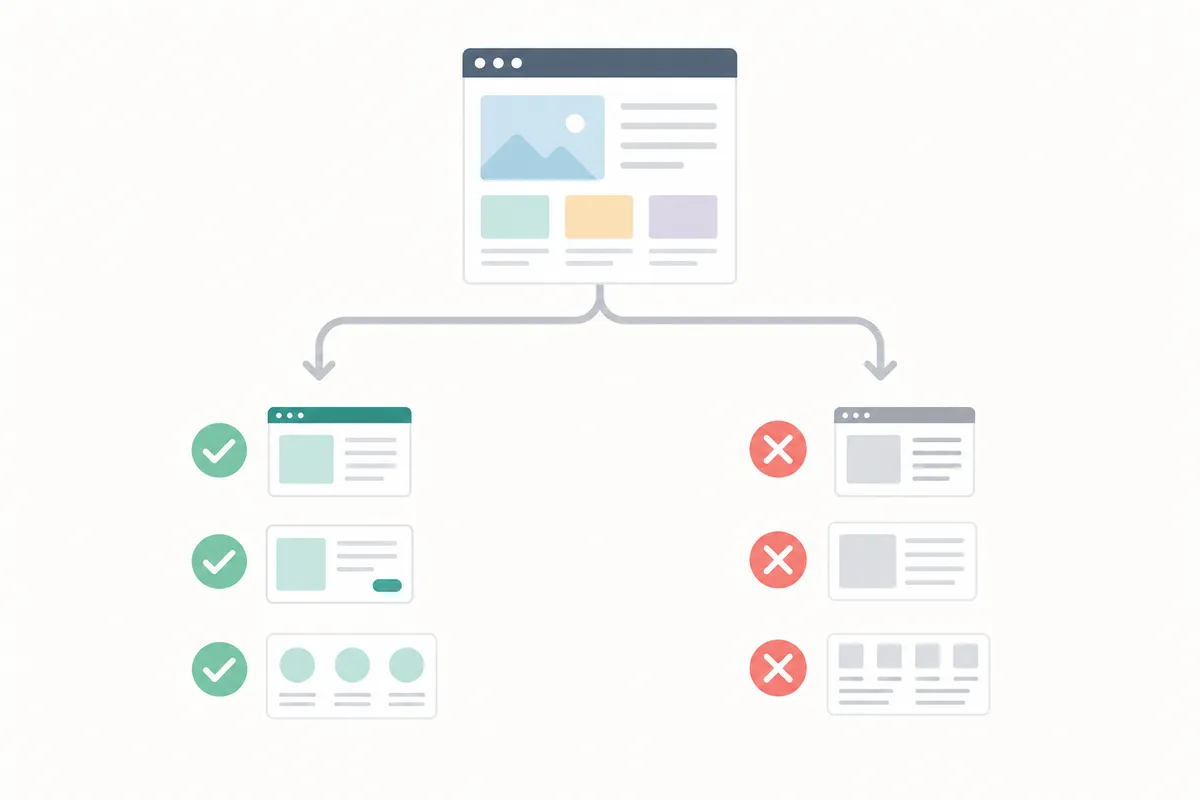
When Your Website's Own Tools Are Enough, and When They're Not
This is the honest part most audit guides skip. Free tools genuinely cover a lot of ground, but they have real limits.
Good Fit for Free, Manual Tools
Use Search Console, PageSpeed Insights, and a manual check when you're looking at one URL, doing a one-off check before a launch, or you have a small site of a few dozen pages. If you're troubleshooting a single landing page's slow load time or confirming one blog post got indexed, you don't need anything beyond what's already free. If you're building out your whole SEO approach yourself rather than hiring anyone, this step-by-step plan for doing SEO yourself walks through exactly this kind of manual, tool-by-tool process.
Where Manual Tools Run Out of Road
Problems start on larger or more complex sites. Many free scanners, including well-known SEO analyzer tools, cap how many pages they crawl per scan, some stop at the first 100 pages, so a site with thousands of URLs gets an incomplete picture. Manual tools also don't run themselves on a schedule; someone has to remember to open them, which is exactly where recurring issues slip through between checks. And cross-referencing indexing data, speed data, and keyword data by hand across dozens of pages takes hours that most small teams don't have.
| Situation | Free, manual tools | Automated / crawler-based audit |
|---|---|---|
| Single page or one-off check | Enough on their own | Overkill |
| Full site, under ~50 pages | Workable, but slow | Faster, catches more |
| Full site, hundreds+ of pages | Often incomplete (crawl limits) | Needed for full coverage |
| Recurring, scheduled checks | Easy to forget | Built to run on a schedule |
| Site after a redesign or migration | Possible but risky to miss something | Recommended |
If your team is small and SEO is one of several jobs someone's juggling, this 5-hour plan for small marketing teams is a reasonable template for how much time a recurring audit should actually take.
How Often Should You Run an SEO Audit?
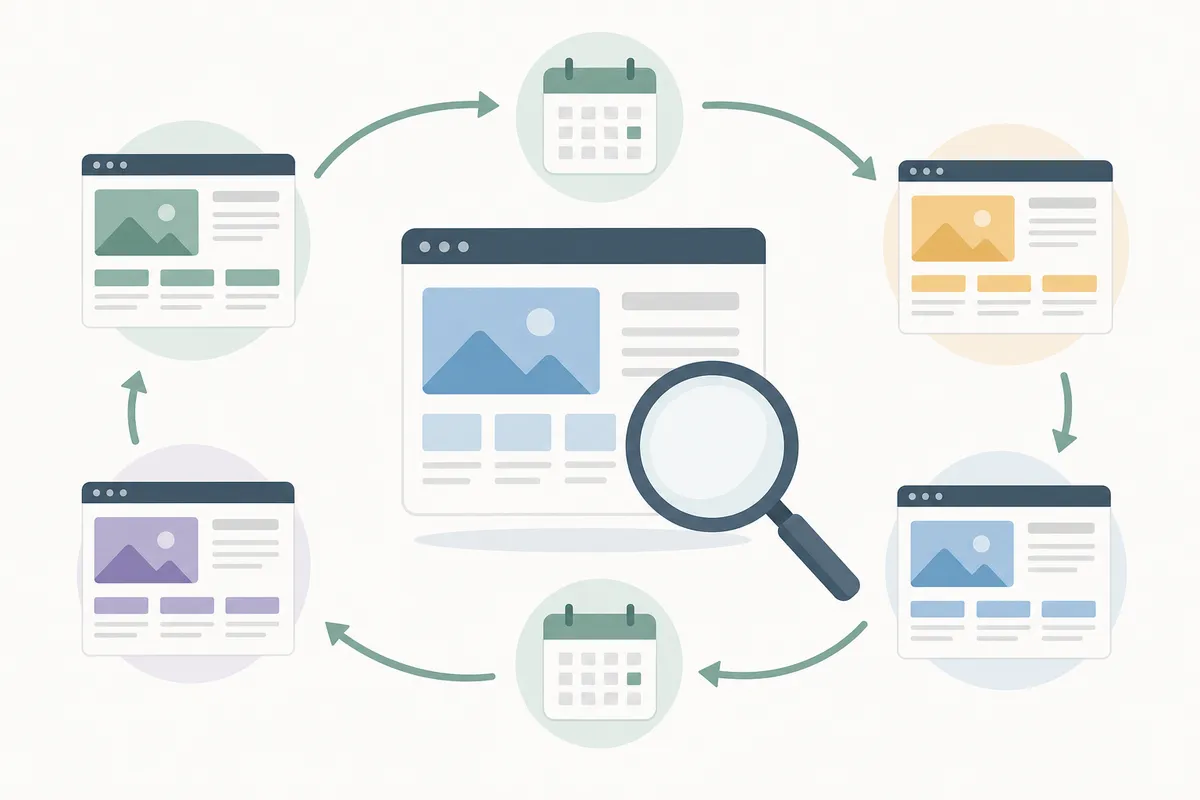
SEO audits aren't a one-time task. Search algorithms change, your competitors publish new content, and your own site changes too, new pages, new redirects, the occasional broken plugin update. Marketing teams commonly recommend a full audit every 6 to 12 months for a stable site. Beyond that baseline schedule, run one immediately in these three situations:
- After a major site change. A redesign, a platform migration, or a URL structure change can quietly break indexing or redirects. Audit right after, not weeks later.
- After a traffic or ranking drop. An audit helps separate a technical cause (a blocked page, a broken sitemap) from a content cause (a competitor outranking you) or a lost-link cause.
- On a shorter, recurring cadence for active sites. Sites publishing content weekly benefit from lighter monthly or quarterly check-ins rather than waiting a full year between deep audits.
Results from an audit also take time to show up in rankings. If you're wondering why a fix hasn't moved the needle yet, this honest timeline on how long SEO takes to show results sets more realistic expectations before you assume the audit didn't work.
Common SEO Audit Mistakes to Avoid
Even a thorough audit can fail to produce results if you fall into one of these traps.
- Treating the audit as the finish line. Finding 40 issues and fixing none of them changes nothing. An audit is only useful once it turns into a prioritized to-do list.
- Auditing once and never again. Sites drift. A clean audit from last year tells you nothing about this year's broken links or a recent algorithm shift.
- Fixing low-impact issues first. Not every error carries equal weight. Fix what's blocking indexing or hurting your biggest pages before chasing small formatting issues.
- Skipping the "why." A page not getting clicks might be a ranking problem, a title tag problem, or both, don't assume one cause without checking.
- Not reporting findings clearly to the rest of the team. An audit full of jargon that nobody acts on wastes the time spent running it. If you're presenting results up the chain, this guide to SEO reporting for stakeholders covers what to show and what to leave out.
- Not tracking whether fixes actually worked. An audit without before-and-after tracking just produces a list of hopes. Tracking what actually moves revenue closes that loop.
- Auditing in isolation from the broader plan. A page-by-page fix list means little if it isn't feeding into a broader SEO marketing strategy that decides what gets built next.
FAQs
What's the difference between an SEO audit and SEO monitoring?
An SEO audit is a point-in-time review that finds existing problems across your whole site. Monitoring is the ongoing, lighter-weight tracking you do between audits, watching rankings, traffic, and indexing status so you notice issues sooner.
How long does a full SEO audit take?
It depends heavily on site size and whether you're working manually or with a crawler. A small site checked by hand might take a few hours; a large site checked manually can take days, which is the main reason automated tools exist.
Do I need to hire someone to do an SEO audit?
Not necessarily. A single page or a small site is well within reach for a non-specialist using Search Console and PageSpeed Insights. Larger or more technical sites, or audits you need to repeat often, are where outside help or automated tooling pays off.
What should I fix first after an SEO audit?
Start with anything blocking crawling or indexing entirely, a noindex tag left on by accident, a robots.txt block, a broken sitemap. Those issues keep pages out of search results altogether, so they outrank every other fix in priority.
Can an SEO audit hurt my rankings if I do it wrong?
The audit itself won't hurt you, but acting on bad advice from it can. Removing pages that actually ranked well, or disavowing backlinks that were helping you, are the two most common ways a rushed fix backfires. Double-check before making irreversible changes.
Talk to the Next Step
Knowing how to do an SEO audit matters less than actually running one on a schedule and acting on what it finds. Start with the Search Console checks above this week, then decide whether a manual pass is enough or your site needs the kind of automated technical SEO audit that catches what hand-checking misses on larger sites. If you'd rather see what a finished audit report looks like before running your own, talk to the team with a sample SEO report.
Resources / References
- Google Search Central
- the list Google uses to find your pages efficiently
- robots.txt file
- PageSpeed Insights
- confuses search engines about which version to rank
Sources
- How to Perform and SEO Audit: Tools & Checklist Included
- How to Perform a Thorough SEO Audit in Less Than 3 ...
- How to Do an SEO Audit as a Beginner (And the Tools ...
Disclaimer: This article is general information about rules and figures that applied when it was written, not personalised financial, tax or investment advice. It does not take account of your income, obligations, risk tolerance or goals, and rates and thresholds change. Verify the current position with the relevant authority, and speak to a licensed adviser or a qualified accountant before acting.
About the author
SearchBlueprint researched, wrote and scored this article with the content pipeline our customers run on their own sites. The score in the byline is what our content engine gave this page before it published. Nothing here is reviewed by hand, which is the point: it is the product's output, published where anyone can check it.