Ecommerce programmatic SEO: which pages to build, and when
SearchBlueprint · · 14 min read · scored 92/100

Ecommerce programmatic SEO means turning your product database into search pages at scale. You pair one template with structured data, then publish a page for every category, filter combination, brand or comparison that buyers actually search for. It works when each page carries unique data. It fails when pages only swap keywords.
This guide is for store owners and marketing teams on Shopify, BigCommerce or WooCommerce whose catalogs are too big to write every page by hand. It covers which page types to build and in what order. It also covers the data and technical work each page type needs, how to avoid thin content, and the numbers that tell you a template is working.
What ecommerce programmatic SEO is (and is not)

Programmatic SEO follows a repeatable formula. You find a keyword pattern that scales and build one page template for it. Then you fill the template with unique data for each row and publish the pages in volume. In ecommerce, the patterns follow your catalog: category plus attribute, brand plus product type, one product versus another, or the best product for a use case.
Ecommerce is unusually well suited to this because the data already exists. Every SKU has a name, brand, category, price, color, size, material and specs. Each attribute can act as a keyword modifier. Each modifier combination with real search demand can become a page.
The scale adds up quickly. A 10,000-SKU store already has 10,000 product pages. Add 50 categories, a few hundred subcategories and every brand you stock, and you have more rankable URLs than a content team can write and maintain.
Retailers like Amazon, Wayfair and Zappos did not reach millions of long-tail rankings by writing millions of descriptions. They built systems that turn product data into pages. To do the same at a smaller scale, you need three things:
- A dataset: your product database, enriched with the extra fields each page type needs.
- A template: the page layout. Fixed elements such as schema, breadcrumbs and links stay the same on every page. Dynamic fields such as the H1, intro, featured products and FAQs change per page.
- A publishing system: whatever renders each row as a crawlable HTML page on your store.
Why the long tail is worth the work
Long-tail searches come from buyers who have already made most of their decision. Someone who types "waterproof hiking boots under $100" or "king size bed frames in solid oak" knows the product, the feature and usually the budget. Agency write-ups on this topic claim long-tail queries convert 2 to 6 times better than head terms. Treat that range as a rough guide. The reasoning still holds: a shopper who lands on a page matching their exact query is closer to buying than someone browsing "hiking boots".
What it is not
Programmatic SEO does not mean publishing near-identical pages with one keyword swapped. A page called "Best Red Running Shoes for Women" that reads exactly like "Best Blue Running Shoes for Women" gives Google no reason to index both. The spam policies in Google Search Essentials name this directly as scaled content abuse: producing many pages mainly to manipulate rankings rather than to help people. Each page has to add information the others lack.
The five page types, and the order to build them
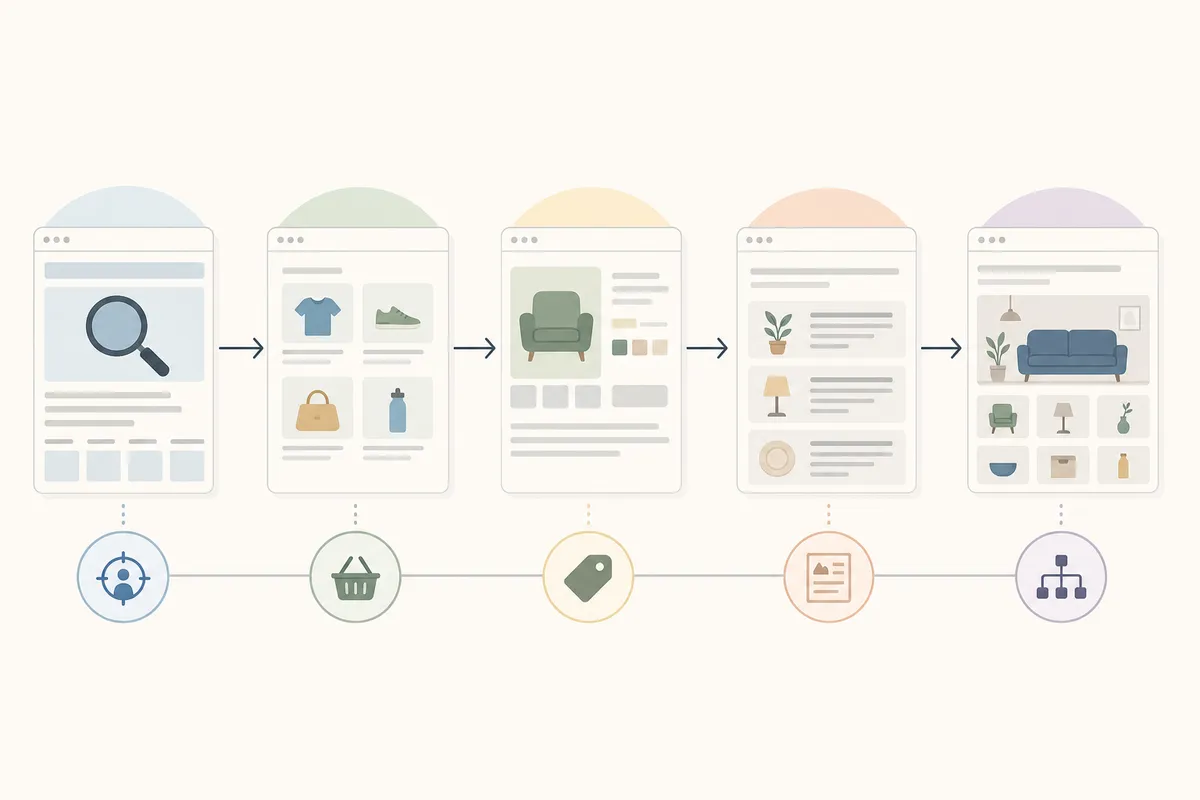
Practitioner guides mostly agree on five page types and on the order to build them. Start with pages you already have and data you already hold. Then move to the types that need more editorial work.
| Page type | Keyword pattern | Example query | What makes each page unique | Build order |
|---|---|---|---|---|
| Category and collection pages | Category or subcategory name | "cast iron skillets" | A 200-400 word buyer intro, price range, top brands and links to subcategories | First, by enriching pages that already exist |
| Brand pages | Brand plus product category | "Le Creuset cookware" | Brand positioning, price range, the best sellers you stock and on-site ratings | Second |
| Faceted filter pages | Category plus one or two attributes | "waterproof hiking boots under $100" | A filtered product set plus copy on why that attribute matters | Third, and only for combinations with search demand |
| Comparison and best-of pages | Product versus product, or best product for a use case | "cast iron vs carbon steel skillet" | Selection criteria, a winner for each criterion and the buyer each product suits | Fourth |
| Product page enrichment | A specific product or variant | "Lodge 12-inch cast iron skillet" | Specs, use cases, compatible products and review snippets | Fifth, one category segment at a time |
Category pages come first
Your category pages already exist, already have internal links and already target mid-funnel product searches. Most of them are a title, a product grid and a two-line description, which makes them the cheapest place to start.
One agency guide cites a 2024 Ahrefs study on this. It found that ecommerce category pages with 300 or more words of unique body copy reached page one 41% more often than thin category pages in competitive niches. The usual advice is a 200-400 word editorial introduction that answers buying questions about materials, fit and price range.
Faceted pages need a demand threshold
Filter pages target the most specific, highest-intent queries on your site, and they also carry the most risk. A filter system with 10 categories and 20 attributes per category produces 200 base combinations. A second filter multiplies that quickly, and most of those combinations get no searches at all.
The answer is selective indexing. Build an indexable page only for combinations with documented search volume. Guides usually set the minimum at 50-200 searches a month per page. Canonicalize every other filter URL to its parent category. Keyword research that assigns every term a page shows you which combinations clear that bar before you build anything.
Comparison pages win back affiliate traffic
Searches like "best X for Y" and "X vs Y" are high-converting commercial queries, and most stores leave them to affiliate and review sites. A comparison template pulls 3-10 products from your own catalog and sets out the criteria for that use case. It also says which buyer each product suits. That catches shoppers while they are still deciding and sends them to product pages with a clear route to checkout.
Before you publish: data, templates and technical groundwork
Build the dataset before the template
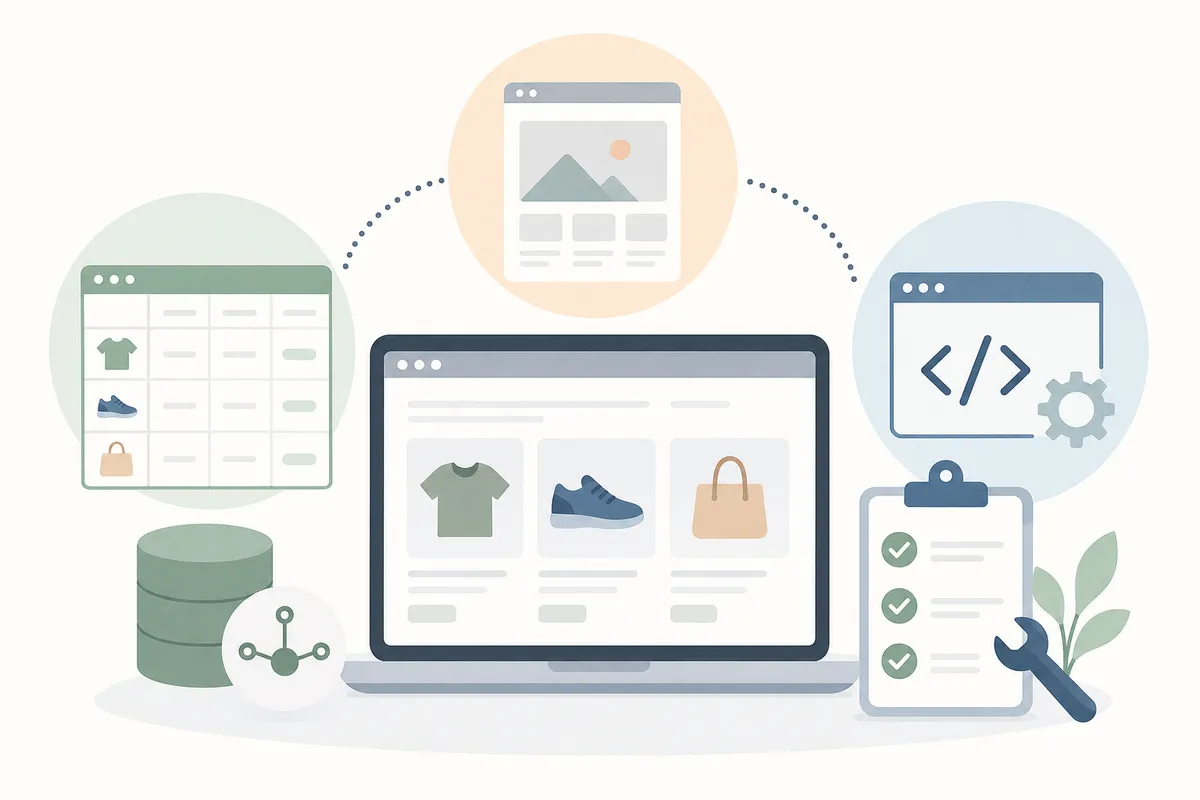
The data behind a page matters far more for ranking than the template design does. One widely read programmatic guide recommends 8-12 unique data points per page. Another recommends at least 3 distinct data sources per template. Useful sources include product specs, customer reviews, pricing history, compatibility data and editorial notes.
On Shopify, metafields are the natural place for this data. Your theme can render every metafield you define as a variable. That means most of the work is enriching metafields and checking that the theme outputs them in crawlable HTML.
Map keywords to rows before you write any template copy. Each row should serve one search intent, and no two rows should target the same query. This guide to AI-driven keyword mapping shows how to give each keyword its own page so your programmatic pages don't compete with each other.
Design templates with conditional logic
A good template changes with the data it has:
- If the products have reviews, show a review summary.
- If comparison data exists, render the comparison table.
- If a product is discontinued, show alternatives.
- If a section has no data, hide it. Empty sections and placeholder text are what make programmatic pages look generated.
The copy should answer the query. A page for "stainless steel French press under $50" should explain why stainless outperforms glass at that price before it lists products. Write meta titles and headings in natural language instead of repeating the same "Buy X Online" pattern on every row. Take FAQs from real questions your support team answers about sizing, compatibility, shipping and returns.
Technical foundations to set up first
These need to be working before any template goes live:
- Canonical and noindex rules. Near-duplicate variants canonicalize to the main version. Pages below your data threshold stay noindexed until they are enriched. Don't use robots.txt for this job, because it blocks crawling but does not remove a URL from the index.
- Segmented XML sitemaps. Split sitemaps by template type or category so Search Console shows the indexing rate for each one. This matters most for stores with 10,000 or more SKUs.
- Structured data. Product, Offer, AggregateRating and BreadcrumbList markup from the Schema.org vocabulary helps search engines read price, availability and ratings for rich results and AI search features.
- Page speed. Programmatic templates often carry heavy scripts. Aim for a Largest Contentful Paint under 2.5 seconds on mobile, which is the "good" Core Web Vitals threshold published on web.dev.
- Lifecycle rules. When a product is permanently gone, redirect its page to a close alternative, explain that it has been discontinued, or return a 410. Stale prices and availability cost you shoppers' trust.
How to avoid thin and duplicate pages at scale
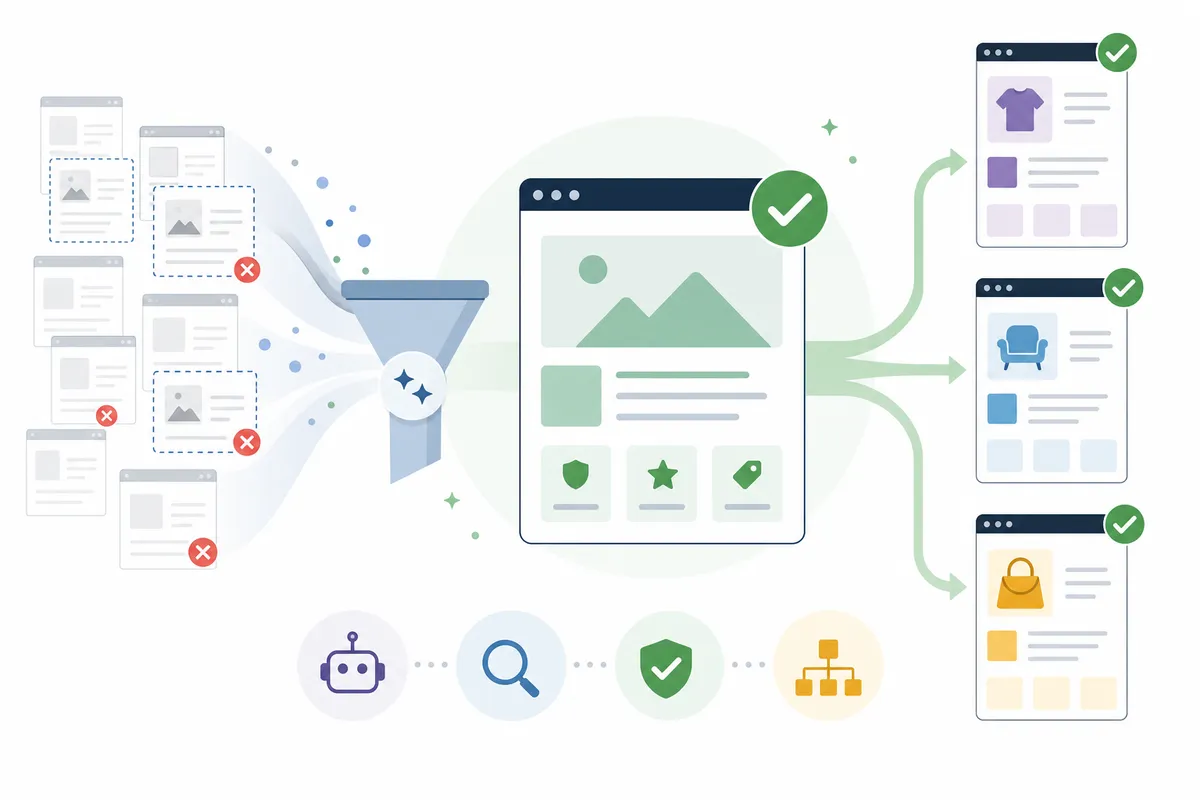
Thin content is the most common reason programmatic builds fail. One ecommerce SEO guide reports that Google's March 2024 core update deindexed entire sites that relied on auto-generated pages with little variation. The safer approach is to check each page before it reaches the index, rather than cleaning up after Google has ignored it.
| Quality gate | Threshold | When to check | If a page fails |
|---|---|---|---|
| Data completeness | At least 70% of template sections filled with real data | At generation, for each page | Noindex the page until the missing data is added |
| Distinct data sources | At least 3 per template | While designing the template | Narrow the keyword pattern to rows where you have richer data |
| Sample review | Fewer than 20% of 50 sample pages read as thin | Before scaling past the pilot | Revise the template or drop the pattern |
| Search demand | About 50-200 searches a month minimum per page | Before building each combination | Canonicalize the combination to its parent category |
| Index coverage | More than 85% of submitted pages indexed | Weekly after launch | Audit the template's content and technical setup |
These thresholds come from practitioners, not from Google. The principle behind them is simple. As one agency puts it, 500 well-indexed pages that each drive traffic outperform 10,000 thin pages that Google ignores or filters out.
The content that is hardest to template is what makes a page worth indexing. That includes recommendations based on purchase data, summaries of review sentiment, real price comparisons and expert notes. Review snippets, customer Q&A and photo reviews also add unique text that changes over time.
Watch engagement for each template type. If visitors keep going straight back to the search results from one pattern, that template needs rework. For help deciding how many pages a pattern should produce, this walkthrough on planning programmatic SEO so it scales without a penalty covers sizing a build before you publish.
Internal linking that keeps programmatic pages findable
Programmatic pages with no links pointing to them are orphans, and Google finds them slowly if at all. Two kinds of linking fix this.
Hub pages group related programmatic pages. A "Running shoes by brand" hub links to every brand page, and a "Running shoes by feature" hub links to every feature page. Hubs give crawlers an entry point and pass authority down to the pages below them.
Contextual links connect sibling pages. A Nike Pegasus 40 review should link to "Nike Pegasus 40 vs ASICS Gel-Nimbus 25" and to "Best cushioned running shoes". Generate these links from shared attributes or product relationships. One guide suggests limiting them to 5-10 relevant links per page.
The overall flow should follow the buying funnel. Buying guides link down to category pages, category pages link to product pages, and product pages link across to comparisons. Avoid mega-footers or sidebars that list hundreds of programmatic URLs. They look like link schemes and do little for crawling or rankings.
Protecting the traffic you already have
New pages are a bet, while pages that already rank are bringing in revenue today. Protect those first.
- Record a baseline. Before launch, export Search Console clicks, impressions and positions grouped by URL pattern. You'll be able to see if an existing template drops after the rollout.
- Improve pages where they are. If a category page already ranks, improve it at its current URL instead of replacing it with a new programmatic version.
- Redirect one to one. If a URL has to change, 301 redirect it to its closest new equivalent. Never send them all to the homepage or a parent category.
- Choose one treatment per filter combination. Canonicalize it to the parent category or build a dedicated landing page, but don't do both.
- Release in batches. Publish one template or category at a time. Check that existing pages keep their positions before you release the next batch.
A realistic pilot and scaling timeline
The most common mistake is building every page type at once. Start small:
- Pick one high-traffic category and one template. Build the dataset, write the template and generate 50 sample pages. Check them against the thin-content thresholds before you publish anything.
- Publish the pilot and watch indexing. Pages with strong quality signals usually appear in Google's index within 2-4 weeks. If a template is still under 50% indexed after 60 days, fix the quality or technical problem before you scale.
- Read rankings over 90 days. Position trends for your target queries only mean something over a window of about 90 days.
- Repeat what works. Copy the proven template to other categories, then move on to the next page type in the build order.
For planning, one agency estimates that a well-run build can grow organic traffic to category pages by 30-80% over 12 months for mid-size stores, without hiring writers at the same rate. Your results will depend on your catalog, your site's authority and your competition, so use that range as a benchmark rather than a promise. Once a template has proven itself, a publishing workflow that ships in days rather than weeks keeps each new batch moving.
KPIs that prove your ecommerce programmatic SEO is working
Measure each template as a group. Group pages by URL pattern in Search Console and in your analytics tool so every template type has its own numbers.
| KPI | Healthy signal | Warning sign | What it usually means |
|---|---|---|---|
| Indexed vs submitted pages | More than 85% of submitted pages indexed | Well below 85%, or falling | Google sees part of the template as low value or can't reach it |
| Indexing speed | New pages indexed within 2-4 weeks | Under 50% indexed after 60 days | The template has a basic quality or technical problem |
| Position and CTR per template | Average position improving over 90 days | Average position 45 with zero clicks | The page pattern itself is probably wrong |
| Clicks vs impressions | Clicks rising along with impressions | Average position 15 with a 0.5% CTR | The idea works, but the content and titles need work |
| Revenue per organic session | Organic sessions on the template turn into orders | Plenty of clicks but few conversions | The copy doesn't match purchase intent |
Review these weekly. Many impressions but few clicks usually points to title tags and meta descriptions. Many clicks but few sales usually points to the intro copy and internal links.
Can you run this yourself?
Often you can. Small stores sometimes benefit most, because they can target narrow long-tail queries that big retailers cover poorly. A niche tea store could build category pages for each flavor profile, brewing method and occasion with a spreadsheet, Shopify metafields and one theme template. If your catalog has a few hundred SKUs and simple filters, you can run the pilot yourself.
Get help when the build involves thousands of filter URLs, when you're changing URLs that already rank, or when your platform needs developer work to render data as crawlable HTML. In those cases, one wrong canonical tag or a bad redirect can cost you revenue you already have. If you sell on Shopify or BigCommerce, here is how ecommerce SEO for those two platforms is approached.
FAQs
What is ecommerce programmatic SEO?
It is the practice of generating optimized store pages at scale from structured product data and templates. Each page targets one specific query that would be impractical to write by hand, such as a category, a brand and category pair, a filter combination or a product comparison.
How many pages should a programmatic build create?
Only as many as have proven demand, which usually means at least 50-200 searches a month per page. Practitioner guides agree that 500 well-indexed pages that bring in traffic outperform 10,000 thin pages that Google ignores.
Does programmatic SEO work for small ecommerce stores?
Yes. Small stores often do well because they can target narrow long-tail queries that large retailers cover poorly. A few dozen well-built category or filter pages are enough to start.
Will Google penalize programmatically generated pages?
Not just for being generated. Google's spam policies target scaled content made mainly to manipulate rankings. Pages that each carry unique, useful data are judged on their value, while near-duplicates with swapped keywords risk being filtered out or deindexed.
How long before programmatic pages get indexed and rank?
Pages with strong quality signals are usually indexed within 2-4 weeks. Judge rankings over about 90 days, and investigate any template that is still under 50% indexed after 60 days.
Check one category's filter demand this week
Choose your highest-traffic category, list its filter combinations and check which ones clear the search-demand bar before you build a template. To see what a catalog-level review covers, open this sample SEO report, then talk to the team about where ecommerce programmatic SEO fits your store.
Resources / References
Sources
About the author
SearchBlueprint researched, wrote and scored this article with the content pipeline our customers run on their own sites. The score in the byline is what our content engine gave this page before it published. Nothing here is reviewed by hand, which is the point: it is the product's output, published where anyone can check it.