Divi SEO: The WordPress Settings That Actually Matter
By Toy Wen Da, Co-Founder · · 5 min read · scored 94/100
Divi SEO comes down to WordPress settings, not the theme itself. Divi doesn't block rankings on its own, but unoptimized images, page builder bloat, and missing meta descriptions often do. Check first whether a dedicated SEO plugin is active and Divi's own legacy meta fields are turned off.
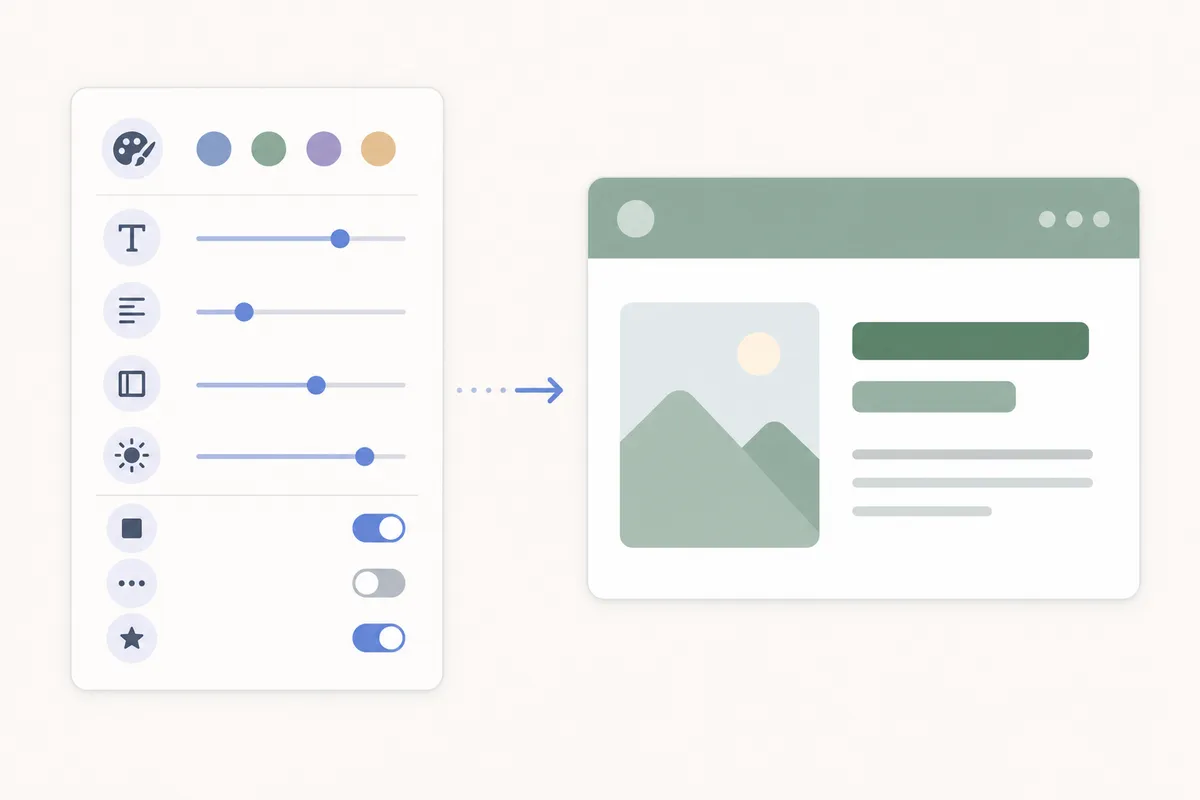
Fixing Divi SEO Inside WordPress, Step by Step
1. Pick one SEO plugin and stick with it
Running two plugins that both write meta tags creates duplicate <title> or description tags, which confuses Google about which one to use. Yoast SEO, Rank Math, and SEOPress all work inside the Divi Builder and the Divi Theme Builder. SEOPress specifically added the ability to edit SEO metadata from inside any page builder's editing screen, Divi included, starting with its version 5 update.
2. Turn off Divi's legacy meta fields
Older Divi installs have a Theme Options > SEO tab with its own title, description, and keywords fields, plus a similar set under single post settings. Google stopped using the meta keywords tag for ranking years ago, and running these alongside a modern plugin just creates conflicting output in your page source. Disable Divi's own fields once your plugin is active.
3. Set the meta title and description per page
Open each page, scroll to your SEO plugin's panel below the Divi Builder, and fill in a unique title and description. Do this for your homepage, service pages, and any post you want to rank, not just a handful.
4. Add real alt text to every image module
Every Image module and background image in the Divi Builder has an Alt Text field under its Content settings. Search engines can't read a background image's content any other way, so this is one of the easiest wins available.
5. Check the Performance tab
Under Divi > Theme Options > Performance (or Divi > Theme Builder settings in newer versions), turn on static CSS file generation and critical CSS. These settings cut the CSS WordPress has to load on first paint, which matters because Google uses Core Web Vitals as part of how it evaluates page experience, per Google Search Central.
6. Use heading structure correctly in the Theme Builder
Each section of a Divi layout should use one H1 and logically nested H2/H3 text modules, not a Text module set to look big with bold styling instead of an actual heading tag.

When WordPress's Own Tools Are Enough, and When They Aren't
If you're fixing one page's title tag, adding alt text to a handful of images, or cleaning up a single slow-loading layout, the built-in Divi settings plus a plugin like Yoast are genuinely enough. That's a one-off job, and there's no reason to pay for more.
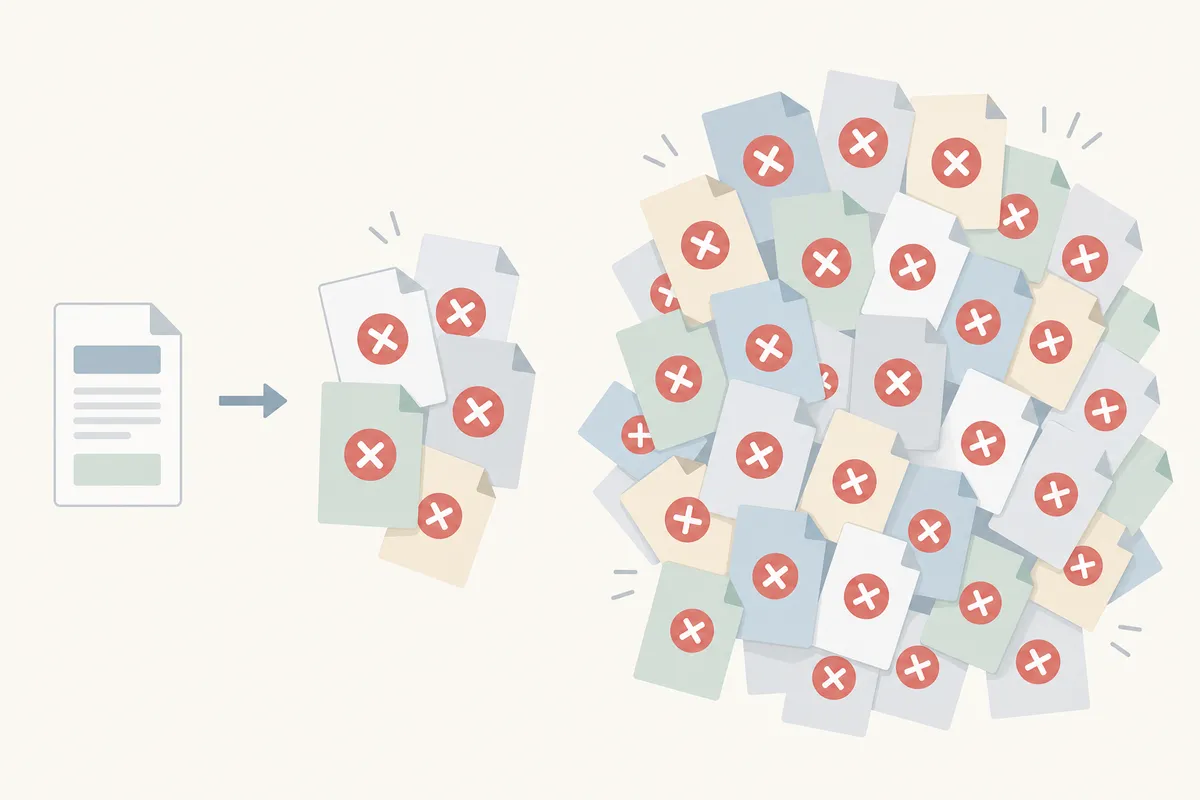
Where it breaks down is scale. A site with fifty or a hundred pages built in Divi tends to accumulate the same mistakes, missing alt text, duplicate titles, orphaned pages with no internal links, across dozens of URLs at once, and checking each one by hand doesn't hold up.
| Situation | WordPress + plugin alone | Needs something broader |
|---|---|---|
| One page's meta title is wrong | Enough | , |
| Alt text missing on a few images | Enough | , |
| Site-wide duplicate titles across many pages | , | Needs a crawl-level check |
| Recurring speed drops after every Divi update | , | Needs ongoing monitoring |
| New blog posts published weekly need consistent SEO | , | Needs a repeatable process |
Common Mistakes on Divi SEO

- Leaving both Divi's legacy SEO fields and a plugin active at the same time.
- Styling text to look like a heading instead of using an actual H2/H3 module.
- Skipping alt text on Divi's background images because they "aren't really images" in the module settings.
- Ignoring the Performance tab and blaming the theme for slow load times that a WP Rocket or Perfmatters-style caching setup would fix.
- Publishing new pages without checking whether the title or description field even got filled in.
One widely shared complaint is that Divi "loads slower than many of the other builders." That's often true out of the box, but the same discussion also notes sites that paired Divi with a caching plugin and saw real improvement, speed problems with Divi are usually a setup issue, not a permanent ceiling.
FAQs
Is Divi bad for SEO?
No. Divi doesn't hurt rankings on its own. Problems come from unoptimized images, missing meta data, or skipped caching settings, all fixable inside WordPress.
Do I still need Yoast or Rank Math if I use Divi?
Yes. Divi builds pages; it doesn't manage meta tags, sitemaps, or schema the way a dedicated SEO plugin does.
Does Divi support schema markup?
Not natively in a dedicated SEO sense. A plugin like Yoast, Rank Math, or SEOPress adds schema; you can also check any page's structured data with a schema validator to confirm it's firing correctly.
Will switching away from Divi improve my rankings?
Not by itself. Builder choice affects load speed and code weight, but content quality and technical setup matter more than which builder you use.
Can I use Divi's custom fields for SEO titles without a plugin?
You technically can, the way some older Divi tutorials describe, but Google ignores the meta keywords field entirely now, and a plugin handles titles and descriptions far more reliably across your whole site.
Open one page right now, confirm your SEO plugin's title and description fields are filled in, and disable any leftover Divi meta fields underneath it. If you want to see how your whole site scores rather than one page at a time, talk to the team and run a sample report against your Divi SEO setup.
Resources / References
Sources
About the author
SearchBlueprint researched, wrote and scored this article with the content pipeline our customers run on their own sites. The score in the byline is what our content engine gave this page before it published. Nothing here is reviewed by hand, which is the point: it is the product's output, published where anyone can check it.