"Discovered – Currently Not Indexed": What It Means and How to Fix It
By Toy Wen Da, Co-Founder · Updated · 5 min read · scored 91/100
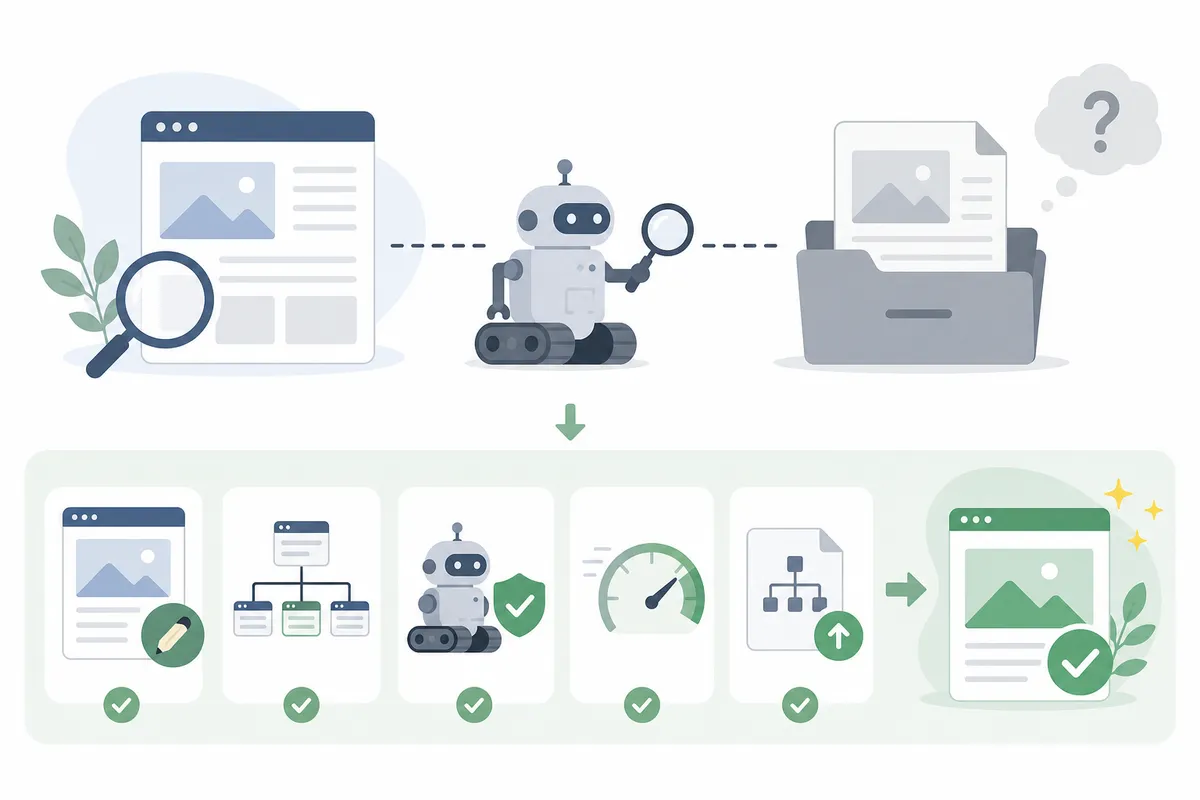
If Google Search Console shows "discovered currently not indexed" next to a URL, Googlebot knows the page exists but hasn't crawled it yet. It hasn't read your text, your headings or your images, because the page is still waiting in a queue. That changes how you fix it, since nothing about the page's quality has been judged.
Discovered vs. crawled vs. noindex
People lump these statuses together, but each one points to a different fix, and confusing them wastes time.
| Status | What Googlebot Did | Likely Cause | What Actually Fixes It |
|---|---|---|---|
| Discovered – currently not indexed | Queued the URL, hasn't fetched it | Low crawl priority, weak internal links, large site competing for crawl budget | Internal links from frequently-crawled pages, sitemap cleanup |
| Crawled – currently not indexed | Fetched and read the page, chose not to index it | Thin content, duplication, canonical conflicts | Add unique value, fix canonical tags |
| Noindex detected | Fetched the page, found a noindex directive | A plugin or template-level tag | Remove the noindex tag, then request a recrawl |
If your status is "discovered," rewriting the page won't help yet because Google hasn't read it. Site owners make this mistake more than any other.
Why pages get stuck in "discovered"
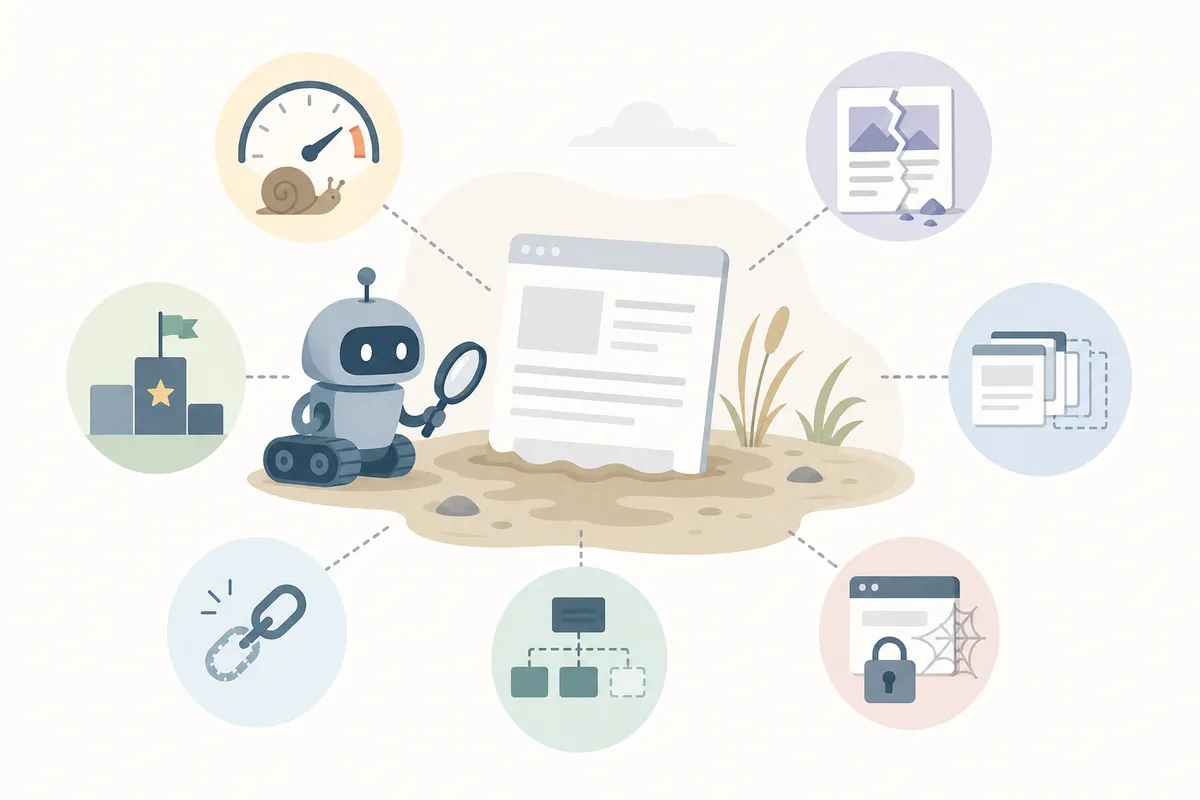
A few conditions push a URL into this holding pattern:
- Low crawl demand. Large or newer sites compete for a limited crawl budget, and Google deprioritizes pages it doesn't see as urgent.
- No strong internal links. An orphaned page, or one linked only from low-traffic posts, signals low importance.
- Sitemap noise. If your sitemap lists thousands of thin or outdated URLs, Google trusts it less and crawls it more slowly.
- Server response issues. Slow responses or intermittent errors during Googlebot's visits can make it back off.
Google's Search Console documentation describes the Page Indexing report statuses and confirms that "discovered" means the URL was found but not yet fetched (Google Search Console Help).
How to fix discovered currently not indexed, in order
Work through these steps in sequence. People who jump to content changes before ruling out access problems tend to stay stuck.
Step 1: Rule out access blockers
Check robots.txt for a Disallow rule covering the page, and use the URL Inspection tool to confirm that "Indexing allowed" shows yes. A full block is the one case where request-indexing genuinely won't help, because Googlebot can't reach the page at all.
Step 2: Strengthen internal links
This is usually the fix with the biggest payoff. Link to the stuck page from pages Google already crawls often, such as your homepage, a high-traffic post or a hub page, and the new URL gets pulled into the same crawl cycle. If you're building a broader content strategy where pages link to each other with purpose instead of scattershot, the zero-click search strategy roadmap covers how to structure content so it earns both crawl priority and citations.
Step 3: Clean up the sitemap
Remove thin, redirected or noindexed URLs from your sitemap. A sitemap full of low-value pages dilutes trust in the good ones.
Step 4: Use request indexing once
After the above is done, request indexing for the specific URL in Search Console. It won't force indexing on its own, but it does nudge the page higher in the crawl queue once the actual blockers are cleared.
Can you fix this yourself?
In most cases, yes. Checking robots.txt, cleaning a sitemap and adding internal links are all things a site owner can do without a developer. It gets harder when you need to diagnose why a whole section of a site is chronically under-crawled, since that often points to architecture or performance problems that deserve a technical audit. If you're also deciding which pages are worth the effort and which to retire, using engagement signals instead of publishing more content is a useful way to prioritize.
FAQs
Does "discovered currently not indexed" mean my page was penalized?
No. Googlebot simply hasn't crawled the page yet, and that is a scheduling and priority decision based on crawl budget and internal linking.
How long does it usually take to resolve?
It varies by site size and authority, but many pages move out of this status within days to a couple of weeks once internal linking and sitemap issues are addressed.
Will backlinks fix a discovered currently not indexed page?
External backlinks can help by generating traffic and referral signals, but they're rarely the core fix. Strong internal links from pages Google already crawls frequently tend to work faster.
Should I keep clicking "Request Indexing" every day?
No. Repeated requests without fixing the underlying cause won't help and can look like spammy behavior. Fix access and linking issues first, then request once.
Is this the same as a noindex tag?
No. Google has to crawl a page before it can honor a noindex tag, so that shows up as "crawled," not "discovered." A true robots.txt block, by contrast, stops the fetch entirely and keeps a page in "discovered" indefinitely.
Get a clear read on your indexing status
Guessing at which pages are stuck and why wastes time you don't have. Talk to the team and get a sample SEO report that shows exactly which URLs are discovered currently not indexed, why, and what to fix first.
Related reading: Crawled – Currently Not Indexed? Here's the Real Fix.
Sources
About the author
SearchBlueprint researched, wrote and scored this article with the content pipeline our customers run on their own sites. The score in the byline is what our content engine gave this page before it published. Nothing here is reviewed by hand, which is the point: it is the product's output, published where anyone can check it.