What a Soft 404 Error Means and How to Clear It From Search Console
By Toy Wen Da, Co-Founder · Updated · 9 min read · scored 94/100
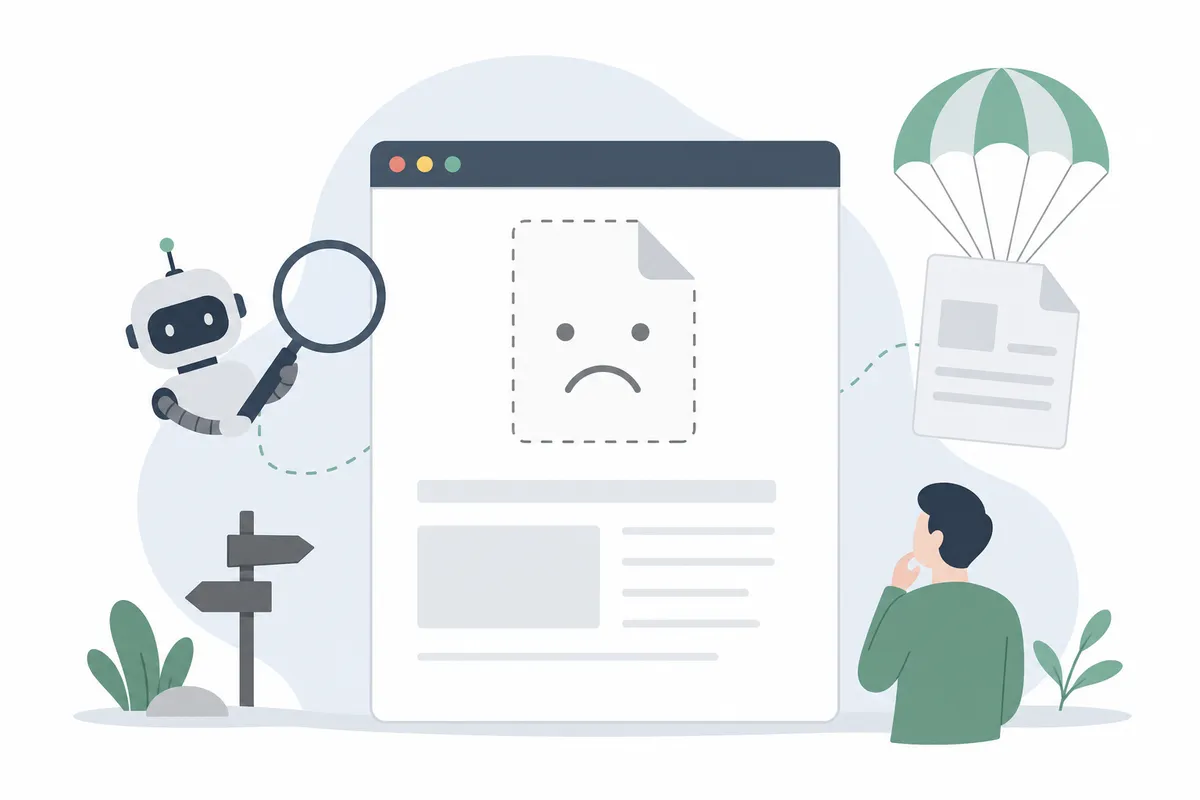
A soft 404 is a page that returns a normal "200 OK" signal to Google while showing visitors what looks like a dead end: empty, missing or irrelevant content. Google treats it as if the page doesn't exist, so it usually won't appear in search results even though the URL loads fine.

If you just opened the Page Indexing report in Google Search Console and spotted this error under "Why pages aren't indexed," you're in the right place. Below is what the error means, why it happens and how to clear it.
What is a soft 404 error?
A soft 404 occurs when your server responds with a 200 OK status code, the "everything's fine" signal, but the page itself has no meaningful content or tells the visitor the content doesn't exist. Google's crawler reads the mismatch and concludes the page is functionally missing.
A "hard" 404 is different: the server honestly reports that the page can't be found.
Soft 404 vs. hard 404
| Factor | Soft 404 | Hard 404 |
|---|---|---|
| HTTP status code sent | 200 OK (misleading) | 404 Not Found (accurate) |
| What the visitor sees | Blank page, "not found" message, or thin content | A standard "page not found" error page |
| How Google treats it | Flags the page, usually excludes it from the index | Drops the page from the index as expected |
| How it's reported in Search Console | Listed in its own row in the Pages report | Listed under "Not Found (404)" |
| Typical cause | Thin content, deleted products, empty filters, JS errors | Deleted URLs, typos, pages that genuinely never existed |
A hard 404 tells the truth about a missing page, whereas a soft 404 sends mixed signals, and mixed signals are what Google's systems specifically flag.
Why Google flags a page as a soft 404

Thin or empty content
Google often applies the flag when there's simply not enough on the page. Examples include an empty category, a blank search results page, or a product listing with no description, images or price. If the page reads as valueless, Google assumes it's effectively missing, whatever status code it returns.
Out-of-stock or deleted products
Ecommerce sites run into this constantly. A product sells out or gets discontinued, but the URL stays live showing "Out of Stock" and nothing else. Google sees a page offering nothing to searchers and flags it, even though it loads normally.
Broken internal links and redirect chains
Internal links sometimes point to pages that no longer exist. Or a URL bounces through several redirects and ends up somewhere that doesn't match what was promised, which confuses users and crawlers alike. Long chains also slow things down, and a chain that resolves to a mismatched page can trigger the same flag.
JavaScript rendering failures
If a page relies on JavaScript to load its content and the script fails, Googlebot may see nothing there, while a human visitor on a fast connection sees it render correctly a second later. Most modern content management systems handle this well, but custom-built sites and heavily scripted templates are common offenders.
Empty search or filter results
An internal search page returning "0 results," or a filtered category with no matching products, is a frequent source of the problem. It's especially common on larger ecommerce catalogs.
Why soft 404s hurt your SEO

A soft 404 is more than a cosmetic issue in a report. It carries three concrete costs:
- Wasted crawl budget. Search engines allocate a limited number of crawl requests to your site, and every flagged page Google revisits is a crawl that didn't go toward your valuable pages.
- Lost link equity. If another site links to a page that has started returning this error, that link's authority is effectively stranded because it no longer reinforces a real, rankable page.
- A worse user experience. Visitors who land on a thin or broken-feeling page tend to leave immediately. One widely cited industry estimate puts ecommerce 404-page abandonment as high as 74%.
Google has said repeatedly that a handful of ordinary 404s won't tank your site's indexing or rankings. Soft 404s are treated more cautiously because the mixed signal makes it harder for Google to trust your server. A site with a large volume of them, relative to its total page count, can see a reduced crawl rate, which slows how quickly new or updated content gets indexed.
For sites actively publishing, that indexing lag is the real cost. If you're running a content refresher process to keep older pages current, a backlog of unresolved errors can get in the way, because pages competing for crawl attention take longer to have their updates picked up.
How to find soft 404 errors in Google Search Console
Finding the list takes under a minute:
- Log into Google Search Console.
- In the left navigation, under Indexing, click Pages.
- Scroll to the "Why pages aren't indexed" table.
- Click Soft 404.
This opens the full list of URLs Google has flagged, along with when each was last crawled. Click into any URL and use the Inspect URL tool to see exactly what Google rendered. That's often where you'll spot the thin content or failed script behind the flag.
How to fix a soft 404, page by page
First confirm the flag is accurate, since Google's classifier isn't perfect and false positives happen. From there, the fix depends on what the page is supposed to be.
| Situation | Fix | Why it works |
|---|---|---|
| Page should exist and has value | Add real, substantive content; use Validate Fix in Search Console | Removes the thin-content signal that triggered the flag |
| Page's content moved elsewhere | Set up a 301 redirect to the new, relevant URL | Passes link equity and sends users to a working page |
| Product is permanently gone | Return a proper 404 or 410 status, or redirect to a similar in-stock item | Tells Google honestly that the page is gone, or offers a real alternative |
| Page relies on JavaScript that fails | Debug and fix the script; test with the URL Inspection tool | Lets Googlebot actually see the content you intended to show |
| Internal link points to a dead URL | Update the link to point to a live, relevant page | Stops routing crawl budget and users into a dead end |
A few platform-specific notes:
- WordPress sites often generate this error from empty tags or categories. Either add posts to the category or set it to noindex.
- Shopify stores see it most on sold-out products. A 301 redirect to a similar live product or the parent collection usually resolves it.
- Ecommerce search pages that return zero results should show related categories or a working search box, not a blank page.
Before rewriting a page from scratch, check whether the content just needs updating. A content refresher approach, rewriting a thin or outdated page while keeping its original facts intact, is often faster than starting over and preserves whatever ranking history the URL already has.
Preventing soft 404s before they pile up
Fixing existing issues matters, but stopping new ones is the better long-term investment.
- Use 301 redirects whenever content moves, rather than leaving the old URL live with nothing on it.
- Audit pages with variable content regularly. Empty filters, sold-out products and zero-result searches should either show useful fallback content or return a real 404/410.
- Run periodic site audits instead of waiting for Search Console to flag issues after the fact. Catching thin or broken pages early keeps the problem from scaling with your site.
- Watch indexing status for your important pages alongside your keyword positions, since a page can slip into soft 404 territory even after it has been ranking, especially after a redesign or CMS migration. Pairing rank tracking with regular indexing checks makes it easier to catch a drop before it costs real traffic.
- Write pages with real substance from the start. A page with enough detail to answer the query completely satisfies both a human reader and a crawler, and is far less likely to be read as thin. The same standard applies to answer engine optimization, since AI tools citing your content need the substance Google is checking for.
When a soft 404 isn't actually a problem
Not every flagged page needs urgent attention. A URL might be meant to be retired, such as an old event page, a discontinued product with no replacement or an outdated promo. Letting it return a clean 404 or 410 is the correct outcome there, not a failure to fix. Google's Search Central documentation on crawling and indexing makes the point that ordinary 404s, used correctly, are normal on a healthy site. The goal isn't zero 404s but a server that tells the truth about which pages are alive.
Real time is better spent on pages that should carry value: ones with backlinks, past rankings or ongoing search demand. When these get misclassified because of thin content, a script error or a bad redirect, those are the soft 404s costing you something.
FAQs
What causes a soft 404 error in Google Search Console?
The most common causes are thin or empty page content, and out-of-stock or deleted products left live with no replacement content. Others include broken internal links, redirect chains, and JavaScript errors that prevent content from rendering for Google's crawler.
Does this kind of error hurt my site's ranking?
A small number of them typically won't damage your site's ranking. A large volume, relative to your total page count, can reduce how often Google crawls your site, and that slows indexing of new and updated content, which does affect visibility.
How do I fix a page flagged as a soft 404?
Add real, useful content if the page should exist, and use the Validate Fix button in Search Console. Set up a 301 redirect if the content moved. Or configure the server to return a genuine 404 or 410 if the page is permanently gone.
Should I redirect every flagged page to my homepage?
No. Redirecting unrelated pages to the homepage confuses both users and Google, and can sometimes cause the homepage itself to get flagged. Only redirect to a page that's genuinely relevant to what the original URL offered.
How long does it take for a soft 404 to clear after I fix it?
There's no fixed timeline, because it depends on how often Google recrawls the page. The Validate Fix button in Search Console prompts a recrawl sooner than waiting for Google to revisit on its own schedule.
See which of your pages are quietly flagged
If you haven't checked your own Page Indexing report recently, now's a good time. It's the fastest way to know whether these errors are costing you crawl budget or rankings. Talk to the team at SearchBlueprint and get a sample report pinpointing your soft 404s and other indexing issues.
Sources
About the author
SearchBlueprint researched, wrote and scored this article with the content pipeline our customers run on their own sites. The score in the byline is what our content engine gave this page before it published. Nothing here is reviewed by hand, which is the point: it is the product's output, published where anyone can check it.