SEO Meta Tags: The Tags Google Uses (and 6 It Ignores)
SearchBlueprint · · 9 min read · scored 100/100
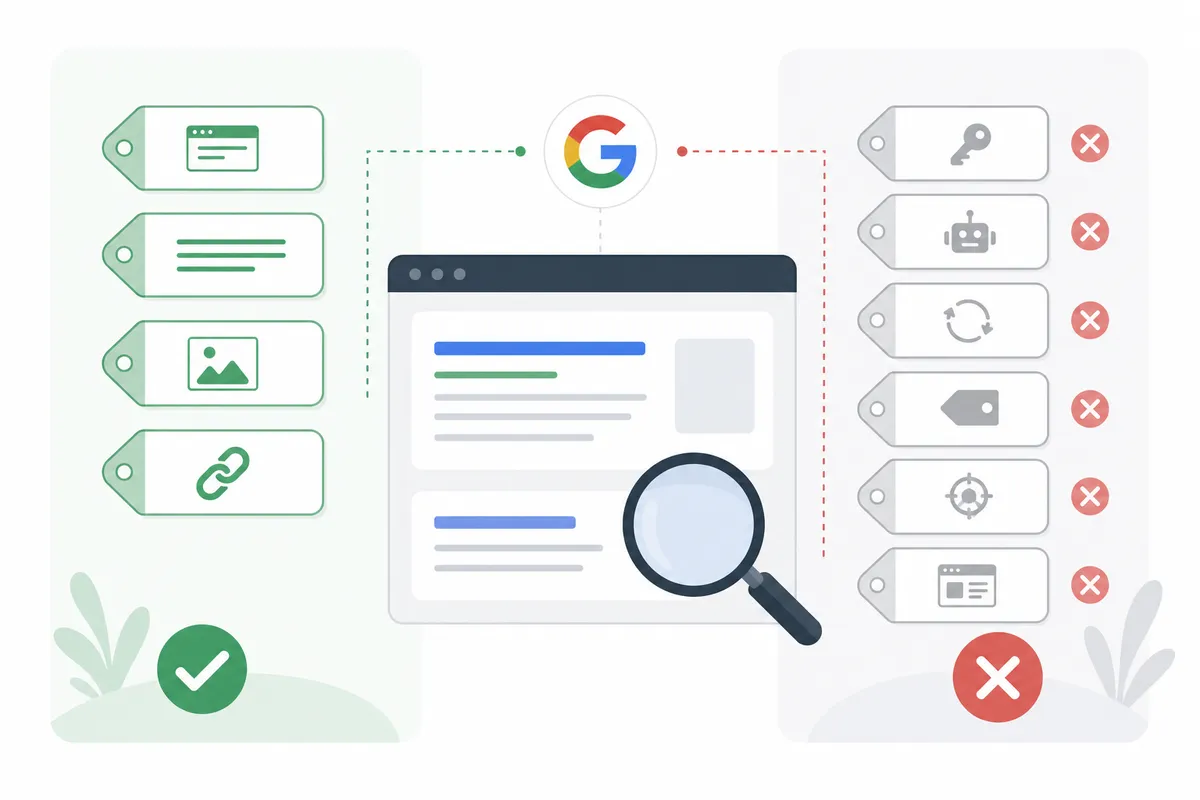
SEO meta tags are lines of HTML in a page's <head> that give search engines information about the page: a description for the snippet, rules for indexing, how to render on a phone. Google supports a short list of them, ignores the rest, and none of them is a shortcut to higher rankings.
That short list is worth knowing exactly, because two of its tags can remove a page from Google overnight and two others shape whether anyone clicks. This guide goes through every meta tag Google says it supports, the six common ones it ignores, and how to check what your own pages are sending.
What meta tags are
A meta tag sits in the <head> section of a page, above everything a visitor sees, and looks like this:
<meta name="description" content="Same-day boiler repair across Leeds, with a fixed callout price.">
Google's page on meta tags and attributes it supports describes them as tags that give search engines and other clients more information about a page. Clients act on the tags they support and ignore the rest. Two practical notes from the same page: Google reads both HTML and XHTML-style tags, and letter case does not matter except in the site verification tag.
Most people never edit these by hand. WordPress, Shopify, Wix and other platforms set them through a settings screen or an SEO plugin, and Google's documentation suggests searching your CMS's help for how to edit the <head> if you need a tag it does not expose.
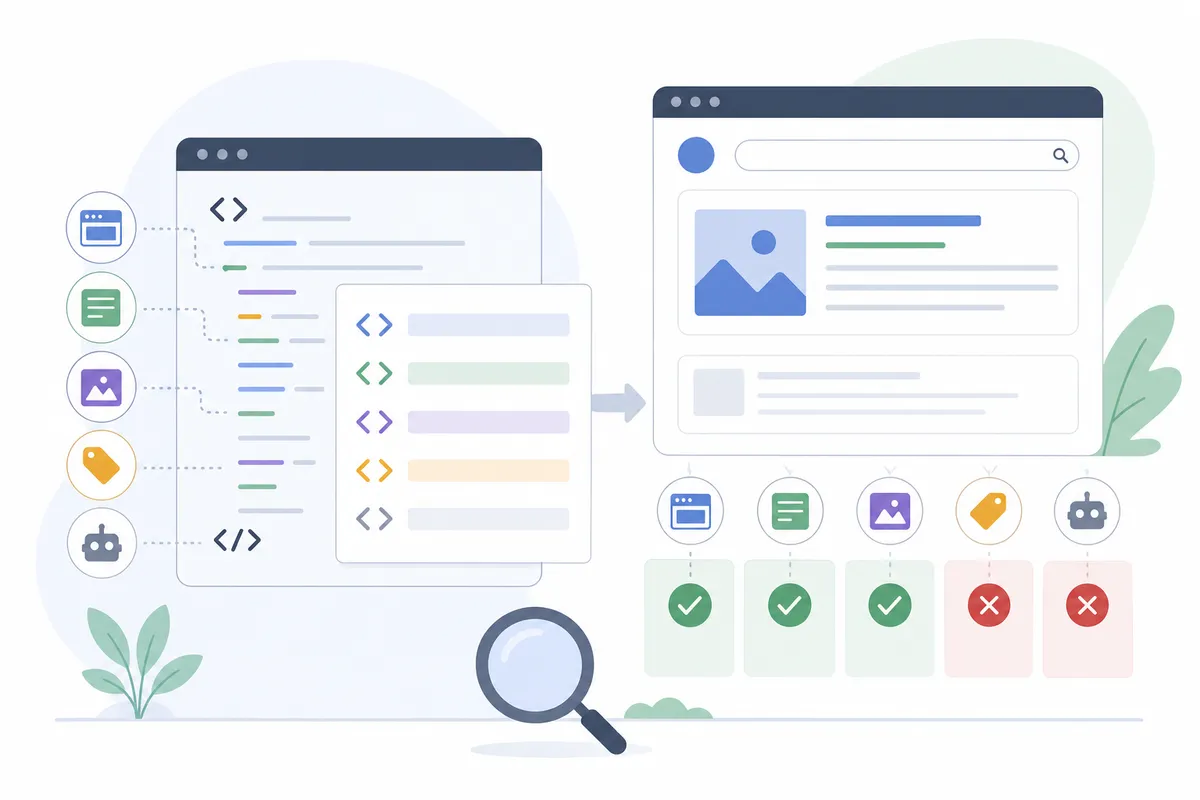
The meta tags Google supports
Here is the full list from Google's documentation, with what each one is for and whether a typical business site needs it.
| Tag | What Google says it does | Does a typical site need it? |
|---|---|---|
description |
A short description of the page, sometimes used for the snippet | Yes, on every important page |
robots / googlebot |
Controls crawling and indexing; robots applies to all search engines, googlebot only to Google |
Only where you want to restrict something |
notranslate |
Asks Google not to offer a translated title and snippet | Rarely |
nopagereadaloud |
Stops Google's text-to-speech services reading the page aloud | Rarely |
google-site-verification |
Proves ownership for Search Console | Only if you verify that way |
Content type and charset |
Declares the content type and character set; Google recommends UTF-8 | Yes, usually set by the platform |
refresh |
Sends the visitor to another URL after a delay | No; Google recommends a server-side 301 redirect instead |
viewport |
Tells the browser how to render on mobile; Google reads its presence as a sign the page is mobile friendly | Yes |
rating |
Labels adult content for SafeSearch filtering | Only for adult content |
Two of these do most of the SEO work, so they get their own sections below.
The meta description
Google's snippet documentation says snippets are created mainly from the page content, and that Google sometimes uses the meta description when it describes the page more accurately than the content does. So the description is a suggestion Google may or may not take. When it does, it is often the text a searcher reads before choosing.
Google's advice for writing one is specific:
- Write a unique description for each page. Identical descriptions across a site do not help.
- Summarise what this page offers, with concrete facts such as a price or opening hours where they help the reader decide.
- If you cannot write one for every page, start with the home page and the most visited pages.
There is no length limit in Google's rules; the snippet is cut to fit the device. Put the most useful words first.
The robots meta tag
This is the tag that can do damage. Google's robots meta tag specification lists rules such as:
| Rule | What it does |
|---|---|
noindex |
Do not show this page in search results |
nofollow |
Do not follow the links on this page |
none |
The same as noindex, nofollow |
nosnippet |
Show no text snippet or video preview for this page |
max-snippet:[number] |
Limit the snippet to a number of characters; 0 means none |
max-image-preview:[setting] |
Limit the size of image previews |
noimageindex |
Do not index the images on this page |
unavailable_after:[date] |
Stop showing the page after a date |
indexifembedded |
Allow indexing when the page is embedded elsewhere, even with noindex |
The default is index, follow, so you never need to write that. When rules conflict, Google applies the more restrictive one: a page with both max-snippet:50 and nosnippet gets no snippet. For files that are not HTML, such as PDFs, the same rules can be sent as an X-Robots-Tag HTTP header.
One trap catches site owners every year. Google says that if robots.txt blocks a page from being crawled, any indexing rules on it are never found and are ignored. A page blocked in robots.txt and tagged noindex can therefore stay in results, because Google's title link guidance notes it may still index a URL it finds through links on other sites. To remove a page, let Googlebot crawl it and serve noindex.
The other common accident is a noindex left on from a staging site after launch. If a section of your site disappears from Google after a redesign, check this tag first.

The viewport tag
<meta name="viewport" content="width=device-width, initial-scale=1">
This tells a phone's browser to fit the page to the screen instead of showing a shrunken desktop layout. Google's documentation says the presence of the tag indicates to Google that the page is mobile friendly. Almost every modern theme includes it; check the pages built outside your main template, such as old landing pages.
The title element: not a meta tag, still the most important
People list the <title> element with meta tags because it lives in the same place, but it is its own HTML element. It supplies most of the clickable headline in results, which Google calls the title link. Google's title link guidance asks for a unique, descriptive, concise title on every page, without keyword stuffing or repeated boilerplate, and with the brand kept short. It also explains that Google may build a different title link from your headings when the title is vague, outdated or half empty.
There is no character limit on the element itself, but Google truncates the title link to fit the device width, so the words a searcher needs belong at the front.
The six meta tags Google ignores
Google's documentation says plainly that it ignores meta tags it does not support, and these six are the ones that still turn up most often in audits.

| Tag | What people assume | What Google says |
|---|---|---|
<meta name="keywords"> |
Tells Google your target searches | Not used by Google Search; no effect on indexing or ranking at all |
lang attribute on <html> |
Sets the page's language for Google | Google detects language from the page's text, not from this annotation |
<link rel="next"> and rel="prev" |
Groups paginated pages | Google no longer uses them; no effect on indexing |
nositelinkssearchbox |
Hides the sitelinks search box | No longer used, because the feature no longer exists |
author, revisit-after and similar |
Credit authorship or set a crawl schedule | Not on Google's supported list, so ignored |
| Open Graph and X card tags | Help rankings | Not on Google's supported list; they control social previews |
Some of these still earn their place for other reasons. The lang attribute helps screen readers and browsers, which matters for accessibility. Open Graph tags decide the title, description and image that appear when your page is shared on LinkedIn, Facebook or WhatsApp, so a missing one can mean a blank preview. Keep them; just do not expect search rankings from them. The free Open Graph checker shows how a link will look when shared.
The keywords tag is the one to stop maintaining. Google says it has no effect, so any time spent on it is better spent on the title and description.
Meta tags and AI answers
Google's guide to AI features and your website answers a question owners now ask often: can a tag keep content out of AI Overviews and AI Mode? To limit the information shown from your pages in Search, Google points to nosnippet, data-nosnippet, max-snippet and noindex. The same guide says there is no special markup or AI text file needed to appear in these features at all.
Two cautions. nosnippet and max-snippet:0 also remove your text snippet from ordinary results, which can cost clicks, so use them on the specific pages or passages that need them. And Google-Extended, which controls use of content for some of Google's other AI systems, is a robots.txt user agent, not a meta tag.
How to check the meta tags on your pages
Work through this list on your most important pages first, then on any page built outside the main template.
- Open the page in a browser, view the source and search for
<meta. You should see one description, one viewport tag and no unexpectednoindex. - Check that each important page has its own title and its own description. Duplicates are common on sites built from templates.
- Test the live page with the URL Inspection tool in Search Console, which shows what Googlebot received. Google recommends this check whenever JavaScript injects or changes meta tags.
- Run a single page through our free meta tag checker to see its title, description, headings, canonical and status in one view.
- Look in Search Console's Page indexing report for "Excluded by 'noindex' tag" and confirm every URL listed there is meant to be hidden.
For new pages, the meta tag generator builds a full set of head tags to paste into a template or CMS.
Common meta tag mistakes
- A
noindexcopied from staging to the live site. - Blocking a page in robots.txt to remove it, which hides the
noindexthat would have removed it. - The same description on every product page.
- A meta refresh used as a redirect instead of a 301.
- Hours spent on the keywords tag while the title still says "Home".
FAQs
Do meta tags help SEO?
Some do, in specific ways. The description and title shape what searchers see, the robots tag controls indexing, and the viewport tag affects how the page renders on phones. No meta tag is a ranking shortcut, and Google ignores the ones it does not support.
Does Google still use the meta keywords tag?
No. Google's documentation says the keywords meta tag is not used by Google Search and has no effect on indexing or ranking.
How long should a meta description be?
Google sets no limit and cuts the snippet to fit the screen. Write a complete summary with the most useful words at the start, and check how it previews.
Is the title tag a meta tag?
Technically no; it is the <title> element. It is usually grouped with meta tags because it lives in the head, and it matters more for clicks than any of them.
Can a meta tag keep my content out of AI Overviews?
Google names nosnippet, data-nosnippet, max-snippet and noindex as the controls for what it shows from a page in Search, and AI Overviews and AI Mode are part of Search. They also affect normal snippets, so apply them narrowly.
Check your own page
Pick the page that brings you the most visitors and view its source. Confirm the SEO meta tags Google uses are present and correct: one unique description, a viewport tag and no stray noindex. Then check it with our free meta tag checker to catch a duplicate title or a canonical pointing somewhere unexpected.
Sources
The facts in this guide come from these pages, each read on the date shown.
- meta tags and attributes that Google supports (Google Search Central, read 12 October 2026)
- Robots meta tag, data-nosnippet and X-Robots-Tag specifications (Google Search Central, read 12 October 2026)
- Control your snippets in search results (Google Search Central, read 12 October 2026)
- Influencing your title links in search results (Google Search Central, read 12 October 2026)
- AI features and your website (Google Search Central, read 12 October 2026)
- Page indexing report (Search Console Help, read 12 October 2026)
About the author
SearchBlueprint researched, wrote and scored this article with the content pipeline our customers run on their own sites. The score in the byline is what our content engine gave this page before it published. Nothing here is reviewed by hand, which is the point: it is the product's output, published where anyone can check it.