SEO for Dermatologists: 9 Fixes That Get Patients Finding You
By Toy Wen Da, Co-Founder · · 7 min read · scored 97/100
SEO for dermatologists means optimizing your practice's website, Google Business Profile, and content. The goal is simple: patients searching for skin care find your clinic before a competitor's. The first move is almost always your Google Business Profile. Local results usually decide which practice gets the click, not your homepage design.

Most of this work happens inside tools you already have, your website's CMS, Google Business Profile, and a basic analytics account. You don't need a marketing degree to start. You do need a clear order of operations, which is what this guide gives you.
What SEO for Dermatologists Actually Means
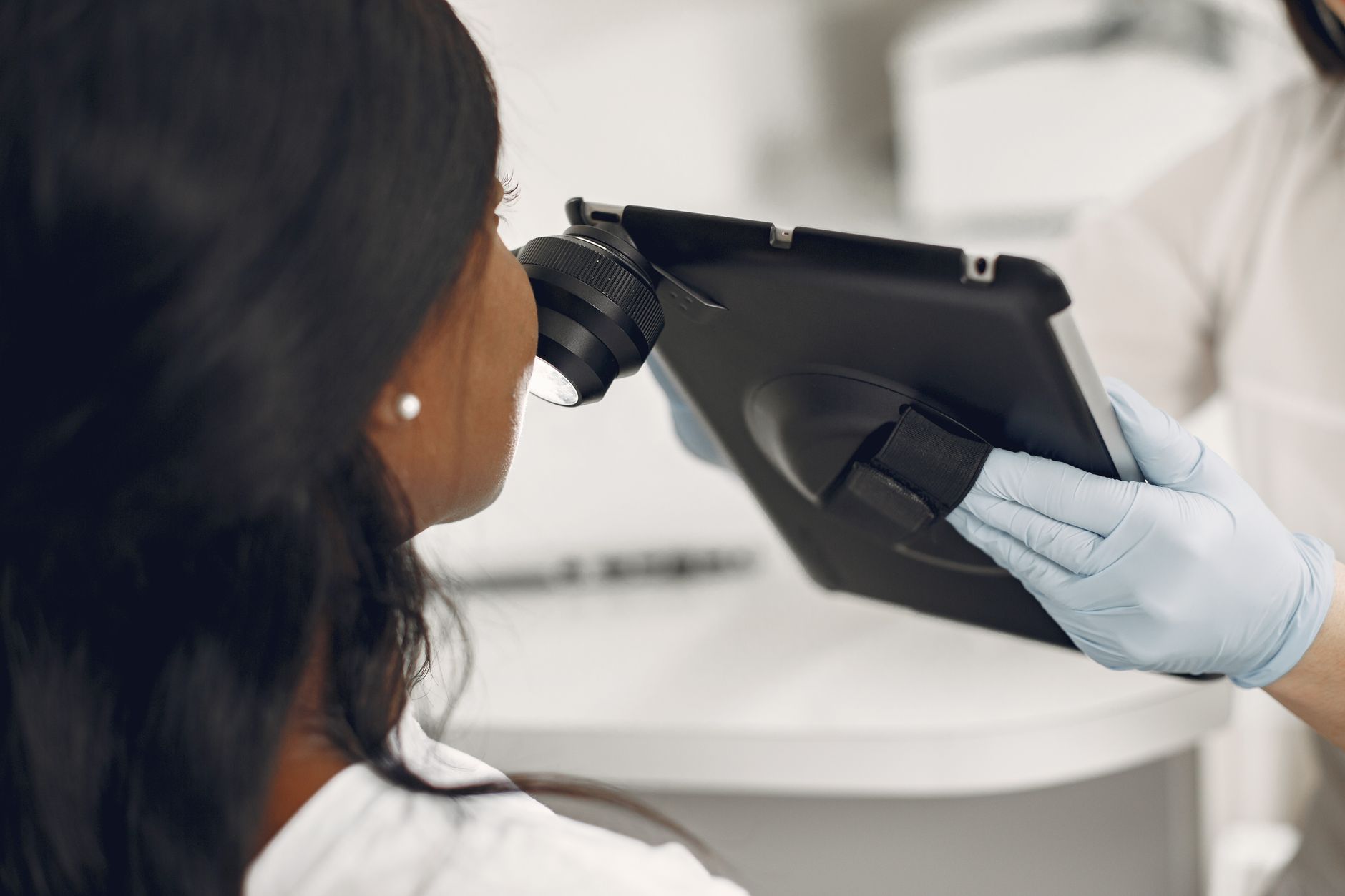
Search engine optimization for a dermatology practice covers three layers working together:
- Local signals, your Google Business Profile, NAP (name, address, phone) consistency, and reviews.
- On-site technical health, page titles, mobile rendering, load speed, and structured data that tells Google you're a medical practice, per Google's Search Essentials.
- Content that answers patient questions, acne, eczema, mole checks, cosmetic procedures, written clearly enough that both patients and search engines understand it.
Skipping straight to blog content without fixing the local and technical layers is the most common reason dermatology SEO stalls. A practice can publish ten articles a month and still rank behind a competitor. That competitor may have just a complete Google Business Profile and three solid service pages.
Fixing It Inside Your Website: Step by Step
You can do a meaningful first pass on dermatology practice SEO without hiring anyone. Work through these in order.
Step 1: Claim and Complete Your Google Business Profile
Go to Google Business Profile, sign in, and check every field is filled. That includes category (set to "Dermatologist," not just "Doctor"), hours, services offered, and at least five recent photos of the clinic. An incomplete profile is the single most common reason a practice doesn't show in the local map pack.
Step 2: Build One Page Per Service, Not One Page for Everything
If your site has a single "Services" page listing acne treatment, mole removal, and Botox in one paragraph, split it. Each service needs its own page with its own title tag and a clear description of what the visit involves. Do the same for each location if you have more than one.
Step 3: Fix Title Tags and Meta Descriptions
In your CMS, open each page's SEO or metadata settings (often labeled "SEO" or "Page Settings" depending on platform). Make sure the title tag names the service and city, not just the practice name. "Acne Treatment in Austin | [Practice Name]" beats "Home" every time.
Step 4: Add Medical Business Schema
Structured data (schema markup) tells Google you're a medical business with specific services and hours. Google's documentation on local business structured data outlines which fields matter most. If your CMS doesn't add this automatically, a developer or your site's SEO plugin can usually insert it without a full rebuild.
Step 5: Write Content That Answers Real Questions
Patients search things like "is this mole normal" or "how long does Botox last." The NHS publishes plain-language guidance on exactly these kinds of skin questions, including acne and moles. That clarity, answer the question directly, then add detail, is the model worth copying for your own blog content. Just don't make diagnostic claims yourself.

Step 6: Check Speed and Mobile Rendering
Most patients book from a phone. A slow or broken mobile layout quietly loses appointments before anyone reads your content. Google's Core Web Vitals benchmarks are a reliable way to check whether speed is costing you visitors. Whatever platform runs your site, there's usually a dedicated guide to its SEO settings. Our CMS SEO guides walk through the exact menus for the most common platforms, in order, so you're not guessing where a setting lives.
If your practice's site happens to be built and deployed through code commits rather than a visual editor, the setup is different enough that it deserves its own walkthrough. See the guide on SEO for sites built on GitHub for how that publishing flow affects indexing.
When Your Website's Own Tools Are Enough (and When They're Not)

Be honest with yourself here. A one-off problem on one page is a different job than a pattern repeating across twenty pages.
| Situation | Website's own tools usually enough? | Why |
|---|---|---|
| One service page not ranking | Yes | Fix the title tag, add content, resubmit in Google Search Console |
| Every location page has thin, duplicate content | No | Needs a content and templating fix across the whole site, not one page |
| Google Business Profile missing categories | Yes | A 10-minute manual fix inside the profile dashboard |
| Rankings dropped practice-wide after a redesign | No | Usually a technical or structural issue needing a fuller audit |
| New dermatologist joining, need one bio page | Yes | Standard page creation, no deeper SEO work required |
| Reviews not showing in search results | No | Often a schema or third-party platform sync issue worth investigating properly |
If you're only ever fixing one page at a time, your CMS and Google's own tools will carry you a long way. Once the same problem shows up across the whole site, or rankings move practice-wide for no obvious reason, that's the point to get a fuller look. Don't keep guessing page by page.
Common Mistakes Dermatology Practices Make
| Mistake | What it looks like | Fix |
|---|---|---|
| One generic "Services" page | All treatments crammed into one paragraph | Split into individual, keyword-specific pages |
| Inconsistent clinic name/address online | Old address on Yelp, new one on the website | Update every directory to match exactly |
| No patient-facing content | Site only has "About Us" and "Contact" | Add plain-language pages answering common skin questions |
| Treating SEO for dermatologists as a one-time project | Fixes made once, then ignored for a year | Revisit the Google Business Profile and pages quarterly |
| Copying competitor content | Service descriptions nearly identical to other local practices | Write original descriptions reflecting the actual patient experience |
The pattern above, a narrow local service business losing visibility to small, fixable gaps, isn't unique to dermatology. Our guide on SEO for dog trainers and the companion piece on SEO for junk removal companies walk through the same category of fixes for other local service businesses. Worth a look if you want to see the pattern applied elsewhere.
FAQs
How long does SEO for dermatologists take to show results?
It varies. Local fixes like completing a Google Business Profile often show movement within a few weeks. Content and technical changes typically take a few months to fully register in rankings.
Do I need a blog for dermatology SEO to work?
A blog helps, but it's not the first priority. Fix your Google Business Profile and service pages first. Content adds the most value once those basics are solid.
Should each location have its own page if I have multiple clinics?
Yes. Each location needs its own page with its own address, hours, and local details rather than one page listing all locations together.
Can I handle dermatology SEO myself, or do I need an agency?
Single-page fixes and profile updates are manageable yourself. Site-wide technical issues or ranking drops across many pages usually need a more thorough audit.
Does patient review volume actually affect local rankings?
Review count and recency are widely understood to influence local map pack visibility, alongside profile completeness and consistent business information across directories. Google's own explanation of how local ranking works confirms these same factors.
Get a Clear Picture Before You Guess
A quick way to see where SEO for dermatologists actually stands, profile gaps, thin pages, missing schema, beats guessing page by page. That's exactly what a local visibility check is built to surface. Talk to the team and get a sample report showing where your site stands today.
Resources / References
- Google's Search Essentials
- documentation on local business structured data
- acne
- moles
- Core Web Vitals
- how local ranking works
Disclaimer: This article is general health information, not individual medical advice. It cannot account for your history, medication or examination findings. For advice about your own symptoms, speak to a qualified clinician; if symptoms are severe or worsening, seek urgent care.
About the author
SearchBlueprint researched, wrote and scored this article with the content pipeline our customers run on their own sites. The score in the byline is what our content engine gave this page before it published. Nothing here is reviewed by hand, which is the point: it is the product's output, published where anyone can check it.