Review Gating: Why Google Bans It and How to Fix It
By Toy Wen Da, Co-Founder · Updated · 6 min read · scored 96/100
Review gating is the practice of asking customers how they feel first, then sending only the happy ones a review link while routing unhappy ones to a private form. Google's review policies ban it outright, and a flagged Business Profile risks losing reviews or suspension. The fix lives in your review-request process, because Google Business Profile has no setting for it.
Local SEO tools that track review volume and star rating across every location you manage can flag a lopsided pattern, such as all five-star reviews arriving in clusters, before Google's own systems do. SearchBlueprint's local SEO features include this kind of tracking, so you have time to correct your process voluntarily.
What gating actually looks like
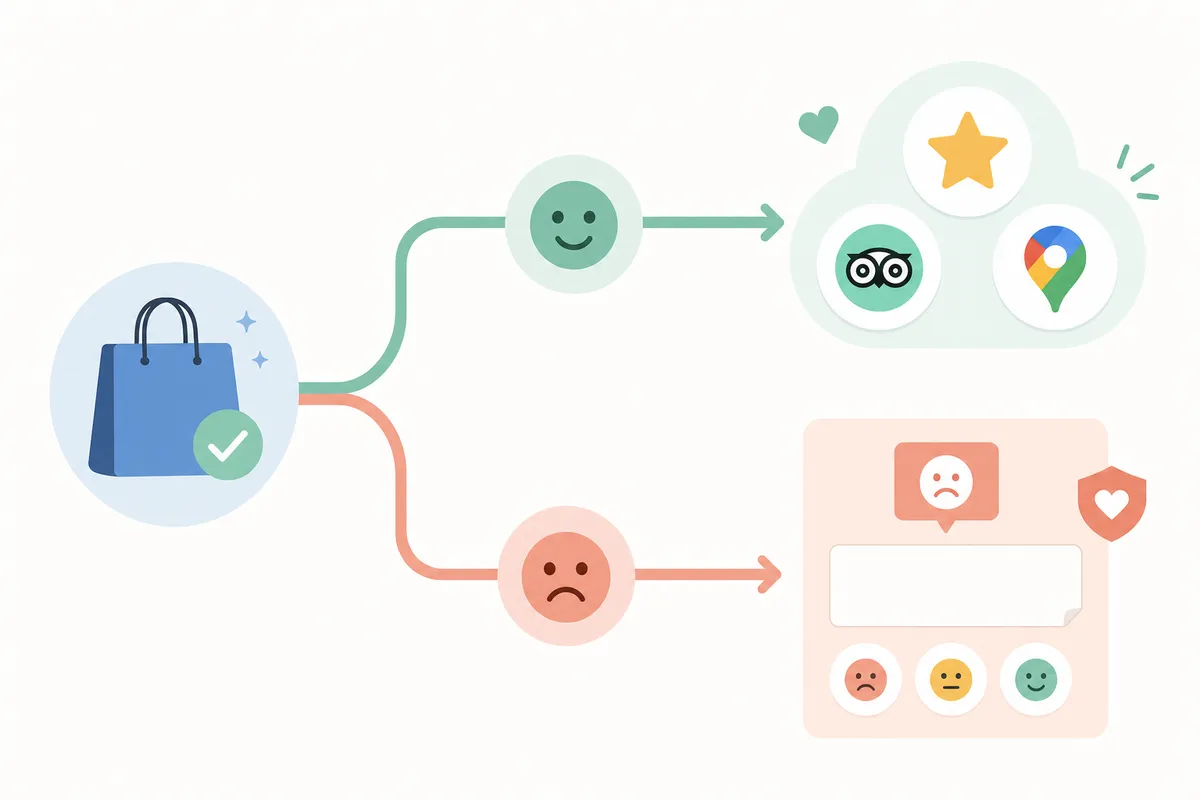
A gating setup usually starts with a text or email survey after a purchase: "How was your experience?" A happy answer triggers a message with a direct review link. An unhappy answer sends the customer to an internal feedback form that never reaches Google or Yelp.
A compliant request differs from that in a few specific ways:
| Step | Review Gating (Non-Compliant) | Compliant Review Request |
|---|---|---|
| Who gets asked | Only customers who signal satisfaction first | Every customer, regardless of sentiment |
| Negative feedback | Diverted to a private form, never public | Published publicly, then responded to |
| Review link | Shown conditionally after a screening question | Shared upfront with the same review link for everyone |
| Google's view | Policy violation, selective solicitation | Fully compliant |
The screening question is the tell
Any workflow that asks "happy or unhappy?" before deciding whether to show a review link is gating, even if the business never touches a fake review. The filtering step is itself the violation, whatever ends up posted.
Why Google treats this as a policy violation

Google's review policies state that businesses shouldn't "discourage or prohibit negative reviews or selectively solicit positive reviews from customers." That sentence is the whole basis for the ban, and it applies whether or not the reviews you do collect are genuine.
Reviews carry real weight in buying decisions. Research cited by review-management firms puts the share of people who read reviews before choosing a business at around 90%, and roughly 92% of consumers say they'll use a local business with at least a four-star rating. Gating skews the signal everyone else relies on, which is why Google treats selective solicitation as a serious violation rather than a minor technicality.
The risk if you get caught
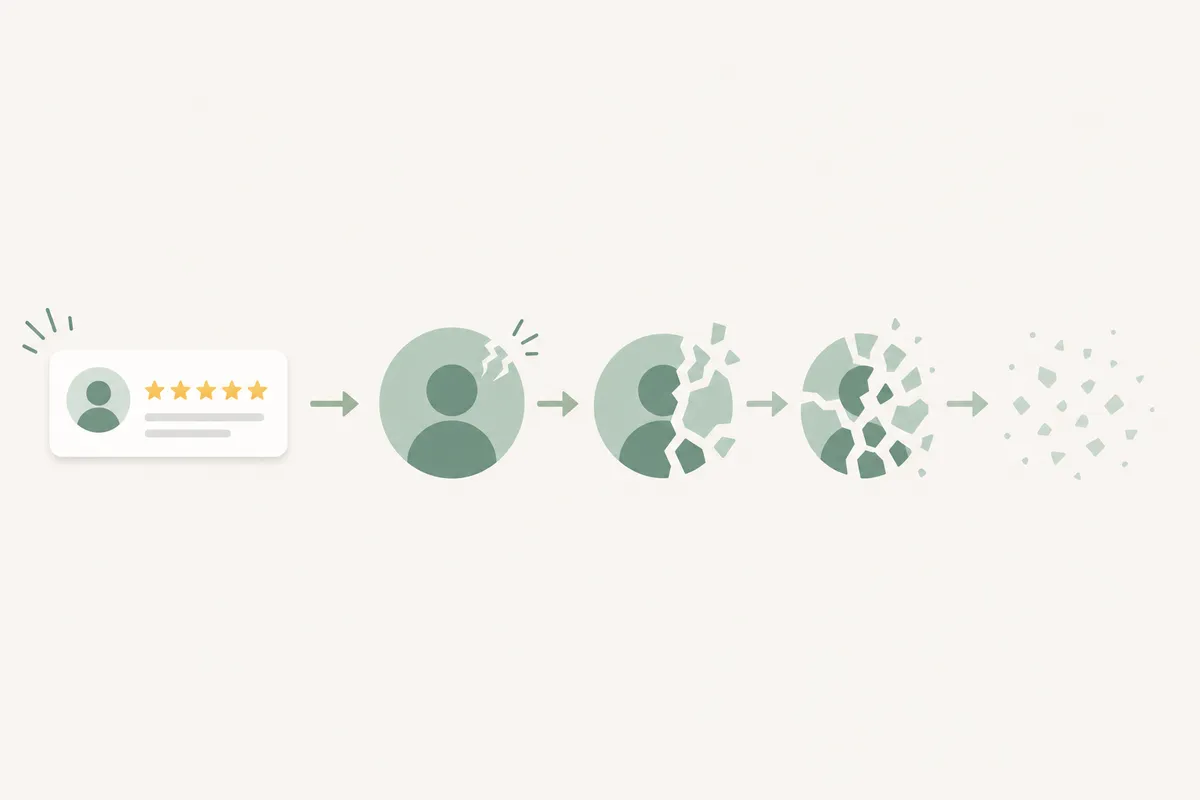
The penalty is out of proportion to the act. Google can remove all reviews tied to a profile once a gating pattern is detected, even the completely genuine ones. According to Google's Business Profile content policy, more serious or repeated cases can lead to full profile suspension.
Patterns that tend to draw attention include:
- A sudden run of five-star reviews with near-identical wording or timing
- A near-total absence of three-star or lower reviews over a long stretch
- Customers reporting publicly that they were never asked for a review after a bad experience
Fixing it inside Google Business Profile
If it's your own process
- Sign in to your Business Profile through Google Search or business.google.com and open the Reviews tab.
- Shut down any third-party survey tool that branches customers before showing a review link.
- Replace it with one shareable review link sent to every customer, satisfied or not. If you don't have that link set up yet, here's how to get your Google review link in under 2 minutes.
- Respond to negative reviews publicly through the same Reviews tab instead of trying to intercept them beforehand.
If you're reporting a competitor
Google has no dedicated button for reporting suspected gating. The practical route is the Google Business Profile Help Community, where business owners have asked support staff how to flag it. Expect a manual process that rests on evidence, since you're describing a pattern rather than a single fake review.
When Google Business Profile's own tools are enough, and when they're not
GBP's built-in tools (flagging a review, responding publicly, the Reviews tab itself) work fine for a single, occasional problem. They aren't designed for ongoing monitoring across many locations or review sources.
| Situation | GBP Tools Alone | Needs More Than GBP |
|---|---|---|
| One flagged review on one profile | Sufficient | Not needed |
| One-off customer complaint about being "not asked" | Sufficient | Not needed |
| Multiple locations, recurring pattern over months | Not enough | Needs tracking across profiles |
| Reviews spread across Google, Yelp, and Facebook | Not enough | Needs a cross-platform view |
| Pulling reviews into your own site or app | Not enough | Needs an API, not manual copy-paste |
If you want to show reviews on your own website alongside your Google rating, GBP's dashboard won't help. Displaying them is an API problem, and the free options carry real limits worth knowing before you build around them, which the free options vs. the 5-review limit covers.
Common mistakes
- Assuming a survey tool is safe because it's "just feedback." If the outcome determines whether a review link appears, it's gating, whatever the vendor's marketing says.
- Deleting a few suspicious reviews and stopping there. The screening question will run again next week and produce the same pattern.
- Treating gating as a one-time cleanup. It's a workflow problem, and while the same survey tool is live the pattern will reappear.
- Confusing gating with asking for reviews at all. Asking every customer, unhappy ones included, is fine; gating begins when the ask depends on the answer.
FAQs
Is review gating illegal?
It isn't a criminal offense, but it violates Google's terms of service for reviews, and Yelp's Content Guidelines similarly discourage businesses from soliciting reviews selectively. The consequences come from the platforms: review removal or profile suspension.
Can Google tell the difference between review gating and normal review requests?
Not perfectly, but patterns give it away: an unusually high share of five-star reviews, a near-total absence of negative ones, and customer reports of being filtered out. Google works from patterns and complaints, since it can't read intent directly.
What happens if Google catches review gating?
Reviews tied to the profile can be removed, even the genuine ones. Repeated violations can lead to a profile suspension.
What should I do instead of gating reviews?
Send the same review request and link to every customer. Respond to negative reviews publicly instead of trying to intercept them with a pre-screening question.
Does responding to negative reviews count as a workaround?
No. Responding publicly is good practice in its own right, and it shows future customers how you handle problems, which matters more than a spotless star rating.
Fix your review request flow this week
Gating is an easy trap because it feels like good customer service, but Google treats it as manipulation and can wipe out reviews you earned honestly. Audit your review-request process to confirm every customer gets the same link, then watch your profile for the patterns that trigger enforcement. Talk to the team and get a sample SEO report that shows where your review setup and local search presence stand right now.
Sources
- How to report REVIEW GATING?
- Review Gating Is Now Illegal.
- Why We Don't Recommend Review Gating
- What Is Review Gating?
Disclaimer: This article is general health information and does not replace individual medical advice. It cannot account for your history, medication or examination findings. For advice about your own symptoms, speak to a qualified clinician; if symptoms are severe or worsening, seek urgent care.
About the author
SearchBlueprint researched, wrote and scored this article with the content pipeline our customers run on their own sites. The score in the byline is what our content engine gave this page before it published. Nothing here is reviewed by hand, which is the point: it is the product's output, published where anyone can check it.