Meta data for SEO: what Google reads and what it ignores
SearchBlueprint · · 12 min read · scored 92/100

Meta data for SEO is the set of tags in a page's head section. They tell search engines and browsers what the page is, whether to index it, and how to show it. The title and meta description shape your search listing. The robots tag controls indexing. The keywords tag does nothing.
None of these tags appear on the page itself; they sit in the source code, but they set the first thing a searcher reads about you. Most sites get a few of them right and still carry tags that Google no longer reads.
What meta data for SEO covers
"Meta" means data about data. On a web page, meta data describes the page to machines, not to readers. It sits in the <head> section above the <body>, along with your stylesheets and analytics scripts.
A typical head looks like this:
<head>
  <meta charset="utf-8">
  <meta name="viewport" content="width=device-width, initial-scale=1">
  <title>Used Children's Books, Graded for Condition | Example Books</title>
  <meta name="description" content="Hand-checked used books for young readers, graded for condition and priced to match.">
  <meta name="robots" content="index, follow">
</head>
You can drop the last line, since search engines index pages and follow links by default, so you only need a robots tag when you want them to do something else.
These tags do three jobs:
- Shape your search listing. Searchers read the title and description before they pick a result.
- Instruct crawlers. Robots rules say whether to index a page and whether to follow its links.
- Help the page render. The charset and viewport tags make text display correctly and fit the page to a phone screen.
Strictly speaking, the title isn't a meta tag; it's a separate <title> element. SEOs group it with meta tags because it does the same kind of work, and this guide does too.

The meta tags Google supports
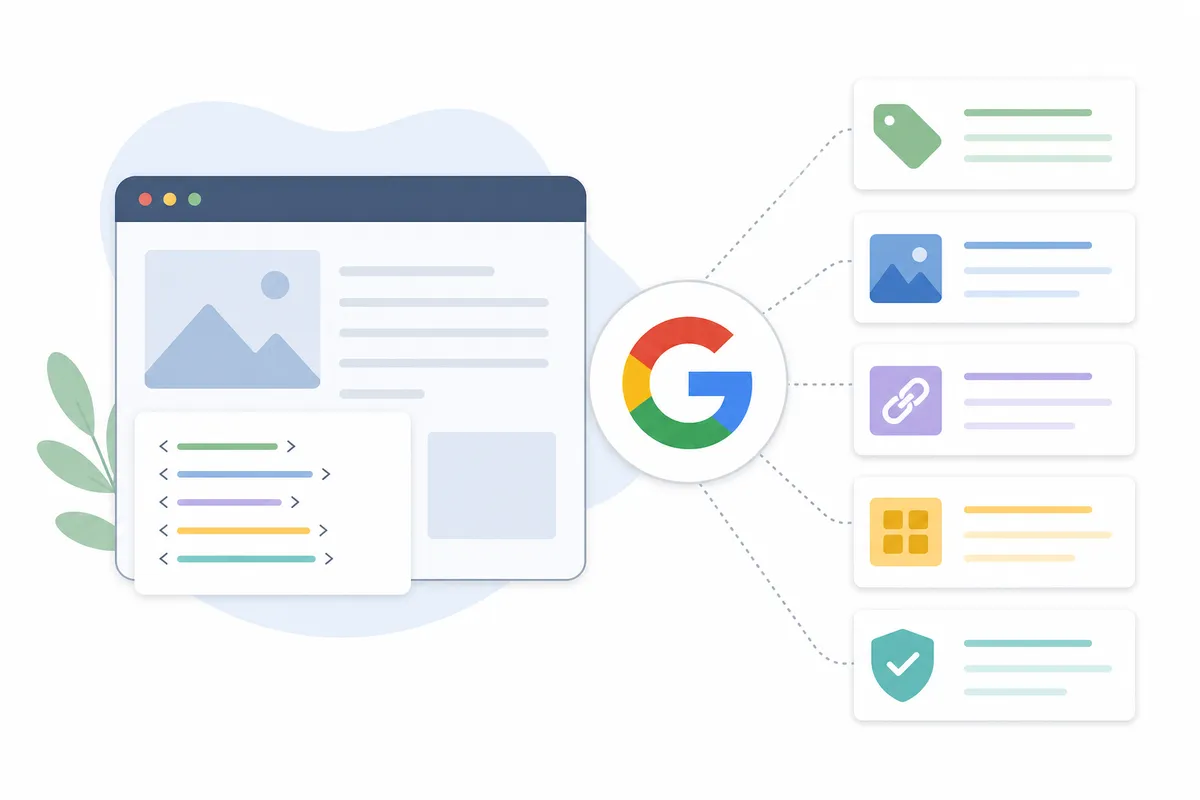
Google Search Central publishes the list of meta tags Google reads. Google says it ignores any tag that isn't on that list. The table shows every supported tag and when it's worth your time.
| Tag | Code example | What it does | Should you set it? |
|---|---|---|---|
| Title | <title>...</title> |
Names the page. Google usually shows it as the clickable headline in results. | Yes, on every page, and unique to each one |
| Description | <meta name="description" content="..."> |
A short summary that Google may use as the snippet under the title | Yes, on every page that matters to you |
| Robots | <meta name="robots" content="noindex, nofollow"> |
Controls indexing and link following for all search engines | Only when you need to block something |
| Googlebot | <meta name="googlebot" content="..."> |
Works like the robots tag, but for Google only | Rarely |
| Viewport | <meta name="viewport" content="width=device-width, initial-scale=1"> |
Tells browsers how to size the page on mobile, and tells Google the page is mobile-friendly | Yes |
| Charset | <meta charset="utf-8"> |
Sets the character encoding. Google recommends UTF-8. | Yes |
| Site verification | <meta name="google-site-verification" content="..."> |
Proves to Search Console that you own the site. The value is case-sensitive. | Once, on your homepage |
| notranslate | <meta name="googlebot" content="notranslate"> |
Stops Google from offering a translated version of the page in results | Only if translation hurts you |
| nopagereadaloud | <meta name="google" content="nopagereadaloud"> |
Stops Google's text-to-speech services from reading the page aloud | Rarely |
| Refresh | <meta http-equiv="refresh" content="5;url=..."> |
Sends the visitor to a new URL after a delay | No. Use a server-side 301 redirect. |
| Rating | <meta name="rating" content="adult"> |
Marks the page as adult content so SafeSearch can filter it | Only for adult content |
When robots rules conflict
If two robots rules on a page disagree, Google follows the stricter one. A page with both max-snippet:50 and nosnippet gets no snippet at all.
Letter case usually doesn't matter in meta tags, though the exception is the site verification tag, which must match the value Search Console gives you exactly. Google also advises against adding or changing meta tags with JavaScript, so if your site does this, check the result in Search Console's URL Inspection Tool to confirm Google sees what you meant it to.
Meta tags Google ignores
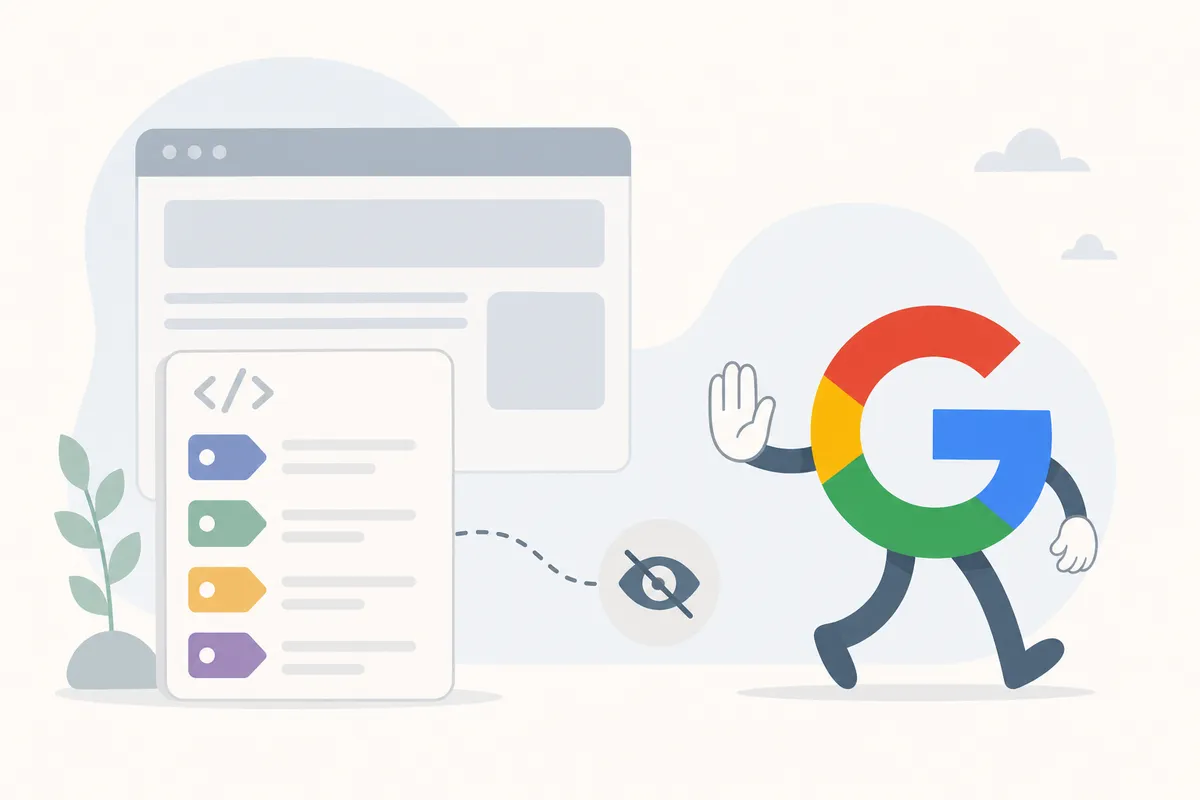
Some tags still show up in themes, plugins and older guides. Google's documentation says these have no effect on search:
- Meta keywords. The
<meta name="keywords">tag has no effect on indexing or ranking. Now it only shows competitors which terms you're targeting. - The
langattribute. Google works out a page's language from its visible text, not from code. Keep the attribute anyway. Screen readers use it, and the W3C accessibility guidelines call for it. rel="next"andrel="prev". Google no longer uses these pagination hints.nositelinkssearchbox. Google removed the sitelinks search box that this tag controlled. Some popular guides still list the tag as supported, but Google's own page says it no longer does anything.
People also mix up hreflang with meta tags, but it isn't one; it's an attribute on a <link> element that tells search engines which language and region a page is for.
Title tags: the meta data that matters most
Your title tag tells Google what the page is about, and Google uses it to understand and rank the page. It's usually also the clickable headline in results, which makes the title the most valuable piece of meta data on any page.
Google doesn't always use your title, though, and it may build the headline from a heading on the page or from the anchor text of links to the page. This is most likely when your title is vague or doesn't match the content.
How long should titles and descriptions be?
There's no official length, and where results cut off depends on screen width, so treat any character count as a guide. The major guides give similar numbers:
| Source | Title tag | Meta description | Extra advice |
|---|---|---|---|
| SEO Sherpa | 35-55 characters | Under 158 characters | Put the most important information in the first 120 characters |
| Semrush | 50-60 characters | Around 105 characters | Keep it short so it isn't cut off |
| Webflow University | 50-60 characters | 150-160 characters | Write a unique one for each page, and review any AI-written draft before you publish |
A title of 50 to 55 characters fits all three guides. For descriptions, put the main point in the first 105 characters and stop at about 155. Before you publish, preview how your title and description will look in a search result to see where the cut falls.
What to put in a title
- Write a unique title for every page. Duplicate titles make pages look interchangeable.
- Put the main keyword near the front, once.
- Match what the searcher wants. A "how to" search wants a guide, not a product page.
- Add your brand name at the end if there's room.
- Only promise what the page delivers. A misleading title gets the click and loses the visitor.

Meta descriptions for SEO: written for the click
A meta description is a short summary of the page, and Google often shows it under the title, though it isn't a ranking factor, so a better one won't move you up.
Treat it as ad copy you don't pay for, since Google often bolds words that match the searcher's query, so a description that includes your keyword naturally stands out more.
Google may also swap your description for text from the page if it thinks that text fits the query better. This happens most often when a description is missing, generic, or copied across many pages. Google's own documentation gives an example of the kind of description it can use: a book listing that fits the author, illustrator, category, price and page count (784 pages) into one line. Specific details like these are hard for Google to beat with text of its own.
A before and after
- Weak: "Welcome to our website. We offer a wide range of services for all your business needs."
- Stronger: "Compare three office cleaning plans side by side, see what each one covers, and book a walkthrough online."
The stronger version tells the reader what they get and what to do next. To write one like it for each important page:
- Describe what the reader gets, not what the page is.
- Use the active voice, and include a number when you have a real one.
- End with a next step, such as "compare plans" or "get the checklist."
- Start with your pages that get the most traffic, then work down the list.
Writing dozens of descriptions at once is slow. A free meta description generator gives you drafts to edit, so you don't start from a blank field.
Robots, viewport and social tags
The robots meta tag
Search engines index every page they can crawl unless you tell them not to, and the robots tag is how you tell them. These are the values you'll use most:
noindex: keep this page out of search results.nofollow: don't follow the links on this page.indexandfollow: these are the defaults, so you never need to write them.
Use noindex on thank-you pages, internal search results, and thin pages you don't want to rank. Don't put nofollow on your own pages without a clear reason, because it stops crawlers from following your internal links.
Two mistakes cause most robots problems:
- A
noindextag copied from a staging site to the live site. It keeps the live site out of Google. - A page that is blocked in robots.txt and also tagged
noindex. Crawlers can't fetch a blocked page, so they never see the tag.
PDFs, images and other files have no HTML head. For those, send the same rules in an X-Robots-Tag HTTP header.
Viewport, charset and refresh
The viewport tag tells a browser how to size the page on a phone, and Google also takes it as a sign that the page is mobile-friendly. The charset tag sets the character encoding so accents and symbols display correctly, and Google recommends UTF-8. Don't use meta refresh redirects, since not every browser supports them, and Google recommends a server-side 301 redirect instead.
Open Graph and X cards
When someone shares your page on Facebook, LinkedIn or X, the platform builds a preview card from Open Graph tags: og:title, og:description and og:image. X also reads its own twitter: card tags, though none of these affect Google rankings. Without them, the platform picks the headline and image for your shared link on its own.
A meta tag generator can write the standard tags and the social tags together, so you paste one block into your head section.
How to add and check your meta data
On a hand-coded site
Paste the tags between <head> and </head> on each page. Google says the head section must be valid HTML, with every tag closed. One unclosed element can stop crawlers from reading the tags that come after it.
In a CMS
Most platforms give you form fields instead of code:
- WordPress: an SEO plugin such as Yoast adds title and description fields to each page, with a preview of the search result.
- Webflow: open the Pages panel, open the page's Settings, and scroll down to the meta title and description. Webflow AI can write drafts, but read each one before you publish.
- Wix, Shopify and others: look for an SEO or search engine settings panel on each page. Google suggests searching for your platform's name plus "add meta tags."
Checking what's live
Right-click any page, choose View Page Source, and search for <title> and name="description". To see the page the way Google sees it, use the URL Inspection Tool in Search Console.
Browser extensions show the same data in one click. The ratings below were listed on the Chrome Web Store when this article was researched, and the store updates ratings daily.
| Extension | Chrome Web Store rating | What it shows |
|---|---|---|
| SEO META in 1 CLICK | 4.9 out of 5 (1.3K ratings, 1,000,000 users) | Title and description with their lengths, canonical URL, robots, headings, image alt counts, and Open Graph and Twitter data |
| Detailed SEO Extension | 4.9 out of 5 | SEO details for the page you're on, in one click |
| SEOquake: On-Page SEO Checker | 4.5 out of 5 | Page audits, technical issues, links and keyword density |
| META SEO inspector | 4.4 out of 5 | The HTML behind a page, including its meta tags |
| SEO Minion | 4.0 out of 5 | On-page analysis, broken links and a SERP preview |
Before you rely on an extension, check when it was last updated. For example, the SEO META in 1 CLICK listing showed version 2.67, updated August 31, 2024.
An extension checks one page at a time. To work through a whole site, run each key URL through the free on-page meta checker. It reads the title, description and headings. Fix the pages that bring in the most traffic first.
Do it yourself or get help?
On a small site, you can fix your meta data yourself, since most of the work is writing, not code. It gets harder at scale: hundreds of product pages sharing one title, robots rules set in a template, or a platform that adds tags with JavaScript. At that point, a full crawl and a ranked list of fixes tell you which pages to work on first.
FAQs
Does meta data still matter for SEO?
Yes, but some tags matter far more than others. The title tag helps Google understand and rank a page, and the description affects how many searchers click. The robots tag decides whether the page gets indexed at all. Google no longer uses the keywords tag.
Is the title tag a meta tag?
Not technically, since it's a separate <title> element in the head. It gets grouped with meta tags because it describes the page to search engines, and it's the most important one to get right.
Should I still use the meta keywords tag?
No. Google says the meta keywords tag has no effect on indexing or ranking, and you can remove it. If you leave it in, it only shows competitors which terms you're targeting.
Why does Google show a different description from the one I wrote?
Google may write its own snippet from your page's text when it thinks that text fits the search better. This happens most often with missing, generic or duplicated descriptions. A specific, unique summary makes Google more likely to show yours.
What's the difference between meta data and structured data?
Meta tags describe the page as a whole: its title, its summary and its indexing rules. Structured data uses the Schema.org vocabulary, usually written as JSON-LD, to describe things on the page, such as a product, a business or an article. Structured data can also make a page eligible for rich results.
Fix your five busiest pages first
Open the five pages that get the most traffic and check three things on each one: a unique title, a description that tells the reader what they get, and no stray noindex tag. A full audit checks meta data for SEO on every page, along with the technical and content issues around it. Look through this sample SEO report to see what one covers, then talk to the team about running one on your domain.
Resources / References
Related reading: SEO Meta Tags: The Tags Google Uses (and 6 It Ignores).
Sources
About the author
SearchBlueprint researched, wrote and scored this article with the content pipeline our customers run on their own sites. The score in the byline is what our content engine gave this page before it published. Nothing here is reviewed by hand, which is the point: it is the product's output, published where anyone can check it.