Locksmith SEO: The Fixes That Get Your Phone Ringing
By Toy Wen Da, Co-Founder · · 7 min read · scored 99/100
Locksmith SEO is the work that gets your shop found when someone's locked out, needs a rekey, or is comparing commercial installers. It means fixing your Google Business Profile, building a page per service and city, adding schema markup, and keeping your site fast. Start with your Business Profile, since that's what shows in the map pack.

Fix Locksmith SEO Inside Your Own Website First
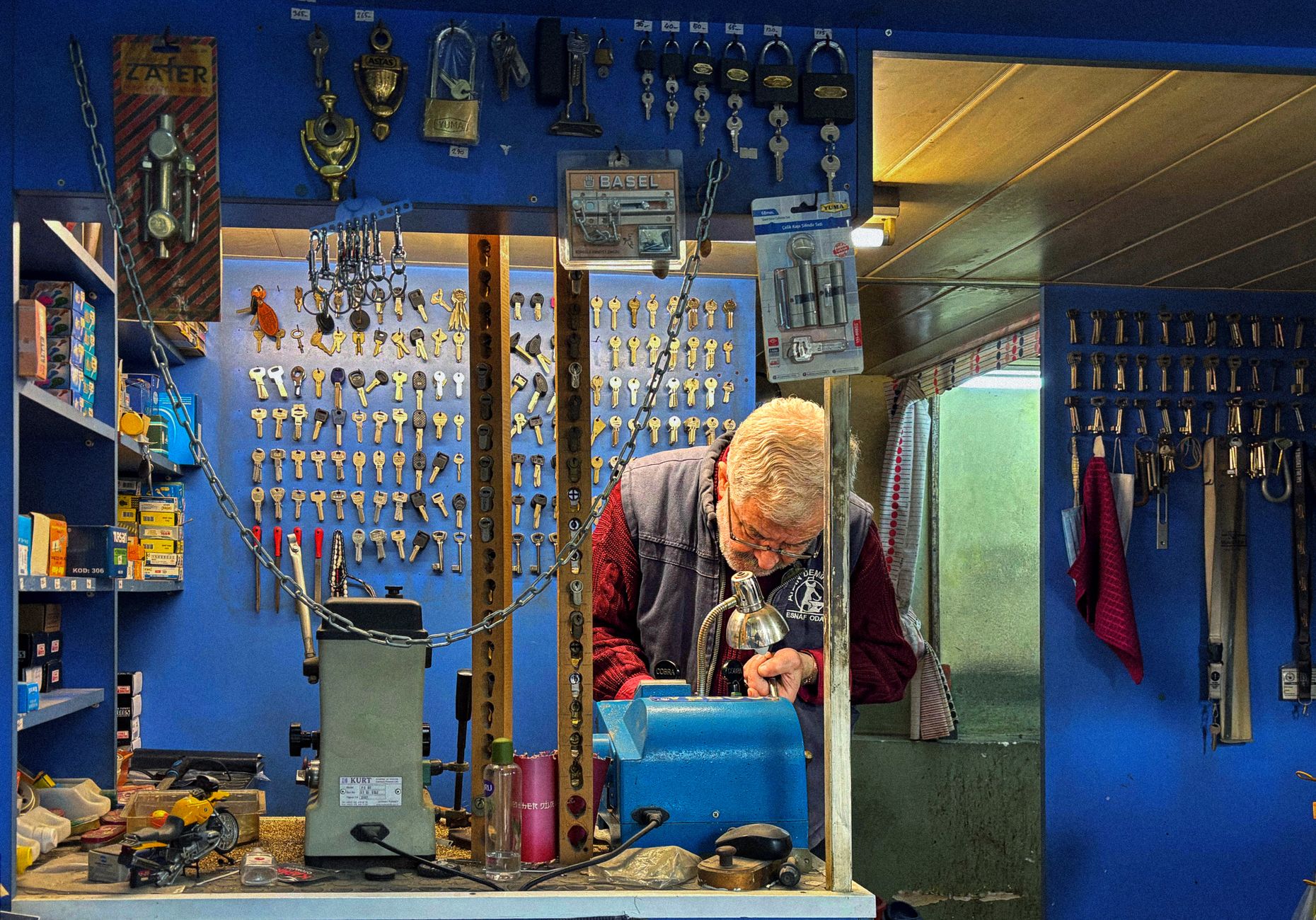
Most of the gains in locksmith SEO come from cleanup work you can do directly in your own site and your Business Profile, before you spend anything on ads or an agency.
Step 1: Clean Up Your Google Business Profile
Open your Business Profile and check three things first: the primary category, the service areas, and the phone number. Locksmiths face closer review and stricter verification than most local categories, since the search results are crowded with lead generators posing as real shops. A listing with the wrong category or a mismatched address is often why a legitimate shop doesn't show in the map pack at all.
Step 2: Build One Page Per Service, Not One Blended Page
Residential, commercial, automotive and emergency lockout work are four different searches, each with its own intent. A single "our services" page competing for all four usually ranks for none of them. Create a dedicated page for each, "emergency locksmith," "car lockout service," "commercial locksmith," "rekey and lock installation", and put your price range and photos of your vans or shop on each one.
Step 3: Add a Page for Every City You Serve
If you cover more than one town, each one needs its own page with local detail, not a city name swapped into a template. Link every city page from a single service-area hub so both customers and Google can see where you actually work. A published case study for a two-shop, Dallas-area locksmith credited exactly this move, a service-area hub plus corrected directory listings, with helping produce 1,047 leads and calls over six months, at a 57% booking rate.
Step 4: Mark Up Your Pages With Structured Data
Add LocalBusiness and Service schema to your service and location pages so search engines can read your hours, service area and offerings directly from the page code. Schema.org defines the exact properties to use, address, areaServed, openingHours and priceRange are the ones that matter most for a locksmith page.
Step 5: Make the Site Load Fast on a Phone, at Night
A lockout search happens on a phone, often after dark. If your site is slow, the customer calls the next shop in the results instead. Google's web.dev Core Web Vitals guidance lays out the loading and responsiveness thresholds sites are measured against, treat them as a floor, not a target, for any page with a tap-to-call button.
When Your Website's Own Tools Are Enough, And When They're Not

A lot of locksmith SEO can be handled with free tools and a bit of time. Some problems need something closer to a recurring audit. Here's the honest split.
| Situation | Example | Can you fix it yourself? | Why |
|---|---|---|---|
| One wrong detail on one listing | Old address or phone number on a single directory | Yes | A five-minute manual edit, no tooling needed |
| Missing schema on one new page | A new "smart lock installation" page with no markup | Yes | Copy the schema from an existing page and adjust |
| Schema or speed issues across dozens of pages | Every city page missing areaServed, or all pages failing Core Web Vitals | Usually not alone | Needs a site-wide crawl to find every instance, not a page-by-page check |
| Rankings that keep sliding after a fix | A city page ranks, then drops again next month | Usually not alone | A recurring problem needs ongoing tracking, not a one-time fix |
For the first two, your own CMS and a free structured-data checker get you there. For the last two, a whole-site problem or one that keeps coming back, a technical SEO audit that lists every affected URL in priority order is faster than clicking through pages one at a time.
Locksmith Keyword Categories: Urgent vs. Planned
Locksmith search terms split cleanly into two groups, and each needs a different kind of page.
| Category | Example searches | What the customer wants | Page priority |
|---|---|---|---|
| Urgent | "emergency locksmith near me," "24 hour locksmith," "locked out of house" | The first shop that looks real and open right now | Highest, above-the-fold phone number, open-hours messaging |
| Planned | "rekey locks," "lock change service," "smart lock installation" | Information and a price range before calling | Medium, detailed service page with pricing and FAQs |
| Commercial | "commercial locksmith," "master key system," "access control" | A vendor for an ongoing business relationship | Medium, case studies, certifications, response times |
| Local | "locksmith in [a named city]," "[city] locksmith" | A shop that actually covers their address | High, one page per city, linked from a service-area hub |
Covering both urgent and planned searches, city by city, is the core of a working locksmith SEO strategy. Skip either side and you lose half the calls your competitors are already getting.
Common Locksmith SEO Mistakes
- One blended services page. Trying to rank "lockout," "rekey" and "commercial" from a single page splits your relevance across all three instead of winning any of them.
- No price information anywhere. Customers comparing shops skip the ones that hide pricing. Even a range builds trust and shortens the decision.
- Duplicate or outdated directory listings. An old address on one directory and a new one on your site confuses both customers and search engines.
- Treating ads as a substitute for SEO. Google Ads and Local Services Ads bring fast calls, but locksmith clicks are expensive and stop the moment the budget does, organic rankings keep working after the campaign ends.
- No order to the work. Fixing ten things at once with no priority wastes the weeks it takes to see movement. An SEO plan that ranks fixes by impact, Business Profile first, then service pages, then schema, gets results showing up sooner than tackling everything in parallel.
FAQs
How long does locksmith SEO take to show results?
Agencies that specialize in locksmith marketing commonly report that clients notice improved visibility and more inquiries within two to four months of cleanup work, though a competitive city with a lot of fake listings can take longer.
Do I need a different page for every service, or can one page cover everything?
A separate page per service performs better. Residential, commercial, automotive and emergency lockout searches have different intent, and a blended page rarely ranks well for any of them.
Should I run Google Ads instead of doing SEO?
They solve different problems. Ads and Local Services Ads bring calls immediately but cost more per click and stop the moment you pause spending. SEO takes longer to build but keeps bringing calls after the work is done. Many shops run both at once.
What's the single highest-priority fix for a new locksmith website?
Your Google Business Profile. Category, service area and hours accuracy affect the map pack directly, and locksmiths are checked more closely than most categories because of how many fake listings exist in this space.
Do I need schema markup on a locksmith site?
It helps search engines read your hours, service area and pricing directly from the page, which matters for both standard search results and AI-generated answers. Schema.org's LocalBusiness and Service types cover what a locksmith page needs.
Put Your Shop Back on the Map
Start with the Business Profile check from Step 1, then build out one page per service and city before touching anything else, that order is what moves locksmith SEO work from theory into booked jobs. SearchBlueprint's local SEO tools can show you exactly which cities and services are currently weak, so you're not guessing where to start. Talk to the team and see what a sample report looks like for a business like yours.
Resources / References
Sources
About the author
SearchBlueprint researched, wrote and scored this article with the content pipeline our customers run on their own sites. The score in the byline is what our content engine gave this page before it published. Nothing here is reviewed by hand, which is the point: it is the product's output, published where anyone can check it.