Href SEO: How Link Attributes Shape Your Google Rankings
By Toy Wen Da, Co-Founder · · 6 min read · scored 97/100
Href SEO is the practice of making sure every link's href attribute points to a live, canonical URL, and that the anchor text describes where the link goes. Get both right and your pages pass stronger signals to Google. Start by scanning your site for broken or vague-anchored links.

What Href SEO Actually Means
The href attribute is the part of an HTML link tag that holds the destination URL. Every <a> tag needs one, as defined in the HTML living standard. Href SEO is simply the discipline of keeping those destinations clean: no dead ends, no needless redirect chains, no links pointing to the wrong version of a page.

Anchor text is the visible, clickable words wrapped around that href. Google uses anchor text as a clue about what the linked page covers. When you link to your pricing page with the words "see our plans," that phrase tells search engines more about the destination than "click here" ever could. Href SEO and anchor text work as a pair: one is the address, the other is the description on the envelope.
Check Your Links Fast

Before you start editing templates or chasing individual URLs, run a technical SEO audit across the whole site. A technical SEO audit flags broken hrefs, redirect chains, and orphaned pages automatically, with the fixes already ranked by priority. That one scan usually tells you whether you have a handful of stray links or a site-wide pattern worth fixing at the template level.
How Href Attributes and Anchor Text Affect Rankings
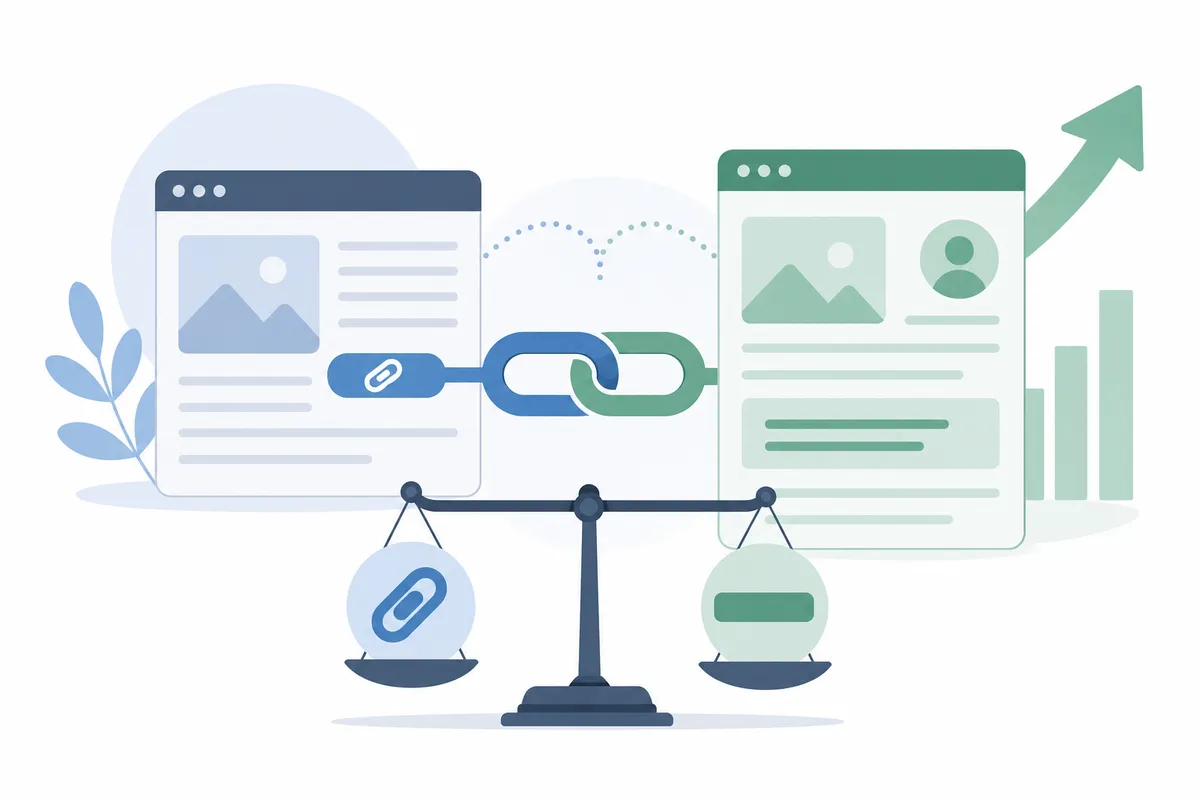
The href Attribute's Job
A clean href sends both users and crawlers to exactly the page you meant. A messy one, pointing to an old URL, a 404, or a needless redirect, forces Google to spend extra crawl effort resolving it, a drain on larger sites that Google's own crawl budget documentation addresses directly (Google Search Central). Google's own guidance on crawling and indexing notes that sites should make it easy for crawlers to discover and reach content, which is exactly what tidy hrefs do (Google Search Central, https://developers.google.com/search).
Anchor Text's Job
Anchor text gives context. Internal links with descriptive anchor text, "our local SEO services" instead of "learn more", help Google understand topic relationships between pages. Google's own SEO starter guide advises writing link text that describes what's on the other end (Google Search Central SEO Starter Guide), which is exactly what strong anchor text does. This matters most for internal linking between related content, such as a blog post pointing readers toward a service page like local SEO features using wording that matches what the page is actually about.
Fix Href and Anchor Text Issues on Your Site
Most content management systems let you fix link problems without touching raw HTML. The general process looks like this:
- Open the page or post in your CMS editor.
- Find the link you want to fix and open its link settings or edit panel.
- Update the destination URL field so it points to the correct, live page, not a redirect.
- Update the visible anchor text so it describes the destination in a few plain words.
- Save and republish the page.
- Reload the live page and click the link to confirm it lands where you expect.
If your CMS has a global find-and-replace or a link-management screen, use it for links that repeat across many pages, such as a footer or navigation link. Fixing it once there is faster than editing every page individually.
When Your Site's Own Tools Are Enough, and When They're Not
Built-in editors handle a single bad link just fine. They fall short once the problem spreads across dozens of pages or keeps coming back.
| Situation | Your CMS tools | A site-wide audit tool |
|---|---|---|
| One broken link on one page | Enough, edit and republish | Overkill for a single fix |
| A redirect chain repeated across many pages | Slow and error-prone by hand | Finds every instance at once |
| A one-off typo in anchor text | Enough | Not needed |
| Recurring link rot after every content refresh | Hard to catch consistently | Flags new issues automatically each scan |
| Hundreds of pages with inconsistent anchor text | Impractical manually | Surfaces patterns a person would miss |
If you're fixing one URL you already know about, your editor is the right tool. If you're not sure how many pages are affected, or the problem keeps resurfacing, that's the signal to run a full audit instead of guessing.
Common Href and Anchor Text Mistakes
- Linking to a redirect instead of the final URL. Each hop adds a small delay and wastes crawl effort.
- Reusing "click here" or "read more" everywhere. It gives Google nothing to work with about the linked page's topic.
- Mismatched protocols or trailing slashes.
http://versushttps://, or a missing slash, can create duplicate paths that split ranking signals, the exact problem Google's canonicalization guidance addresses (Google Search Central). - Linking to a page that's been removed. A dead href sends both users and crawlers to a dead end.
- Over-optimizing anchor text with the exact keyword every time. Natural variation reads better to users and avoids looking manipulative to search engines.
FAQs
Does the href attribute itself affect rankings directly?
Not on its own. What matters is where it points, a live, canonical, relevant URL, and whether crawlers can follow it without hitting redirects or errors.
Is anchor text more important than the destination URL?
Both matter together. The href attribute is the address; anchor text is the description. Weak anchor text on a correct link still underperforms strong, descriptive anchor text.
Should every internal link use different anchor text?
Vary it where it reads naturally. Using the same exact phrase on every link can look manipulative, while a few natural variations describe the destination just as well.
Can a broken href attribute hurt an entire site, or just one page?
Usually just the page it sits on and the page it should have reached. Widespread broken links across a site, though, can waste crawl budget site-wide.
How often should I check my site's href attributes?
Check after any major content update, redesign, or URL change, and periodically otherwise, monthly for active sites, less often for ones that rarely change.
Start With One Page, Then Scan the Rest
Pick one page you update often, check its links by hand using the steps above, and see how many issues turn up. If you find more than one or two, that's a sign to look across the whole site rather than page by page. Talk to the team to get a sample report showing exactly which href SEO issues your site has today.
Resources / References
Sources
- Ahrefs—Alat Intelijen Pemasaran Didukung oleh Big Data
- Ahrefs Agent A Tutorial: I Let It Run My SEO Workflow for 24 ...
Disclaimer: This article is general health information, not individual medical advice. It cannot account for your history, medication or examination findings. For advice about your own symptoms, speak to a qualified clinician; if symptoms are severe or worsening, seek urgent care.
About the author
SearchBlueprint researched, wrote and scored this article with the content pipeline our customers run on their own sites. The score in the byline is what our content engine gave this page before it published. Nothing here is reviewed by hand, which is the point: it is the product's output, published where anyone can check it.