Branded Keyword Research: How to Find, Track, and Defend Your Brand
SearchBlueprint · · 9 min read · scored 99/100
Branded keywords are search terms that include your company, product, or domain name, searches like "SearchBlueprint pricing" or "SearchBlueprint reviews." Each branded keyword comes from someone who already knows you, converts far more often than a generic term, and deserves its own place in your SEO plan.
What Are Branded Keywords?
Branded keywords are any query containing your brand name, a product name, or a close misspelling of either. "SearchBlueprint," "SearchBlueprint pricing," "SearchBlueprint vs a competitor," and even a common typo of your domain all count. Non-branded keywords describe the category you compete in instead, something like "SEO software for small business," with no reference to a specific company.
The distinction matters because intent is almost opposite between the two. Someone typing a non-branded term is still comparing options. Someone typing your brand name has usually already decided to look at you specifically. Marketers call this a navigational search: a query aimed at reaching one particular destination rather than researching a whole category.

Branded vs. Non-Branded Keywords at a Glance
| Signal | Branded Keywords | Non-Branded Keywords |
|---|---|---|
| Example query | "SearchBlueprint pricing" | "SEO software for small business" |
| Search intent | Navigational, the searcher wants you specifically | Comparative, the searcher is still choosing |
| Typical conversion rate | Higher, since trust is already built | Lower, since the brand is still unproven |
| Paid search cost | Lower CPC; a Quality Score of 8 to 10 is common | Higher CPC; Quality Scores of 7 to 9 are typical |
| Main SEO risk | A competitor or review site outranking your own page | Losing visibility to a larger, better-funded rival |
Identifying Your Branded Keywords

You cannot protect traffic you have not measured. Before building any strategy, pull the actual list of branded terms people use to find you, not the handful you assume they type.
Using Google Search Console
Open the Performance report, then filter by query. Export the list and search for anything containing your brand name, your product names, or your domain, including common misspellings. This single report is usually the most reliable source of real branded search volume, because it comes straight from what people typed into Google.
Watch for two patterns here. First, branded terms where you are not ranking first. Second, branded terms with high impressions but low clicks. Both point to a page that needs work, whether that is a missing page, a weak title tag, or a search result someone else currently owns.
A free keyword checker can confirm the search volume and competition on any branded term you find, which helps you decide which ones deserve a dedicated page versus a mention on your homepage.
Leveraging Google Analytics
Analytics will not show you the exact query, since Google stopped passing most search terms through years ago. It will, however, show how much of your organic traffic lands on brand-heavy pages like your homepage, pricing page, or About page. A rising share of that traffic over time is a reasonable proxy for growing brand awareness, even without the exact search terms behind it.
Exploring Related Searches and Google Suggest
Type your brand name into Google but don't press enter. The autocomplete suggestions are real queries other people have typed, not random guesses. Scroll to the bottom of a branded result page and check "related searches" for the same reason. Between the two, you'll usually surface long-tail terms, like "SearchBlueprint reviews," "SearchBlueprint alternative," or "SearchBlueprint login," that a standard keyword tool often misses.
Running your full brand term list through a keyword research tool after this step turns a loose list into a plan, with a page assigned to every term that deserves one.
Why Branded Keyword Traffic Is Worth Protecting

Branded searches convert because trust is already in place. The person searching read about you somewhere, through a referral, an ad, or a podcast mention, and is now checking you out directly. That is the highest-intent traffic category you have, and it costs very little to serve.
The numbers back this up in paid search. A good Quality Score for branded keywords typically falls between 8 and 10, while high-intent commercial keywords usually land between 7 and 9, and low-intent keywords score around 7, according to figures cited by marketing agency HawkSEM from WordStream. A higher Quality Score means a lower cost per click and better ad placement, so defending your own name in paid search is usually cheap.
The flip side is what happens when you ignore this traffic. A competitor can legally bid on your brand name in most markets, putting their ad above your own organic listing. A review site or marketplace can outrank your homepage for your own name if your page is thin or slow to load. Either way, you lose some share of customers who had already decided to find you.
Should You Bid on Your Own Branded Keywords?
Paid search on your own brand name feels wasteful at first glance. If someone is already searching for you, won't they click your organic result anyway? Often yes, but not always, and the gap is exactly where competitors live.
Reasons to Bid on Your Brand Name
| Reason to Bid | What It Protects Against |
|---|---|
| Brand visibility | Losing the top slot on the results page to a competitor's ad |
| Message control | A generic meta description Google chooses instead of your own copy |
| Lower ad cost | High CPCs on your own name once a rival starts bidding |
| Higher conversion rate | Wasted spend chasing colder, non-branded traffic instead |
When to Skip It
Skip brand bidding only if your organic listing already dominates the results page, no competitor bids on your name, and your budget is tight enough that non-branded terms need it more. Most businesses without all three conditions are better off running a small, low-cost branded campaign alongside their organic page.
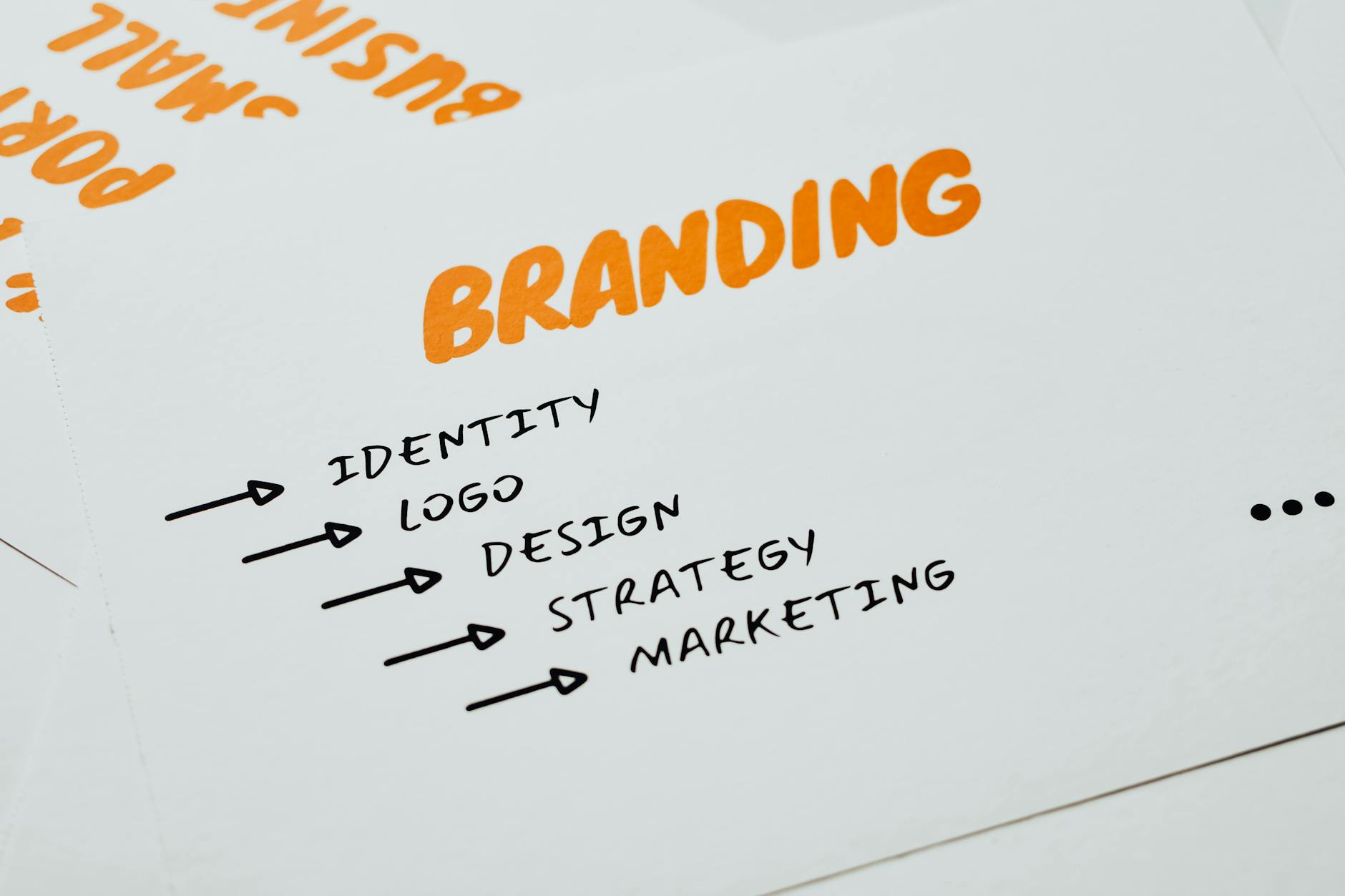
Building a Branded Keyword Content Strategy
A list of branded terms is only useful once it is mapped to real pages and a real publishing schedule.
Matching Content to Search Intent
A search for your pricing page wants a number, fast. A search that pairs your brand name with a competitor's wants an honest comparison, not a sales pitch. Mapping each branded query to the intent behind it, rather than funneling every visitor to the homepage, is what earns the click once you're already ranking.
Mapping Branded Terms to Pages
Every branded keyword with real search volume deserves a destination: a pricing page for pricing searches, a comparison page for "vs" searches, a reviews or case-study page for reputation searches. Put each one on a content calendar alongside your regular topic plan, so branded pages get scheduled with the same discipline as everything else instead of being an afterthought.
Monitoring Competitors on Your Brand Terms
Check your branded search results every few months for two things: a competitor's ad sitting above your listing, and a competitor's page ranking organically for your own name. Google Alerts on your brand name catches mentions across the wider web; a quick manual search catches what's happening on the results page itself.
Optimizing Your Site for Branded Search
Ranking for your own name sounds easy, but a weak page still loses that traffic.
Strengthening the Pages That Already Rank
Your homepage, pricing page, and About page carry most of your branded traffic by default. Keep their titles and meta descriptions specific, since your actual plan names and prices beat generic marketing language. Make sure page speed and the mobile layout hold up too, because a slow page undoes the trust a branded visitor already brought with them.
Use a free keyword suggestion tool to check which brand-adjacent phrases, your product names, feature names, or integration names, have enough search volume to earn their own subheading or page.
Enhancing Internal Links
Link to your pricing, comparison, and case-study pages from wherever a visitor might be building trust: your homepage, your blog posts, your footer. A visitor who searched your brand name and landed on a blog post should never be more than one click from the page that actually answers why they searched for you.
Managing Your Knowledge Panel
If your brand is established enough, Google may show a Knowledge Panel next to your branded search results, pulling from your website, your social profiles, and your structured data. Schema.org's Organization type is the vocabulary most of that data is built from, and Google Search Central documents how structured data can make a site eligible for enhanced results like this one. Claim the panel if Google offers it, keep your logo, description, and linked profiles current, and correct anything factually wrong as soon as you notice it. This panel is often the first thing a branded searcher actually reads.
Finding the Right Balance Between Branded and Non-Branded Keywords
Branded keywords protect what you've already earned, but they can't grow your business alone, since nobody searches your name before they've heard of it. A commonly cited rule of thumb puts established companies at roughly 60 to 70 percent branded effort to protect their position, and 30 to 40 percent non-branded effort to bring in new customers. A newer business should usually lean the other way until its name has real search volume behind it.
Track both sides of that split with rank tracking for your branded terms and your target non-branded terms side by side, so you can see which half is actually slipping before it shows up in revenue.
FAQs
What's the difference between branded and non-branded keywords?
Branded keywords include your company, product, or domain name, like "SearchBlueprint pricing." Non-branded keywords describe the category without naming a specific company, like "SEO software for small business." Branded searches usually convert faster because the searcher already knows who you are.
Should I bid on my own branded keywords in Google Ads?
In most cases, yes, especially if a competitor already bids on your name or your organic listing doesn't fully dominate the results page. Branded paid clicks are usually cheap, since Quality Scores on your own name tend to run 8 to 10, well above generic commercial terms.
How do I find out what branded keywords people actually search for?
Start with the Performance report in Google Search Console, filtered to queries containing your brand name and common misspellings. Google Suggest and the "related searches" box at the bottom of a branded result page will surface long-tail variations that a standard keyword tool often misses.
Do branded keywords help my SEO rankings for other terms?
Not directly, since branded and non-branded rankings are judged separately. What branded search does is build the click-through rate, dwell time, and overall trust signals that make your whole site look more credible, which can support your non-branded pages indirectly.
How do I manage or claim my Google Knowledge Panel?
If Google has generated a panel for your brand, look for a "claim this knowledge panel" option on the panel itself, then verify through your Google account. Keep your logo, description, and linked profiles current, and use Organization schema on your site so Google has accurate structured data to pull from.
See Where Your Branded Searches Actually Land
Pull your branded keywords from Search Console this week, then check each one against the page that's actually ranking for it today. A gap between what should show up and what does is usually the fastest fix on this whole list. Talk to the team to see what a full branded and non-branded keyword report looks like for your own site.
Resources / References
Sources
About the author
SearchBlueprint researched, wrote and scored this article with the content pipeline our customers run on their own sites. The score in the byline is what our content engine gave this page before it published. Nothing here is reviewed by hand, which is the point: it is the product's output, published where anyone can check it.