Automated SEO Reporting: What to Track and What It Costs
By Toy Wen Da, Co-Founder · Updated · 11 min read · scored 94/100
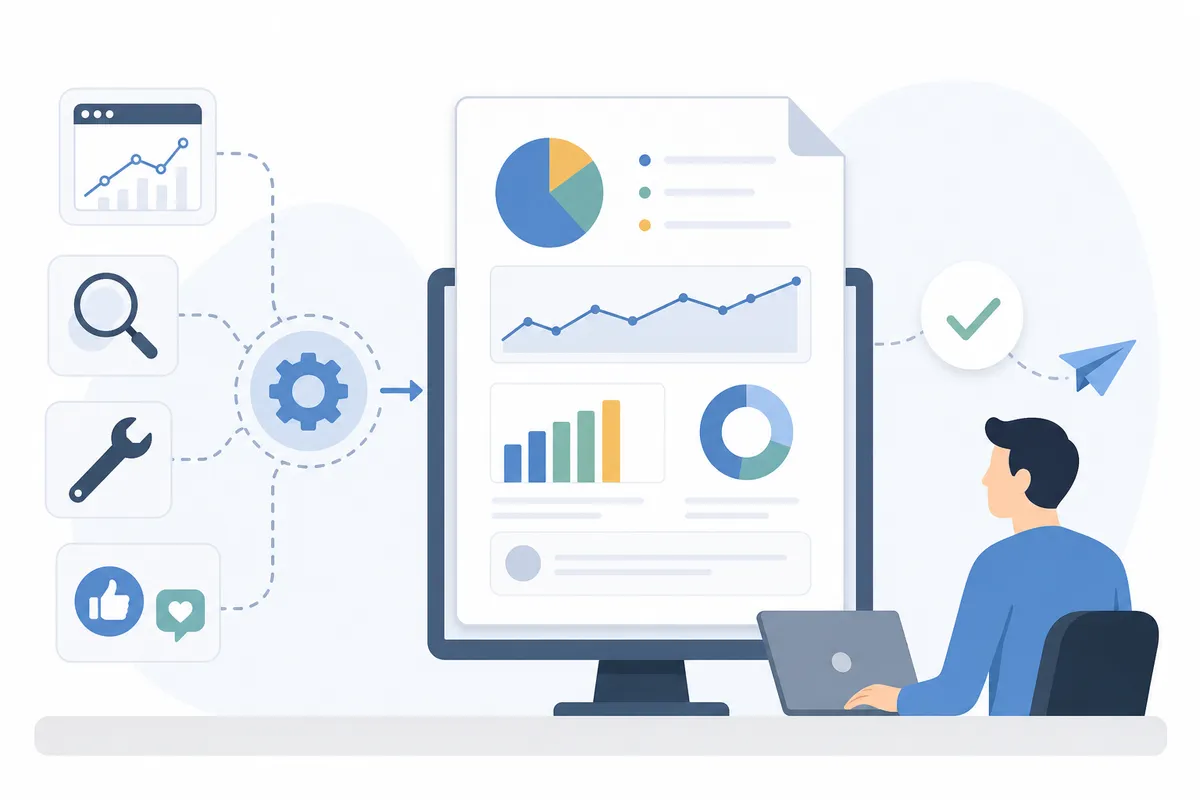
Automated SEO reporting is software that pulls your ranking, traffic and technical data into one recurring report on a set schedule, so you can see what changed without rebuilding spreadsheets every week. It connects to Google Search Console, Google Analytics and a rank tracker, then refreshes on its own. You open a finished report instead of building one.

What is automated SEO reporting?
Automated SEO reporting is the generation of SEO performance reports on a fixed schedule, with no manual exporting or formatting each time. The software connects to your data sources once and refreshes the numbers by itself.
Instead of logging into Google Search Console, copying numbers into a spreadsheet and building charts by hand, you set the report up once. After that it runs weekly, monthly or on whatever cadence you choose, and lands in an inbox or dashboard ready to read.
The appeal is time. A manual report can take an afternoon to assemble from several tools, while an automated one takes minutes to configure and costs nothing per cycle afterward.
Why automate your SEO reporting

The manual reporting problem
Manual reporting means copying numbers from Google Analytics, checking date ranges twice and rebuilding charts every cycle. It is slow and easy to get wrong, since a single mistyped date range can throw off a month of comparisons. By the time the report is finished, the person reading it often skims it and moves on, and the insight that mattered is buried under formatting work.
What you gain once reports run themselves
Formatting stays consistent from one cycle to the next, so month-to-month comparisons are genuinely like for like. Reports can be shared across a team without anyone rebuilding them, and if you work with an agency, an automated report gives both sides a common reference when setting expectations.
Volume is the bigger reason this matters now. Research cited by HubSpot found that sites publishing 16 or more blog posts a month get roughly 3.5 times the traffic of sites publishing zero to four. A pace like that produces a lot of moving numbers, which manual reporting struggles to keep up with.
For a longer breakdown of what to automate first and what still needs a human, see our guide to SEO automation. The wider case for automating SEO work is in this piece on the advantages automated SEO delivers for growing businesses.
The core metrics every automated SEO report should track
Not every metric belongs in every report, but a handful turn up in nearly every serious setup because they answer the questions clients and managers actually ask.
Search engine rankings
Rankings show where your priority keywords sit on the results page. Page one is the usual goal, ideally near the top, since position strongly affects click-through rate. Track every keyword you are actively targeting, including the ones outside your top few.
Rank data can change daily in some niches, so a weekly cadence catches movement before it turns into a surprise. A tool that runs weekly rank tracking broken out per market takes the guesswork out of when to check.
Organic traffic and search visibility
Organic traffic is any visit that arrives through unpaid search results, whether from Google, Bing or elsewhere. Growth there usually means more conversions and more revenue, which is why it belongs in nearly every report.
Google Search Console adds context that traffic numbers cannot give you: impressions, clicks and average position per query. High impressions with low clicks often means a page ranks but its title or description fails to earn the click.
That context matters more than it used to. An estimated 58.5% of US Google searches now end without a click, and 96.6% of all pages get zero organic traffic from Google at all. A report showing impressions next to clicks is the only way to tell whether a page is invisible or simply unclicked.
Technical SEO issues
Search engine crawlers do not browse your site the way a visitor does. They move from link to link through your HTML, and a broken link or page error can stop them from reaching content at all. Technical reporting should flag crawl errors, broken links and indexing problems as they appear.
Backlink profile
Backlinks strengthen your site's authority, so new links, lost links and referring domains belong in most reports. Tracking them also catches trouble early: a sudden, unnatural spike can mean spam is targeting your site, and you want to hear about it this week rather than at the end of the quarter.
AI visibility
This is the newest addition to the list and it is growing fast. Roughly 45% of consumers now use AI tools like ChatGPT or Gemini for business recommendations, according to BrightLocal's 2026 research. A report that follows only Google rankings misses a channel already influencing purchase decisions, so how often AI tools cite or recommend your brand is becoming a standard line item.
The table below shows how these pieces typically fit together.
| Metric | What It Shows | Primary Data Source | Typical Reporting Cadence |
|---|---|---|---|
| Search rankings | Where target keywords sit on the results page | Rank tracker | Weekly |
| Organic traffic | Visits arriving from unpaid search results | Google Analytics | Weekly or monthly |
| Search visibility | Impressions, clicks, and average position per query | Google Search Console | Weekly |
| Technical health | Crawl errors, broken links, indexing problems | Site audit tool | Monthly |
| Backlink profile | New, lost, and referring domains | Backlink checker | Monthly |
| AI visibility | How often AI tools cite or recommend the brand | AI visibility tracker | Monthly |
Google's documentation on how Search Console reports impressions, clicks and position is worth reading if you want the mechanics behind that data, and it is available through Google Search Central.

How to set up automated SEO reporting
Setup is less about picking software than about deciding what the report needs to answer before you connect anything.
Connect your data sources
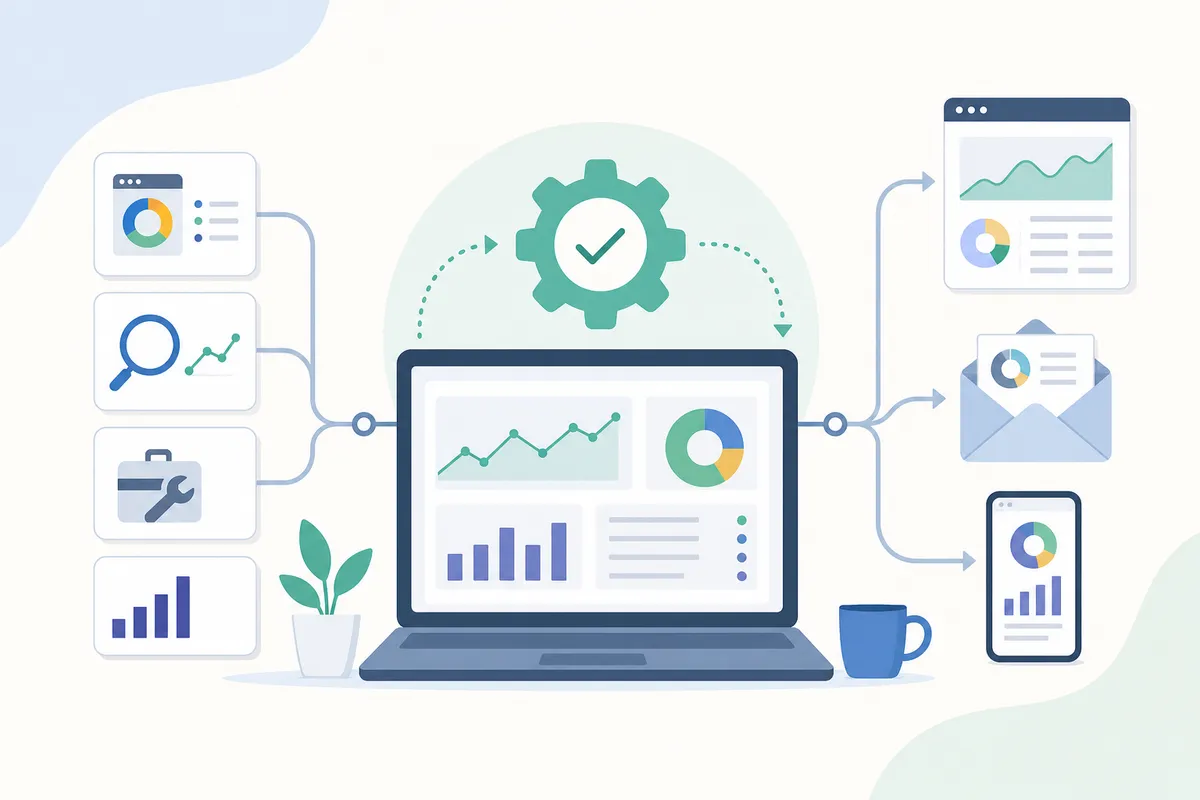
Start by linking Google Search Console and Google Analytics, which between them cover rankings, visibility and on-site traffic behavior. Then add whatever specialized tools you need for backlinks, technical audits or AI visibility. Most reporting platforms pull from several sources into a single dashboard, so you are not juggling five logins.
Pick a schedule and a template
Decide who the report is for before you decide what it shows. An internal team usually wants organic traffic and technical health tracked closely, while a client report leans on progress and rankings because that is what justifies the engagement.
Keep the same layout every cycle. A fixed template with the same sections in the same order makes month-over-month comparisons easy to read at a glance.
Decide who sees the report
Automated does not mean unsupervised. Someone should review the numbers before they go out, at least until you trust the pipeline, and someone needs to read the finished report and explain it. A client who searched online 93% of the time before choosing a provider will ask direct questions about what changed, and a report with nobody assigned to explain it leaves those questions unanswered.
How to choose an automated SEO reporting tool
The market for SEO reporting software is crowded and most tools look alike at a glance. A few factors separate them in daily use.
Customization and white-labeling
Different teams inside one company usually care about different metrics, so choose a tool that lets you segment by subdomain, page group or campaign and pick exactly which metrics appear. If you report to outside clients, white-labeling matters even more. Agencies with multiple clients need reports that carry their own branding instead of a vendor's logo on every page.
Integrations and data sources
A reporting tool is only as good as what it connects to. It should pull real-time or near-real-time data from Google Search Console and Google Analytics at minimum. Check whether backlinks, technical audits and AI visibility are covered natively or need a separate tool each.
Frequency and templates
Some metrics need weekly attention, such as rankings during a competitive push, while others, like backlink trends, are fine monthly. A good tool lets you set a different cadence for each section instead of forcing one schedule on everything.
Pricing depends on how much you want bundled together. The comparison below reflects typical published pricing for automation and white-labeling across common reporting tools.
| Tool | Report Formats | White-Label Reports | Typical Cost for Automation |
|---|---|---|---|
| Google Looker Studio | PDF, HTML | Not available | Free |
| Google Analytics | HTML | Not available | Free |
| SEO PowerSuite | PDF, HTML | Yes, on the Enterprise plan | Enterprise at $599 a year, Max+ at $899 a year |
| Databox | PDF, Slides | Yes, as an add-on or on Agency Premium | Add-on around $200 a month, or bundled at $999 a month on Agency Premium |
| SE Ranking | PDF, XLS, HTML | Yes, on the Agency Pack | Included with agency-tier plans |
Free tools handle the basics well but stop short of white-labeling and multi-source blending. Paid platforms earn their cost through automation depth and agency features rather than data you could not get free elsewhere.
If you would rather see a fully assembled report than compare feature lists, a platform built around reporting, rank tracking and content as one connected workflow is worth a direct look.
Common mistakes that make automated reports useless
Automated reporting tends to go wrong in the same few ways.
- Including too many metrics. A report that shows everything the tool can measure makes it hard to find what matters. Stick to rankings, traffic, backlinks and the technical data tied to active work.
- Reporting totals without a comparison. A single traffic number tells you little. Put each metric next to the prior period, or nobody can say whether performance improved or declined.
- Blending tools without labels. Different platforms calculate similar-sounding metrics differently, so label which tool produced each section or comparisons across time will not line up.
- Keeping stale metrics. A metric that mattered during a technical cleanup six months ago may be dead weight now. Review the report structure from time to time and drop what no longer earns its place.
- Sending a report no one explains. One documented case saw a site's indexed pages grow from 12 to 548 over 12 months, with organic clicks climbing past 600 a month. A trend like that is easy to miss inside a report if nobody flags what it means.
Should you build your own reports or use a tool?
The honest answer depends on scale.
Building your own dashboard in a free tool like Google Looker Studio works fine for one site with a handful of metrics. It costs nothing beyond setup time and keeps you close to the raw data.
It stops working once you manage several sites, need white-labeling, or want backlinks and AI visibility in the same view as traffic. At that point, stitching together spreadsheets and free dashboards costs more time than a paid tool would, and a formatting slip is more likely to undermine a client's trust in the numbers.
A reasonable rule is to build your own for one site with basic needs, and to pay for a platform once you report on more than two or three properties, report to outside clients, or track more than rankings and traffic.
If the person reading the report is not technical, the tool matters less than how the findings are explained. Pairing any report with a plain-language walkthrough of what each section actually means closes that gap whichever platform produced it.
FAQs
What should an automated SEO report include?
At minimum it should cover search engine rankings, organic traffic, search visibility from Google Search Console, technical SEO issues and backlink changes. Many reports now add AI visibility as a sixth line item.
How often should automated SEO reports run?
Rankings and search visibility benefit from a weekly cadence because they can shift quickly. Technical audits and backlink reviews are usually fine monthly. Match the frequency to how fast each metric actually moves.
Is automated SEO reporting accurate?
It is as accurate as the data sources it connects to. Google Search Console and Google Analytics are reliable primary sources. Errors usually come from mismatched date ranges or from blending tools that calculate the same metric differently without labeling which is which.
Can I automate SEO reporting for free?
Yes, for a single site with basic needs. Google Looker Studio and Google Analytics can be connected into a scheduled, automatically updating report at no cost, though you give up white-labeling and multi-source blending at that tier.
Does automated SEO reporting cover AI visibility now?
Increasingly, yes. As more consumers turn to AI tools for recommendations, tracking how often a brand is cited or suggested by those tools is becoming a standard part of a complete report, alongside traditional Google rankings.
See what automated SEO reporting looks like on your site
Automated SEO reporting only proves its worth once you act on what it shows you. Set it up once, connect the sources that match your goals and check the report on a schedule you will actually keep. If you want to see the format before committing to a tool, look at a sample SEO report built the way a finished automated report should read, then talk to the team about setting one up for your own site.
Resources / References
Related reading: SEO KPIs: The Metrics Worth Tracking in 2026.
Related reading: Automated SEO: What It Really Costs and What It Skips.
Sources
About the author
SearchBlueprint researched, wrote and scored this article with the content pipeline our customers run on their own sites. The score in the byline is what our content engine gave this page before it published. Nothing here is reviewed by hand, which is the point: it is the product's output, published where anyone can check it.