Organic traffic: how to measure it and grow it in 5 steps
SearchBlueprint · · 12 min read · scored 92/100

Organic traffic is the visits your website gets from unpaid search results. Someone searches on Google or Bing and clicks your listing instead of an ad. You pay nothing per click, the visits keep coming when a budget runs out, and they grow when you fix crawl problems, target keywords you can win, and publish pages that answer the question.
What counts as organic traffic
Search engines show two kinds of results. Organic results are ranked by the algorithm alone, and nobody can pay to move them. Sponsored results are ads, shopping listings or other spots the search engine gets paid to show. A click on the first kind is organic traffic. A click on the second kind is paid.
The difference seems obvious today, but it wasn't always. A 2004 Pew Internet survey found that most search users couldn't tell ads from regular results. That's why the SEO industry started calling the unpaid ones "organic." By July 2009 people outside marketing used the term too, and Google used it throughout Google Analytics. In 2013 the US Federal Trade Commission told search engines to keep ads clearly separate from natural results.
Where each source shows up in your reports
AI search has blurred the line again. This table shows how common sources get counted.
| Where the visit came from | Counted as organic? | Where GA4 usually files it | Why |
|---|---|---|---|
| A regular Google, Bing or Yahoo result | Yes | Organic Search | You earned the ranking. You didn't buy it |
| Your citation in Google AI Overviews or AI Mode | Yes | Organic Search | The citation is part of Google's unpaid results |
| A search ad at the top of the results page | No | Paid Search | The advertiser pays for every click |
| A link inside a ChatGPT or Perplexity answer | No | Referral or Direct, unless you set up custom AI referral tracking | AI chat tools aren't search results pages |
| A link in an unpaid social media post | No | Organic Social | The visit came from a social platform, not a search engine |
| A typed URL or a bookmark | No | Direct | No referring source was passed |
For a longer walkthrough of each channel with examples, read our primer on organic website traffic and how to grow it.

Why unpaid search visits are worth the wait
What you get
Organic visitors arrive with a question already in mind. They typed the problem your page solves, so they usually fit your offer better than someone who scrolled past a banner. The traffic also compounds. A page that ranks keeps sending visits while it stays relevant, and each new page adds to the total instead of replacing an old one.
Rankings affect your paid results too. A 2012 Google study found that 81% of ad impressions and 66% of ad clicks happened when the advertiser had no organic result on the first page. Ads and rankings cover different ground. If you're missing from the unpaid results, your ads end up doing most of the work.
Where you rank matters a lot. A June 2013 study by Chitika found that 9 out of 10 searchers never go past Google's first page. Search Engine Watch reported the same year that the No. 1 spot took 33% of search traffic. Both figures are old, and results pages now carry far more ads and AI answers. The basic pattern still holds, though: page two gets very few clicks.
Organic vs paid search
| Factor | Organic search | Paid search | What it means for you |
|---|---|---|---|
| Cost per click | Nothing per click. You pay in content and SEO time | You pay for every click | Each organic visit gets cheaper as the traffic grows |
| Speed | Takes steady effort before results show | Visits can start the day a campaign goes live | Paid can fill gaps while organic builds |
| When you stop investing | Pages keep ranking while they stay relevant | Traffic stops when the budget does | Organic keeps working after the spend ends |
| Targeting | Set by the queries your pages rank for | Set by location, audience and schedule | Paid is more precise for short promotions |
| Exposure to change | Algorithm updates and AI answers can cut clicks | Competitors can bid prices up | Both channels carry risk |
The trade-offs
Organic traffic has no cost per click, but it still costs something. You pay in writing time, technical fixes and patience. Growth is slow. Your results depend on search algorithms that change often. Zero-click features now answer many queries right on the results page. Plan for months of steady work before you judge the results.

What AI search is doing to search clicks
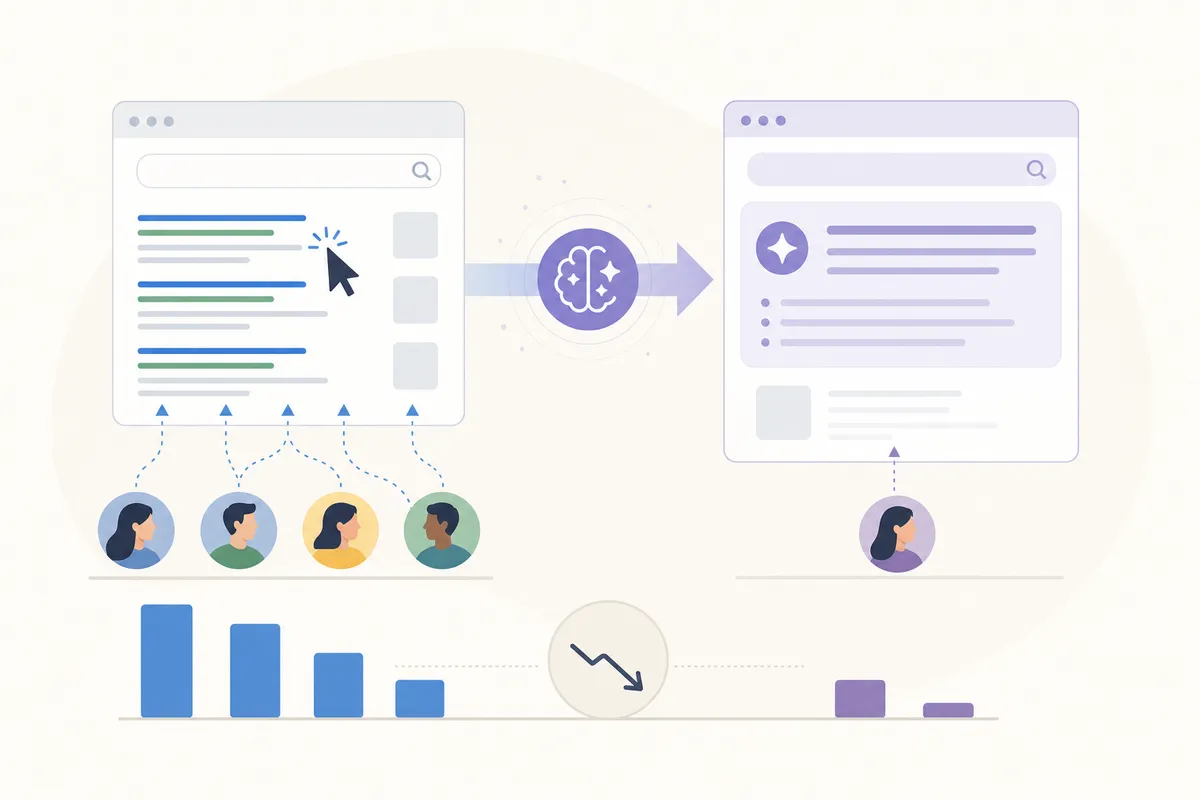
AI answers have taken clicks away from websites. Google AI Overviews, AI Mode and ChatGPT now answer many questions without sending anyone to a website. Semrush studied traffic channels in 17 industries. Only four of them (apparel, beauty, food and retail) grew organic traffic in 2025.
The same research shows how big search still is. Organic search produced more than 1 trillion visits in 2025. AI platforms sent only a fraction of that, even after their traffic grew 66%. Search is still the bigger source by far.
What has changed is how pages get chosen. AI systems rarely read a page from top to bottom. They pull out the one passage that answers the question. That favors pages built from clear sections that each make sense on their own. When a reader clicks your citation in an AI Overview, that visit counts as organic traffic, just like a regular search click.
One gap to watch: ChatGPT and Perplexity visits show up in GA4 as Referral or Direct unless you add custom tracking. If AI chat is sending you customers, your organic reports won't show it.
How to measure organic traffic
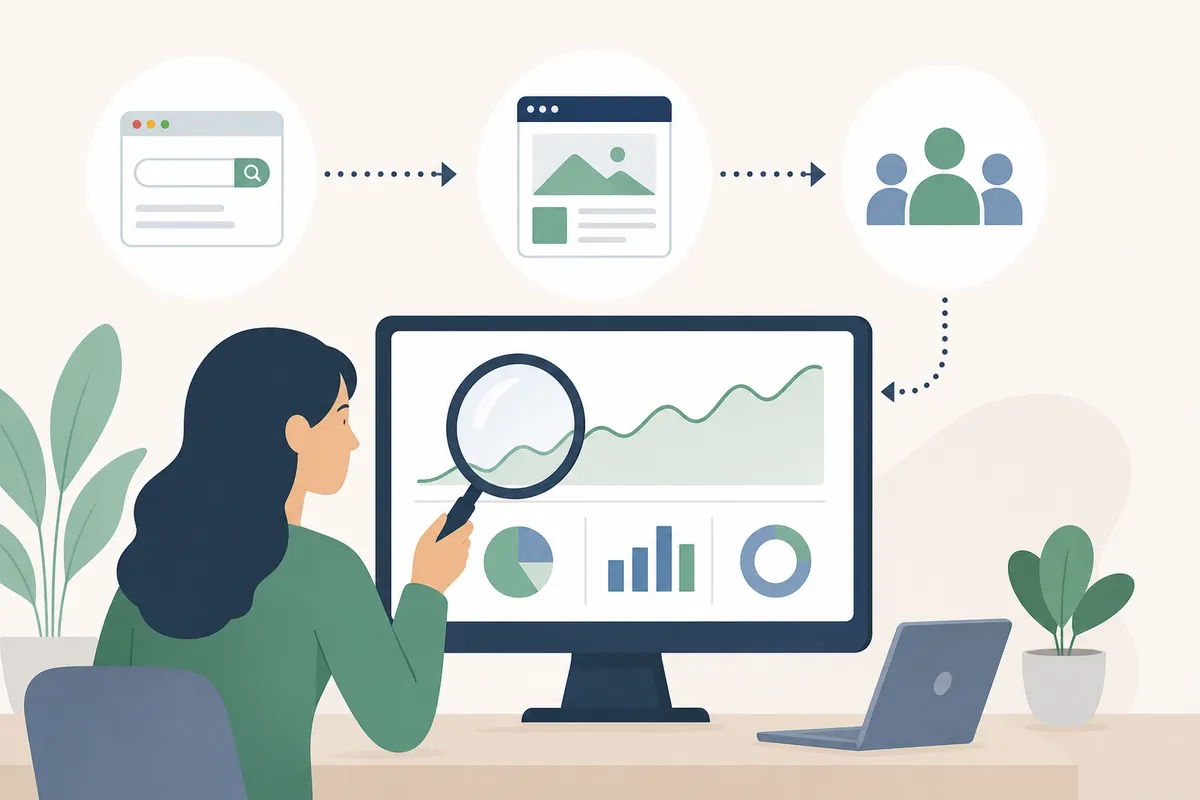
You need two free Google tools. Each answers a different question, so use both.
In Google Analytics 4
Open Reports, then Acquisition, then Traffic acquisition. The report groups sessions by channel, so look for the Organic Search row. It shows sessions, engaged sessions and key events (GA4's name for conversions) from every search engine, not only Google. Open the landing page view to see which pages bring those visitors in.
In Google Search Console
Open the Performance report. It lists the queries people typed and how often you appeared for them (impressions). It also shows how many people clicked, your click-through rate and your average position. It covers Google only. It counts clicks on Google's side, so it doesn't depend on cookie consent, and its numbers often come out higher than GA4's.
Estimating a competitor's traffic
Neither Google tool can see someone else's site. For that you need an estimator. The free Ahrefs traffic checker gives search traffic estimates for any website or page. Its paid Site Explorer covers 171 countries, and its Batch Analysis tool checks up to 200 websites at once. The Semrush Organic Rankings report adds a Traffic Cost figure: roughly what the site's owner would pay in Google Ads to buy the same visits. These tools estimate traffic from ranking data. They don't count real visits. Our free website traffic checker gives the same kind of estimate for organic Google traffic in the US, with no signup.
| Tool | What it tells you | Cost | Best used for |
|---|---|---|---|
| Google Analytics 4 | Sessions, engagement and key events from all search engines | Free | Tying organic visits to leads and sales |
| Google Search Console | Queries, impressions, clicks, CTR and average position on Google | Free | Finding the searches you already appear for |
| Ahrefs | Estimated traffic and top pages for any website | Free account. Starter plan listed at $29 a month | Comparing your traffic with competitors' |
| Semrush | Estimated traffic and its Google Ads value (Traffic Cost) | Paid plans | Putting a dollar value on rankings |
What a healthy number looks like
There's no universal target. DashThis, a company that makes marketing reports, says more than 75% of all web traffic is organic, but it also says there's no hard and fast number. Quality is a better test. Bad organic traffic looks like visitors who land and leave: low engagement, short sessions and no conversions. That usually means the page ranks for a search it doesn't really answer.
How to increase organic traffic in 5 steps
The Insider marketing glossary counts more than 255 ranking factors. You don't need to work on all of them. Most practical guides, including Semrush's, come down to the five steps below. Do them in this order. If you'd like AI tools to help, this six-step guide to AI-driven SEO shows how to speed up each one.
1. Fix what stops Google reading your pages
A page Google can't crawl or index can't rank. Start with a site audit, and fix errors before warnings. Look for broken pages, broken JavaScript and CSS files, broken images, mixed content, invalid structured data, and pages that are blocked from indexing by mistake. Google's own guide to how Search works explains crawling, indexing and serving in plain language. Read it before you start.
2. Choose keywords you can actually win
Check three things for each keyword. The first is search intent, meaning what the searcher wants to do. The second is monthly search volume. The third is keyword difficulty, usually scored from 0 to 100. Look for keywords with solid volume and low difficulty for your site. Long-tail keywords are longer, more specific searches. They're often easier to rank for and closer to a purchase. Next, run a keyword gap check against a few competitors. Start with the terms they rank for and you don't, then the ones where they outrank you.
3. Write pages that answer the question first
Pages that give searchers what they want get ranked, and AI tools cite them. These habits help with both:
- Answer the question in the first sentence, using the words in the heading.
- Use H2 and H3 headings that say exactly what each section covers.
- Write each section so it makes sense on its own, because AI systems quote passages out of context.
- Back up claims with data, sources or first-hand experience.
- Keep sentences short and direct.
- Give each page one primary keyword, so two of your own pages don't compete for the same search.
Run these checks on pages you've already published too. Improving a page that already ranks can be faster than starting a new one. Google's SEO Starter Guide covers the basics if you're new to this.
4. Earn links and use internal links
Links from trusted sites build your authority, and that improves rankings. The most lasting way to earn links is to publish pages other people want to cite. Two tactics speed this up. Find sites that mention your brand without linking to you and ask them to add the link. Then check which sites link to your competitors but not to you. Also link your related pages to each other. Internal links help Google find your pages and show it which ones matter most.
5. Set up a Google Business Profile if you serve a local area
If customers find you by location, as with a clinic, a salon or a contractor, a Google Business Profile can put you in the map results for "near me" searches. Fill in every field, pick the right category and keep your hours up to date. Setting it up is free.
Mistakes that hold back your search growth, and when to get help
Common mistakes
- Going after search volume instead of intent. A big keyword that doesn't match your offer brings visitors who leave right away.
- Publishing thin pages. Short, generic pages rarely rank and rarely earn links.
- Ignoring technical errors. New content can't make up for a site Google has trouble crawling.
- Counting visits instead of results. More sessions with no more leads isn't progress.
- Tracking AI traffic wrong. If you count ChatGPT referrals as organic, or miss them completely, every report after that is off.
Doing it yourself vs hiring help
You can handle this yourself if your site isn't too big, you have a few hours a week, and both Google tools are connected. Most of the steps above take care and attention more than special software.
Get help when the problem is bigger than the time you have. That could be a traffic drop after a site migration or an algorithm update, technical errors you can't diagnose, or a crowded market where competitors publish every week. Try this test: read a practical guide to growing organic traffic. If you can picture yourself doing each step, start on your own. If you can't, have someone review the site first.
FAQs
Is organic traffic really free?
You pay nothing per click, unlike search ads. You still spend time or money on content, technical fixes and link building. Expect setup work at the start and upkeep after that, but no fee for each visit.
How long does it take to increase organic traffic?
Expect months, not weeks. Technical fixes can show results soon after Google recrawls a page. New content and new links take steady effort before they show up in your numbers. Watch impressions in Search Console first, because they usually rise before clicks do.
Does traffic from ChatGPT count as organic traffic?
No. Visits from ChatGPT or Perplexity links usually show up in GA4 as Referral or Direct. Clicks on your citation inside Google's AI Overviews or AI Mode do count as organic, because they come from Google's unpaid results.
What is the difference between organic traffic and direct traffic?
Organic traffic comes from a search result. Direct traffic has no known source. Someone typed your URL, used a bookmark, or came from a place that didn't pass along where they came from, such as some apps and AI tools.
What is a good amount of organic traffic?
There's no single benchmark. Compare your organic share with your other channels, watch the trend month to month, and judge it by conversions. A few visitors who buy are worth more than lots of visitors who leave right away.
Talk to the team about your first fix
Open SearchBlueprint's sample SEO report to see what a full audit of your site would give you. Then talk to the team about which fixes will grow your organic traffic first.
Resources / References
Sources
About the author
SearchBlueprint researched, wrote and scored this article with the content pipeline our customers run on their own sites. The score in the byline is what our content engine gave this page before it published. Nothing here is reviewed by hand, which is the point: it is the product's output, published where anyone can check it.